
Blog Writing Guide for Australian Business Websites
A business blog is one of the most effective tools for attracting new visitors to your website, establishing your expertise, and generating leads. Yet many Australian small businesses either do not have a blog or have one that has not been updated in months.
The reason is usually the same: writing blog posts feels overwhelming, time-consuming, or difficult. This guide breaks the process into manageable steps so you can start publishing content that works for your business.
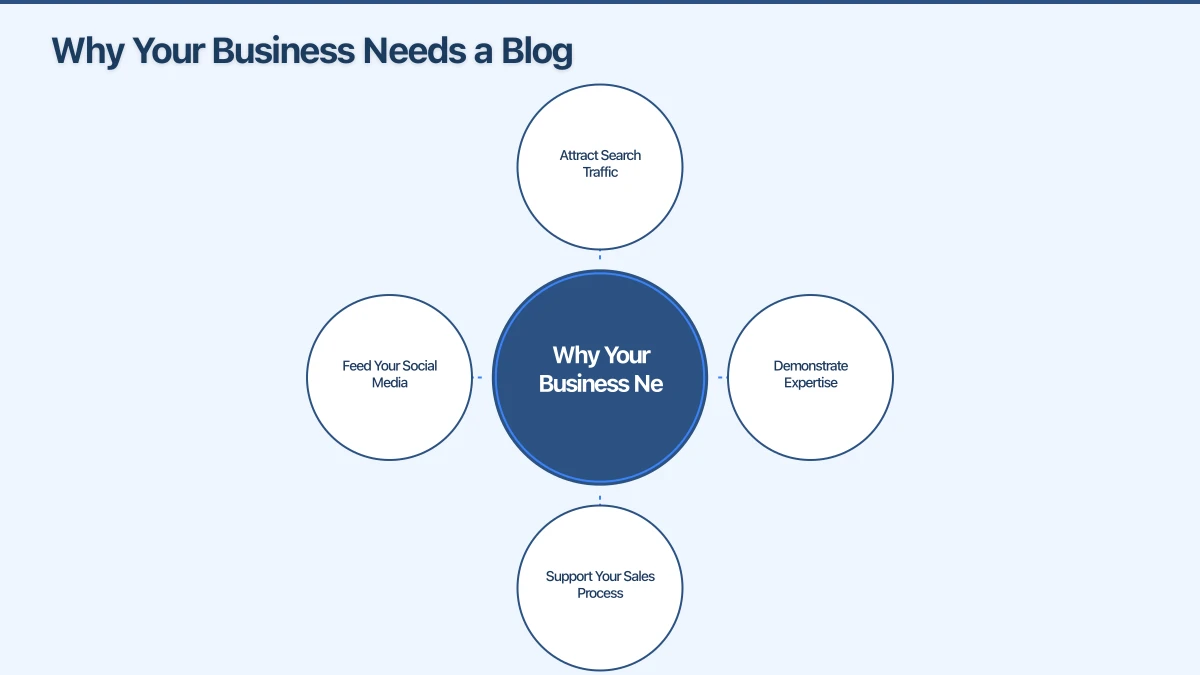
Why Your Business Needs a Blog
Attract Search Traffic
Every blog post is a new page on your website that can rank in Google for specific search terms. A plumbing business with 50 blog posts covering different plumbing topics has 50 opportunities to appear in search results. A competitor with no blog has far fewer.
Demonstrate Expertise
Blog posts showcase your knowledge and experience. When a potential customer reads a helpful, well-written post on your site, they are more likely to trust your business and choose you over a competitor.
Support Your Sales Process
Blog content can answer questions that potential customers have during their decision-making process. Instead of explaining the same things repeatedly in sales conversations, you can point people to a relevant blog post.
Feed Your Social Media
Every blog post is content you can share on social media, include in email newsletters, and repurpose into other formats. One blog post can become several social media posts, an email, and even a video script.
Step 1: Choose the Right Topics
Start with Customer Questions
The best blog topics come from real questions your customers ask. Think about:
- What do people ask you most often on the phone or via email?
- What questions come up during sales conversations?
- What misconceptions do customers have about your industry?
- What problems are your customers trying to solve?
A landscaper might notice customers always ask “How often should I water my lawn in summer?” That is a blog post waiting to be written.
Use Keyword Research
Keyword research helps you understand what people are actually searching for online. Tools like Google Keyword Planner, AnswerThePublic, and Google’s “People also ask” feature can reveal popular search terms related to your business.
Focus on long-tail keywords: specific phrases that your target customers search for. “How much does a bathroom renovation cost in Sydney” is more targeted and achievable than “bathroom renovation.”
Check What Competitors Write About
Look at what your competitors blog about. This can inspire topics and reveal gaps. If a competitor has not covered a particular topic that your customers care about, that is an opportunity for you.
Create a Topic List
Brainstorm 20 to 30 topics and keep them in a list. You do not need to write them all at once, but having a ready list means you always know what to write next. Add new ideas as they come to you.
Step 2: Plan Your Post
Define the Goal
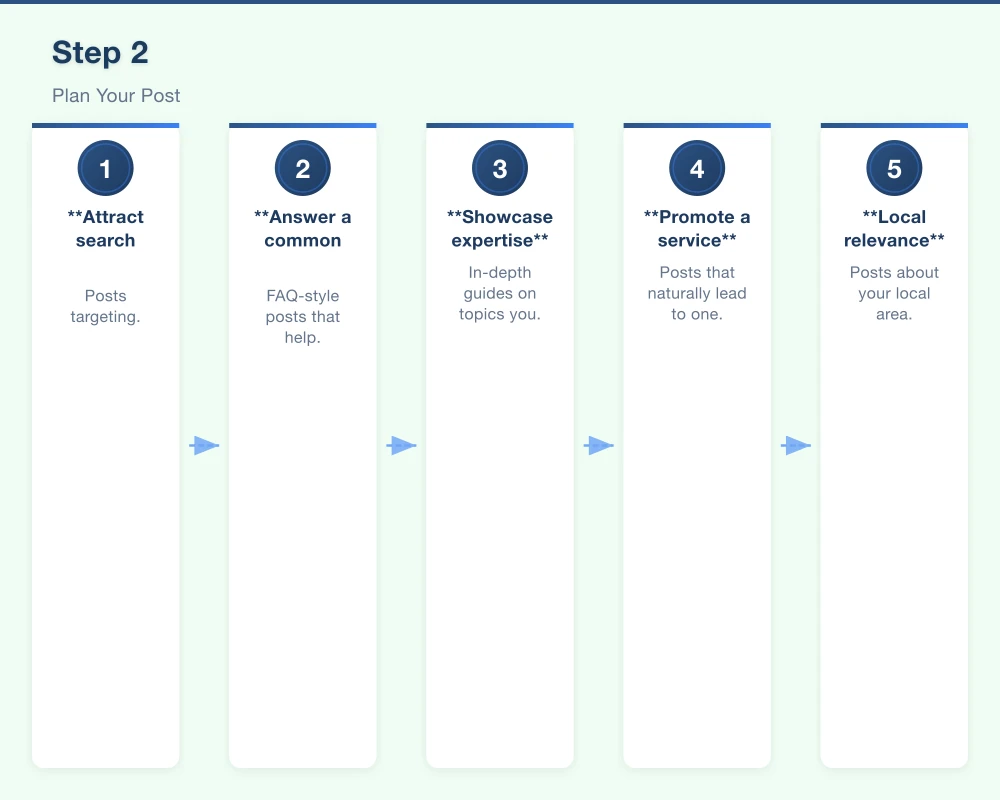
Before writing, be clear about what the post should achieve:
- Attract search traffic: Posts targeting specific keywords
- Answer a common question: FAQ-style posts that help customers
- Showcase expertise: In-depth guides on topics you know well
- Promote a service: Posts that naturally lead to one of your services
- Local relevance: Posts about your local area or community
Outline First
An outline prevents you from rambling and keeps your post focused. Write down:
- Your main point or argument
- Three to five key sub-topics or sections
- The call to action at the end
A simple outline for a post about “How to Choose a Web Designer” might look like:
- Introduction: Why choosing the right web designer matters
- What to look for in a web designer
- Questions to ask before hiring
- Red flags to watch for
- How much to expect to pay
- Conclusion and CTA
Step 3: Write Your Post
Write a Compelling Headline
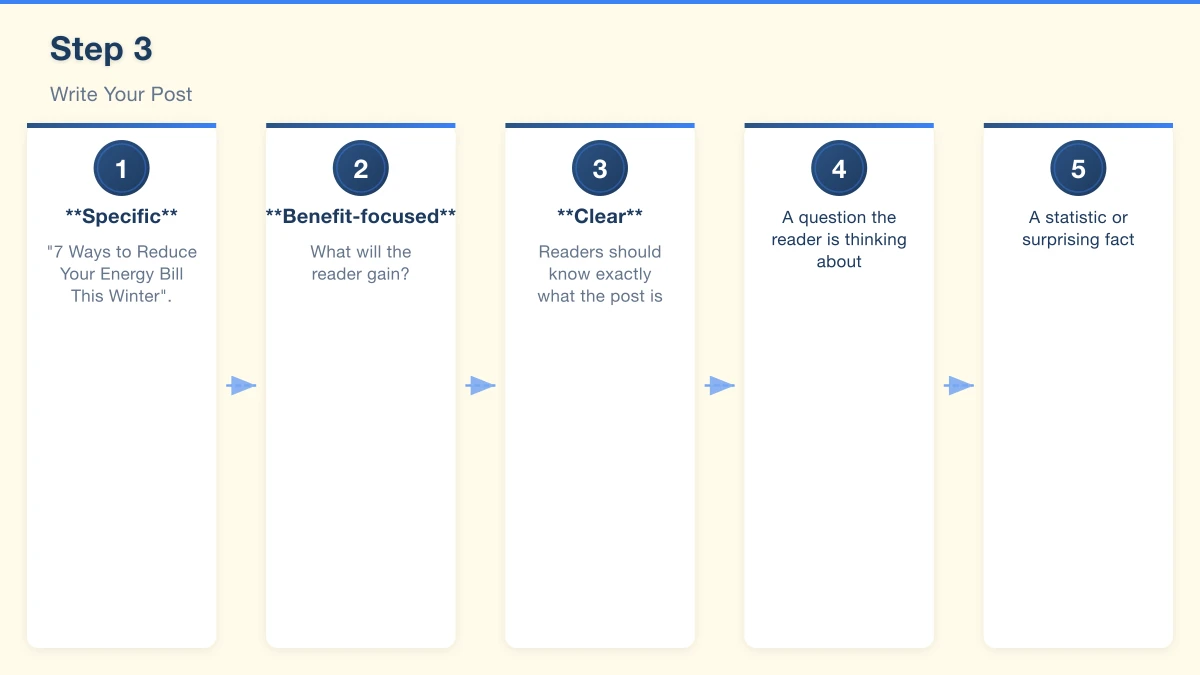
Your headline is the most important element. It determines whether someone clicks through from search results or social media. Good headlines are:
- Specific: “7 Ways to Reduce Your Energy Bill This Winter” is better than “Energy Saving Tips”
- Benefit-focused: What will the reader gain?
- Clear: Readers should know exactly what the post is about
Hook the Reader in the Introduction
Your first paragraph needs to grab attention. Start with:
- A question the reader is thinking about
- A statistic or surprising fact
- A common problem or pain point
- A brief story or scenario
Get to the point quickly. Readers want to know they are in the right place.
Use Clear Structure
Break your post into sections with descriptive headings and subheadings. This makes the post scannable (most people scan before they read) and helps search engines understand your content.
Use:
- H2 headings for main sections
- H3 headings for subsections
- Short paragraphs (two to four sentences)
- Bullet points and numbered lists for key information
- Bold text for emphasis on important points
Write in Plain Language
Write the way you talk to customers. Avoid industry jargon unless your audience uses it. Short sentences are better than long ones. Simple words are better than complex ones.
Read your post aloud. If it sounds stiff or unnatural, rewrite it in a more conversational tone.
Include Practical Value
Every post should give the reader something useful. Tips they can implement, information they did not know, or a framework they can follow. Posts that provide genuine value get shared, bookmarked, and linked to.
Aim for the Right Length
For most business blog posts, 800 to 1,500 words is the sweet spot. Short enough to be read in one sitting, long enough to cover the topic properly. Some topics warrant longer posts (2,000 words or more), especially comprehensive guides.
Do not pad your posts to hit a word count. Write as much as the topic needs and no more.
End with a Call to Action
Every post should end by telling the reader what to do next. Options include:
- Contact your business for help with the topic
- Download a related resource
- Read another related post
- Sign up for your email newsletter
- Book a consultation
Step 4: Optimise for SEO
Include Your Target Keyword
Use your target keyword naturally throughout the post:
- In the headline (H1)
- In the first paragraph
- In at least one subheading (H2 or H3)
- A few times throughout the body text
- In the meta description
Do not force it. If a keyword does not fit naturally, use a variation or related phrase.
Write a Meta Description
The meta description is the short paragraph that appears under your headline in search results. Write it as a compelling summary of your post in 150 to 160 characters. Include your keyword and make it enticing enough to click.
Add Internal Links
Link to other relevant pages on your website within your post. If you mention a service you offer, link to that service page. If you have written a related blog post, link to it. Internal links help search engines discover your content and keep visitors on your site longer.
Optimise Images
Add descriptive alt text to every image. Compress images before uploading (TinyPNG is a free tool for this). Use descriptive file names like “western-sydney-garden-design.jpg” rather than “IMG_4523.jpg.”
Step 5: Publish and Promote
Publish Consistently
Consistency matters more than frequency. One post per month published reliably is better than four posts in one month and nothing for the next three.
Set a realistic publishing schedule. For most small businesses, two to four posts per month is sustainable.
Promote on Social Media
Share every new post on your social media channels. Write custom captions for each platform rather than posting the same text everywhere. Share the post again a few weeks later for followers who missed it the first time.
Include in Email Newsletters
If you have an email list, share your latest blog posts in your newsletter. This drives traffic to your website and provides value to your subscribers.
Repurpose Your Content
A single blog post can become:
- Several social media posts highlighting different points
- An email newsletter topic
- A short video discussing the key points
- An infographic summarising the information
- A podcast episode expanding on the topic
Maintaining Your Blog
Update Old Posts
Review your older posts periodically and update any information that has changed. Update statistics, add new information, and refresh the content. Google favours fresh, accurate content.
Track Performance
Use Google Analytics and Google Search Console to see which posts get the most traffic, which keywords they rank for, and how visitors engage with them. This data helps you understand what your audience wants and create more of it.
Stay Consistent
The hardest part of blogging is maintaining consistency. Treat your blog as a business commitment, not an optional extra. The businesses that benefit most from blogging are the ones that stick with it over the long term.
Start Writing
You do not need to be a professional writer to write a good business blog post. You just need to share your knowledge in a clear, helpful way. Start with one post about a question your customers frequently ask, and go from there.
If you would like help with content creation for your business website, Cosmo Web Tech offers blog writing and content marketing services for Western Sydney businesses. Get in touch to learn how we can help you create content that attracts and converts.
Your website’s performance depends on what’s behind it. Cloud Geeks provides the managed hosting, cloud, and IT support that keeps Australian SMBs online and secure.
Ash Ganda covers how Australian SMBs are using AI, automation, and digital strategy to grow without scaling costs proportionally.
If your business is also planning a customer-facing iOS or Android app — Awesome Apps builds cross-platform mobile apps for Australian SMBs.
Part of the Ganda Tech Services family, Cosmos Web Tech delivers specialist web design and digital marketing for Australian small and medium businesses.