Introduction
You need a website. You’re not a web designer. How do you find someone who will build what you actually need without overcharging or leaving you with a mess?
The web design industry ranges from talented professionals to people who watched a YouTube tutorial last week. Knowing what to look for—and what to avoid—can save you thousands and months of frustration.
Types of Web Design Services
Freelancers
Individual designers working independently.
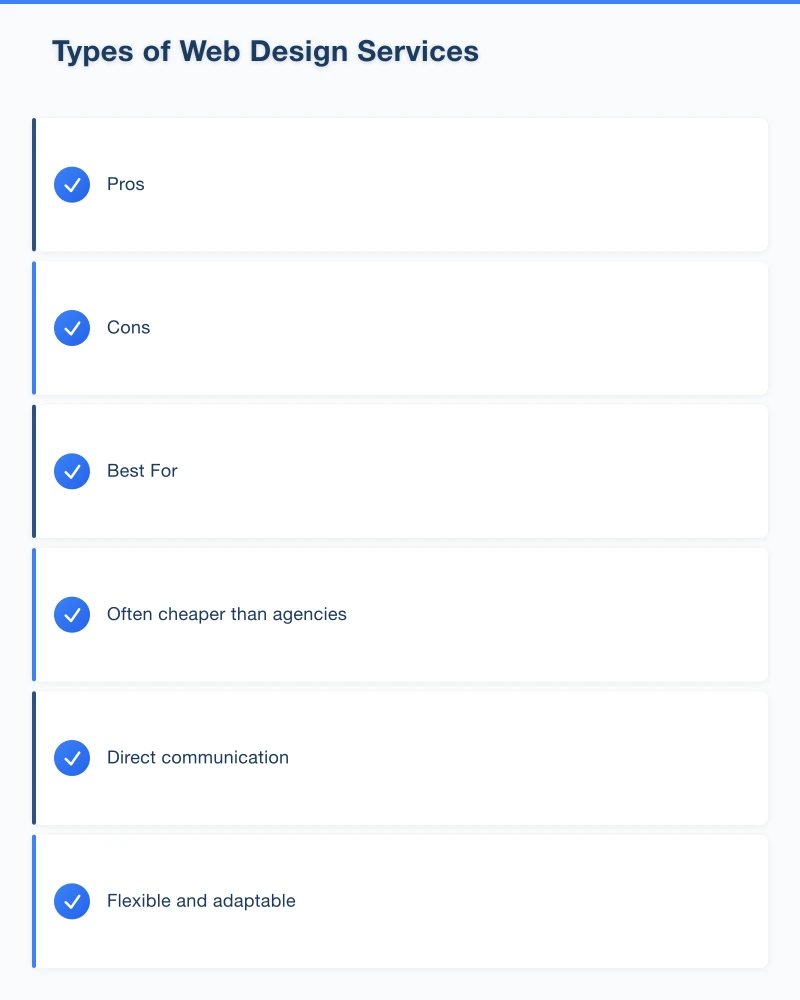
Pros
- Often cheaper than agencies
- Direct communication
- Flexible and adaptable
- Personal attention
Cons
- May have limited skills (design but not development)
- Availability varies
- What happens if they disappear?
- Limited capacity for ongoing support
Best For: Smaller projects with clear requirements.
Small Agencies
Small teams with complementary skills.
Pros
- Range of expertise in-house
- More reliable than solo freelancers
- Ongoing relationship potential
- Professional processes
Cons
- Higher cost than freelancers
- May prioritise bigger clients
- Communication through account managers
Best For: Businesses wanting ongoing partnership and support.
Large Agencies
Full-service digital agencies.
Pros
- Comprehensive services
- Professional project management
- Resources for large projects
- Brand recognition
Cons
- Expensive (overheads built into pricing)
- May be too much for simple needs
- Your project might not be their priority
- Longer timelines
Best For: Large projects with significant budgets.
DIY Website Builders
Wix, Squarespace, Shopify, etc.
Pros
- Cheapest option
- Quick to get started
- Templates look decent
- You control updates
Cons
- Limited customisation
- You do the work
- Often looks generic
- May outgrow quickly
Best For: Very small budgets or businesses comfortable doing it themselves.
What to Look For
Portfolio That Matches Your Needs
Don’t just look at whether their work looks pretty:
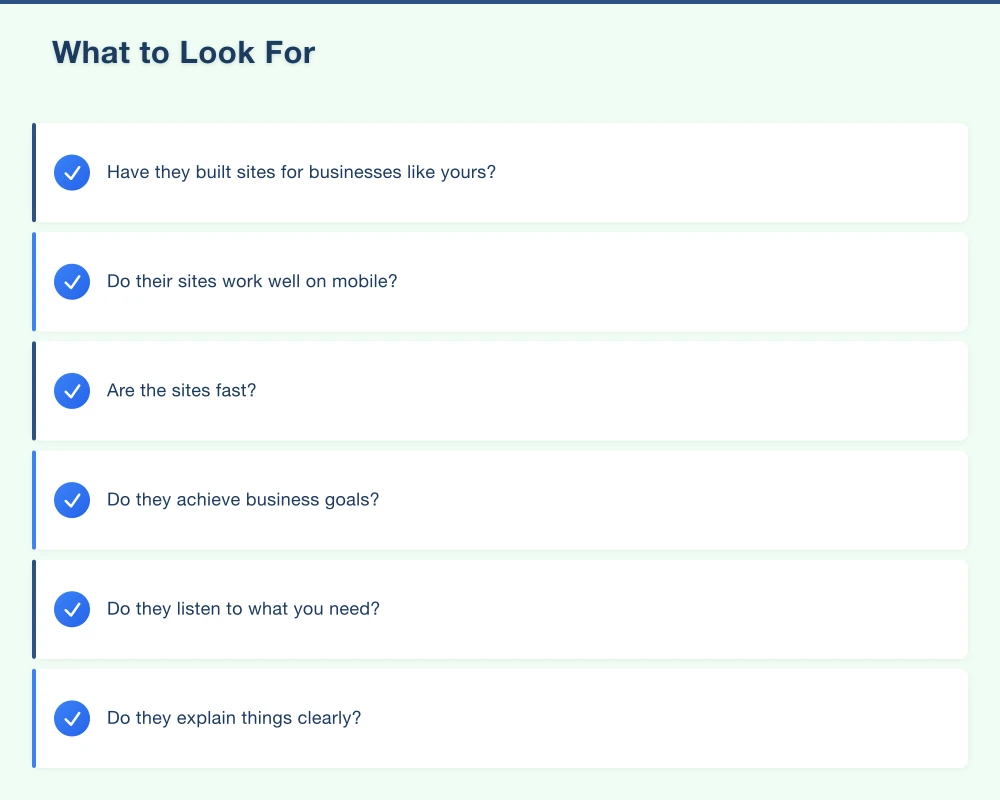
- Have they built sites for businesses like yours?
- Do their sites work well on mobile?
- Are the sites fast?
- Do they achieve business goals?
Ask: “Can you show me a site you built for a similar business?”
Clear Communication
How they communicate during the sales process predicts the project:
- Do they listen to what you need?
- Do they explain things clearly?
- Do they respond in reasonable time?
- Do you understand their proposals?
If it’s confusing now, it’ll be worse during the project.
Transparent Pricing
You should understand what you’re paying for:
- What’s included in the price?
- What costs extra?
- What are the ongoing costs?
- Payment schedule
Vague pricing leads to surprise bills.
Ownership and Control
Make sure you understand:
- Will you own the website?
- Will you have admin access?
- Can you leave if you want to?
- Who owns the domain?
Some designers hold sites hostage. Clarify this upfront.
Ongoing Support Options
Your website needs maintenance:
- What support is included?
- What are ongoing maintenance costs?
- How quickly do they respond to issues?
- What happens after launch?
Red Flags
”We’ll Build Exactly What You Want” (Without Questions)
Good designers ask lots of questions:
- What’s your business goal?
- Who are your customers?
- What do competitors do?
- What’s working and not working now?
If they just say “sure, we can do that” to everything, they’re not thinking.
Extremely Low Prices
Quality web design takes time. If the price seems too good:
- They’re using templates with minimal customisation
- They’re outsourcing to cheap overseas labour
- They’re cutting corners you won’t notice until later
- They’ll make it up with hidden costs
No Written Contract
Always get:
- Scope of work in writing
- Timeline expectations
- Payment terms
- Revision policies
- Ownership clarification
Verbal agreements cause disputes.
Pressure to Decide Now
“This price is only available today” is a manipulation tactic. Good designers are busy because they’re good—they don’t need to pressure you.
Can’t Explain Things Simply
If they talk in jargon you don’t understand:
- They might not understand it either
- They might be hiding behind complexity
- Communication problems will continue
You don’t need to understand everything, but you should understand what you’re buying.
No Local Track Record
For Western Sydney businesses, consider:
- Do they understand the local market?
- Can you meet in person if needed?
- Do they have local references?
- Will they be around in a year?
Questions to Ask
About Their Process
- How do you approach a new website project?
- What information do you need from me?
- How long does a typical project take?
- What’s your revision process?
About Technology
- What platform do you recommend and why?
- Will I be able to update the site myself?
- What about mobile devices?
- How do you handle security?
About Ongoing
- What happens after the site launches?
- What are hosting and maintenance options?
- How quickly do you respond to problems?
- What if I want changes later?
About Their Business
- How long have you been doing this?
- Can I speak to a recent client?
- What’s your backup if you’re unavailable?
- What don’t you do? (Honest designers admit limitations)
What Good Costs
Expectations for Small Business Sites
Basic Business Website (5-10 pages)
- $2,000 - $5,000 for quality work
- Less is possible but expect compromises
- More is justified for complexity
E-commerce Site
- $5,000 - $15,000+ depending on complexity
- Product numbers, integrations, and features affect cost
- Ongoing platform costs on top
Custom Functionality
- Price increases with complexity
- Booking systems, membership areas, integrations
- Get specific quotes for specific needs
What Affects Price
- Number of pages
- Custom design vs templates
- Functionality required
- Content creation (photos, copywriting)
- Integrations with other systems
- Timeline (rush jobs cost more)
- Ongoing support included
Ongoing Costs to Budget
Beyond the build:
- Hosting: $20-100/month typical
- Domain: $15-50/year
- Maintenance: $50-200/month if using a service
- Security certificates: Often included, sometimes extra
- Updates and changes: Varies
Making the Decision
Get Multiple Quotes
Talk to at least three providers:
- Compare approaches, not just prices
- See who understands your needs best
- Get a feel for communication styles
- Understand different perspectives
Check References
Ask for recent clients and actually call them:
- How was the process?
- Were there unexpected costs?
- How is ongoing support?
- Would they use them again?
Trust Your Gut
If something feels off during sales:
- It probably will be during the project
- Communication issues get worse under pressure
- Find someone you’re comfortable with
Start Smaller if Uncertain
If you’re unsure about a provider:
- Can you start with a smaller project?
- Build trust before the big commitment
- A small initial project reveals a lot
Conclusion
Choosing a web designer is about finding someone who understands your business needs, communicates clearly, delivers quality work, and will be there when you need help.
Price matters, but the cheapest option often costs more in frustration, delays, and having to redo work. The most expensive option may include things you don’t need.
Look for someone who asks good questions, shows relevant work, explains things clearly, and gives you confidence they’ll deliver. That’s worth paying fairly for.
Your website’s performance depends on what’s behind it. Cloud Geeks provides the managed hosting, cloud, and IT support that keeps Australian SMBs online and secure.
Ash Ganda covers how Australian SMBs are using AI, automation, and digital strategy to grow without scaling costs proportionally.
If your business is also planning a customer-facing iOS or Android app — Awesome Apps builds cross-platform mobile apps for Australian SMBs.
Part of the Ganda Tech Services family, Cosmos Web Tech delivers specialist web design and digital marketing for Australian small and medium businesses.