
Core Web Vitals: What Small Business Owners Need to Know
If you have been paying any attention to SEO news, you have probably heard the term “Core Web Vitals.” Google introduced them as a ranking factor in 2021, and they are now a permanent part of how Google evaluates your website.
But if you are a small business owner, not a web developer, the technical jargon can be confusing. This guide explains Core Web Vitals in plain English and tells you what you need to do about them.
What Are Core Web Vitals?
Core Web Vitals are three specific metrics that Google uses to measure the user experience of your website. They focus on three aspects of the experience:
1. Largest Contentful Paint (LCP)
What it measures: How long it takes for the main content of your page to load.
In plain English: When someone visits your page, how long do they wait before they can see the most important content? This is usually the hero image, the main heading, or a large block of text.
Good score: Under 2.5 seconds Needs improvement: 2.5 to 4 seconds Poor: Over 4 seconds
2. First Input Delay (FID)
What it measures: How long it takes for your page to respond when someone first interacts with it (clicks a button, taps a link, etc.).
In plain English: When a visitor clicks something on your page, does the page respond immediately or is there a noticeable delay?
Good score: Under 100 milliseconds Needs improvement: 100 to 300 milliseconds Poor: Over 300 milliseconds
3. Cumulative Layout Shift (CLS)
What it measures: How much the page layout shifts around as it loads.
In plain English: Have you ever been reading a page on your phone, and just as you go to tap a button, the content shifts and you tap the wrong thing? That is layout shift. It is frustrating, and Google measures it.
Good score: Under 0.1 Needs improvement: 0.1 to 0.25 Poor: Over 0.25
Why Do Core Web Vitals Matter?
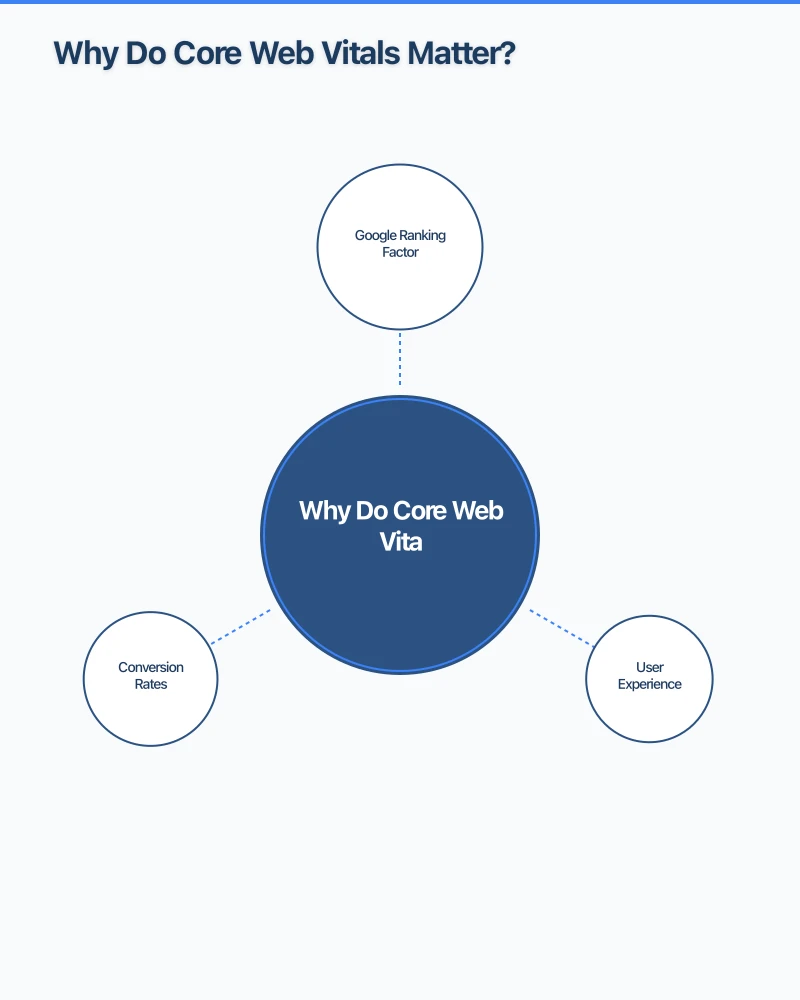
Google Ranking Factor
Core Web Vitals are part of Google’s “page experience” ranking signals. While they are not the most important factor (content relevance still comes first), they can be the tie-breaker between two similar pages. If your website and a competitor’s website have similar content, the one with better Core Web Vitals may rank higher.
User Experience
Beyond SEO, these metrics reflect how your website feels to visitors. A slow-loading, jumpy, unresponsive website frustrates users and drives them away. Fast, smooth websites keep visitors engaged and increase the likelihood of them contacting you or making a purchase.
Conversion Rates
Studies consistently show that faster websites convert better. Even a one-second improvement in load time can make a measurable difference in enquiries, sales, and engagement.
How to Check Your Core Web Vitals
Google PageSpeed Insights
The simplest tool is Google PageSpeed Insights (pagespeed.web.dev). Enter your website URL and it will analyse your Core Web Vitals along with other performance metrics. It provides scores for both mobile and desktop and offers specific suggestions for improvement.
Google Search Console
If you have Google Search Console set up for your website, check the “Core Web Vitals” report. This shows real-world performance data from actual visitors to your site, grouped by pages that pass, need improvement, or fail.
Chrome DevTools
For a more technical analysis, Chrome’s built-in developer tools (accessed by right-clicking on a page and selecting “Inspect”) include a Lighthouse audit that measures Core Web Vitals.
Common Problems and How to Fix Them
Slow LCP (Main Content Takes Too Long to Load)
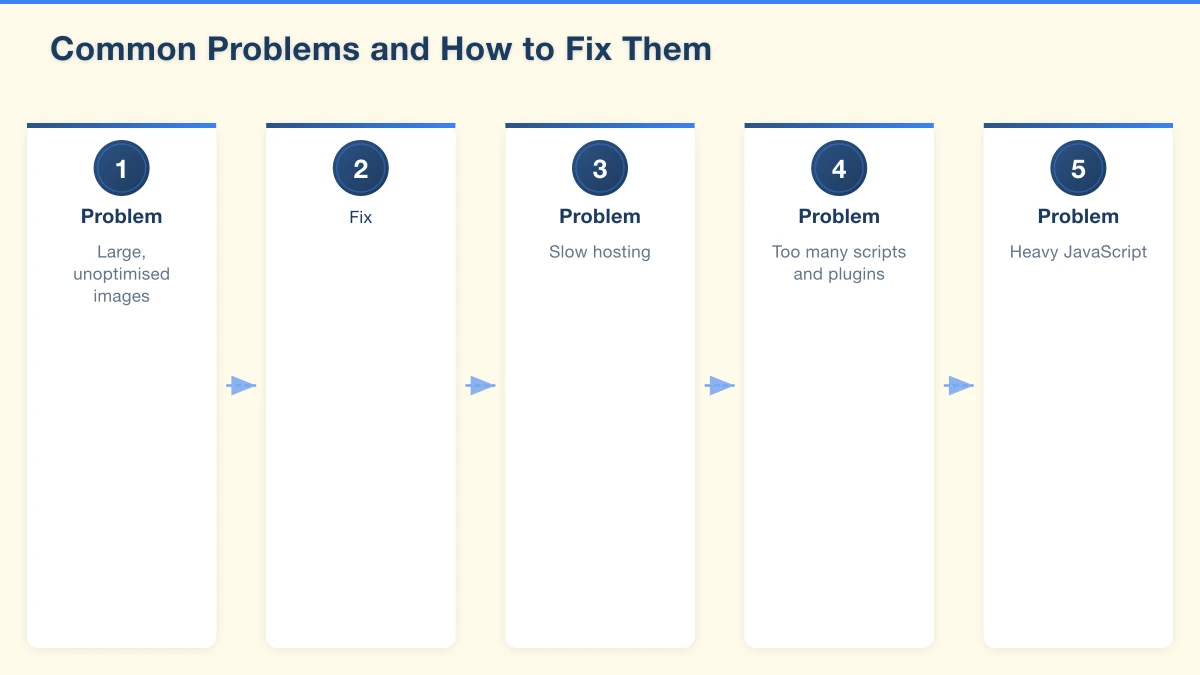
Problem: Large, unoptimised images. This is the most common cause. A single high-resolution photo that has not been compressed can add several seconds to your load time.
Fix: Compress your images before uploading. Use tools like TinyPNG (tinypng.com) or ShortPixel to reduce file sizes without visible quality loss. Use modern image formats like WebP where supported. Resize images to the actual dimensions they display at, not larger.
Problem: Slow hosting. Budget hosting plans often have slow server response times, especially for Australian visitors if the server is located overseas.
Fix: Choose quality hosting with Australian servers. WP Engine, VentraIP, and Panthur are solid options for Australian businesses. The difference between $5/month hosting and $20/month hosting can be significant in performance.
Problem: Too many scripts and plugins. Every plugin or script on your website adds code that needs to load. Too many can slow your site significantly.
Fix: Audit your plugins and remove any you do not actively use. Minimise third-party scripts (analytics, chat widgets, social media embeds) to only what you truly need.
Poor FID (Page Does Not Respond Quickly)
Problem: Heavy JavaScript. JavaScript that takes a long time to execute can block the browser from responding to user input.
Fix: This is typically a developer-level fix. Options include deferring non-critical JavaScript, breaking up long tasks, and minimising the amount of JavaScript on your pages. If you use WordPress, reducing the number of plugins and choosing a lightweight theme can help.
Problem: Third-party scripts. Analytics tools, chat widgets, ad scripts, and social media embeds all add JavaScript that can impact responsiveness.
Fix: Only load essential third-party scripts. Load non-critical scripts asynchronously so they do not block the page from responding.
High CLS (Content Shifts Around)
Problem: Images without dimensions. If your images do not have width and height attributes in the code, the browser does not know how much space to reserve for them. When the image loads, it pushes other content around.
Fix: Always specify image dimensions in your HTML or CSS. Most website builders and CMS platforms do this automatically, but check if yours does.
Problem: Ads or embeds that load late. Third-party content like ads, video embeds, or social media feeds that load after the initial page can cause significant layout shifts.
Fix: Reserve space for dynamic content using CSS. This tells the browser how much space the content will need before it loads.
Problem: Fonts loading late. If your website uses custom fonts, the text may initially display in a default font and then shift to the custom font when it loads, causing layout shift.
Fix: Preload your font files and use the “font-display: swap” CSS property. Your web developer can implement this.
Quick Wins for Better Core Web Vitals
If you want to improve your scores quickly, focus on these actions:
- Compress all images on your website using TinyPNG or a similar tool
- Remove unused plugins from your WordPress site
- Switch to a faster hosting provider if you are on budget hosting
- Enable caching using a plugin like WP Super Cache or W3 Total Cache (for WordPress)
- Use a CDN (Content Delivery Network) like Cloudflare (free plan available) to serve your content faster to Australian visitors
- Set image dimensions for all images on your site
What Scores Should You Aim For?
Perfection is not necessary. Aim for:
- LCP: Under 2.5 seconds
- FID: Under 100 milliseconds
- CLS: Under 0.1
If your scores are in the “needs improvement” range, prioritise the fixes above. If they are in the “poor” range, addressing these issues should be a high priority, as they are likely hurting both your rankings and your user experience.
Do Not Panic
While Core Web Vitals are important, they are one of many ranking factors. Great content, relevant keywords, quality backlinks, and a strong Google Business Profile still matter more for most local businesses.
Think of Core Web Vitals as the foundation. Your website should be fast and usable, and then everything else you do (SEO, content, advertising) works better on top of that foundation.
Need Help?
If your website’s Core Web Vitals need improvement, Cosmo Web Tech can help. We optimise websites for speed, performance, and user experience. Whether you need a few tweaks or a complete performance overhaul, our team can get your website performing at its best. Get in touch to discuss your website’s performance.
Your website’s performance depends on what’s behind it. Cloud Geeks provides the managed hosting, cloud, and IT support that keeps Australian SMBs online and secure.
Ash Ganda covers how Australian SMBs are using AI, automation, and digital strategy to grow without scaling costs proportionally.
If your business is also planning a customer-facing iOS or Android app — Awesome Apps builds cross-platform mobile apps for Australian SMBs.
Part of the Ganda Tech Services family, Cosmos Web Tech delivers specialist web design and digital marketing for Australian small and medium businesses.