Creating Video Content for Your Business on a Budget
Video is the most engaging content format online, and it is only becoming more important. Across Facebook, Instagram, YouTube, and TikTok, video content consistently outperforms text and images in terms of engagement and reach. But many small business owners in Western Sydney avoid video because they think it requires expensive equipment and professional production skills.
Here is the truth: you can create effective business videos with nothing more than a smartphone and some basic techniques. This guide shows you how.
Why Video Matters for Local Business
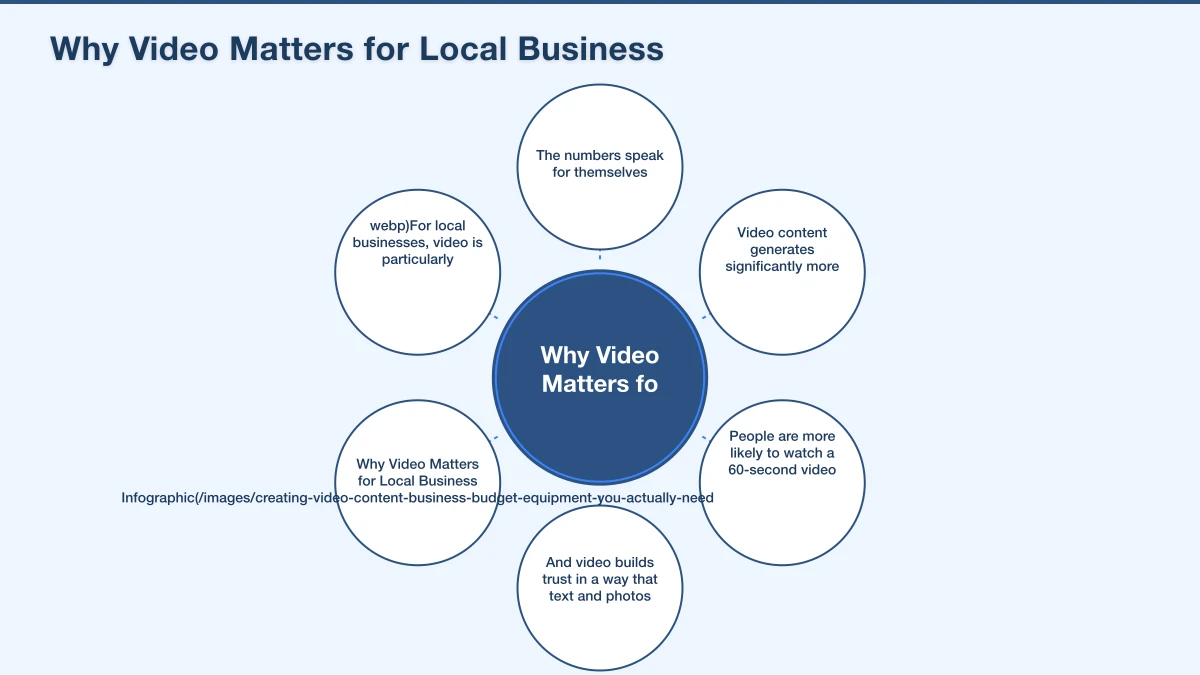
The numbers speak for themselves. Video content generates significantly more engagement than static posts on social media. People are more likely to watch a 60-second video about your business than read a 500-word description. And video builds trust in a way that text and photos simply cannot.
For local businesses, video is particularly powerful because it shows the real faces behind the business. It demonstrates your expertise, shows your work, and helps potential customers feel like they know you before they even make contact.
Equipment You Actually Need
Your Smartphone
Modern smartphones shoot excellent video. Any phone from the last three to four years is capable of producing video quality that is more than good enough for social media and your website. Shoot at 1080p for the best balance of quality and file size.
Lighting
Good lighting is the single biggest difference between amateur and professional-looking video. You have several options:
Natural light: Free and effective. Position yourself facing a window so the light falls on your face. Avoid having a window behind you, which creates a silhouette.
Ring light: A basic ring light costs $30 to $80 and provides even, flattering light. Ideal for talking-head videos and product shots.
Softbox lights: For $100 to $200, you can get a basic two-light kit that gives you more control. These are useful if you film regularly.
Audio
Poor audio quality is the fastest way to lose viewers. Your smartphone microphone is acceptable for well-lit, quiet environments, but for better results:
Lavalier (clip-on) microphone: A wired lavalier mic costs as little as $20 to $50 and dramatically improves audio quality. Clip it to your shirt and plug it into your phone.
Wireless microphone: Options like the Rode Wireless Go start at around $100 and give you freedom of movement while maintaining good sound.
Key rule: Always film in the quietest environment possible. Turn off air conditioning, close windows, and minimise background noise.
Stabilisation
Shaky video looks unprofessional. At minimum, use a tripod. A basic smartphone tripod with a phone mount costs $20 to $40.
For moving shots, a gimbal stabiliser ($100 to $200) gives you smooth, professional-looking footage, but it is not essential when starting out.
Types of Videos to Create
You do not need to be a filmmaker to create useful video content. Here are video types that work well for local businesses:
Introduction Video
A short video (60 to 90 seconds) introducing yourself and your business. Who are you, what do you do, and why should customers choose you? This is perfect for your website homepage and social media profiles.
How-To and Tips Videos
Share your expertise in short, helpful videos. A landscaper might show how to prepare a garden bed for spring. An accountant could explain how to organise receipts for tax time. A cafe owner might share a simple recipe.
Behind-the-Scenes
Show what goes on behind the scenes at your business. This could be your workshop, kitchen, office, or job site. People love seeing the process behind the finished product.
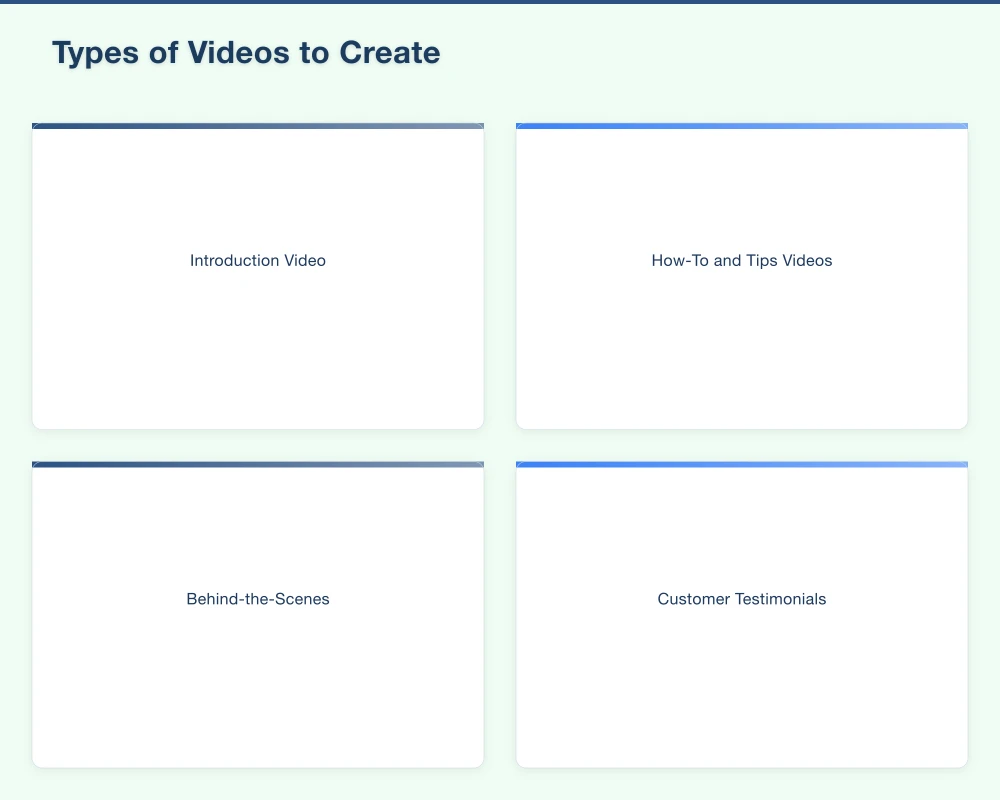
Customer Testimonials
Video testimonials are incredibly persuasive. Ask happy customers if they would be willing to share their experience on camera. Keep it short (30 to 60 seconds) and let them speak naturally.
Before and After
If your work involves visible transformations (renovations, landscaping, cleaning, hair styling), before-and-after videos are extremely engaging. Film the starting state, the process, and the final result.
FAQ Videos
Answer the questions your customers ask most frequently. This provides value, saves you time, and positions you as an expert.
Team Introductions
Short videos introducing team members help personalise your business and build rapport before customers even walk through the door.
Filming Tips for Beginners
Plan Before You Film
Do not just hit record and hope for the best. Plan what you want to say and the key points you want to cover. You do not need a word-for-word script, but bullet points help keep you focused.
Keep It Short
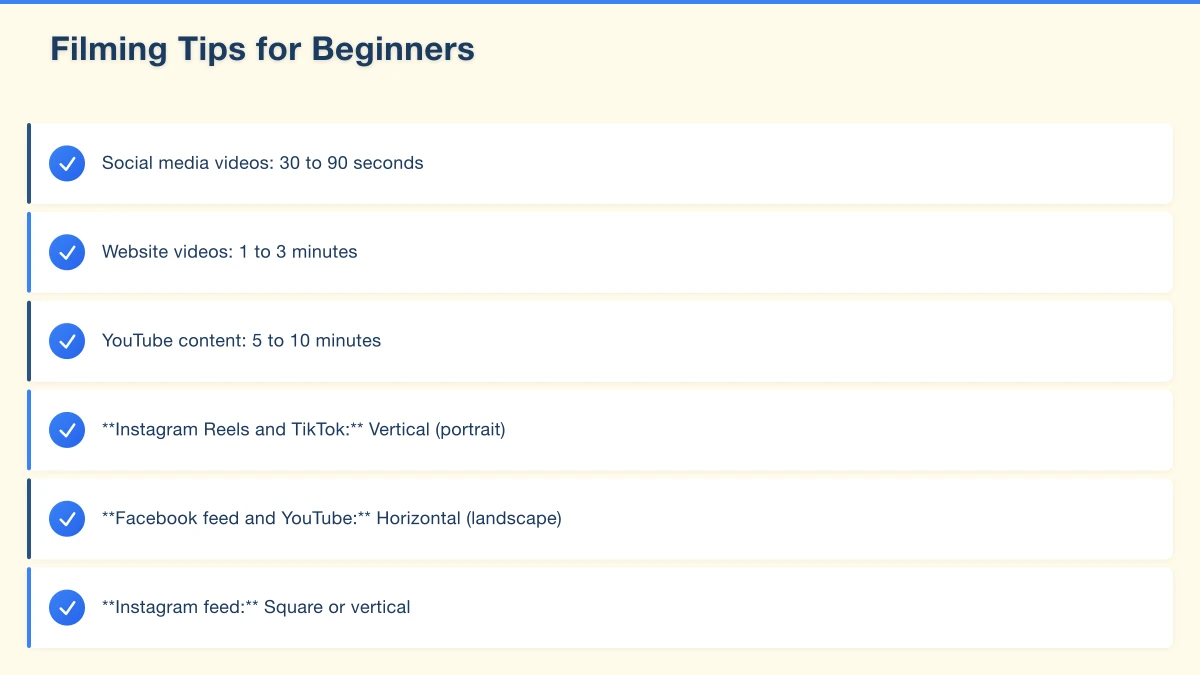
Attention spans are limited, especially on social media. Aim for:
- Social media videos: 30 to 90 seconds
- Website videos: 1 to 3 minutes
- YouTube content: 5 to 10 minutes
Look at the Camera
When filming yourself talking, look directly at the camera lens, not at yourself on the screen. This creates the feeling of eye contact with the viewer.
Film Horizontally or Vertically?
It depends on where you will share the video:
- Instagram Reels and TikTok: Vertical (portrait)
- Facebook feed and YouTube: Horizontal (landscape)
- Instagram feed: Square or vertical
- Website: Horizontal
If in doubt, film vertically for social media and horizontally for your website and YouTube.
Use the Rule of Thirds
Position yourself slightly off-centre in the frame rather than dead centre. Most phone cameras have a grid overlay option that helps with this.
Keep Backgrounds Clean
A cluttered or messy background is distracting. Choose a clean, tidy background that reflects your business well. A branded backdrop or plain wall works well for talking-head videos.
Editing Your Videos
You do not need expensive editing software. Here are accessible options:
Free Options
- CapCut: A free, powerful video editor available on phone and desktop. Great for social media videos with text overlays and effects.
- iMovie: Free on Apple devices. Simple and intuitive for basic editing.
- InShot: A free mobile app good for quick social media edits.
Paid Options
- Adobe Premiere Rush: Simplified version of Premiere Pro, around $15 AUD per month. Good for businesses creating regular content.
- Final Cut Pro: A one-time purchase for Mac users. Professional quality.
Basic Editing Tips
- Trim the beginning and end to remove awkward starts and stops
- Add captions (most viewers watch videos without sound on social media)
- Include your business name and contact details at the end
- Keep transitions simple
- Add background music at a low volume if appropriate (use royalty-free music)
Where to Share Your Videos
Social Media
Post videos natively on each platform rather than sharing a YouTube link. Native video gets significantly better reach on Facebook, Instagram, and LinkedIn.
Your Website
Add videos to your homepage, about page, and service pages. Video on landing pages can increase conversion rates noticeably.
YouTube
Create a YouTube channel for your business. YouTube is the second-largest search engine, and your videos can appear in Google search results.
Google Business Profile
You can upload short videos to your Google Business Profile, which shows them on your listing.
Email Marketing
Including video in emails can boost click-through rates. You cannot embed video directly in most email clients, but you can use a thumbnail image that links to the video.
Getting Started: Your First Week
Day 1: Plan your first video. Choose a simple format like an introduction or a tip. Write bullet points.
Day 2: Set up your filming space. Find good lighting, a clean background, and your tripod.
Day 3: Film your video. Do multiple takes and choose the best one.
Day 4: Edit the video. Add captions and your business name.
Day 5: Post it on one platform and share it on your website.
Do not wait for perfection. Your first video will not be your best, and that is completely fine. The important thing is to start. Each video you make will be better than the last.
Need Help With Video Marketing?
At Cosmo Web Tech, we help Western Sydney businesses integrate video into their websites and digital marketing strategies. Whether you need video embedded on your website, advice on your video strategy, or help with your overall digital presence, get in touch for a free consultation.
Your website’s performance depends on what’s behind it. Cloud Geeks provides the managed hosting, cloud, and IT support that keeps Australian SMBs online and secure.
Ash Ganda covers how Australian SMBs are using AI, automation, and digital strategy to grow without scaling costs proportionally.
If your business is also planning a customer-facing iOS or Android app — Awesome Apps builds cross-platform mobile apps for Australian SMBs.
Part of the Ganda Tech Services family, Cosmos Web Tech delivers specialist web design and digital marketing for Australian small and medium businesses.