When was the last time you hired a tradie, booked a restaurant, or chose a service provider without checking their reviews first? If you’re like most people, online reviews influence nearly every purchasing decision. The same is true for your customers.
For Western Sydney small businesses, online reviews have become the new word-of-mouth. They’re public, permanent, and powerful. A strong review profile attracts customers, while poor reviews or no reviews at all can send potential customers straight to your competitors.
This guide shows you how to manage customer reviews effectively on the two platforms that matter most: Google and Facebook. You’ll learn how to encourage happy customers to leave reviews, respond professionally to all feedback, and turn even negative reviews into opportunities.
Why Online Reviews Matter More Than Ever
Before diving into tactics, let’s understand the impact of reviews on your business.
The Numbers Tell the Story
Research consistently shows that online reviews influence purchasing decisions:
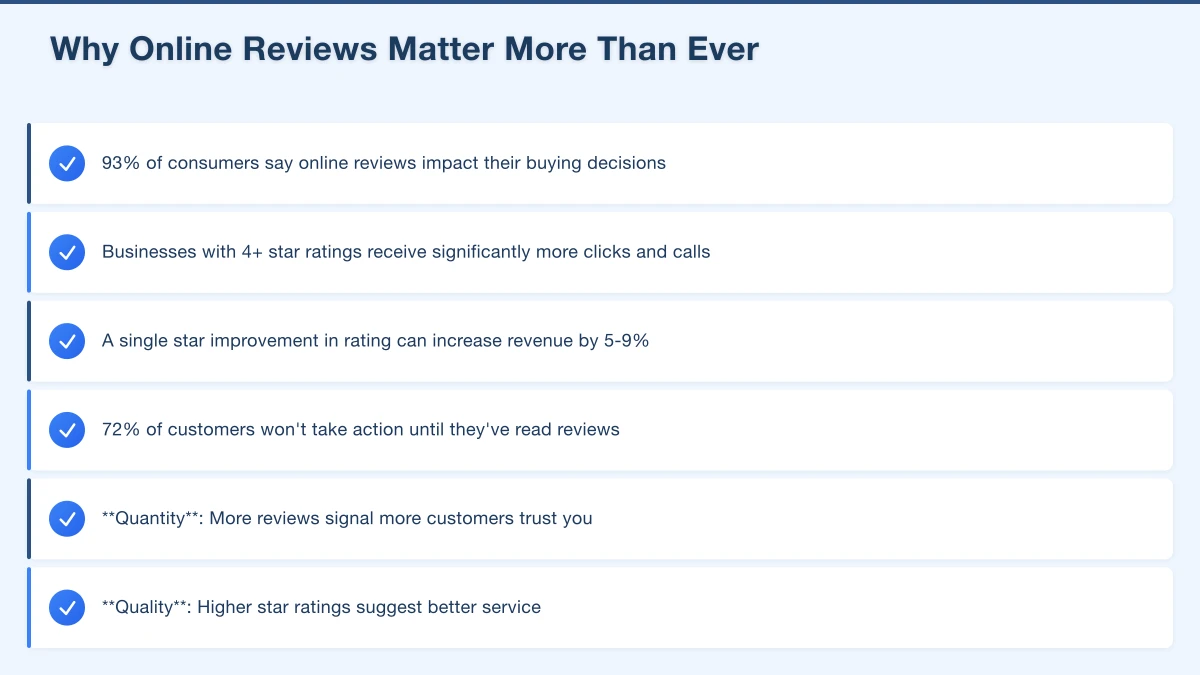
- 93% of consumers say online reviews impact their buying decisions
- Businesses with 4+ star ratings receive significantly more clicks and calls
- A single star improvement in rating can increase revenue by 5-9%
- 72% of customers won’t take action until they’ve read reviews
For local businesses in Western Sydney, reviews often determine whether a searcher calls you or scrolls past to the next option. When someone searches “plumber Castle Hill” and sees five businesses, they almost always click on the one with more reviews and a higher rating.
Google Reviews Drive Local Search Rankings
Google uses reviews as a ranking factor for local search results. Businesses with more positive reviews tend to rank higher in the local “map pack”—those three businesses that appear below the map in local searches.
The factors that matter:
- Quantity: More reviews signal more customers trust you
- Quality: Higher star ratings suggest better service
- Recency: Fresh reviews indicate your business is active
- Response rate: Replying to reviews shows engagement
Facebook Reviews Build Social Proof
While Google dominates search, Facebook reviews (now called “Recommendations”) matter for social discovery. When Hills District locals ask for recommendations in community Facebook groups, businesses with strong Facebook reviews get mentioned and tagged.
Facebook recommendations also appear on your business page, influencing visitors who find you through social media rather than search.
Building Your Google Review Strategy
Google reviews should be your primary focus. Here’s how to build a strong review profile systematically.
Make It Easy to Leave Reviews
The biggest barrier to getting reviews is friction. Customers mean to leave reviews but forget or can’t be bothered navigating to the right place. Remove every possible obstacle.
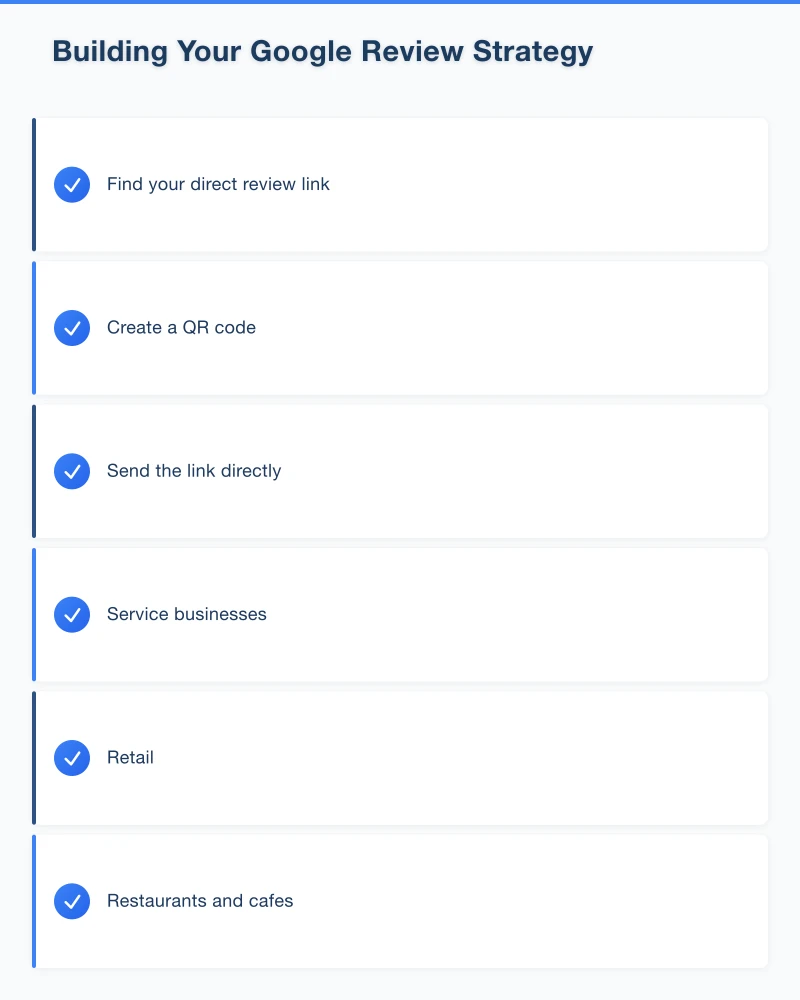
Find your direct review link:
- Sign in to Google Business Profile
- Click “Ask for reviews”
- Copy the short link provided
This link takes customers directly to the review form—no searching required.
Create a QR code: Use free tools like QR Code Generator to create a scannable code that links to your review page. Display it on:
- Receipts and invoices
- Business cards
- In-store signage
- Email signatures
Send the link directly: After completing a job or serving a customer, send them a text or email with the review link. The easier you make it, the more reviews you’ll receive.
Ask at the Right Moment
Timing matters. Ask for reviews when customers are most satisfied:
Service businesses: Immediately after successfully completing work, while the positive experience is fresh
Retail: After purchase, especially for considered purchases where you provided good advice
Restaurants and cafes: When customers compliment your food or service
Professional services: After achieving a positive outcome for the client
How to ask: Keep it simple and genuine. “I’m glad we could help! If you have a moment, we’d really appreciate a Google review—it helps other locals find us.” Then hand them a card with the QR code or send the link.
Create a Review Request System
Don’t rely on memory. Build review requests into your business processes:
Email follow-ups: Send a thank-you email 1-2 days after service that includes a review link. Many businesses automate this.
Text messages: A quick text with the review link often gets better response rates than email.
Staff training: Make sure everyone on your team knows how to ask for reviews and has access to the review link.
Signage: “Loved your experience? Leave us a Google review!” with a QR code at your checkout or service vehicle.
What NOT to Do
Google has strict policies about reviews. Violating them can get your reviews removed or your profile suspended.
Never:
- Offer incentives for reviews (discounts, free products, entries in competitions)
- Buy fake reviews
- Ask customers to leave positive reviews specifically (ask for honest reviews)
- Create fake accounts to review your own business
- Ask staff or family to post reviews
Instead: Focus on providing excellent service and making it easy for genuinely happy customers to share their experience.
Managing Facebook Recommendations
Facebook’s review system works differently from Google, but it’s still valuable for Western Sydney businesses.
Understanding Facebook Recommendations
Facebook replaced traditional star ratings with a “Recommend” system. Customers answer “Do you recommend [Business Name]?” and can add comments.
Recommendations appear on your Facebook business page and influence whether Facebook users trust your business. They’re particularly important if your customers are active in local Facebook community groups.
Encouraging Facebook Reviews
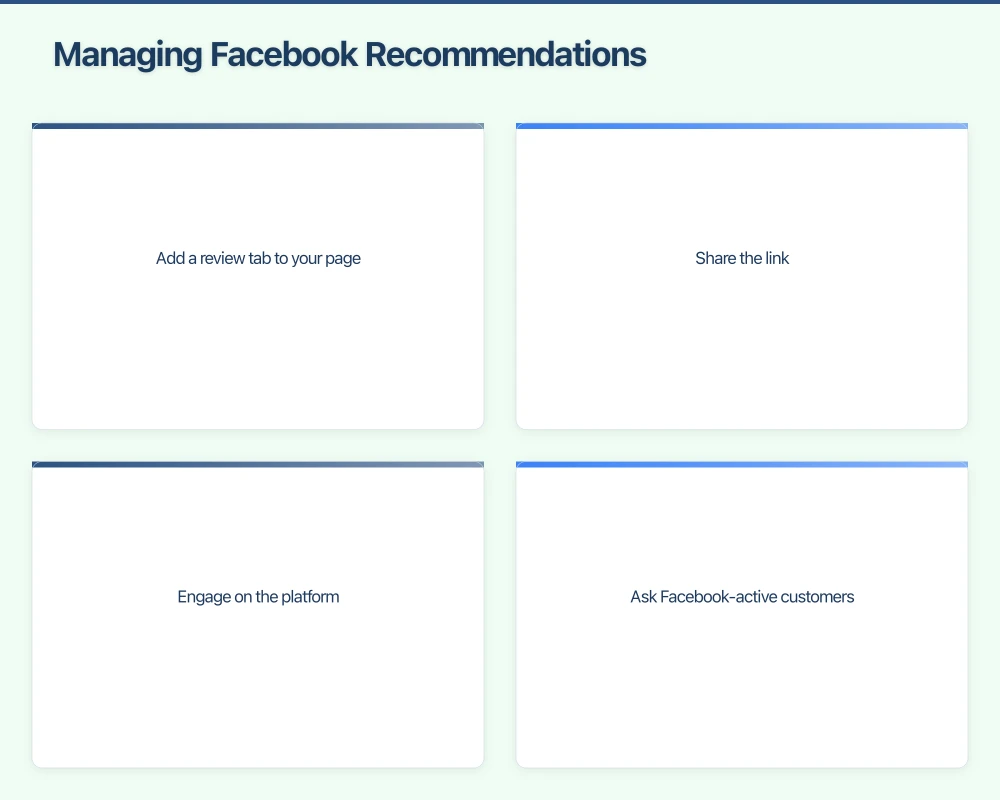
Add a review tab to your page: Make sure your Facebook page has reviews/recommendations enabled in settings.
Share the link: Your Facebook review page has a direct URL. Share it with customers who are active on Facebook.
Engage on the platform: Businesses that are active on Facebook—posting updates, responding to comments, joining local groups—naturally attract more Facebook reviews.
Ask Facebook-active customers: If you know a customer is active on Facebook, specifically ask them to leave a recommendation there.
Responding to Reviews Like a Professional
How you respond to reviews matters as much as the reviews themselves. Potential customers read your responses to judge how you treat customers.
Responding to Positive Reviews
Always respond to positive reviews. It shows appreciation and encourages others to leave reviews too.
Template for positive reviews: “Thank you so much for the kind review, [Name]! We really enjoyed working with you on [specific project/service]. It’s customers like you that make running a business in [Western Sydney/Hills District/etc.] so rewarding. We look forward to helping you again in the future!”
Tips:
- Use the customer’s name
- Reference something specific about their experience
- Keep it genuine, not corporate
- Include a subtle local reference
Responding to Negative Reviews
Negative reviews are stressful, but your response can actually win over potential customers who read it.
The HEARD Framework:
H - Hear: Acknowledge their complaint without being defensive E - Empathise: Show you understand their frustration A - Apologise: Say sorry for their experience (not necessarily admitting fault) R - Resolve: Offer to make it right D - Diagnose: Take learning offline
Example response: “Hi [Name], thank you for taking the time to share your feedback. I’m really sorry to hear your experience didn’t meet expectations—that’s not the service we aim to provide. I’d like to understand more about what happened and see how we can make this right. Please call me directly on [number] or email [address] so we can discuss this. - [Your name], Owner”
Key principles:
- Respond within 24-48 hours
- Stay professional, never defensive or aggressive
- Take detailed discussions offline
- Show future customers you take complaints seriously
Handling Fake or Unfair Reviews
Sometimes you’ll receive reviews that are fake, from competitors, or from people who were never customers.
For fake reviews:
- Flag the review through Google or Facebook
- Respond professionally anyway (others will read it)
- Document your case
- Be patient—platform review removal takes time
Google’s removal process: Click the three dots next to the review, select “Flag as inappropriate,” and follow the process. Google reviews violations include fake content, spam, and reviews from people with conflicts of interest.
If removal fails: Your professional response becomes even more important. Potential customers will see how you handled an unfair situation with grace.
Building a Review Monitoring System
Stay on top of your reviews with simple monitoring:
Set Up Notifications
Google: In your Google Business Profile, ensure notifications are enabled. You’ll receive emails when new reviews appear.
Facebook: Check your page settings to enable review notifications.
Email alerts: Set up Google Alerts for your business name to catch reviews and mentions on other platforms.
Weekly Review Check
Spend 15 minutes weekly reviewing:
- Any new Google reviews (respond within 24-48 hours ideally)
- Facebook recommendations
- Mentions in local Facebook groups
- Other review platforms relevant to your industry (TripAdvisor for hospitality, Hipages for tradies, etc.)
Track Your Progress
Monitor these metrics monthly:
- Total number of Google reviews
- Average star rating
- Number of new reviews this month
- Response rate (aim for 100%)
- Facebook recommendation percentage
Create a simple spreadsheet to track trends over time.
Review Strategies for Different Business Types
Trades and Services (Electricians, Plumbers, Builders)
Reviews are crucial for tradies because customers can’t evaluate your work until you’ve done it. Trust signals matter enormously.
When to ask: Immediately after completing the job, while you’re still on site How: “I’m glad you’re happy with the work! Would you mind leaving us a quick Google review? It really helps other Hills District families find a reliable tradie.” Follow-up: Send a text with the link that evening while the experience is fresh
Retail and Hospitality
Customer volume means more review opportunities, but you need systems to capture them.
When to ask: At positive moments—compliments, return customers, large purchases How: Table cards with QR codes, receipt messages, signage at checkout Staff training: Empower staff to ask happy customers for reviews
Professional Services (Accountants, Lawyers, Health)
Reviews require sensitivity due to confidentiality considerations.
When to ask: After successful case completion, when clients express gratitude How: Personalised email requests work better than automated systems Consideration: Some professions have restrictions on soliciting reviews—check your industry guidelines
Common Review Mistakes to Avoid
Ignoring reviews entirely: No response looks worse than a bad response Arguing with negative reviewers: You’ll never win, and potential customers are watching Generic copy-paste responses: Customers notice and it feels impersonal Only responding to positive reviews: Negative reviews left unanswered look ignored Waiting too long to respond: Aim for 24-48 hours maximum
Your Review Action Plan
This week:
- Get your direct Google review link
- Create a QR code
- Respond to any existing reviews you haven’t answered
This month:
- Implement a system for asking customers for reviews
- Train any staff on review requests
- Set up notifications and alerts
Ongoing:
- Ask every satisfied customer for a review
- Respond to all reviews within 48 hours
- Monitor metrics monthly
Building Your Reputation Over Time
Review management isn’t a one-time project—it’s an ongoing part of running a business. The Western Sydney businesses that dominate their local markets have built their review profiles over years of consistent effort.
Start today. Ask one happy customer for a review. Respond to any reviews you haven’t acknowledged. Set up your systems. Then repeat, week after week, month after month.
Your future customers are reading reviews right now, deciding whether to call you or your competitor. Make sure those reviews tell the story of a business that delivers excellent service and cares about its customers.
Need help setting up your review management systems? Cosmos Web Technologies can help you automate review requests and monitor your online reputation.
Your website’s performance depends on what’s behind it. Cloud Geeks provides the managed hosting, cloud, and IT support that keeps Australian SMBs online and secure.
Ash Ganda covers how Australian SMBs are using AI, automation, and digital strategy to grow without scaling costs proportionally.
If your business is also planning a customer-facing iOS or Android app — Awesome Apps builds cross-platform mobile apps for Australian SMBs.
Part of the Ganda Tech Services family, Cosmos Web Tech delivers specialist web design and digital marketing for Australian small and medium businesses.