Introduction
With Christmas less than three weeks away, gift cards are becoming the go-to choice for shoppers running out of time and ideas. For Western Sydney small businesses, offering gift cards online isn’t just convenient–it’s a significant revenue opportunity you might be missing.
56% of Australians give or receive gift cards during Christmas. And here’s what makes them powerful for your business: the money comes in immediately, while redemption happens later–often with additional spending when customers visit.
If you’re not already selling gift cards online, there’s still time to set this up before the Christmas rush peaks. This guide walks you through everything you need to know, from choosing a platform to promoting your gift cards effectively.
Why Gift Cards Work for Local Businesses
The Business Case
Gift cards offer unique advantages that regular sales don’t:
Immediate Cash Flow When someone buys a $100 gift card, you receive $100 immediately. The service or product isn’t delivered until the recipient redeems it, often weeks or months later.
Breakage Revenue Studies show that 10-20% of gift card value is never redeemed. While you should never count on this, it does improve margins.
New Customer Acquisition Gift cards bring in recipients who might never have tried your business otherwise. A Castle Hill resident might receive a gift card from a friend and discover their new favourite café.
Higher Transaction Values When customers redeem gift cards, they typically spend 20-40% more than the card value. That $100 gift card often turns into a $130 sale.
The Christmas Advantage
Gift cards solve real problems for Christmas shoppers:
- No more guessing: The recipient chooses what they want
- Instant delivery: Digital cards arrive immediately via email
- Last-minute friendly: Can be purchased on Christmas Eve (or Christmas morning)
- No shipping stress: Nothing to wrap, post, or track
For local businesses, gift cards also keep spending in the community rather than flowing to national chains.
Setting Up Online Gift Card Sales
Option 1: Square Gift Cards
Best for: Businesses already using Square for payments
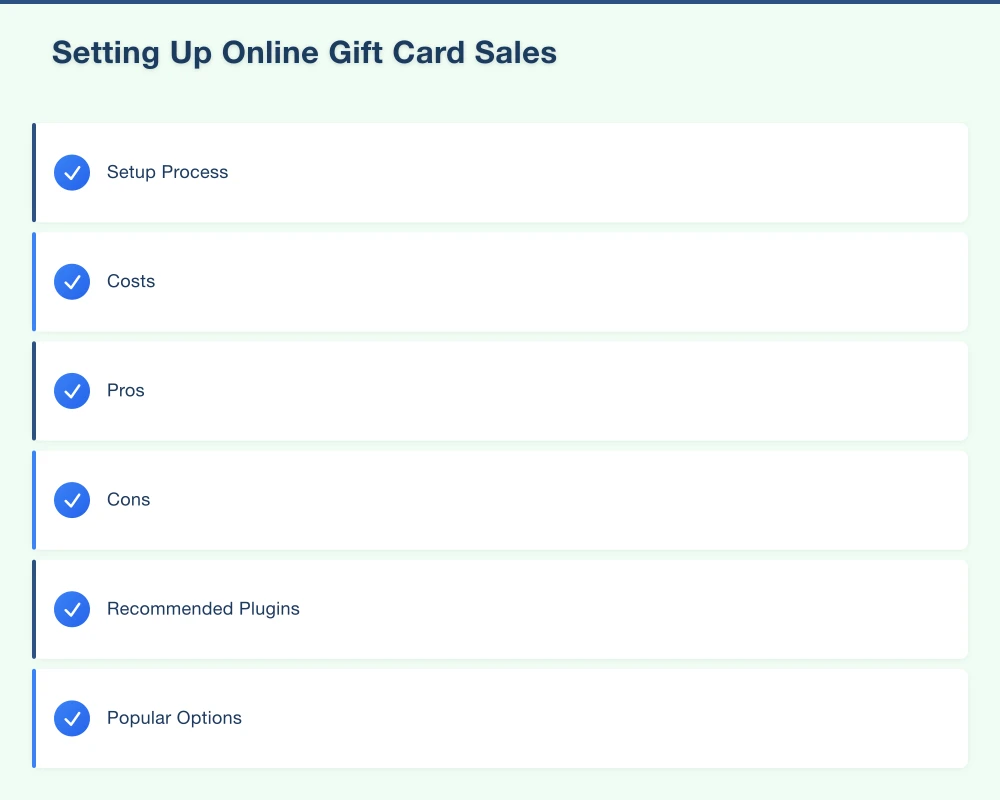
Setup Process:
- Log into your Square Dashboard
- Go to Gift Cards in the main menu
- Choose between physical cards or eGift cards
- Set your available denominations ($25, $50, $100, or custom)
- Customise the design with your branding
- Enable online sales
- Add the gift card purchase link to your website
Costs:
- eGift cards: No setup fee, standard Square processing fees (1.6%)
- Physical cards: Starting from $1 per card for printed cards
Pros:
- Integrates with existing Square system
- Easy tracking and management
- Customer can check balance online
Cons:
- Need to be using Square ecosystem
- Limited design customisation
Option 2: Shopify Gift Cards
Best for: Businesses with Shopify e-commerce stores
Setup Process:
- From Shopify admin, go to Products
- Click Add product
- Enable “This is a gift card”
- Set denominations and pricing
- Add to your store navigation
- Create a gift card collection page
Costs:
- Included in Shopify Basic plan and above
- Standard payment processing fees apply
Pros:
- Seamless integration with existing store
- Automatic delivery and tracking
- Works with Shopify POS for in-store redemption
Cons:
- Requires Shopify subscription
- Not ideal for service businesses without existing e-commerce
Option 3: WooCommerce Gift Cards
Best for: WordPress/WooCommerce websites
Setup Process:
- Install a gift card plugin (Gift Cards for WooCommerce is popular)
- Configure gift card settings
- Set available amounts or enable custom amounts
- Design your gift card appearance
- Create a gift card product page
- Add to your menu and homepage
Recommended Plugins:
- YITH WooCommerce Gift Cards ($130/year)
- Gift Cards for WooCommerce ($49/year)
- PW WooCommerce Gift Cards (free basic version)
Costs:
- Plugin cost varies ($0-130/year)
- Standard payment processing fees
Pros:
- Full control over design and experience
- No ongoing platform fees beyond plugin
- Works with existing WordPress site
Cons:
- Requires more technical setup
- Plugin quality varies
Option 4: Standalone Gift Card Services
Best for: Businesses without e-commerce platforms
Popular Options:
Gift Up! (giftup.app)
- Create a standalone gift card store
- Embed on any website
- Monthly plans from $29
Vend Gift Cards
- Works with Vend POS system
- Physical and digital cards
- Pricing based on Vend subscription
GiftFly
- Simple setup for small businesses
- Custom branding options
- Transaction fee model (no monthly cost)
Setup Process (using Gift Up! as example):
- Create a Gift Up! account
- Add your business details and branding
- Set available denominations
- Connect your payment processor
- Embed the purchase widget on your website or use their hosted page
- Share your gift card link on social media and email
Pros:
- Quick setup without major website changes
- Professional appearance
- Built-in tracking and redemption
Cons:
- Monthly fees or transaction costs
- Another system to manage
Legal Requirements in Australia
Gift cards in Australia are regulated by the Competition and Consumer Act 2010.
Minimum Expiry Period
As of November 2019, gift cards sold in Australia must be valid for a minimum of three years from the date of purchase. You cannot set shorter expiry periods.
No Post-Purchase Fees
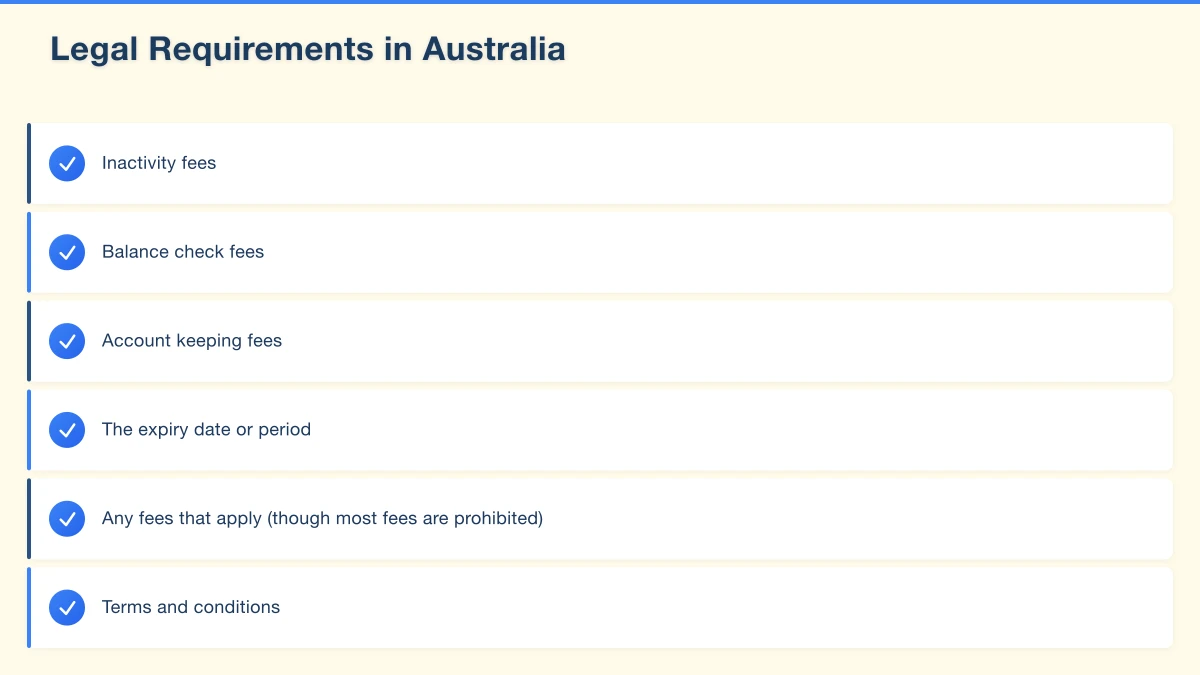
You cannot charge fees that reduce the value of a gift card after purchase. This includes:
- Inactivity fees
- Balance check fees
- Account keeping fees
Disclosure Requirements
You must clearly display:
- The expiry date or period
- Any fees that apply (though most fees are prohibited)
- Terms and conditions
Record Keeping
Maintain records of:
- Gift cards sold (date, value, unique identifier)
- Gift cards redeemed (date, amount)
- Outstanding balances
Most gift card platforms handle this tracking automatically.
Setting Up Your Gift Card Page
A dedicated gift card page on your website improves conversions.
Essential Elements
Clear Headline “Give the Gift of [Your Business Name]” or “[Business Name] Gift Cards–The Perfect Present”
Available Amounts Display clearly: $25 | $50 | $75 | $100 | Custom Amount
How It Works Simple steps:
- Choose your amount
- Enter recipient details
- Add a personal message
- Complete purchase
- Gift card delivered instantly via email
Gift Card Image Show what the recipient will receive (email preview or physical card image)
Terms Summary
- Valid for 3 years from purchase
- Redeemable in-store or online
- Cannot be exchanged for cash
- Full terms and conditions link
Purchase Button Prominent “Buy Gift Card” call-to-action
SEO for Gift Card Pages
Optimise your page for local searches:
Target Keywords:
- “[Business name] gift card”
- “[Service type] gift voucher [suburb]”
- “Gift cards [suburb/area]”
- “Gift ideas Western Sydney”
Meta Title: “[Business Name] Gift Cards | Perfect for Any Occasion”
Meta Description: “Give the gift of [service/product] with [Business Name] gift cards. Digital delivery for last-minute gifts. Valid for 3 years. Buy online now.”
Marketing Your Gift Cards
Website Promotion
Homepage Banner Add a prominent banner: “Gift Cards Available–The Perfect Present”
Navigation Menu Add “Gift Cards” to your main navigation
Footer Link Include in footer links
Product Page Callouts On service/product pages: “Not sure what to choose? Give a gift card instead”
Email Marketing
Dedicated Gift Card Email Subject: “The gift that’s always the right choice”
Content:
- Feature gift cards as a solution to gift-giving stress
- Highlight instant delivery
- Include purchase link
Email Signature Add during December: “Gift cards available for that last-minute gift: [link]”
Social Media
Gift Card Announcement Post “Gift cards now available! Perfect for the person who has everything. Instant email delivery. Buy at [link]”
Stories and Reels Show gift cards being used and redeemed
Countdown Posts “3 days until Christmas–gift cards to the rescue!”
Last-Minute Posts Christmas Eve: “Still time! Email gift cards delivered instantly. Order now at [link]”
Google Business Profile
Add a post about gift cards: “Looking for the perfect gift? [Business Name] gift cards are available for purchase online. Digital delivery means instant gifting–perfect for last-minute presents. Valid for 3 years. Purchase at [link]”
Gift Card Best Practices
Make Redemption Easy
When recipients visit to redeem:
- Train staff on redemption process
- Accept partial redemptions (use remainder for future visit)
- Make the experience welcoming–they may become regular customers
Track Everything
Monitor your gift card program:
- Total cards sold
- Average denomination
- Redemption rate
- Average additional spend at redemption
Promote Year-Round
Gift cards aren’t just for Christmas:
- Mother’s Day and Father’s Day
- Birthdays
- Valentine’s Day
- Thank you gifts
- Corporate gifts
Customer Service
Be prepared to handle:
- Lost gift card codes (have a retrieval process)
- Expiry date questions
- Redemption issues
- Refund requests (have a policy)
Getting Started Before Christmas
If you’re starting from zero, here’s how to launch gift cards quickly:
Day 1: Choose Your Platform
- If you already use Square: Set up Square Gift Cards
- If you have Shopify: Enable Shopify Gift Cards
- If you have WordPress: Install a gift card plugin
- If you need something quick: Sign up for Gift Up!
Day 2: Configure and Brand
- Add your logo and colours
- Set your denominations ($50, $100, and custom is a good start)
- Write your terms and conditions
- Test the purchase process yourself
Day 3: Add to Website
- Create or update your gift card page
- Add gift card link to navigation
- Add homepage banner or callout
Day 4: Promote
- Email your customer list
- Post on social media
- Update Google Business Profile
- Tell staff to mention gift cards to customers
Ongoing:
- Post reminders on social media
- Send last-minute gift card emails before Christmas
- Continue promoting for other occasions
Gift Card Ideas for Different Businesses
Restaurants and Cafes
- Fixed amounts ($50, $100, $150)
- “Dinner for Two” packages
- “Coffee for a Year” bundles
Beauty and Wellness
- Dollar amount gift cards
- Specific service vouchers (Facial, Massage, Hair)
- Package deals (“Pamper Day”)
Retail Stores
- Any amount gift cards
- Themed bundles (“Kids’ Gift Pack”)
- “Shop Local” gift cards
Service Businesses
- Service-specific vouchers
- Consultation gift cards
- Package deals
Fitness and Recreation
- Membership gift cards
- Class pack vouchers
- Trial session gifts
Make This Season Count
Gift cards are one of the easiest revenue opportunities for Western Sydney small businesses. They require minimal setup, solve real customer problems, and bring cash in immediately.
Even with just two weeks until Christmas, you can:
- Set up online gift card sales today
- Promote to your existing customers this week
- Capture last-minute shoppers next week
- Continue building this revenue stream year-round
Don’t let another Christmas pass without offering this simple, effective product.
Need help setting up gift cards on your website? Cosmos Web Technologies assists Western Sydney businesses with e-commerce setup and integration. Contact us for a quick consultation.
Modern retail runs on connected POS, inventory, and online channels. Cloud Geeks provides cloud and IT support that keeps Australian retail and hospitality businesses online during peak hours.
Ash Ganda covers digital strategy for retail and hospitality SMBs — what to automate, what to outsource, and where AI actually moves revenue.
Loyalty apps, mobile ordering, and customer-facing apps drive repeat business. Awesome Apps builds them for Australian retail and hospitality brands.
Part of the Ganda Tech Services family, Cosmos Web Tech delivers specialist web design and digital marketing for Australian small and medium businesses.