Introduction
When someone in Castle Hill searches “café near me” or “plumber Baulkham Hills,” does your business appear at the top of results? For Hills District businesses, your Google Business Profile is often the first impression potential customers get–and in 2025, it matters more than ever.
Google continues to prioritize local search results, and the businesses that appear in that coveted “local pack” (the three businesses shown on the map) capture the majority of clicks and calls. The good news is that optimizing your profile takes less time than you might think, and the results can transform your customer pipeline.
This guide walks through everything Hills District businesses need to know about Google Business Profile optimization in 2025, with practical steps you can implement this week.
Why Google Business Profile Matters for Hills District Businesses
The Hills District has grown significantly over the past decade, with new suburbs, shopping centres, and residential developments continuing to expand. This growth means more competition for local businesses–but also more potential customers actively searching for services in Castle Hill, Bella Vista, Rouse Hill, and surrounding areas.
Consider these statistics:
- Nearly half of all Google searches have local intent
- The top three local results receive over 70% of clicks
- Customers who find businesses on Google Maps are more likely to visit within 24 hours
- Reviews on Google directly influence purchasing decisions
Your Google Business Profile is essentially free advertising space on the world’s most popular search engine. Yet many Hills District businesses either haven’t claimed their profile or leave it incomplete and inactive.
Setting Up Your Profile Correctly
If you haven’t claimed your Google Business Profile yet, start here. If you already have one, skip to the optimization section.
Claiming Your Profile
- Visit business.google.com and sign in with your Google account
- Search for your business name to see if a listing already exists
- Click “Claim this business” or “Add your business”
- Follow the verification process (usually via postcard, phone, or email)
Hills District tip: Use your exact street address including the suburb and postcode. “123 Victoria Avenue, Castle Hill NSW 2154” is much better than just “Castle Hill” for local search rankings.
Verification Process
Google needs to verify you actually own or manage the business. Most businesses receive a postcard with a verification code within 5-7 days. Some businesses may qualify for instant verification via phone or email.
Don’t make major changes to your profile before verification completes–this can reset the process and cause delays.
Complete Every Section
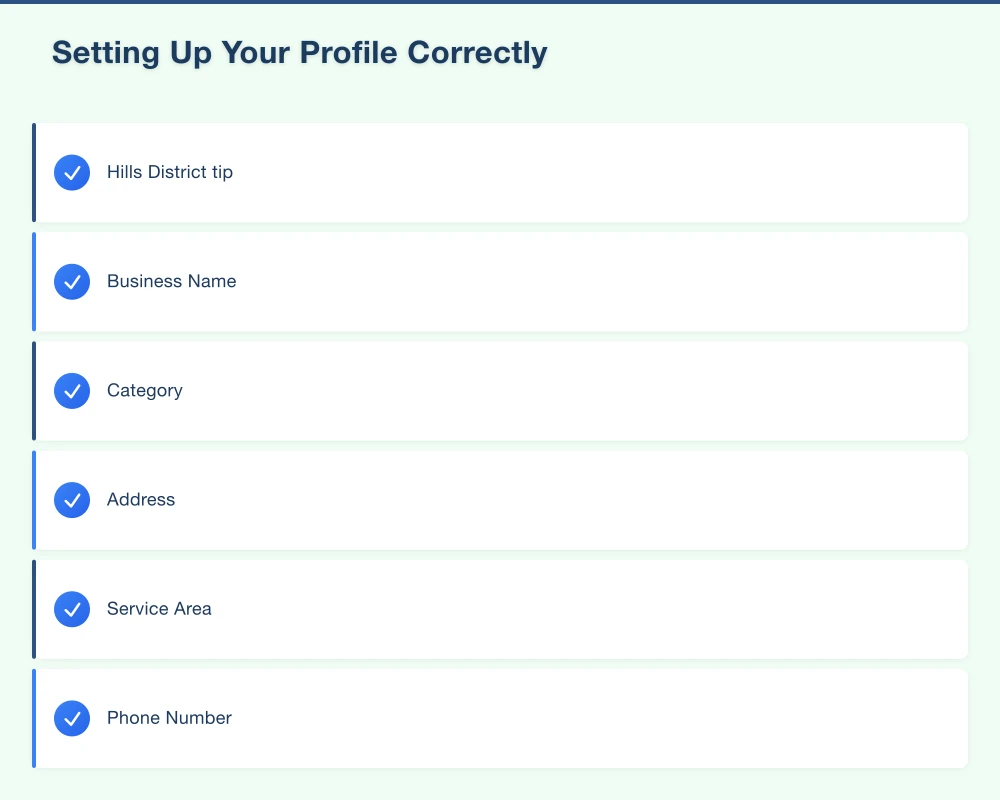
A complete profile significantly outperforms a partial one. Fill in every available field:
Business Name: Use your registered business name exactly. Don’t add keywords like “Best Plumber Hills District”–Google penalizes keyword stuffing.
Category: Choose your primary category carefully, then add secondary categories. A Castle Hill physiotherapy clinic might use:
- Primary: Physiotherapist
- Secondary: Sports physiotherapist, Physical therapy clinic
Address: Your exact street address with suburb and postcode. If you serve customers at their location (like tradies), you can hide your address while still appearing in local results.
Service Area: List the suburbs you serve. For Hills District businesses, this might include Castle Hill, Baulkham Hills, Bella Vista, Rouse Hill, Kellyville, Norwest, and surrounding areas.
Phone Number: Use a local number. Hills District customers trust local businesses, and a 02 number reinforces that you’re genuinely local.
Website: Link to your actual website, not your Facebook page. If you don’t have a website, consider getting one–it significantly boosts credibility and rankings.
Hours: Keep these accurate and update them for public holidays. Nothing frustrates customers more than arriving at a closed business.
Business Description: You get 750 characters to explain what you do. Write naturally, mention the Hills District if it’s your service area, and focus on what makes you different.
2025 Optimization Strategies
With the basics covered, these optimization strategies will help your Hills District business stand out.
Photos That Convert
Profiles with quality photos receive significantly more engagement. Upload:
Logo: Clear and professional, on a white or transparent background
Cover Photo: Your storefront, team at work, or signature product
Interior/Exterior: Help customers know what to expect when they visit
Products and Services: Show your work–finished jobs, products, your team in action
Team Photos: Put a face to your business, building trust with potential customers
Hills District context: If your business has views of local landmarks or is near recognizable locations like Castle Towers or Norwest Business Park, include these in photos to reinforce your local presence.
Update photos quarterly at minimum. Fresh visual content signals to Google that your business is active.
Products and Services
Google now lets you add detailed service listings with descriptions and prices. This is valuable for Hills District service businesses.
A Kellyville electrician might list:
- Emergency callout: From $150
- Switchboard upgrade: From $800
- LED downlight installation: From $50 per light
- Safety inspection: $180
This transparency helps customers understand what to expect and filters enquiries to those ready to proceed.
Google Posts
Think of Google Posts as a mini social media feed directly on your search listing. Post about:
- Current specials or promotions
- New services or products
- Local events you’re attending or sponsoring
- Seasonal offers (“Beat the Hills District winter with heating service”)
- Community involvement
Posts appear for 7 days, so aim to post weekly. Even one post per week demonstrates that your business is active and engaged.
Q&A Section
Customers can ask questions directly on your profile, with answers appearing publicly. Don’t wait for questions–add common questions yourself:
- “Do you service all Hills District suburbs?”
- “Are weekend appointments available?”
- “Do you offer free quotes?”
- “Is parking available?”
This preemptively addresses customer concerns while adding keyword-rich content to your profile.
Getting More Google Reviews
Reviews are one of the strongest ranking factors for local search. Businesses with more positive reviews rank higher and convert more browsers into customers.
Asking for Reviews
The best time to ask is right after delivering great service:
In person: “If you’re happy with our work, would you mind leaving us a Google review? It really helps local businesses like ours.”
Follow-up message: Send a text or email with a direct link to your review page
On receipts/invoices: Include a QR code linking to your review page
Making It Easy
Create a direct link to your review form:
- Search for your business on Google
- Click “Write a review”
- Copy this URL and share it with customers
The easier you make it, the more reviews you’ll receive.
Responding to Reviews
Positive reviews: Always respond with thanks. Mention something specific about their experience and invite them back.
Negative reviews: Respond professionally. Acknowledge their concern, apologize for their experience, and offer to resolve the issue offline. Never argue or get defensive.
How you handle negative reviews matters enormously to potential customers reading them. A thoughtful response to criticism often builds more trust than another five-star review.
Local Ranking Factors
Google uses three main factors to determine which businesses appear in local search:
Relevance
How well does your business match what someone is searching for? This is why your categories, description, and services matter. If Hills District customers search “emergency plumber Castle Hill,” make sure those terms appear naturally in your profile.
Distance
How close is your business to the searcher? You can’t change your location, but setting accurate service areas helps you appear in searches across multiple suburbs.
Prominence
How well-known is your business? Google measures this through:
- Number and quality of reviews
- Links from other websites
- Mentions in local directories
- How often people search for your business by name
Building prominence takes time, but consistent effort pays off.
Common Mistakes to Avoid
After helping numerous Hills District businesses optimize their profiles, these mistakes appear repeatedly:
Inconsistent information: Your business name, address, and phone number should be identical everywhere they appear online–your website, social media, directories, and Google profile.
Outdated hours: Forgetting to update hours for public holidays or permanent schedule changes frustrates customers and damages trust.
Ignoring the dashboard: Google provides insights about how people find and interact with your profile. Review this monthly to understand what’s working.
Not using all features: If you’re not utilizing posts, Q&A, products, and photos, you’re making it harder for customers to choose you over competitors.
Buying reviews: Google’s algorithms detect fake reviews. The penalty can include profile suspension. It’s never worth the risk.
Your Hills District Optimization Checklist
This Week
- Claim or verify your profile if you haven’t already
- Complete every section with accurate, detailed information
- Upload at least 10 quality photos
- Add your services with descriptions and prices
- Ask 3 happy customers for reviews
This Month
- Respond to all existing reviews
- Create your first Google Post
- Add common questions and answers
- Check that your business information matches your website exactly
- List all Hills District suburbs you serve
Ongoing
- Post weekly updates
- Request reviews after positive customer experiences
- Add fresh photos monthly
- Respond to new reviews within 24-48 hours
- Update hours for public holidays
- Monitor insights and adjust strategy
Measuring Your Success
Track these metrics monthly:
Profile views: How many people are seeing your listing
Search queries: What terms are leading people to your business
Customer actions: Calls, direction requests, website clicks
Photo views: How your photos compare to similar businesses
Review growth: Number and average rating of new reviews
Most Hills District businesses see increased profile visibility within 2-3 weeks of optimization and measurable improvements in customer actions within 4-6 weeks.
Getting Started
Your Google Business Profile is the foundation of local online visibility for Hills District businesses. The businesses that dominate local search aren’t doing anything magical–they’re simply doing the basics well and consistently.
Start with these three priorities:
- Claim and complete your profile
- Upload quality photos
- Begin collecting reviews
Those three steps alone will put you ahead of most local competition.
At Cosmos Web Technologies, we help Hills District businesses optimize their online presence, from Google Business Profile setup to comprehensive local SEO strategies. Whether you need hands-on management or guidance for your team, we’re here to help your business get found by local customers.
Ready to improve your local visibility? Contact us for a free Google Business Profile review.
Your website’s performance depends on what’s behind it. Cloud Geeks provides the managed hosting, cloud, and IT support that keeps Australian SMBs online and secure.
Ash Ganda covers how Australian SMBs are using AI, automation, and digital strategy to grow without scaling costs proportionally.
If your business is also planning a customer-facing iOS or Android app — Awesome Apps builds cross-platform mobile apps for Australian SMBs.
Part of the Ganda Tech Services family, Cosmos Web Tech delivers specialist web design and digital marketing for Australian small and medium businesses.