Google Business Profile Posts: Engaging Local Customers
If you have claimed your Google Business Profile (GBP) but only filled out the basic details, you are missing out on one of the most underused features available to local businesses. GBP posts let you share updates, offers, events, and news directly on your Google listing, right where potential customers are looking.
Think of it as free advertising space on Google that most of your competitors are probably ignoring.
What Are Google Business Profile Posts?
GBP posts are short updates that appear on your business listing when people find you on Google Search or Google Maps. They show up in the “Updates” or “From the owner” section of your profile.
There are several types of posts you can create:
Update Posts
General updates about your business. These are the most versatile and can cover any topic. Update posts expire after six months.
Offer Posts
Special deals, promotions, or discounts. These include a start and end date and can include a coupon code or redemption link. They appear with an “Offer” tag.
Event Posts
Promote events with a title, date range, and details. Event posts remain visible until the event date passes.
Product Posts
Showcase specific products with photos, descriptions, and prices. These are particularly useful for retail businesses.
Why GBP Posts Matter
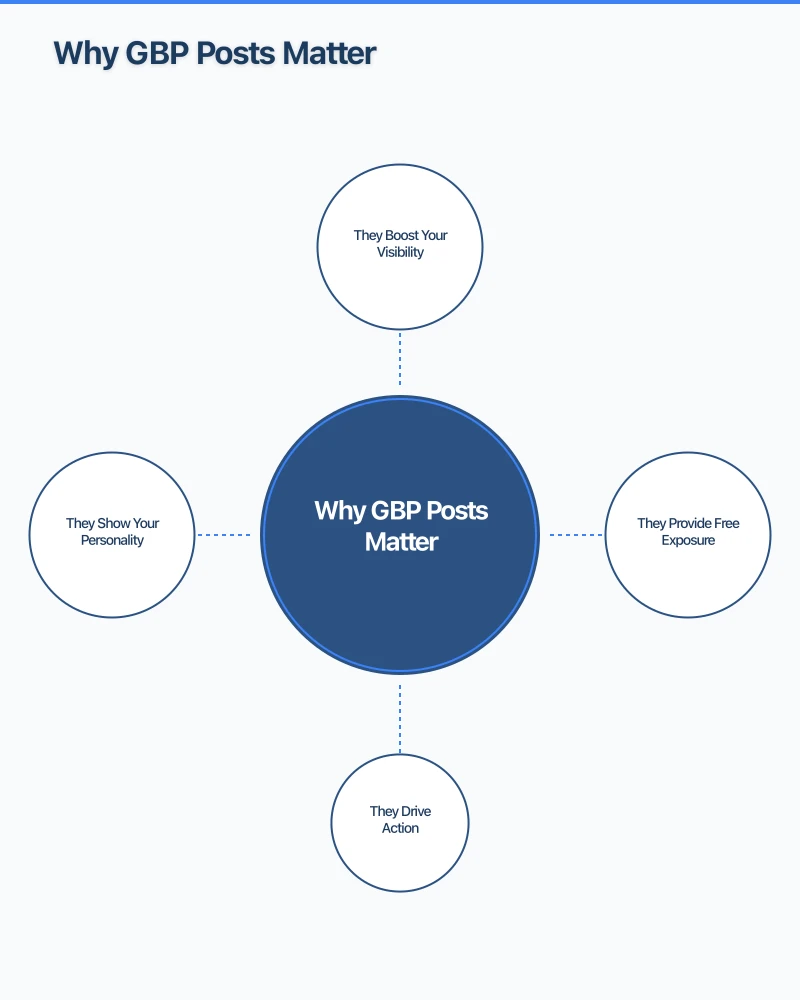
They Boost Your Visibility
While Google has not confirmed that posts directly influence rankings, active profiles tend to perform better in local search. Posting regularly signals to Google that your business is active and engaged with customers.
They Provide Free Exposure
GBP posts appear on Google without you paying for ads. When someone searches for your business name or finds you in local results, your posts are right there, visible and engaging.
They Drive Action
Posts can include call-to-action buttons like “Learn More,” “Call Now,” “Book,” or “Order Online.” This gives potential customers a direct path from your Google listing to taking action.
They Show Your Personality
Posts give your listing more depth and personality beyond the basic business information. They help potential customers get a sense of who you are before they even visit your website.
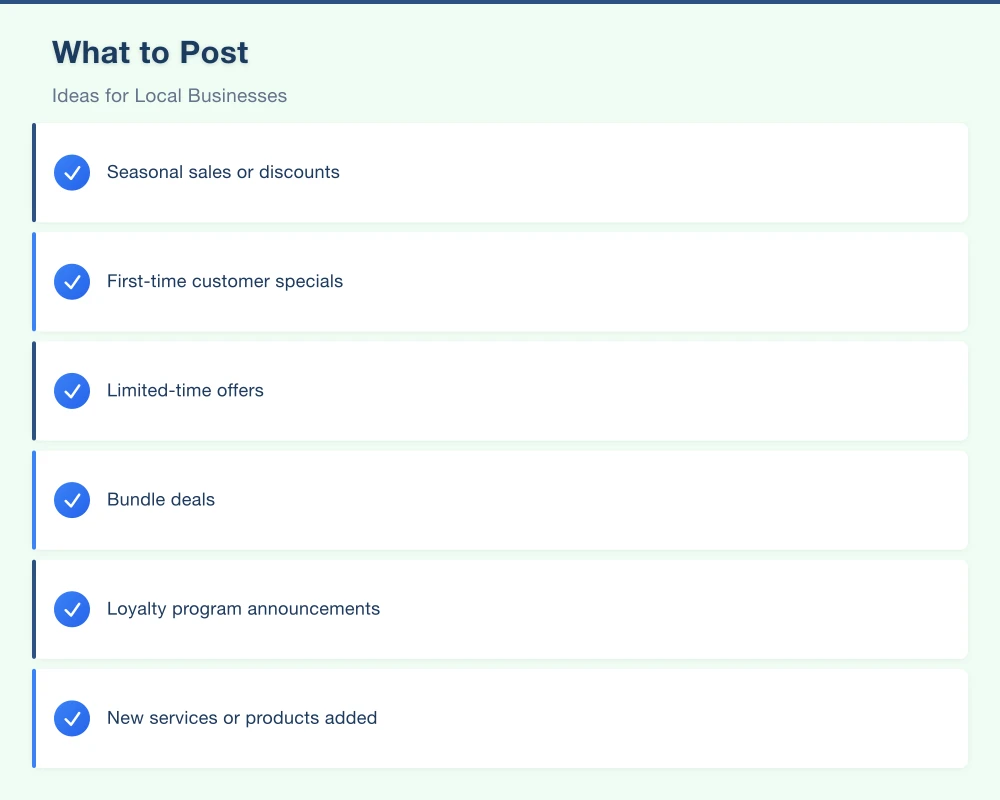
What to Post: Ideas for Local Businesses
Struggling to think of what to post? Here are ideas organised by category.
Promotions and Offers
- Seasonal sales or discounts
- First-time customer specials
- Limited-time offers
- Bundle deals
- Loyalty program announcements
Business Updates
- New services or products added
- Changes to business hours
- New team members
- Office renovations or upgrades
- Milestone celebrations (anniversaries, awards)
Tips and Advice
- Industry tips relevant to your customers
- How-to guides related to your services
- Seasonal maintenance advice
- Common questions answered
Community and Local
- Local events you are participating in or sponsoring
- Community involvement highlights
- Partnerships with other local businesses
- Neighbourhood news or updates
Behind the Scenes
- Day-in-the-life posts
- Team spotlights
- Work in progress photos
- How you deliver your service
Customer Success
- Before and after photos (with permission)
- Customer stories and outcomes
- Positive review highlights
Best Practices for GBP Posts
Keep Text Concise
You have up to 1,500 characters per post, but shorter is usually better. Aim for 150 to 300 words. The first 80 characters or so are visible before a “Read more” click, so front-load the most important information.
Always Include an Image
Posts with images get significantly more engagement than text-only posts. Use high-quality, relevant photos. Avoid generic stock images when possible. The recommended image size is 1200 by 900 pixels.
Include a Call to Action
Every post should have a clear next step for the reader. Use the built-in CTA buttons:
- Book: For appointment-based businesses
- Order Online: For restaurants and retail
- Learn More: Links to a relevant page on your website
- Call Now: Adds your phone number
- Sign Up: For email lists, events, or programmes
Post Consistently
Aim for at least one post per week. Consistency signals to both Google and potential customers that your business is active. Set a reminder or schedule time each week to create your post.
Use Keywords Naturally
Include relevant keywords in your posts naturally. If you are a plumber in Penrith, mentioning “plumbing services in Penrith” or “Western Sydney plumber” in your posts helps reinforce your relevance for those searches.
Time Your Posts Strategically
Post when your target audience is most likely to be searching. For restaurants, post special menus before the weekend. For service businesses, post early in the week when people are planning. For retail, post before key shopping periods.
Creating a GBP Posting Calendar
A simple weekly posting schedule makes consistency easy.
Example for a local service business:
- Week 1: Share a customer success story or before/after photo
- Week 2: Post a helpful tip related to your industry
- Week 3: Promote a specific service or seasonal offer
- Week 4: Share a team update, behind-the-scenes content, or community involvement
Example for a retail business:
- Week 1: Highlight a new product with photos
- Week 2: Share a special offer or promotion
- Week 3: Post customer feedback or a product review
- Week 4: Share a seasonal or themed post
Measuring Post Performance
GBP provides basic analytics for your posts, including:
- Views: How many people saw your post
- Clicks: How many people clicked the CTA button
Check these metrics to understand which types of posts resonate with your audience. Over time, you will learn what works best for your business and can adjust your strategy accordingly.
Common Mistakes to Avoid
Posting only when you remember: Sporadic posting is almost worse than not posting at all. Set a schedule and stick to it.
Being overly promotional: Every post being a sales pitch will turn people off. Mix promotional content with helpful, informative, and community-focused posts.
Poor quality images: Blurry, dark, or irrelevant images hurt your credibility. Take a moment to get a decent photo.
No call to action: If you do not tell people what to do next, they will not do anything. Always include a CTA.
Ignoring the character limit visibility: Remember that only the first portion of your text is visible before “Read more.” Put the most compelling information first.
Copy-pasting the same post repeatedly: Duplicate content looks lazy and may be ignored by Google. Create unique posts each time.
How to Create a GBP Post
The process is straightforward:
- Go to business.google.com or use the Google Business Profile app
- Select your business
- Click on “Add update” or navigate to the Posts section
- Choose your post type
- Add your text, photo, and CTA button
- Preview and publish
It takes just five to ten minutes to create a quality post.
Start Posting This Week
If you have not been using GBP posts, start this week. Write a simple update about your business, add a quality photo, include a call to action, and publish. Then commit to doing it every week. In a few months, you will have a rich, active Google listing that stands out from competitors who are neglecting theirs.
Need Help With Your Google Business Profile?
At Cosmo Web Tech, we help Western Sydney businesses optimise and manage their Google Business Profiles for maximum local visibility. From initial setup to ongoing posting and management, we handle it all so you can focus on your business. Contact us to get started.
Your website’s performance depends on what’s behind it. Cloud Geeks provides the managed hosting, cloud, and IT support that keeps Australian SMBs online and secure.
Ash Ganda covers how Australian SMBs are using AI, automation, and digital strategy to grow without scaling costs proportionally.
If your business is also planning a customer-facing iOS or Android app — Awesome Apps builds cross-platform mobile apps for Australian SMBs.
Part of the Ganda Tech Services family, Cosmos Web Tech delivers specialist web design and digital marketing for Australian small and medium businesses.