Introduction
When someone in Parramatta searches for “plumber near me” or a Castle Hill resident looks for “best coffee,” Google Maps often determines who gets the call and who gets ignored. That three-pack of businesses appearing with the map in search results captures the majority of clicks for local searches.
For Western Sydney businesses, ranking well on Google Maps is not optional–it is essential for survival. Whether you operate in Blacktown, the Hills District, Penrith, or anywhere across Greater Western Sydney, your Google Maps presence directly impacts how many customers find and choose you.
This guide covers everything you need to know about optimising your Google Maps listing to outperform competitors and attract more local customers in 2025.
How Google Maps Rankings Work
The Local Pack Explained
When someone searches for a local service or business type, Google typically displays:
- The Map Pack: A map showing three businesses with their key details
- Organic Results: Traditional website listings below
The Map Pack dominates the screen, especially on mobile. It shows business names, ratings, addresses, and quick action buttons. Getting into this top three for your target searches can transform your business.
The Three Ranking Factors
Google evaluates three main factors for local/Maps rankings:
Relevance: How well your business matches the search query. This comes from your business categories, description, and associated keywords.
Distance: How close your business is to the searcher. You cannot change your location, but you can optimise for broader areas through service area settings.
Prominence: How well-known and trusted your business is. Reviews, website authority, citations, and online presence all contribute.
Understanding these factors helps you focus your optimisation efforts where they will have the most impact.
Setting Up for Success
Google Business Profile Foundation
Your Google Maps listing is controlled through Google Business Profile (formerly Google My Business). If you have not claimed and verified your profile yet, that is step one.
Claiming Your Profile:
- Go to google.com/business
- Search for your business
- If it exists, claim it. If not, create it.
- Complete verification (usually by postcard or phone)
Why Verification Matters: Unverified profiles have limited functionality and often rank poorly. Verification proves to Google that you are the legitimate business owner.
Business Information Accuracy
Accuracy is non-negotiable. Incorrect information frustrates customers and signals poor quality to Google.
Business Name: Use your exact registered business name. Do not add keywords or location (like “Smith Plumbing - Best Plumber Blacktown”). This violates guidelines and can result in suspension.
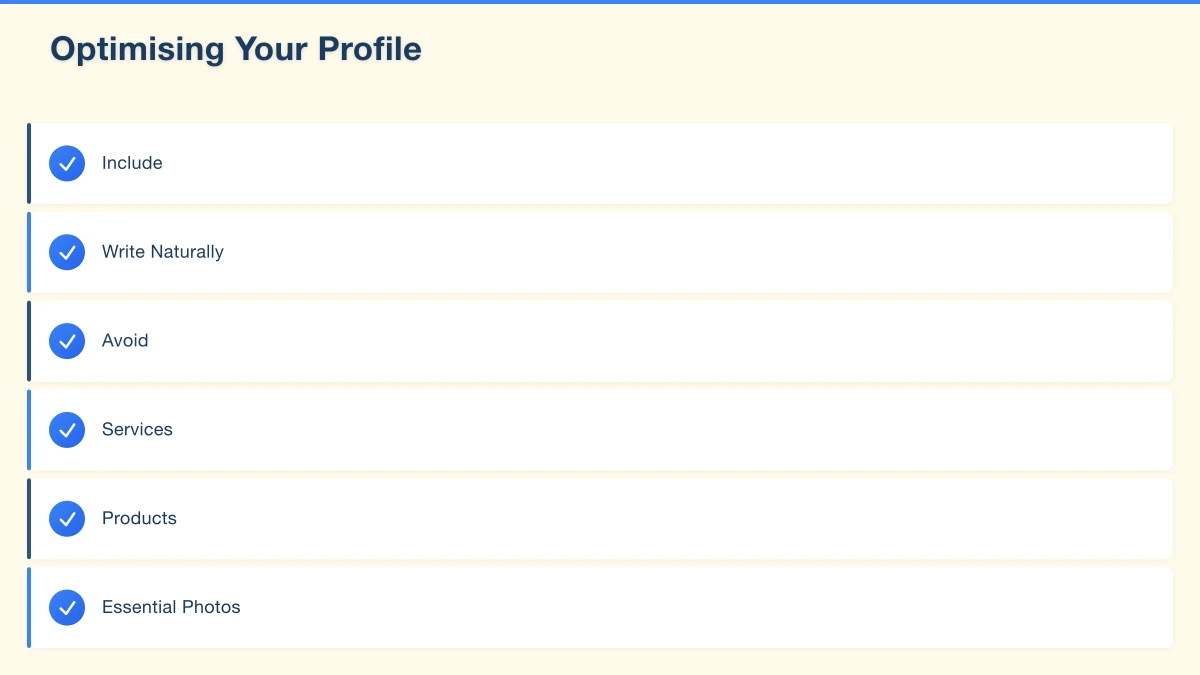
Address: For businesses with a physical location, use your precise street address. Ensure it matches your website and other listings exactly.
Service Area: For mobile businesses without a shopfront, set a service area instead of a physical address. You can specify suburbs or a radius.
Phone Number: Use a local number if possible. Consistency matters–use the same number everywhere online.
Website: Link to your actual website’s homepage or a dedicated location page.
Hours: Keep these accurate and update for holidays. Nothing frustrates customers more than arriving to find you closed.
Choosing the Right Categories
Categories tell Google what your business does. They significantly impact which searches you appear for.
Primary Category: The single most accurate description of your business. Be specific:
- “Emergency Plumber” is better than “Plumber” if that is your specialty
- “Vietnamese Restaurant” is better than “Restaurant”
Secondary Categories: Add all relevant categories that genuinely describe your services. A café might add:
- Primary: Café
- Secondary: Coffee shop, Breakfast restaurant, Brunch restaurant
What Not to Do: Do not add categories for services you do not offer. Google can detect inconsistencies and may penalise your listing.
Optimising Your Profile
Business Description
You have 750 characters to describe your business. Use them wisely:
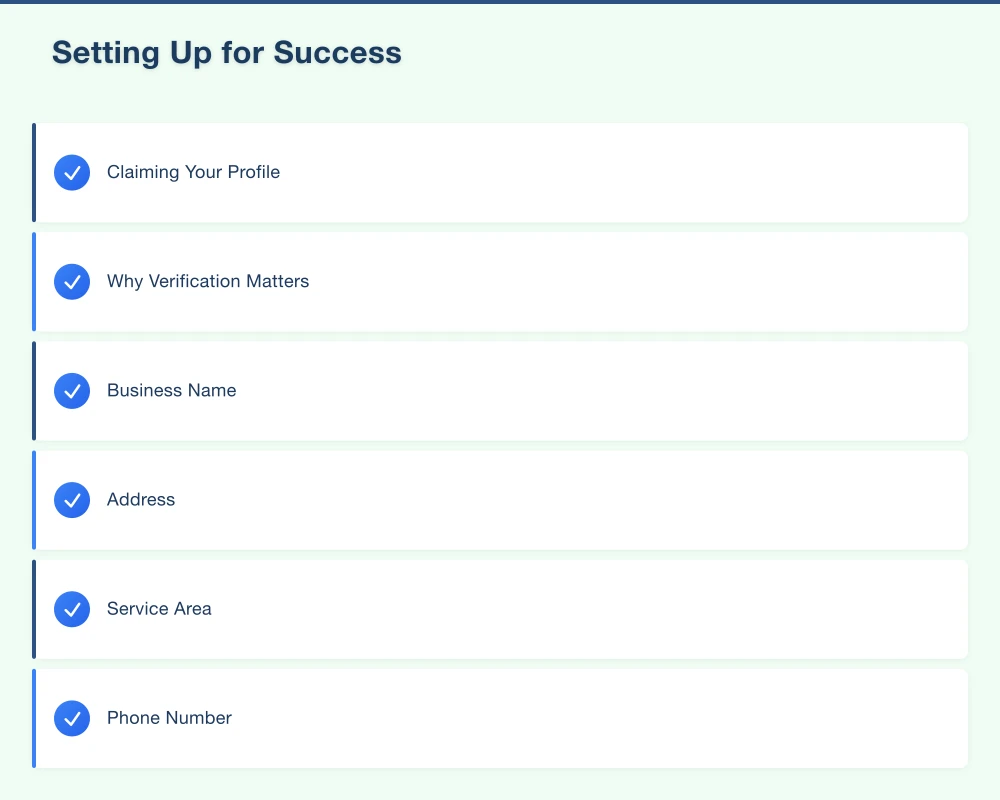
Include:
- What you do (services, products)
- Where you operate (suburbs, areas)
- What makes you different
- Years in business, qualifications, specialties
Write Naturally: Include keywords but write for humans. “We are a family-owned plumbing business serving Blacktown, Seven Hills, and surrounding suburbs since 2010” works well.
Avoid: Keyword stuffing, promotional language, links, or special characters.
Products and Services
List your specific offerings directly in your profile:
Services: Add each service you offer with descriptions and price ranges where appropriate. A Parramatta electrician might list:
- Switchboard upgrades
- LED lighting installation
- Safety inspections
- Emergency repairs
- Solar panel installation
Products: If you sell products, add them with photos, descriptions, and prices.
These listings help you appear for specific searches and give customers useful information.
Photos and Videos
Visual content significantly impacts engagement. Businesses with photos receive:
- More direction requests
- More website clicks
- More phone calls
Essential Photos:
- Business logo (professional, clear)
- Cover photo (your best single image)
- Exterior (helps customers find you)
- Interior (shows what to expect)
- Team photos (humanises your business)
- Product/service photos (shows your work)
Photo Quality:
- Minimum 720px wide
- Well-lit, sharp images
- Authentic (not stock photos)
- Updated regularly
Videos: Short videos can showcase your business effectively. Keep them under 30 seconds and focused on a single message or tour.
Regular Updates and Posts
Google Business Profile allows you to post updates, offers, and events. These appear directly in your listing:
Types of Posts:
- Offers: Special deals with dates
- What’s New: General updates
- Events: Upcoming happenings
Why Post Regularly:
- Shows Google your business is active
- Gives searchers fresh content
- Can highlight timely offers or news
- Appears in your listing and can influence clicks
Post Frequency: Weekly posting is ideal. Monthly at minimum. Even occasional posting is better than none.
The Review Factor
Why Reviews Dominate
Reviews are arguably the most important factor in Google Maps rankings. They affect:
Rankings: More positive reviews correlate with better Map Pack placement.
Click-Through Rates: Businesses with higher ratings and more reviews get more clicks.
Conversion: Reviews influence whether searchers contact you or move to a competitor.
Building Your Review Count
Ask Happy Customers: The simplest strategy. After good service, ask directly:
- “Would you mind leaving us a Google review?”
- Follow up with a direct link to make it easy
Create a Direct Link: Google provides a shareable link to your review form. Find it in your Google Business Profile dashboard under “Get more reviews.”
Multiple Touchpoints:
- Ask in person at service completion
- Include the link in follow-up emails
- Add a review request to invoices
- Use QR codes linking to your review page
- Train staff to request reviews routinely
Timing Matters: Ask when satisfaction is highest–immediately after successful service, not weeks later.
Responding to Reviews
Respond to Everything: Both positive and negative reviews deserve responses.
Positive Reviews:
- Thank the customer by name
- Mention something specific about their service
- Keep it genuine, not robotic
- Invite them back
Negative Reviews:
- Respond promptly and professionally
- Acknowledge their frustration
- Apologise for their experience (without necessarily admitting fault)
- Offer to resolve the issue offline
- Never argue or get defensive
Why Responses Matter: Your responses show potential customers how you handle both happy and unhappy clients. A professional, caring response to criticism can actually improve perceptions.
Dealing with Fake or Unfair Reviews
Sometimes you receive reviews that are fake, mistaken (wrong business), or unfairly vicious:
For Fake/Policy-Violating Reviews:
- Flag the review in your Google Business Profile
- Explain why it violates Google’s policies
- Be patient–Google reviews take time
- Consider responding professionally while awaiting removal
For Genuine But Harsh Reviews:
- Respond professionally and take the high road
- Focus on demonstrating your commitment to quality
- Over time, more positive reviews will dilute the impact
Local Citations and Consistency
What Are Citations?
Citations are mentions of your business information (NAP: Name, Address, Phone) on other websites. Common citation sources include:
- Online directories (Yellow Pages, True Local)
- Industry-specific directories
- Social media profiles
- Chamber of commerce listings
- Local business associations
Why Consistency Matters
Google cross-references your information across the web. Inconsistencies create confusion:
- “123 Main Street” vs “123 Main St”
- “Smith’s Plumbing” vs “Smiths Plumbing”
- Different phone numbers on different sites
Even small inconsistencies can hurt your local rankings. Audit your citations and fix discrepancies.
Key Citation Sources for Western Sydney
General Directories:
- Yellow Pages Australia
- True Local
- Yelp Australia
- Hotfrog
- Start Local
Industry-Specific: Varies by sector. Trades might focus on hipages and ServiceSeeking. Restaurants on TripAdvisor and Zomato.
Local Sources:
- Local chamber of commerce
- Western Sydney business associations
- Regional directories
Building Citations
Prioritise Quality: Focus on reputable, relevant directories rather than hundreds of low-quality listings.
Maintain Consistency: Use identical business information everywhere.
Regular Audits: Check your citations periodically and update any that become outdated.
Advanced Maps Optimisation
GeoTagging Photos
Add location data to photos before uploading:
How to GeoTag:
- Take photos with location services enabled on your phone
- Or use tools to add GPS coordinates to existing photos
Why It Helps: GeoTagged photos reinforce your location to Google.
Optimising for Multiple Locations
If you serve multiple areas without physical locations in each:
Service Area Businesses: Set your service area to cover all suburbs you serve. Be realistic–do not claim areas you cannot actually service.
Location Pages on Your Website: Create dedicated pages for key suburbs with unique, valuable content about serving that area.
Local Content: Mention specific suburbs naturally in your website content and Google posts.
Embedding Maps on Your Website
Benefits:
- Helps customers find you
- Reinforces your location to Google
- Creates a connection between your website and Maps listing
How to Embed:
- Search for your business on Google Maps
- Click “Share”
- Choose “Embed a map”
- Copy the code to your website’s contact page
Schema Markup
Technical but valuable: structured data helps Google understand your business information.
LocalBusiness Schema should include:
- Business name
- Address
- Phone number
- Opening hours
- Geographic coordinates
- Business type
Ask your web developer to implement LocalBusiness schema if you do not have it.
Monitoring and Improving Performance
Google Business Profile Insights
Your dashboard provides valuable data:
Search Queries: What terms people used to find you. This reveals opportunities for optimisation.
Views: How often your profile appears in search and maps.
Actions: Calls, direction requests, website clicks. These are the metrics that matter.
Photo Views: Engagement with your visual content compared to competitors.
Tracking Your Rankings
Check where you rank for key searches:
Manual Checks: Search for your target terms from different locations (use incognito mode to avoid personalisation).
Rank Tracking Tools: Services like BrightLocal or Whitespark track local rankings over time.
Competitor Monitoring: Keep an eye on who appears above you and analyse what they are doing differently.
Continuous Improvement
Local SEO is ongoing, not one-time:
Weekly: Add a Google post, monitor and respond to reviews.
Monthly: Review Insights data, check for new photos to add, audit hours and information.
Quarterly: Audit citations, analyse ranking trends, review competitor profiles.
Annually: Complete profile review, strategy refresh based on what is working.
Common Mistakes to Avoid
Guideline Violations
Google suspends profiles that violate their guidelines:
- Keyword stuffing in business name: Adding “Best Plumber Blacktown” to your name
- Fake addresses: PO boxes, virtual offices, or addresses where you do not actually operate
- Multiple profiles for one location: Unless genuinely separate businesses
- Fake reviews: Bought, incentivised, or written by employees
Neglecting Your Profile
An inactive profile signals to Google (and customers) that you may not be active:
- Outdated hours or information
- No recent posts or photos
- Unanswered reviews
- Incorrect information (moved locations, changed phone)
Ignoring Negative Signals
Some things actively hurt your rankings:
- Inconsistent NAP across the web
- Poor website experience (slow, not mobile-friendly)
- High bounce rates from searchers who quickly leave
- Unaddressed negative reviews
Your Google Maps Action Plan
Week 1: Foundation
- Claim and verify your Google Business Profile
- Complete every section with accurate information
- Choose appropriate primary and secondary categories
- Write a compelling business description
Week 2: Visual Content
- Upload at least 10 high-quality photos
- Include logo, cover, exterior, interior, team, and work photos
- Add products or services with descriptions
- GeoTag photos if possible
Week 3: Reviews
- Create your direct review link
- Ask 10 recent happy customers for reviews
- Respond to all existing reviews
- Set up a system for ongoing review requests
Week 4: Citations and Consistency
- Audit your existing online listings
- Fix any inconsistencies
- Add your business to key directories
- Ensure website NAP matches exactly
Ongoing
- Post updates weekly
- Monitor and respond to reviews within 24 hours
- Add new photos monthly
- Review performance data monthly
- Audit and adjust quarterly
Conclusion
Google Maps is where Western Sydney customers find local businesses. A well-optimised Maps presence puts you in front of people actively looking for what you offer, at the moment they are ready to make a decision.
The fundamentals are straightforward: accurate information, the right categories, quality photos, and a steady flow of positive reviews. Layer in regular updates, citation consistency, and ongoing attention, and you will outperform competitors who set up their listing once and forgot about it.
For local businesses in Parramatta, Blacktown, the Hills District, and across Western Sydney, Google Maps optimisation offers one of the best returns on time invested. The customers are searching. Make sure they find you.
Need help improving your local search visibility? Contact Cosmos Web Technologies for a free local SEO audit.
Your website’s performance depends on what’s behind it. Cloud Geeks provides the managed hosting, cloud, and IT support that keeps Australian SMBs online and secure.
Ash Ganda covers how Australian SMBs are using AI, automation, and digital strategy to grow without scaling costs proportionally.
If your business is also planning a customer-facing iOS or Android app — Awesome Apps builds cross-platform mobile apps for Australian SMBs.
Part of the Ganda Tech Services family, Cosmos Web Tech delivers specialist web design and digital marketing for Australian small and medium businesses.