Google Maps SEO: Ranking Higher in Local Searches
When someone in Western Sydney searches for a local business, whether it is “dentist near me,” “mechanic Blacktown,” or “best Thai restaurant Parramatta,” Google shows a map with three business listings right at the top of the results. This is called the local three-pack, and it is the most valuable real estate in local search.
Appearing in the local three-pack can dramatically increase your visibility, phone calls, and foot traffic. But how do you get there? That is what Google Maps SEO is all about.
How Google Ranks Local Businesses
Google uses three main factors to determine local rankings:
Relevance
How well does your business match what the searcher is looking for? Google looks at your business category, description, services, and the content on your website to determine relevance.
Distance
How close is your business to the searcher or the location they specified? You cannot control where your business is located, but you can make sure Google knows exactly where you are and which areas you serve.
Prominence
How well-known and reputable is your business? Google considers factors like review count and ratings, backlinks, online mentions, and overall web presence.
You cannot directly control distance, but you can significantly influence relevance and prominence.
Optimise Your Google Business Profile
Your Google Business Profile (GBP) is the foundation of your Google Maps presence. Every element of your profile affects your ranking.
Choose the Right Primary Category
Your primary category is the single most important ranking factor on your GBP. Be as specific as possible. If you are a plumber, choose “Plumber” not “Home Services.” If you are a Thai restaurant, choose “Thai Restaurant” not just “Restaurant.”
Google allows one primary category and multiple secondary categories. Use secondary categories for additional services you offer, but do not add categories that are not genuinely relevant.
Add All Relevant Secondary Categories
If your business fits multiple categories, add them. A cafe that also does catering might have “Cafe” as the primary category and “Caterer” and “Coffee Shop” as secondary categories.
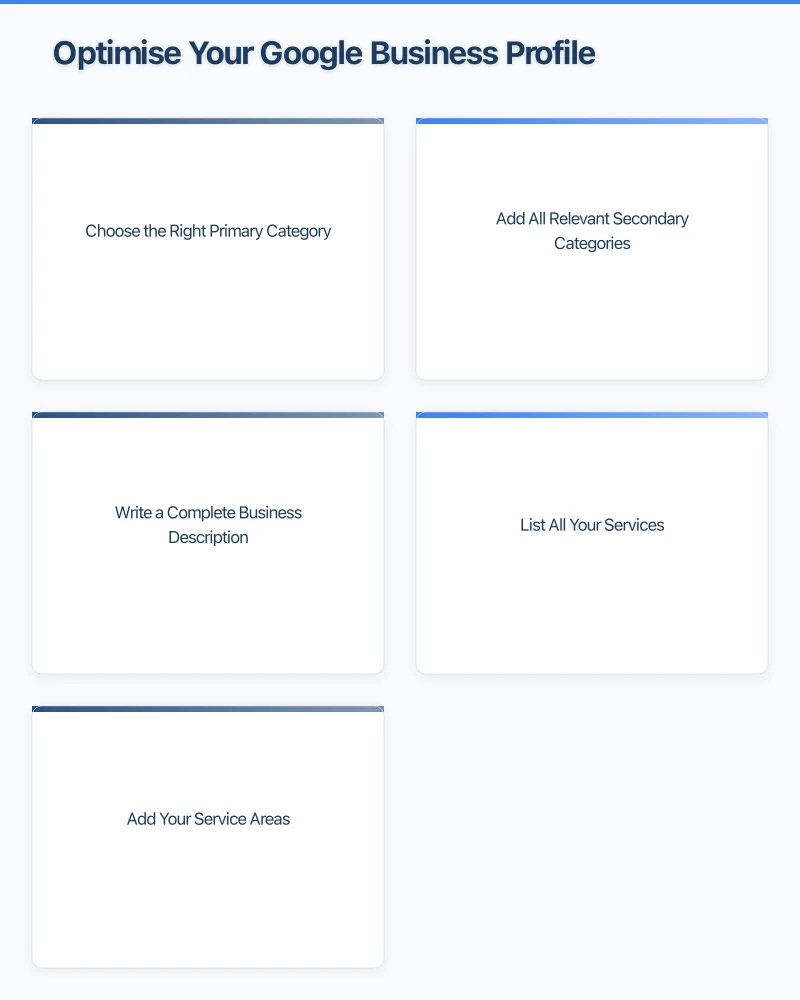
Write a Complete Business Description
Your description should be 750 characters (the maximum) and include your key services, areas you serve, and what makes you different. Write naturally and include relevant keywords without stuffing.
Example: “Smith Plumbing provides reliable plumbing services across Western Sydney, including Parramatta, Blacktown, and the Hills District. Our licensed plumbers handle everything from blocked drains and hot water repairs to bathroom renovations. Family owned and operated with over 15 years of experience.”
List All Your Services
GBP allows you to add services with descriptions and prices. Fill out every service you offer. This helps Google understand your relevance for a wider range of searches.
Add Your Service Areas
If you travel to customers (as opposed to them coming to you), add your service areas. You can specify suburbs, cities, or regions. This helps you appear in searches from those areas.
Reviews Are Your Ranking Superpower
Reviews are one of the strongest ranking signals for Google Maps. The quantity, quality, and recency of your reviews all matter.
How to build your review profile:
- Ask every satisfied customer to leave a Google review
- Send a follow-up email or text with a direct link to your review page
- Make it part of your process (e.g., include a review request on invoices)
- Respond to every review, positive and negative, within 24 to 48 hours
What to aim for:
- At least 20 reviews to be competitive in most industries
- A consistent flow of new reviews (recency matters)
- An average rating above 4.0 stars
- Reviews that mention specific services and locations (this helps relevance)
Important: Never buy fake reviews or offer incentives for reviews. Google can detect this and it can result in your listing being penalised or removed.
Post Regularly on Google Business Profile
GBP posts are a way to share updates, offers, events, and news directly on your listing. While their direct ranking impact is debated, they signal to Google that your business is active and engaged.
Post ideas:
- Weekly special offers or promotions
- New service announcements
- Seasonal tips related to your industry
- Behind-the-scenes photos
- Community involvement or local events
- Customer success stories
Aim to post at least once per week. Posts expire after seven days (except event posts), so regular posting keeps your profile fresh.
Photos and Videos Matter
Businesses with photos receive significantly more clicks and direction requests than those without. Google has confirmed that photos are a factor in local rankings.
Photo guidelines:
- Upload at least 20 to 30 photos
- Include interior and exterior shots of your premises
- Show your products or completed work
- Feature your team
- Add new photos regularly (at least monthly)
- Use high-quality images (but avoid stock photos)
- Geotag your photos with your business location if possible
Build Local Citations
A citation is any online mention of your business name, address, and phone number (NAP). Citations help Google verify that your business is legitimate and that the information is accurate.
Key Australian citation sources:
- Yellow Pages (yellowpages.com.au)
- True Local (truelocal.com.au)
- Yelp Australia
- Hotfrog
- StartLocal
- Local business chambers
- Industry-specific directories
Citation tips:
- Ensure your NAP is exactly the same across all citations
- Focus on quality directories rather than spamming hundreds of low-quality ones
- Regularly audit your citations for accuracy
- Remove or update any outdated listings
Optimise Your Website for Local Search
Your website supports your Google Maps ranking. Google looks at your site to understand more about your business.
Website optimisation for local SEO:
- Include your full business name, address, and phone number on every page (usually in the footer)
- Create a dedicated page for each service you offer
- Create location-specific content if you serve multiple areas
- Add an embedded Google Map to your contact page
- Use location-based keywords naturally in your content
- Include customer testimonials on your site
- Make sure your website is mobile-friendly and fast
Schema Markup
Adding LocalBusiness schema markup to your website helps Google understand your business details. This structured data includes your name, address, phone number, hours, and more in a format that search engines can easily read.
Your web developer can add this to your site, or you can use a WordPress plugin like Yoast SEO or Rank Math to generate it.
Monitor Your Performance
Google Business Profile Insights
GBP provides free analytics that show:
- How many people found your listing in Search and Maps
- What searches triggered your listing to appear
- How many people clicked for directions, called, or visited your website
- Photo views compared to similar businesses
Check these insights monthly to understand your progress and identify opportunities.
Track Your Rankings
Use a tool like BrightLocal, Whitespark, or Local Falcon to track your Google Maps rankings for specific keywords. This helps you see how your position changes over time and whether your efforts are paying off.
Quick Action Plan
- Audit your Google Business Profile using the checklist above
- Make sure your primary category is as specific as possible
- Add all your services with descriptions
- Upload at least 20 quality photos
- Set up a system to regularly request reviews from customers
- Start posting on GBP at least once per week
- Check and fix your NAP consistency across the web
- Optimise your website with local keywords and schema markup
Need Help With Local SEO?
At Cosmo Web Tech, we specialise in helping Western Sydney businesses improve their Google Maps rankings and local search visibility. From Google Business Profile optimisation to comprehensive local SEO strategies, we can help your business get found by more local customers. Get in touch for a free local SEO assessment.
Your website’s performance depends on what’s behind it. Cloud Geeks provides the managed hosting, cloud, and IT support that keeps Australian SMBs online and secure.
Ash Ganda covers how Australian SMBs are using AI, automation, and digital strategy to grow without scaling costs proportionally.
If your business is also planning a customer-facing iOS or Android app — Awesome Apps builds cross-platform mobile apps for Australian SMBs.
Part of the Ganda Tech Services family, Cosmos Web Tech delivers specialist web design and digital marketing for Australian small and medium businesses.