Introduction
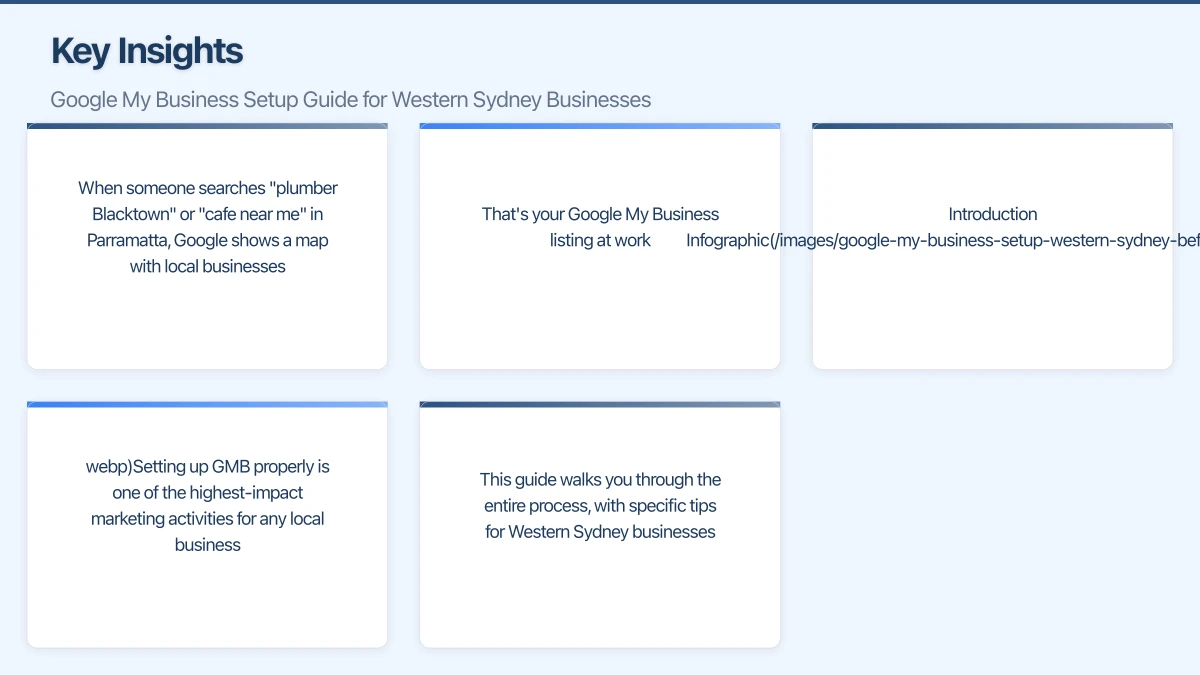
If you run a business in Western Sydney, there’s one free tool that can dramatically increase your visibility to local customers: Google My Business (GMB). When someone searches “plumber Blacktown” or “cafe near me” in Parramatta, Google shows a map with local businesses. That’s your Google My Business listing at work.
Setting up GMB properly is one of the highest-impact marketing activities for any local business. This guide walks you through the entire process, with specific tips for Western Sydney businesses.
What Is Google My Business?
Your Free Business Listing
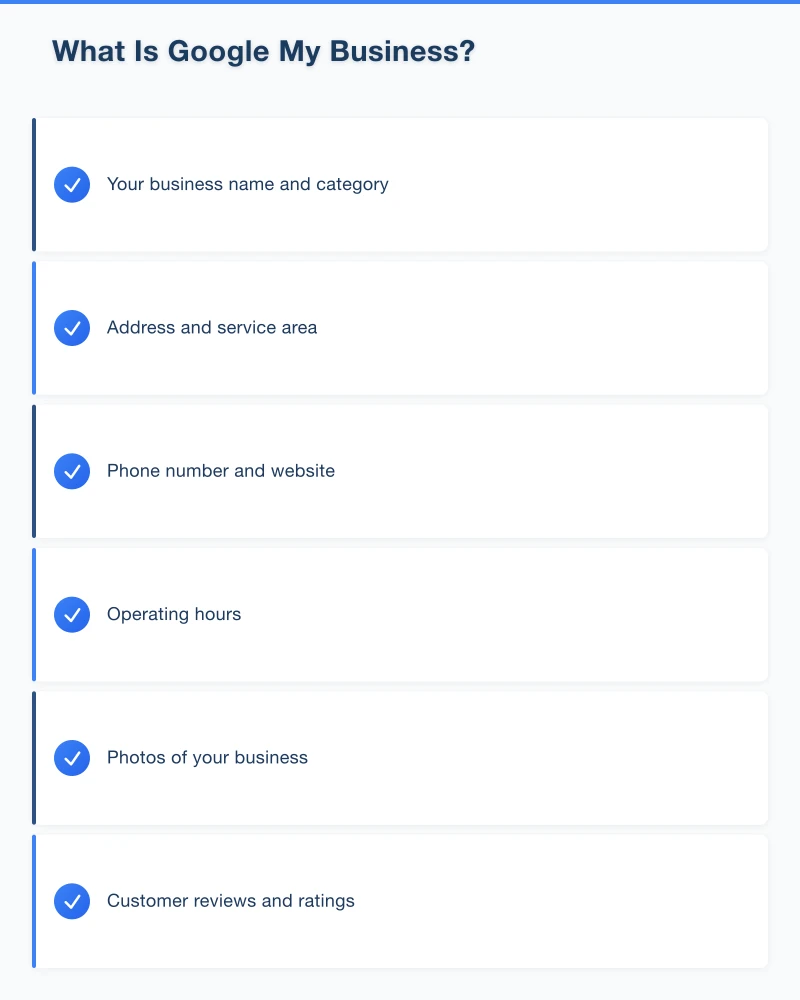
Google My Business is Google’s free platform that lets you manage how your business appears across Google Search and Google Maps. Your GMB listing shows:
- Your business name and category
- Address and service area
- Phone number and website
- Operating hours
- Photos of your business
- Customer reviews and ratings
- Posts and updates
Why It Matters for Local Business
When someone searches for local services, Google typically shows three results in a prominent “Local Pack” above regular search results. These are GMB listings, and they get significant click-through rates.
For a Hills District tradie or a Penrith retail shop, appearing in this Local Pack can mean the difference between getting calls or being invisible.
It’s Completely Free
Unlike Google Ads, there’s no cost to create or maintain a Google My Business listing. Google wants to show relevant local results, and your verified listing helps them do that.
Before You Start
Gather Your Information
Before creating your listing, have these details ready:
- Business name (exactly as it appears on your signage and legal documents)
- Address (must be a real location where you can receive mail)
- Phone number (local number preferred over mobile for credibility)
- Website URL (if you have one)
- Business hours (including any variations for weekends or holidays)
- Business category (the best description of what you do)
- Service areas (suburbs you serve if you travel to customers)
Check for Existing Listings
Google may have already created a listing for your business based on public information. Search for your business name on Google Maps to check.
If a listing exists, you’ll need to claim it rather than create a new one. Duplicate listings can cause problems, so always check first.
Step-by-Step Setup Guide
Step 1: Go to Google My Business
Visit google.com/business and click “Manage now.” You’ll need to sign in with a Google account. If you don’t have one, create a free account first.
Use an email address you’ll have long-term access to. Avoid using a personal email if you might hire staff to manage your listing later.
Step 2: Enter Your Business Name
Type your business name exactly as it appears in the real world. Consistency is important for local SEO, so use the same name across all platforms.
Avoid adding keywords to your business name (like “Best Plumber Parramatta”) unless they’re genuinely part of your registered business name. Google can suspend listings that stuff keywords into business names.
Step 3: Choose Your Business Category
Select the primary category that best describes your business. This is crucial because it determines which searches you’ll appear for.
Be specific. Instead of “Contractor,” choose “Electrical Contractor” or “Building Contractor.” Google offers hundreds of categories, so take time to find the most accurate one.
You can add additional categories later, but your primary category carries the most weight.
Step 4: Add Your Location
If customers visit your business location, enter your full address. Be accurate. The address you enter must match where Google sends the verification postcard.
For Western Sydney businesses, include your suburb correctly. “Castle Hill NSW 2154” is different from “Castle Hill NSW” without the postcode.
If you’re a service-area business (like a mobile mechanic or cleaning service) that travels to customers, you can hide your address and instead specify the areas you serve.
Step 5: Specify Service Areas
For service-based businesses, you can list the suburbs or regions you cover. This helps you appear in searches from those areas.
Western Sydney businesses might include areas like:
- Parramatta
- Blacktown
- Penrith
- Castle Hill
- Liverpool
- Campbelltown
- The Hills District
Add areas where you genuinely provide services. Don’t list suburbs you won’t actually travel to.
Step 6: Add Contact Details
Enter your phone number and website URL. Use a local phone number if possible. It builds trust with local customers and reinforces your geographic relevance.
If you don’t have a website, Google offers a free basic website builder within GMB. However, a proper website gives you more control and credibility.
Step 7: Verify Your Business
Google needs to confirm you’re a legitimate business at the address you’ve provided. The most common verification method is a postcard mailed to your business address.
The postcard typically arrives within 5-14 days and contains a verification code. Enter this code in your GMB dashboard to complete verification.
Some businesses may see options for phone or email verification, but postcard verification is most common for new listings.
Important: Don’t change your business name or address while waiting for verification. This can reset the process.
Optimising Your Listing
Once verified, it’s time to optimise your listing to stand out from competitors.
Add Business Hours
Enter your regular operating hours. Be accurate. Nothing frustrates customers more than arriving to find you’re closed when Google said you were open.
Include special hours for public holidays. Western Sydney customers appreciate knowing your hours for Australia Day, Easter, and Christmas periods.
Write Your Business Description
You have 750 characters to describe your business. Use this space wisely:
- Describe what you do and who you serve
- Mention your Western Sydney location and service areas
- Include relevant keywords naturally
- Highlight what makes you different
Example for a Parramatta accountant: “Trusted accounting and tax services for small businesses and individuals in Parramatta and Western Sydney. We help local business owners with BAS, tax returns, and financial planning. Family-owned practice serving the community for over 15 years.”
Upload Quality Photos
Businesses with photos get significantly more engagement. Add:
- Cover photo: Your best image representing your business
- Logo: For brand recognition
- Exterior photos: Help customers recognise your location
- Interior photos: Show your premises (if customers visit)
- Team photos: Put faces to your business
- Product/service photos: Show what you offer
Aim for at least 10 photos initially, then add more regularly. Use real photos, not stock images. Customers can spot generic photos immediately.
Set Up Attributes
Google lets you add attributes that describe your business. Options vary by category but might include:
- “Women-owned”
- “Free Wi-Fi”
- “Wheelchair accessible”
- “Accepts credit cards”
These help customers find businesses that meet their specific needs.
Managing Your GMB Listing
Respond to Reviews
When customers leave reviews, respond to every single one. Thank positive reviewers and address negative reviews professionally.
For example: “Thanks Sarah! We’re glad you loved your experience at our Castle Hill store. See you next time!”
For negative reviews, apologise for their experience and offer to resolve the issue offline. Never argue publicly.
Use Google Posts
GMB lets you create posts that appear in your listing. Use them to share:
- Special offers and promotions
- Events
- New products or services
- Updates and news
Posts expire after 7 days, so post regularly. This activity signals to Google that your business is active.
Answer Questions
The Q&A section lets anyone ask questions about your business. Monitor this section and answer questions quickly.
You can also preemptively add common questions and answers yourself. Think about what customers frequently ask and add those Q&As to your listing.
Keep Information Updated
Whenever something changes, update your listing:
- New phone number
- Changed hours
- New services
- Temporary closures
An outdated listing damages trust. If a customer calls a disconnected number or visits during listed hours to find you closed, they’ll go to a competitor.
Local SEO Tips for Western Sydney
Consistent NAP
NAP stands for Name, Address, Phone. Keep these identical everywhere your business appears online:
- Google My Business
- Your website
- Yellow Pages
- Industry directories
Inconsistencies confuse Google and can hurt your local rankings.
Encourage Reviews
Positive reviews boost your visibility and credibility. After completing work for a customer, politely ask if they’d mind leaving a Google review.
Make it easy by sending a direct link to your review page. You can create this link in your GMB dashboard under “Get more reviews.”
Local Keywords
While you can’t stuff keywords into your business name, you can use them in:
- Your business description
- Google Posts
- Q&A answers
- Photo captions
Naturally mention suburbs like Parramatta, Castle Hill, Blacktown, and other areas you serve.
Add Photos Regularly
Google favours active, engaging listings. Adding new photos monthly shows your business is active and gives Google fresh content to index.
Take photos at different times, of different aspects of your business, and during any events or special occasions.
Common Mistakes to Avoid
Using a PO Box
Google requires a real street address where you can receive mail. PO Boxes aren’t allowed for most business types.
Keyword Stuffing Your Name
Adding keywords like “Best Plumber Sydney Cheap Emergency 24/7” to your business name violates Google’s guidelines and can get your listing suspended.
Neglecting the Listing
Setting up your GMB and forgetting about it wastes its potential. Treat it like any other marketing channel that needs regular attention.
Fake Reviews
Don’t buy reviews or ask friends who haven’t used your services to leave reviews. Google detects fake reviews and may penalise your listing.
Multiple Listings for One Location
One location should have one listing. Multiple listings for the same address cause confusion and can result in all listings being suspended.
Measuring Success
GMB Insights
Google provides free analytics showing:
- How many people viewed your listing
- What searches they used to find you
- What actions they took (calls, website clicks, direction requests)
- Where customers requested directions from
Review these insights monthly to understand what’s working and where to improve.
Track Phone Calls
Use a tracking number or simply ask callers how they found you. This helps attribute new business to your GMB efforts.
Taking Action
Setting up Google My Business takes about 30 minutes, plus waiting for verification. The return on this small time investment can be substantial for any Western Sydney business.
If you haven’t claimed your listing, do it today. If you have a listing but haven’t optimised it, work through the optimisation steps this week.
Your GMB listing is often the first thing potential customers see. Make sure it represents your business well.
Need help setting up or optimising your Google My Business listing? Cosmo Web Tech helps Western Sydney businesses improve their local search visibility. Contact us for a free consultation.
Your website’s performance depends on what’s behind it. Cloud Geeks provides the managed hosting, cloud, and IT support that keeps Australian SMBs online and secure.
Ash Ganda covers how Australian SMBs are using AI, automation, and digital strategy to grow without scaling costs proportionally.
If your business is also planning a customer-facing iOS or Android app — Awesome Apps builds cross-platform mobile apps for Australian SMBs.
Part of the Ganda Tech Services family, Cosmos Web Tech delivers specialist web design and digital marketing for Australian small and medium businesses.