
If you’ve set up your Google Business Profile and think your local SEO work is done, you’re missing a significant piece of the puzzle. Business directories–those online listings that show your business name, address, and phone number–play an important role in how search engines understand and rank your business.
For Western Sydney businesses competing for local customers, directory listings create multiple touchpoints where potential customers can find you. They also send signals to Google that your business is legitimate, established, and relevant to local searches.
This guide covers the Australian business directories that matter most, how to claim and optimise your listings, and the common mistakes that undermine your local search performance.
Why Directory Listings Matter for Local Search
Think of business directories as votes of confidence for your business. Each listing tells Google “this business exists at this address with this phone number.” The more consistent mentions Google finds across the web, the more confident it becomes about showing your business in local search results.
The Three Pillars of Local Directory Value
Discovery: Customers actively search directories like Yellow Pages, True Local, and industry-specific sites. Being listed means being found.
Citations: Search engines use directory listings to verify business information. Consistent listings across multiple platforms strengthen your local search rankings.
Backlinks: Most directories include a link to your website. These links from established domains support your overall SEO.
The NAP Consistency Rule
NAP stands for Name, Address, Phone number. These three pieces of information must be identical everywhere they appear online. If your Google Business Profile says “123 Windsor Road” but a directory listing says “123 Windsor Rd,” you’ve created an inconsistency that can confuse search engines.
Before you start creating listings, decide on your exact NAP format and stick to it everywhere:
- Business name: Exactly as registered, no keywords added
- Address: Full street address, consistent abbreviations (Rd or Road, St or Street)
- Phone number: Use the same format (02 XXXX XXXX or +61 2 XXXX XXXX)
Write this down. Reference it every time you create or update a listing.
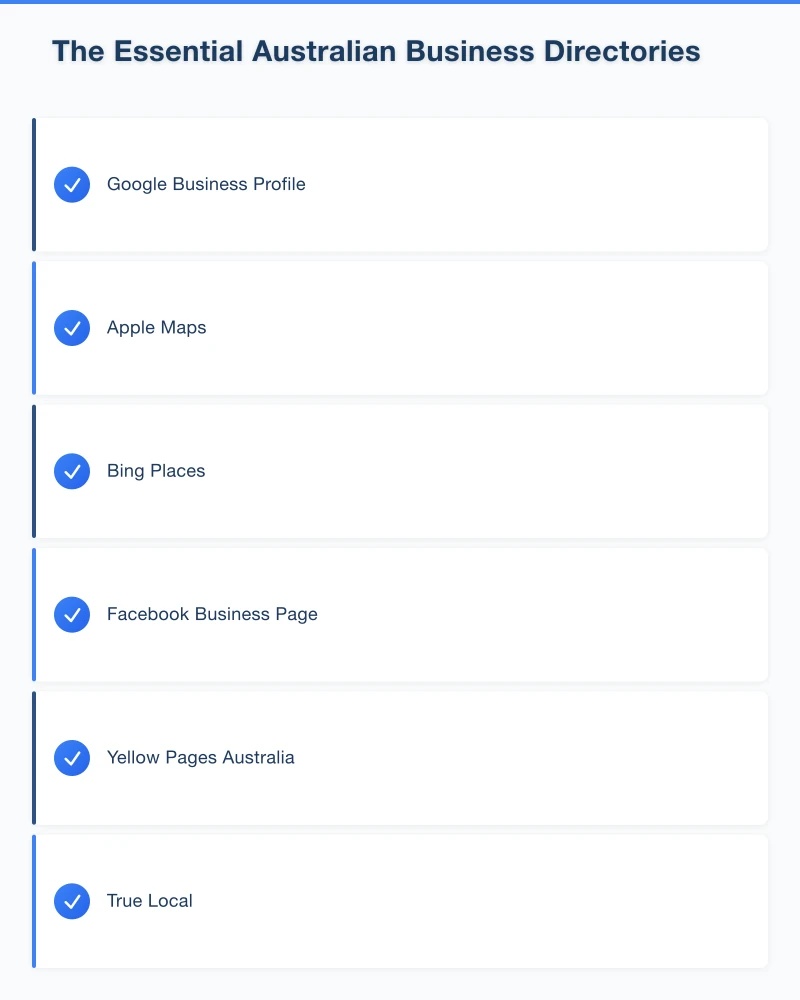
The Essential Australian Business Directories
Not all directories are worth your time. Focus on these high-value Australian directories first.
Tier 1: Must-Have Directories
These directories have high domain authority, significant traffic, and strong influence on local search rankings.
Google Business Profile
- The single most important listing
- Appears directly in Google Search and Maps
- Free, but requires verification
- google.com/business
Apple Maps
- Critical for iPhone users
- Syncs with Siri and iOS apps
- Claim through Apple Business Connect
- businessconnect.apple.com
Bing Places
- Microsoft’s equivalent to Google Business Profile
- Powers Cortana and Microsoft Edge searches
- Free to claim
- bingplaces.com
Facebook Business Page
- Social platform with directory functionality
- Shows in Facebook searches and recommendations
- Essential if your customers use Facebook
- facebook.com/business
Tier 2: Important Australian Directories
These established Australian directories carry significant weight.
Yellow Pages Australia
- Longstanding Australian directory
- Still used by older demographics
- Premium listings available for enhanced visibility
- yellowpages.com.au
True Local
- Popular Australian review and directory site
- Owned by Yellow Pages
- Free basic listing, paid upgrades available
- truelocal.com.au
Hotfrog
- Global directory with Australian presence
- Good for local business visibility
- Free listing with paid options
- hotfrog.com.au
White Pages
- Residential and business listings
- Trusted Australian directory
- whitepages.com.au
Localsearch
- Australian business directory
- Focus on local services
- localsearch.com.au
Tier 3: Industry-Specific Directories
These directories target specific industries and can be highly valuable if they’re relevant to your business.
For Tradies:
- Hipages (hipages.com.au)
- ServiceSeeking (serviceseeking.com.au)
- Oneflare (oneflare.com.au)
For Hospitality:
- TripAdvisor (tripadvisor.com.au)
- Zomato (zomato.com/sydney)
- The Fork (thefork.com.au)
For Health Professionals:
- HealthEngine (healthengine.com.au)
- HotDoc (hotdoc.com.au)
For Real Estate:
- RateMyAgent (ratemyagent.com.au)
- OpenAgent (openagent.com.au)
For Legal Services:
- Law Society directories
- FindLaw (findlaw.com.au)
For Automotive:
- Car Service (carservice.com.au)
- AutoGuru (autoguru.com.au)
Local and Regional Directories
For Western Sydney businesses, local directories can be particularly valuable.
Local chambers of commerce: Hills District, Blacktown, Parramatta chambers often have member directories
Local council websites: Some councils list local businesses
Local news websites: Many have business directory sections
Shopping centre websites: If you’re near Westfield or a major centre, they may list nearby businesses
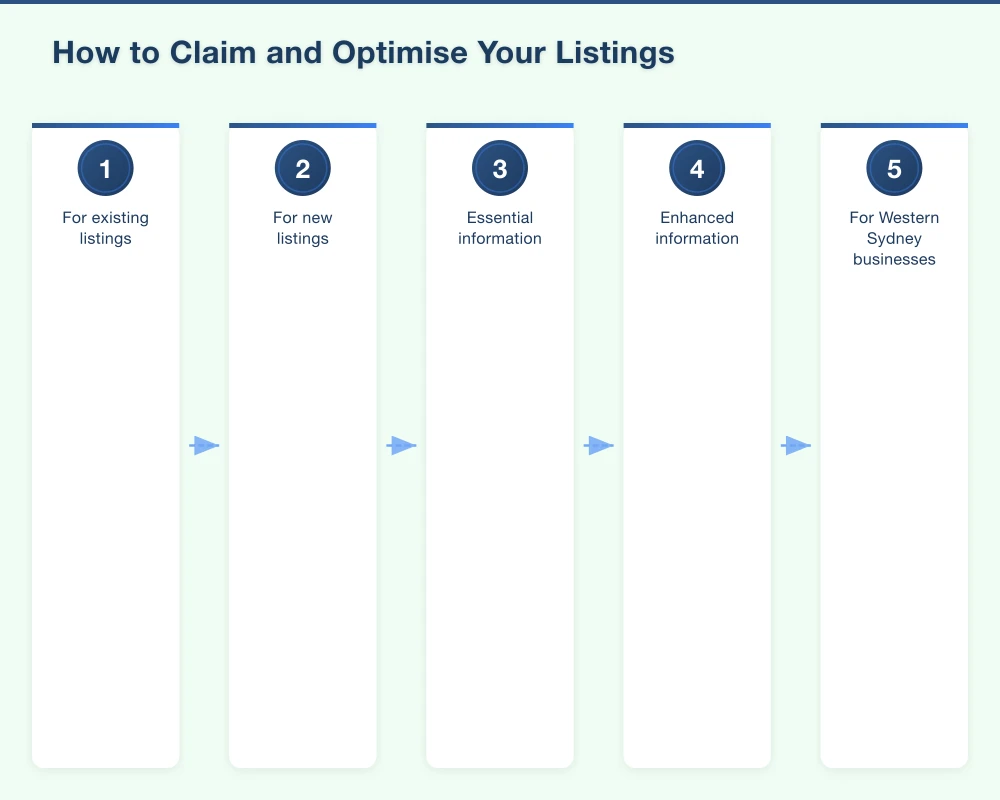
How to Claim and Optimise Your Listings
Follow this systematic approach for each directory.
Step 1: Search for Existing Listings
Before creating a new listing, check if one already exists. Previous owners, data aggregators, or the directory itself may have created a listing you can claim.
Search for your business name and address. If a listing exists, look for “Claim this business” or “Is this your business?” options.
Step 2: Claim or Create Your Listing
For existing listings:
- Click the claim option
- Verify ownership (usually via phone, postcard, or email)
- Wait for verification to complete
- Then update information
For new listings:
- Create an account
- Add your business information
- Submit for review
- Complete any verification required
Step 3: Optimise Your Listing
Don’t just add the minimum information. Complete every available field.
Essential information:
- Business name (exact NAP format)
- Address (exact NAP format)
- Phone number (exact NAP format)
- Website URL
- Email address
- Business hours
Enhanced information:
- Business description (include services and service areas)
- Categories (primary and secondary)
- Photos (logo, storefront, team, products/services)
- Service areas (Western Sydney suburbs you serve)
- Payment methods accepted
- Year established
For Western Sydney businesses, mention your service areas in descriptions: “Serving Castle Hill, Bella Vista, Rouse Hill, and the greater Hills District.”
Step 4: Add Photos
Listings with photos perform better. Include:
- Your logo (consistent across all platforms)
- Storefront or vehicle (helps customers recognise you)
- Team photos (builds trust)
- Work examples or products
- Interior shots (for retail/hospitality)
Resize photos appropriately–large files slow down pages and may not upload properly.
Step 5: Encourage Reviews
Many directories have review features. Reviews on these platforms help both your listing visibility and your overall online reputation.
When asking for reviews, occasionally direct customers to different platforms to build reviews across your directory presence.
Managing Multiple Listings Efficiently
With dozens of potential directories, management becomes challenging. Here’s how to stay organised.
Create a Listing Spreadsheet
Track all your directory listings in one place:
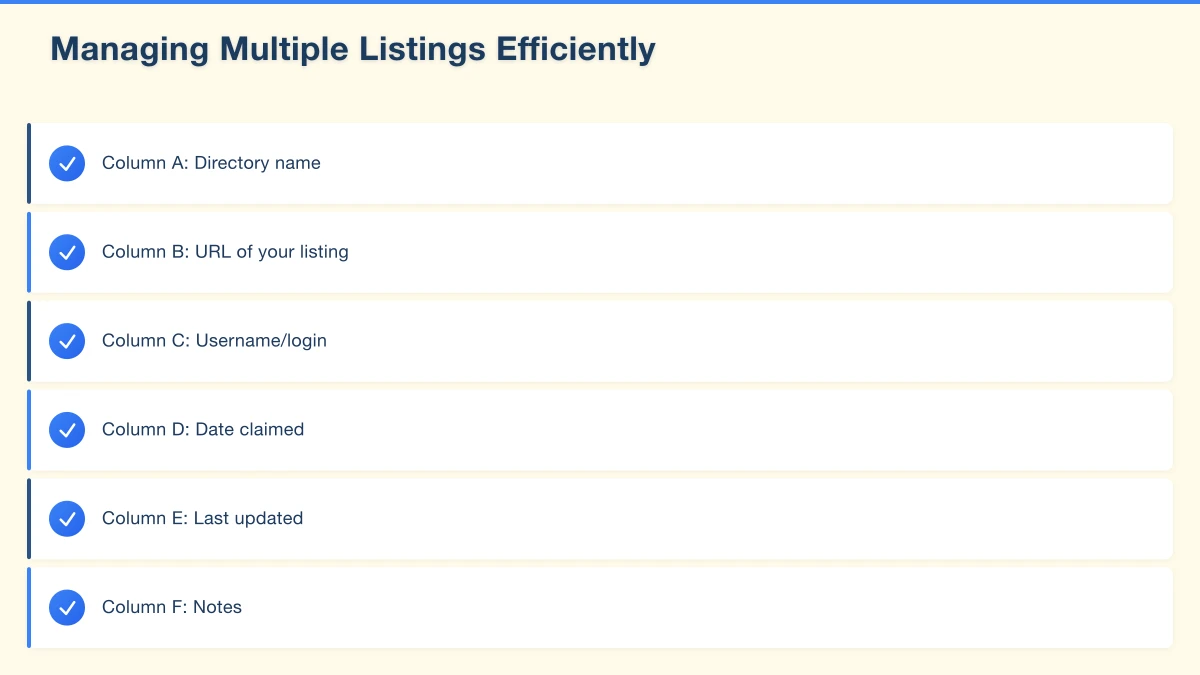
- Column A: Directory name
- Column B: URL of your listing
- Column C: Username/login
- Column D: Date claimed
- Column E: Last updated
- Column F: Notes
This becomes your reference document for updates and audits.
Batch Your Work
Instead of updating listings one at a time as things change, batch updates quarterly:
- Review all listings against your master NAP
- Update any that have drifted
- Add new photos if available
- Check for and respond to reviews
Consider Citation Management Tools
For businesses with many listings, tools like BrightLocal, Moz Local, or Yext can help manage multiple directories from one dashboard. These typically cost $20-100/month but save significant time.
For most small Western Sydney businesses, manual management works fine if you stay organised.
Common Directory Listing Mistakes
Avoid these errors that undermine your local SEO.
Inconsistent NAP Information
The most common mistake. Your address is “Suite 2, 123 Windsor Road” on Google but “123 Windsor Rd, Suite 2” elsewhere. Search engines see these as potentially different businesses.
Fix: Audit all listings and standardise NAP information exactly.
Duplicate Listings
Having multiple listings on the same directory confuses customers and search engines. This often happens when:
- Business changes address and creates new listing without removing old one
- Multiple staff create listings unaware one exists
- Data aggregators create duplicate entries
Fix: Search each directory for duplicates. Remove or merge extras.
Abandoned Listings
Old listings with disconnected phone numbers, previous addresses, or closed businesses damage customer experience and your reputation.
Fix: Claim and update or request removal of outdated listings.
Keyword Stuffing
Adding keywords to your business name: “John’s Plumbing | Best Emergency Plumber Hills District Blacktown 24/7”
This violates most directory terms of service and can result in suspension.
Fix: Use your actual business name. Add keywords to description fields where appropriate.
Ignoring Reviews
Directory reviews affect both customer perception and your listing’s visibility within the directory.
Fix: Monitor and respond to reviews on all platforms, not just Google.
Using Generic Descriptions
Copying the same bland description across all directories: “We provide quality services to meet your needs.”
Fix: Write unique, specific descriptions that mention your services and service areas.
Your Directory Listing Action Plan
Phase 1: Foundation (Week 1-2)
- Document your exact NAP format
- Claim and optimise Google Business Profile
- Claim Apple Maps listing
- Set up Bing Places
Phase 2: Core Australian Directories (Week 3-4)
- Yellow Pages Australia
- True Local
- Facebook Business Page
- Hotfrog
Phase 3: Industry Directories (Month 2)
- Identify directories specific to your industry
- Claim and optimise relevant listings
- Add to your tracking spreadsheet
Phase 4: Local Directories (Month 3)
- Local chamber of commerce
- Regional business directories
- Local news or community websites
Ongoing Maintenance
- Quarterly audit of all listings
- Update for any business changes immediately
- Monitor and respond to reviews
- Add new photos periodically
Measuring Directory Impact
Track these metrics to understand if your directory efforts are working:
Direct traffic: Google Analytics can show visitors from directory referrals
Phone calls: Some directories offer call tracking to show calls generated
Search rankings: Monitor your local search rankings over time
Citation consistency: Use tools like Moz Local or BrightLocal to check NAP consistency scores
Review volume: Track review counts across platforms
The Long Game of Local Visibility
Building a strong directory presence takes time. You won’t see immediate results from claiming a few listings. But over months, as you build consistent citations across quality directories, your local search visibility improves.
Think of each directory listing as a vote for your business. The more consistent votes you have, the more confident search engines become about showing your business to local searchers.
For Western Sydney businesses competing in crowded local markets, a comprehensive directory strategy provides an edge. When a potential customer searches for services in Castle Hill or Blacktown, businesses with strong, consistent directory presence are more likely to appear–and more likely to earn that customer’s business.
Start with the essentials, build systematically, and maintain what you create. Your future local customers are searching right now.
Need help managing your business directory listings? Cosmos Web Technologies offers local SEO services including citation management for Western Sydney businesses.
Your website’s performance depends on what’s behind it. Cloud Geeks provides the managed hosting, cloud, and IT support that keeps Australian SMBs online and secure.
Ash Ganda covers how Australian SMBs are using AI, automation, and digital strategy to grow without scaling costs proportionally.
If your business is also planning a customer-facing iOS or Android app — Awesome Apps builds cross-platform mobile apps for Australian SMBs.
Part of the Ganda Tech Services family, Cosmos Web Tech delivers specialist web design and digital marketing for Australian small and medium businesses.