Local SEO Audit: How to Check Your Business Visibility
If you own a local business in Western Sydney, your online visibility directly affects how many new customers find you. But how do you know where you actually stand? A local SEO audit gives you a clear picture of your strengths, weaknesses, and the opportunities you might be missing.
The good news is that you do not need to be an SEO expert to run a basic audit. This guide walks you through a practical, step-by-step process that any business owner can follow.
Step 1: Google Your Own Business
Start with the simplest test possible. Open Google in a private or incognito browser window (this prevents your personal search history from influencing results) and search for your business name.
What to look for:
- Does your Google Business Profile appear on the right side of the results?
- Is all the information accurate (name, address, phone, hours)?
- Do you have recent reviews?
- Does your website appear in the top results?
- Are there any other listings or directories showing your business?
If your Google Business Profile does not appear when you search your exact business name, you either have not claimed it or there is a problem that needs immediate attention.
Step 2: Search for Your Services
Now search for your services as a potential customer would. For example, if you are a plumber in Penrith, try:
- “Plumber Penrith”
- “Emergency plumber near me” (with location services enabled for your area)
- “Plumber Western Sydney”
- “Blocked drain Penrith”
Check:
- Does your business appear in the Google Maps three-pack (the top three local results with the map)?
- Does your website appear in the organic search results on the first page?
- Where do you rank compared to your competitors?
- Are the search results showing relevant pages from your website?
If you are not appearing for your key service terms, this is the most important issue to address.
Step 3: Audit Your Google Business Profile
Your Google Business Profile is one of the most powerful tools for local visibility. Here is a detailed checklist:
Basic Information:
- Business name matches your real-world name exactly
- Address is correct and consistent with your website
- Phone number is correct and matches your website
- Website URL is correct
- Business hours are accurate, including public holidays
- Business category is correct and specific (e.g., “Plumber” not just “Home Services”)
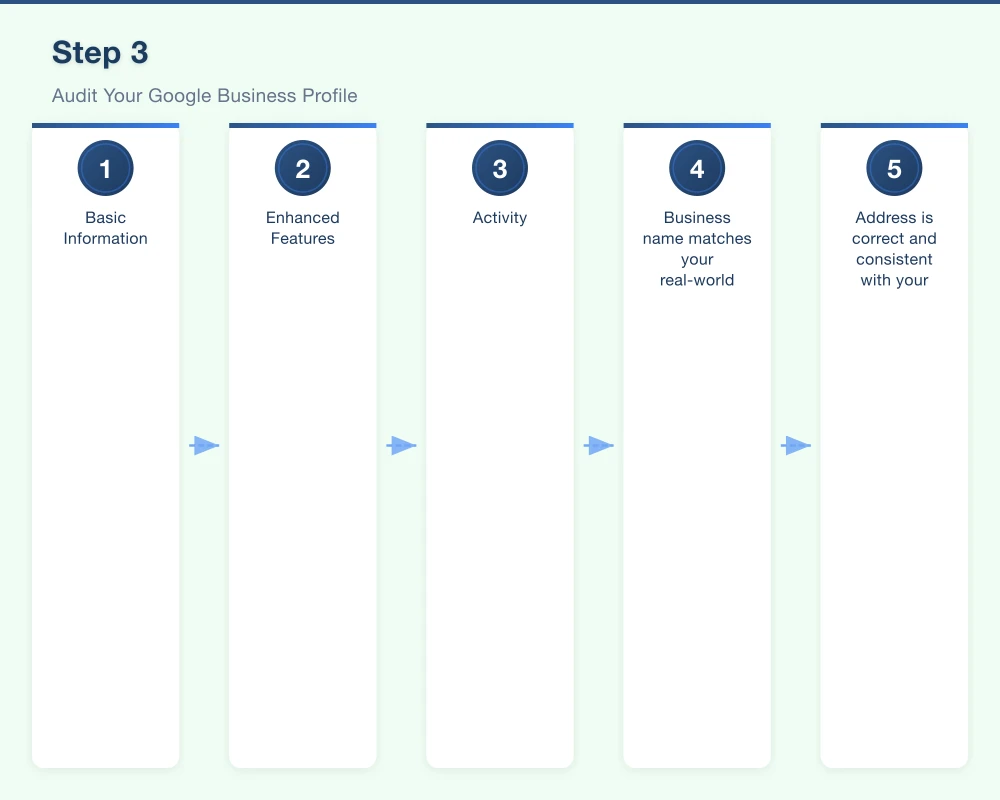
Enhanced Features:
- You have added secondary categories where relevant
- Business description is complete and includes your key services and areas
- You have uploaded at least 20 photos
- Photos are recent (updated within the last six months)
- You have added your service area if you travel to customers
- You have listed your specific services
- You have enabled messaging if appropriate for your business
Activity:
- You are posting Google Business Profile updates at least monthly
- You are responding to all reviews within 48 hours
- You have answered any Questions and Answers
Step 4: Check Your NAP Consistency
NAP stands for Name, Address, and Phone number. Consistency across the internet is a significant ranking factor for local SEO. Your business details should be identical everywhere they appear.
Places to check:
- Your website (header, footer, contact page)
- Google Business Profile
- Facebook business page
- Yellow Pages (yellowpages.com.au)
- True Local (truelocal.com.au)
- Yelp
- Industry-specific directories
- Any other listings or profiles
Common inconsistencies to watch for:
- Using “St” on one listing and “Street” on another
- Old phone numbers on forgotten directory listings
- Different suburb names or postcodes
- Abbreviations used inconsistently
- Suite or unit numbers missing from some listings
Even small inconsistencies can confuse search engines and hurt your local rankings.
Step 5: Analyse Your Website
Your website is the foundation of your online presence. Here is what to check:
Technical Basics
Page speed: Test your site at pagespeed.web.dev. Aim for scores above 50 on mobile and above 70 on desktop.
Mobile friendliness: Google now uses mobile-first indexing, meaning it primarily uses the mobile version of your site for ranking. Test your site at search.google.com/test/mobile-friendly.
SSL certificate: Your website should use HTTPS (look for the padlock icon in your browser). If your site still uses HTTP, this is hurting both your rankings and your visitors’ trust.
Indexing: Search “site:yourdomain.com.au” in Google to see which pages are indexed. If important pages are missing, there may be a technical issue.
On-Page SEO
Title tags: Every page should have a unique title tag that includes your service and location. For example: “Emergency Plumbing Services Penrith | Your Business Name.”
Meta descriptions: Each page should have a compelling meta description of 150 to 160 characters that encourages people to click.
Headings: Your pages should use heading tags (H1, H2, H3) to structure content logically. Each page should have one H1 tag.
Content: Do you have dedicated pages for each of your key services? Does your content mention the areas you serve? Is the content helpful and informative?
Local content: Are your service areas mentioned throughout your site? Do you have location-specific pages if you serve multiple areas?
Contact Information
- Phone number visible on every page (ideally in the header)
- Phone number is clickable on mobile
- Contact form is easy to find and works properly
- Physical address is listed (ideally with an embedded Google Map)
- Email address is available
Step 6: Review Your Online Reviews
Reviews are a critical ranking factor for local SEO and heavily influence customer decisions.
Check:
- How many Google reviews do you have?
- What is your average star rating?
- How recent is your most recent review?
- Have you responded to all reviews?
- Do you have reviews on other platforms (Facebook, industry sites)?
Benchmarks:
- Having fewer than ten Google reviews puts you at a disadvantage
- An average rating below 4.0 stars may deter potential customers
- Reviews older than six months start to carry less weight
- Regular, recent reviews signal an active, trustworthy business
Step 7: Check Your Competitors
Understanding what your competitors are doing helps you identify opportunities.
For your top three to five competitors, check:
- How many Google reviews do they have?
- What is their star rating?
- How does their website compare to yours in terms of content and quality?
- Are they listed in directories where you are not?
- What keywords are they ranking for that you are not?
- Are they posting regularly on Google Business Profile?
Step 8: Assess Your Backlinks
Backlinks are links from other websites to yours. They are one of the strongest ranking factors in SEO.
Free tools to check your backlinks:
- Google Search Console (if you have it set up)
- Ahrefs free backlink checker (ahrefs.com/backlink-checker)
- Moz Link Explorer (moz.com/link-explorer)
What to look for:
- How many websites link to you?
- Are the linking sites relevant and trustworthy?
- Do your competitors have more or better backlinks?
Ways to build local backlinks:
- Get listed in local business directories
- Join your local chamber of commerce (they often link to member websites)
- Sponsor local events or community organisations
- Build relationships with complementary local businesses
Creating Your Action Plan
After completing your audit, prioritise your findings:
Fix immediately:
- Incorrect NAP information anywhere online
- Google Business Profile not claimed or missing key information
- Website not mobile-friendly or not using HTTPS
- Broken contact forms or incorrect phone numbers
Address within a month:
- Missing or poorly written title tags and meta descriptions
- No dedicated service pages
- Slow website speed
- Low review count
Ongoing priorities:
- Building reviews consistently
- Creating new content
- Building local backlinks
- Posting on Google Business Profile
Need a Professional SEO Audit?
While this DIY audit covers the essentials, a professional audit goes deeper into technical SEO, competitor analysis, and keyword opportunities. At Cosmo Web Tech, we offer comprehensive local SEO audits for Western Sydney businesses, complete with a prioritised action plan. Contact us to find out how visible your business really is.
Your website’s performance depends on what’s behind it. Cloud Geeks provides the managed hosting, cloud, and IT support that keeps Australian SMBs online and secure.
Ash Ganda covers how Australian SMBs are using AI, automation, and digital strategy to grow without scaling costs proportionally.
If your business is also planning a customer-facing iOS or Android app — Awesome Apps builds cross-platform mobile apps for Australian SMBs.
Part of the Ganda Tech Services family, Cosmos Web Tech delivers specialist web design and digital marketing for Australian small and medium businesses.