Introduction
Tomorrow marks the start of a new financial year, and for many Western Sydney businesses, it’s the perfect time to take stock of your online presence. Just as you’re reviewing budgets and setting goals for FY22, your website deserves the same attention.
A website refresh doesn’t have to mean a complete redesign. Often, strategic updates can dramatically improve performance without the cost and disruption of starting from scratch.
Why the New Financial Year is Perfect for Website Updates
Fresh Budget Allocation
If you’ve been putting off website improvements, a new budget cycle provides the opportunity to allocate funds specifically for digital improvements. Consider what percentage of your marketing budget should go toward your online presence–for most local businesses, the website is the foundation of all digital marketing efforts.
Setting the Tone for the Year
Your website is often the first impression potential customers have of your business. Starting the financial year with an updated, professional-looking site sets a positive tone for the months ahead.
Review and Reflect
The end of one financial year naturally leads to reflection. Look at your website analytics from the past 12 months. What worked? What didn’t? Use these insights to guide your refresh decisions.
Essential Website Updates for Local Businesses
Content Review and Updates
Start with a thorough content audit:
Check for Outdated Information
- Are your business hours current?
- Do your service descriptions reflect what you actually offer?
- Are pricing guides still accurate?
- Have team members changed?
Update Your Copyright Year Nothing says “neglected website” like a copyright notice showing 2019 or 2020. Update it to 2021 or set it to update automatically.
Refresh Your “About” Page If your about page talks about being “new to the area” and you’ve been established for five years, it’s time for an update. Share your journey and growth.
Image Updates
Photos have a huge impact on how professional your site appears:
Business Photos If you’re still using photos from your opening day, consider updating with current images. Has your shop been renovated? Have you expanded your team? New photos make a difference.
Stock Photo Review If you use stock photos, check that they’re still appropriate. Trends in photography change, and dated-looking stock images can make your entire site feel old.
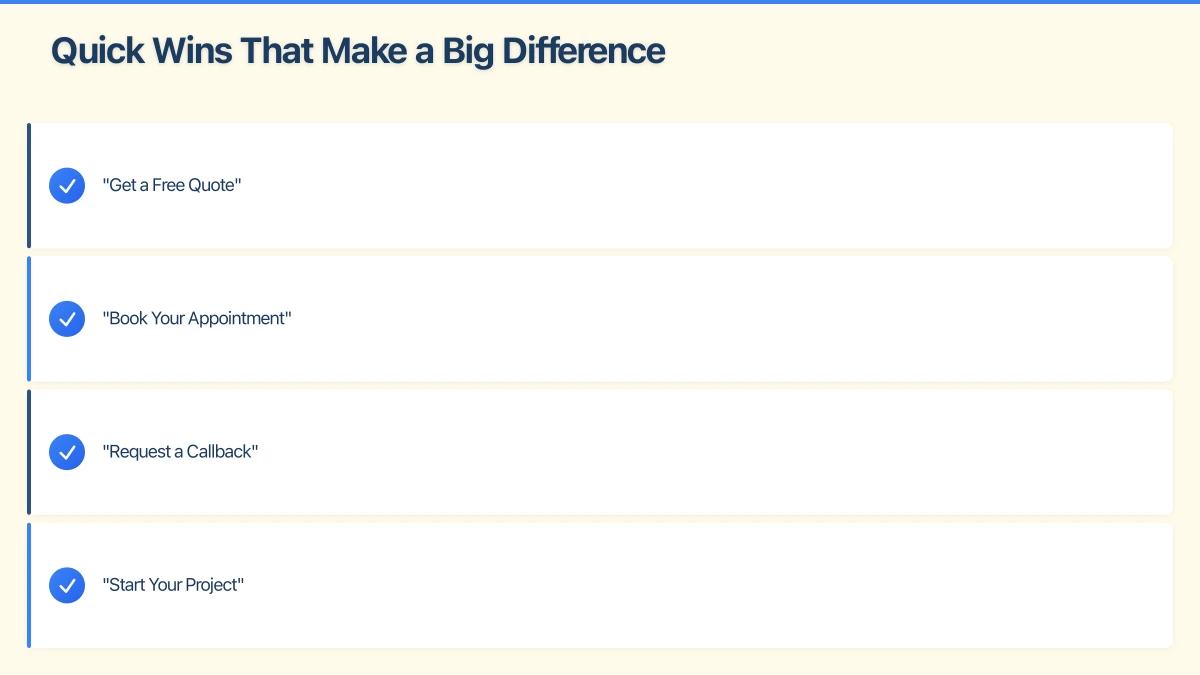
Image Optimisation Large images slow down your website. Use tools like TinyPNG to compress images without losing quality. Faster sites rank better in Google and provide better user experience.
Technical Health Check
Several technical aspects deserve attention:
SSL Certificate Your site should show the padlock icon (HTTPS). If it doesn’t, this is your top priority. Google Chrome now marks non-HTTPS sites as “Not Secure,” which can destroy trust with visitors.
Mobile Responsiveness Test your site on your phone and tablet. Does it look good? Is text readable? Can you easily tap buttons and links? Google prioritises mobile-friendly sites in search results.
Loading Speed Use Google’s PageSpeed Insights to check your site speed. Aim for a score above 50 on mobile–above 70 is good. Slow sites lose visitors and rank lower.
Broken Links Check for broken links using a free tool like Dead Link Checker. Nothing frustrates visitors more than clicking a link that goes nowhere.
SEO Foundations
Local SEO helps Western Sydney customers find you:
Google Business Profile Sync Ensure your website information matches your Google Business Profile exactly–same business name, address, and phone number.
Local Keywords Review your page titles and headings. Do they include relevant location terms? A plumber in Blacktown should mention “Blacktown plumber” or “plumbing services Blacktown” naturally in their content.
Meta Descriptions Check your page meta descriptions. These appear in Google search results and should clearly describe what each page offers while encouraging clicks.
Quick Wins That Make a Big Difference
Add a Recent Testimonial
If you’ve received positive feedback from customers in the past year, add it to your website. Fresh testimonials show you’re actively serving customers well.
Update Your Call to Action
Is “Contact Us” the best you can do? Consider more specific calls to action:
- “Get a Free Quote”
- “Book Your Appointment”
- “Request a Callback”
- “Start Your Project”
Add COVID-19 Information
If you haven’t already, ensure your site clearly communicates any COVID-safe practices. Customers want to know what to expect, whether you’re a retail shop in Castle Hill or a service provider visiting homes in Parramatta.
Refresh Your Homepage Hero
The first thing visitors see when they land on your homepage sets the tone. Consider updating your main headline and hero image to reflect your current focus.
Planning Larger Updates
If your audit reveals that your website needs more than a refresh, the new financial year is ideal for planning a larger project.
Signs You Need More Than a Refresh
- Site is more than 4-5 years old
- Built on outdated technology
- Not mobile-responsive
- Significantly slower than competitors
- Doesn’t reflect your current business
- You’re embarrassed to share the URL
Budget Considerations
Website costs vary significantly based on complexity. For Western Sydney small businesses, expect:
- Basic brochure site refresh: $1,500-3,000
- Small business site with booking or enquiry features: $3,000-7,000
- E-commerce or complex functionality: $7,000-15,000+
These are rough guides–actual costs depend on specific requirements.
Timeline Planning
A website project typically takes 4-8 weeks from start to finish. Plan accordingly:
- Brief and quote phase: 1-2 weeks
- Design and approval: 2-3 weeks
- Development: 2-4 weeks
- Testing and launch: 1 week
Starting planning now means you could have a new site by early September.
DIY vs Professional Help
What You Can Update Yourself
Many updates don’t require a web developer:
- Text content changes
- Photo updates (if you have CMS access)
- Blog posts
- Basic SEO tweaks
- Google Business Profile updates
When to Get Professional Help
Some tasks are better left to professionals:
- Site speed optimisation
- Security updates and SSL installation
- Mobile responsiveness fixes
- Design changes
- Structural SEO improvements
- New feature additions
The cost of professional help is often offset by the time saved and the quality of results.
Setting Website Goals for FY22
Use the SMART framework for website goals:
Specific: “Increase website enquiries” isn’t specific. “Increase quote requests by 25%” is.
Measurable: Can you track progress? Ensure you have analytics set up properly.
Achievable: Be realistic. A 300% traffic increase in one month isn’t achievable without massive budget.
Relevant: Does this goal align with your business objectives?
Time-bound: Set deadlines. “By end of Q2” creates accountability.
Example goals for local businesses:
- Increase monthly website visitors from 500 to 750 by December 2021
- Generate 20 quote requests per month (up from 12) by September 2021
- Achieve page speed score of 70+ on mobile by August 2021
- Add 10 new testimonials to the website by February 2022
Local Resources for Western Sydney Businesses
Free Tools for Website Review
- Google PageSpeed Insights (speed testing)
- Google Search Console (search performance)
- Google Analytics (visitor tracking)
- Dead Link Checker (broken links)
- Mobile-Friendly Test by Google
Local Support
If you need hands-on help, look for web professionals who understand the Western Sydney market. Local knowledge matters–a designer who understands the Hills District or Parramatta business community can create more relevant content and targeting.
Action Checklist for July
Week 1: Audit
- Review all website pages for outdated content
- Test mobile responsiveness
- Check page speed
- Review analytics from past year
Week 2: Quick Fixes
- Update copyright year
- Fix any broken links
- Update contact information
- Add recent testimonials
Week 3: Content Updates
- Refresh key page content
- Update images where needed
- Review and update meta descriptions
- Ensure Google Business Profile matches
Week 4: Planning
- Decide on larger updates needed
- Set FY22 website goals
- Budget for improvements
- Schedule ongoing maintenance
Conclusion
The new financial year offers a natural opportunity to improve your website. Whether you tackle it yourself or engage professional help, the key is taking action rather than letting another year pass with an underperforming site.
For Western Sydney businesses, a professional, fast, mobile-friendly website is no longer optional–it’s essential for competing in today’s market. Your customers expect to find you online and expect a good experience when they do.
Start with the quick wins, plan for larger improvements, and set clear goals for FY22. Your future customers will thank you.
Ready to discuss your website goals for the new financial year? Our team specialises in helping Western Sydney businesses improve their online presence. Get in touch for a no-obligation chat about your site.
Your website’s performance depends on what’s behind it. Cloud Geeks provides the managed hosting, cloud, and IT support that keeps Australian SMBs online and secure.
Ash Ganda covers how Australian SMBs are using AI, automation, and digital strategy to grow without scaling costs proportionally.
If your business is also planning a customer-facing iOS or Android app — Awesome Apps builds cross-platform mobile apps for Australian SMBs.
Part of the Ganda Tech Services family, Cosmos Web Tech delivers specialist web design and digital marketing for Australian small and medium businesses.