
Pinterest Marketing for Australian Product-Based Businesses
Pinterest is one of the most underused marketing platforms for Australian businesses. While most small business owners focus their attention on Facebook and Instagram, Pinterest quietly drives significant traffic and sales for businesses that use it well.
What makes Pinterest different from other social platforms is intent. People on Pinterest are actively looking for ideas, products, and solutions. They are planning purchases, projects, and events. That makes Pinterest users some of the most purchase-ready audiences on any social platform.
Why Pinterest Works for Product-Based Businesses
It Is a Visual Search Engine
Pinterest is not really a social media platform in the traditional sense. It functions more like a visual search engine. People search for specific things (“modern kitchen ideas,” “handmade jewellery,” “Australian native garden”), and Pinterest shows them relevant images (called Pins) that link to websites.
This means your Pins can show up when someone is actively searching for products like yours, even if they have never heard of your business.
Content Has a Long Lifespan
On Facebook or Instagram, a post’s lifespan is measured in hours. On Pinterest, a Pin can continue driving traffic for months or even years after it is published. This makes Pinterest one of the most efficient platforms in terms of time invested versus long-term results.
High Purchase Intent
Pinterest users are planners and shoppers. Research shows that a significant proportion of weekly Pinterest users have used the platform to make a purchase decision. People come to Pinterest specifically looking for products to buy, recipes to try, and projects to start.
Growing Australian Audience
Pinterest has a strong and growing Australian user base. The platform is particularly popular among women aged 25 to 54, though its demographics are broadening.
Getting Started with Pinterest for Business
Set Up a Business Account
If you do not already have one, create a Pinterest Business account at business.pinterest.com. A business account gives you access to analytics, advertising, and features like Rich Pins.
If you have a personal account, you can convert it to a business account or create a separate one for your business.
Claim Your Website
Claiming your website in Pinterest’s settings links your site to your Pinterest profile. This gives you access to analytics about Pins from your website and adds your profile picture and follow button to all Pins that link to your site.
Set Up Rich Pins
Rich Pins automatically pull information from your website to enhance your Pins. For product-based businesses, Product Rich Pins show real-time pricing, availability, and where to buy. This makes your Pins more informative and clickable.
Setting up Rich Pins involves adding metadata to your website. If you use Shopify, WooCommerce, or Squarespace, this is straightforward through their built-in settings or plugins.
Creating Effective Pins
Image Guidelines
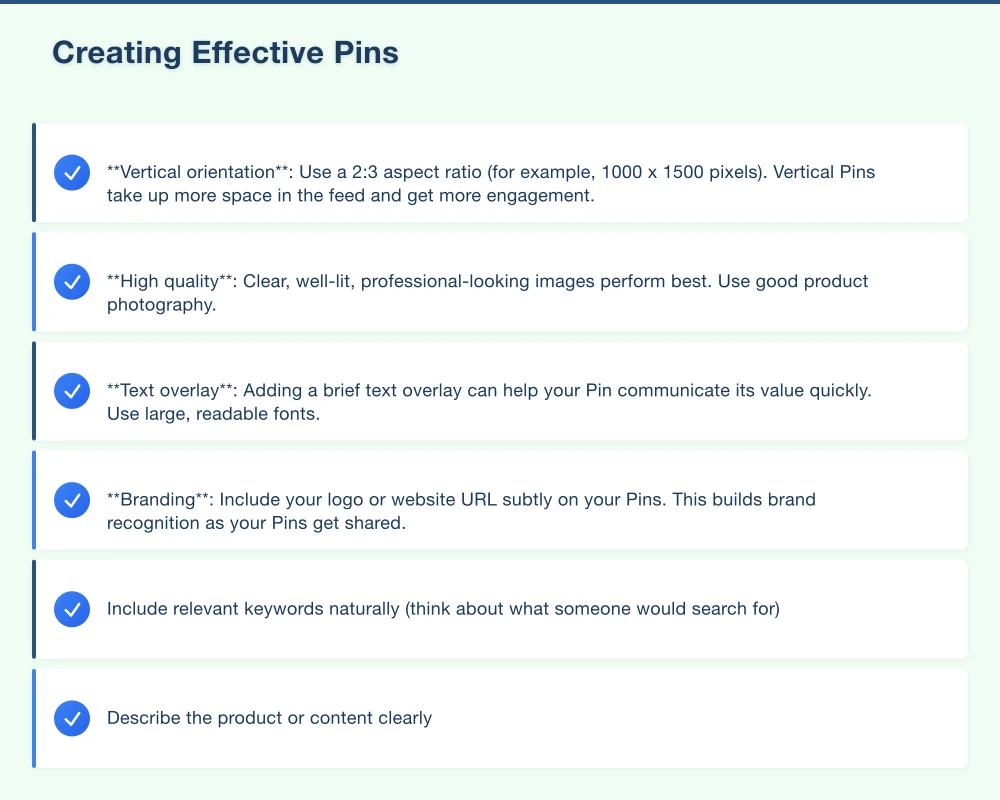
Pinterest is a visual platform, so image quality matters. Follow these guidelines:
- Vertical orientation: Use a 2:3 aspect ratio (for example, 1000 x 1500 pixels). Vertical Pins take up more space in the feed and get more engagement.
- High quality: Clear, well-lit, professional-looking images perform best. Use good product photography.
- Text overlay: Adding a brief text overlay can help your Pin communicate its value quickly. Use large, readable fonts.
- Branding: Include your logo or website URL subtly on your Pins. This builds brand recognition as your Pins get shared.
Writing Pin Descriptions
Pin descriptions help Pinterest understand what your Pin is about and show it to the right people. Write descriptions that:
- Include relevant keywords naturally (think about what someone would search for)
- Describe the product or content clearly
- Include a call to action (“Shop now,” “Visit our website,” “Learn more”)
- Are two to three sentences long
Creating Multiple Pins per Product
For each product or piece of content, create several different Pins with different images, text overlays, and descriptions. This gives you more chances to appear in search results and helps you discover what resonates with your audience.
Organising Your Boards
Boards are how you organise your Pins into categories. Create boards that align with your product categories and your audience’s interests.
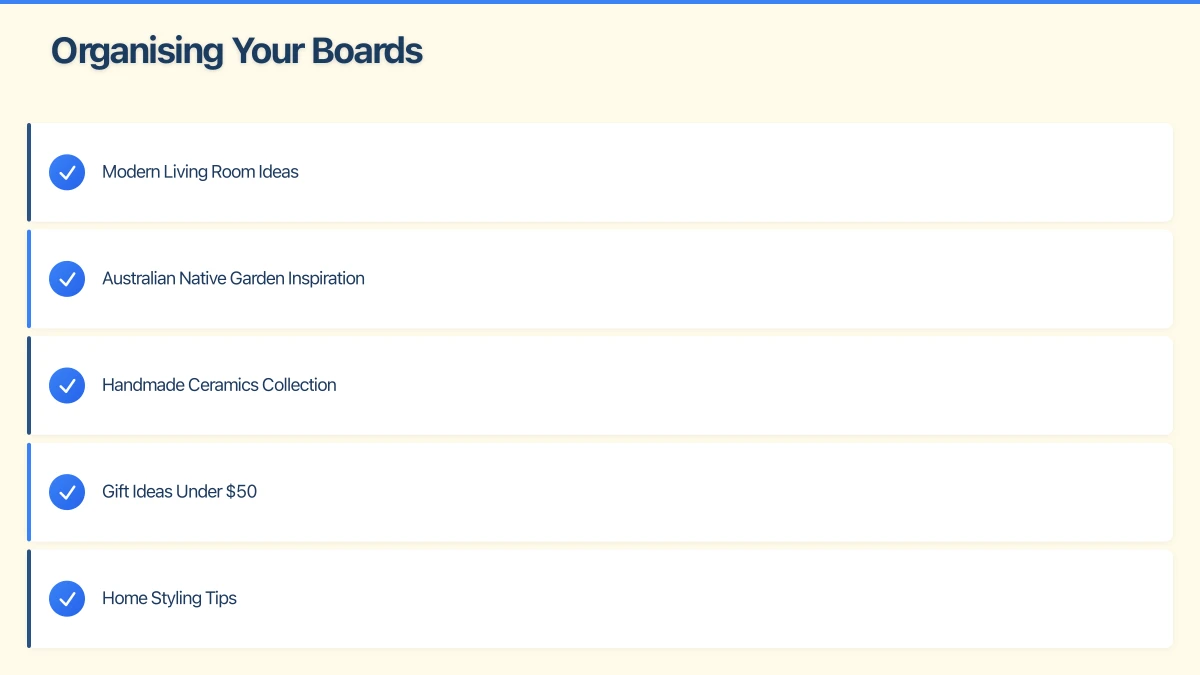
For example, a home decor business might have boards like:
- Modern Living Room Ideas
- Australian Native Garden Inspiration
- Handmade Ceramics Collection
- Gift Ideas Under $50
- Home Styling Tips
Use descriptive board names that include keywords your audience might search for. Write board descriptions that explain what the board is about and include relevant keywords.
Pinterest SEO
Pinterest search works differently from Google, but the principles are similar. To help your Pins appear in search results:
Use Keywords Strategically
Include relevant keywords in your:
- Pin titles
- Pin descriptions
- Board names
- Board descriptions
- Your profile description
Research keywords by typing terms into the Pinterest search bar and noting the suggested searches that appear. These suggestions reflect what real users are searching for.
Hashtags
Pinterest supports hashtags, though they function differently from Instagram. Use two to five relevant hashtags in your Pin descriptions. Keep them specific and descriptive rather than generic.
Fresh Content
Pinterest favours fresh content. Regularly create new Pins and link to new and existing products on your website. Aim to pin consistently rather than in large batches.
Driving Traffic to Your Website
The ultimate goal of Pinterest marketing is to drive traffic to your website where visitors can make a purchase or enquiry.
Link Every Pin to a Relevant Page
Every Pin should link to the most relevant page on your website. Product Pins should link to the product page. Blog post Pins should link to the blog post. Do not link everything to your homepage.
Create Pinterest-Friendly Blog Content
Blog posts with strong visual elements perform well on Pinterest. Consider creating content that your audience would want to save and share:
- Gift guides (“Best Australian-Made Gifts Under $100”)
- How-to guides (“How to Style Your Bookshelf”)
- Roundups (“10 Native Plants for Western Sydney Gardens”)
- Seasonal content (“Summer Entertaining Ideas”)
Each blog post can generate multiple Pins, multiplying your reach.
Use Idea Pins
Idea Pins (previously called Story Pins) are a multi-page format that allows you to share step-by-step content, tutorials, and stories directly on Pinterest. They do not link to a website but are excellent for building followers and brand awareness.
Use Idea Pins to showcase your products in action, share behind-the-scenes content, or provide tips related to your industry.
Pinterest Analytics
Pinterest’s built-in analytics show you:
- Impressions: How many times your Pins were seen
- Engagements: How many times people interacted with your Pins (saves, clicks, close-ups)
- Pin clicks: How many times people clicked through to your website
- Top performing Pins: Which of your Pins get the most engagement
- Audience insights: Demographics and interests of your Pinterest audience
Review your analytics monthly to understand what content resonates and refine your strategy.
Scheduling and Consistency
Consistency matters on Pinterest. Aim to add new Pins regularly, ideally several times per week.
Free and paid scheduling tools can help:
- Pinterest’s built-in scheduler: Allows you to schedule Pins in advance directly from Pinterest
- Tailwind: A Pinterest-approved scheduling tool with additional features like SmartSchedule and content suggestions. Plans start at around $15 AUD per month.
- Later: Supports Pinterest scheduling alongside other platforms
Batch-create your Pins monthly and schedule them to publish throughout the month. This keeps your content flowing without daily effort.
Is Pinterest Right for Your Business?
Pinterest works best for businesses that:
- Sell visually appealing products
- Have a website or online store
- Target women aged 25 to 54 (though all demographics are represented)
- Can commit to creating quality visual content regularly
- Are in industries like home decor, fashion, beauty, food, crafts, weddings, fitness, or gardening
Even if your products are not traditionally “Pinterest-y,” do not rule it out. Service businesses, B2B companies, and niche industries can all find audiences on Pinterest with the right approach.
Getting Started
Start by creating your business account, setting up five to ten boards, and pinning 10 to 20 high-quality Pins. Commit to adding new Pins at least a few times per week for three months before evaluating results. Pinterest is a slow-burn platform, but the long lifespan of content makes the investment worthwhile.
If you need help with your Pinterest strategy or creating Pin-worthy images, Cosmo Web Tech works with Australian businesses to develop effective digital marketing strategies across all platforms, including Pinterest. Reach out to discuss how we can help.
Modern retail runs on connected POS, inventory, and online channels. Cloud Geeks provides cloud and IT support that keeps Australian retail and hospitality businesses online during peak hours.
Ash Ganda covers digital strategy for retail and hospitality SMBs — what to automate, what to outsource, and where AI actually moves revenue.
Loyalty apps, mobile ordering, and customer-facing apps drive repeat business. Awesome Apps builds them for Australian retail and hospitality brands.
Part of the Ganda Tech Services family, Cosmos Web Tech delivers specialist web design and digital marketing for Australian small and medium businesses.