
Preparing Your Business Website for the Christmas Rush
The Christmas shopping season is almost here, and for many Australian businesses, it is the busiest and most profitable time of the year. Whether you sell products online, offer services, or run a local shop, your website plays a critical role during this period.
Customers will be searching for gifts, checking your trading hours, looking for specials, and making purchases. If your website is not ready, you are leaving money on the table. Here is your complete checklist for getting your website Christmas-ready.
Start With the Basics
Update Your Trading Hours
One of the most common frustrations for customers during the holiday season is not knowing when businesses are open. Update your trading hours everywhere:
- Your website (contact page, footer, and homepage if applicable)
- Google Business Profile (use the special hours feature for Christmas, Boxing Day, New Year’s Day, and any other changes)
- Social media profiles
- Any directory listings
Include your last trading day before Christmas, any extended hours, closed dates, and when you reopen in January.
Check Your Contact Information
Make sure your phone number, email, and address are correct and prominently displayed. During the busy season, you want to make it as easy as possible for customers to reach you.
Test Your Website Speed
A slow website costs you sales. With increased traffic during the holiday period, speed becomes even more critical.
- Test your speed at pagespeed.web.dev
- Compress any large images
- Check that your hosting can handle increased traffic
- Consider enabling a CDN (Content Delivery Network) if you expect significant traffic increases
Ensure Mobile Works Perfectly
More Christmas shopping happens on mobile devices every year. Test every page and every function on a phone. Pay particular attention to:
- Product pages and galleries
- Shopping cart and checkout process
- Contact forms
- Phone number clickability
- Navigation ease
For E-commerce Businesses
Review Your Checkout Process
Go through your own checkout process from start to finish. Look for any friction points:
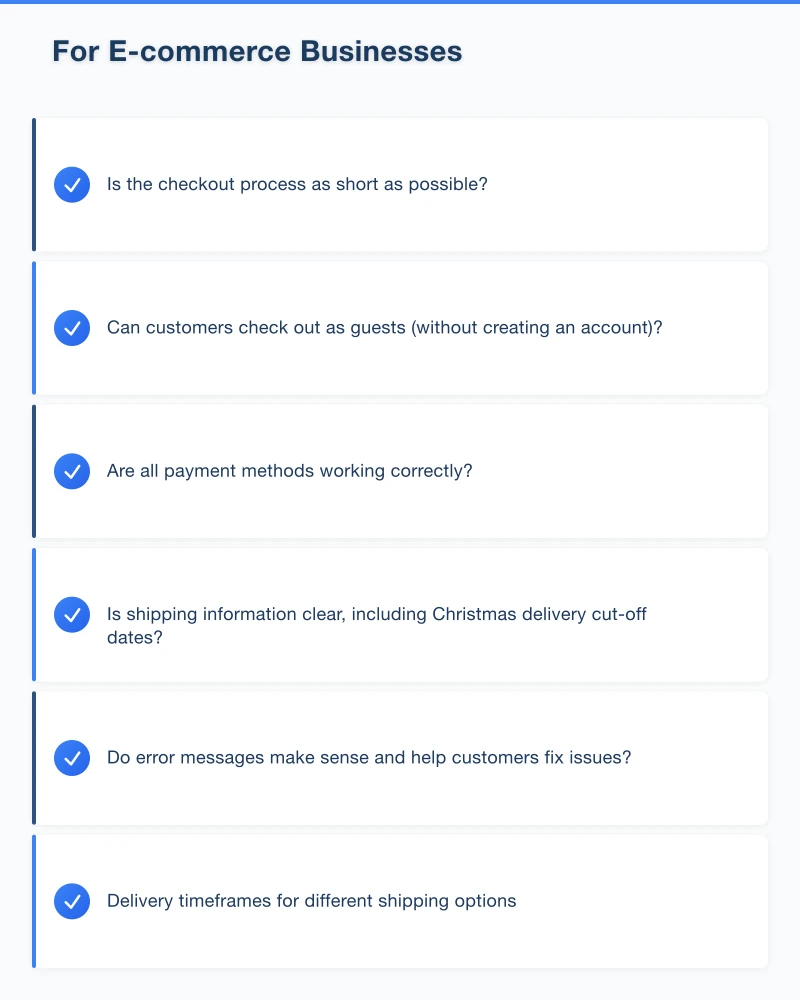
- Is the checkout process as short as possible?
- Can customers check out as guests (without creating an account)?
- Are all payment methods working correctly?
- Is shipping information clear, including Christmas delivery cut-off dates?
- Do error messages make sense and help customers fix issues?
Display Shipping Information Clearly
Shipping is one of the biggest concerns for online Christmas shoppers. Make sure your website clearly communicates:
- Delivery timeframes for different shipping options
- Christmas delivery cut-off dates (display these prominently)
- Any changes to standard delivery times during the busy period
- International shipping availability and timeframes
- Click-and-collect options if available
Update Product Pages
Review your most popular product pages:
- Are photos high quality and up to date?
- Are descriptions accurate and compelling?
- Is pricing correct?
- Is stock availability showing correctly?
- Have you added any Christmas-specific messaging (e.g., “Makes a great gift”)?
Create Gift Guides
Help customers find the right products by creating gift guides:
- Gifts by price range (under $50, under $100, etc.)
- Gifts by recipient (for him, for her, for kids, for the person who has everything)
- Your top picks or best sellers
Link these guides prominently from your homepage.
Set Up Abandoned Cart Recovery
If your e-commerce platform supports it, set up abandoned cart email reminders. During the Christmas rush, many shoppers add items to their cart and get distracted. A gentle reminder email can recover a significant percentage of these sales.
For Service Businesses
Create a Christmas-Specific Page or Banner
Even if you do not sell products, your website should acknowledge the season. Consider:
- A Christmas banner on your homepage with relevant messaging
- A gift voucher or gift card page (if you offer them)
- A holiday-themed promotion or special
- Information about booking deadlines for Christmas
Promote Gift Vouchers
Gift vouchers are one of the easiest ways for service businesses to capitalise on Christmas spending. If you offer them:
- Create a dedicated page on your website
- Make the purchase process simple
- Offer both physical and digital options if possible
- Promote them prominently across your site
If you do not currently offer gift vouchers, now is the time to set them up. They are relevant for nearly every type of business, from restaurants and salons to trades and professional services.
Highlight Pre-Christmas Services
Think about what services customers might need before Christmas:
- House cleaning before guests arrive
- Garden maintenance before outdoor entertaining
- Car servicing before road trips
- Beauty treatments before parties and events
Create content and promotions around these pre-Christmas needs.
Content and SEO Preparation
Create Christmas-Themed Content
Fresh, seasonal content can attract search traffic from people looking for Christmas-related solutions:
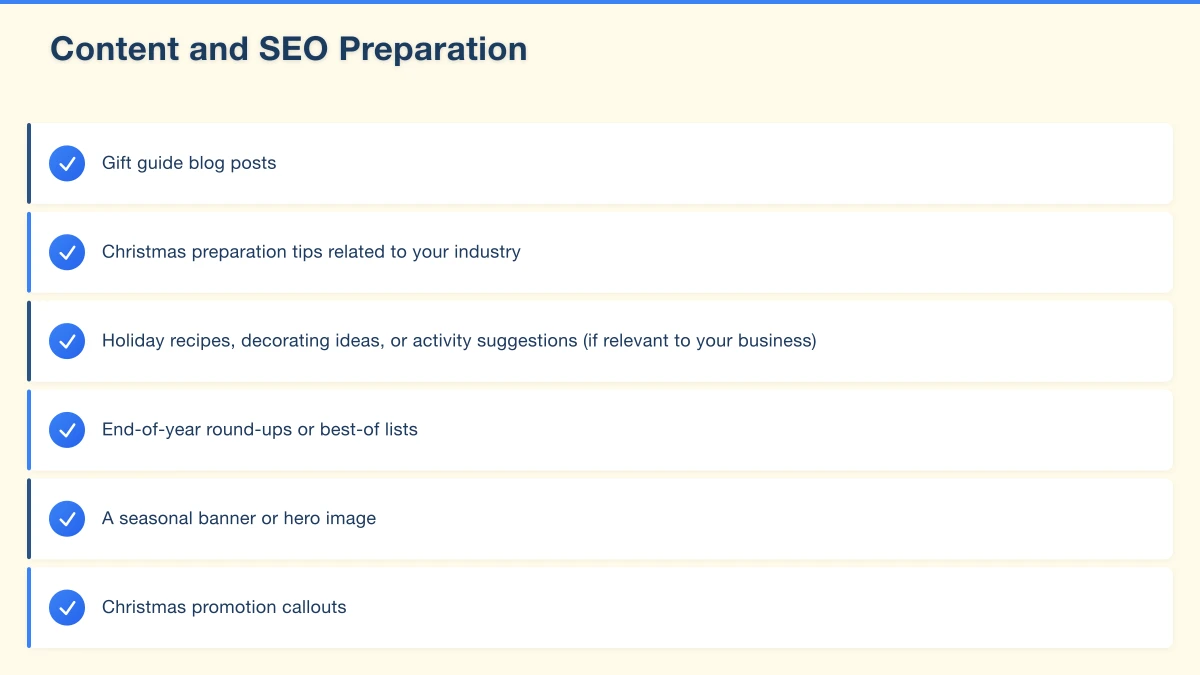
- Gift guide blog posts
- Christmas preparation tips related to your industry
- Holiday recipes, decorating ideas, or activity suggestions (if relevant to your business)
- End-of-year round-ups or best-of lists
Update Your Homepage
Your homepage should reflect the season. This does not mean an over-the-top Christmas theme, but seasonal touches show your business is active and current:
- A seasonal banner or hero image
- Christmas promotion callouts
- Updated featured products or services relevant to the season
- Christmas delivery or booking information
Set Up Christmas-Specific Landing Pages
If you are running Christmas promotions, create dedicated landing pages for them. These pages can target Christmas-specific search terms and provide a focused experience for customers looking for holiday deals.
Promotions and Offers
Plan Your Promotion Schedule
Map out your promotions for the entire Christmas period:
- Pre-Christmas sales (early December)
- Last-minute specials (week before Christmas)
- Boxing Day and post-Christmas sales
- New Year promotions
Black Friday and Cyber Monday
If you have not already, prepare for Black Friday (24 November this year) and Cyber Monday (27 November). These shopping events continue to grow in Australia. Have your deals, landing pages, and promotional materials ready in advance.
Create Urgency
Use time-limited offers and clear deadlines to encourage action:
- “Order by December 15 for guaranteed Christmas delivery”
- “Christmas special: 20% off until December 20”
- “Limited stock available”
Display countdown timers if your website platform supports them.
Email Marketing for Christmas
Plan Your Email Campaign Calendar
Schedule your Christmas email campaigns now:
- Early bird offers (late November)
- Gift guide emails (early December)
- Last-chance delivery reminders (mid-December)
- Christmas greetings (24 or 25 December)
- Boxing Day sale announcements
- New Year messages and January promotions
Segment Your List
If possible, segment your email list to send more targeted messages:
- Past purchasers: “Based on what you bought last year, you might like…”
- Recent customers: “Thank you for your recent purchase. Here’s a Christmas special.”
- Lapsed customers: “We miss you! Here’s a special offer for the holidays.”
Social Media Preparation
- Plan your social media content for the Christmas period
- Schedule posts in advance so you are not scrambling during the busy season
- Prepare Christmas-themed graphics and photos
- Plan any paid social media campaigns
Your Christmas Website Checklist
Run through this checklist to make sure you are ready:
- Trading hours updated on website, Google Business Profile, and social media
- Website speed tested and optimised
- Mobile experience checked and working perfectly
- Contact information up to date
- Gift guides or seasonal content created
- Shipping information and deadlines displayed clearly
- Checkout process tested end to end
- Promotions planned and scheduled
- Email campaigns prepared
- Social media content scheduled
- Gift voucher page set up (if applicable)
- Landing pages created for key promotions
Do Not Wait
The Christmas rush waits for no one. The earlier you prepare, the less stress you will experience and the more sales you will capture. Start working through this checklist today, and by the time the rush hits, you will be ready.
Need Help Getting Your Website Christmas-Ready?
At Cosmo Web Tech, we help Western Sydney businesses prepare their websites for the busiest time of the year. Whether you need speed optimisation, a seasonal refresh, or a complete website update, we can help. Contact us now to make sure your website is ready for Christmas.
Modern retail runs on connected POS, inventory, and online channels. Cloud Geeks provides cloud and IT support that keeps Australian retail and hospitality businesses online during peak hours.
Ash Ganda covers digital strategy for retail and hospitality SMBs — what to automate, what to outsource, and where AI actually moves revenue.
Loyalty apps, mobile ordering, and customer-facing apps drive repeat business. Awesome Apps builds them for Australian retail and hospitality brands.
Part of the Ganda Tech Services family, Cosmos Web Tech delivers specialist web design and digital marketing for Australian small and medium businesses.