SEO Checklist for New Australian Business Websites
Launching a new website is exciting, but if nobody can find it on Google, it is not going to help your business much. Search engine optimisation (SEO) should be part of your website setup from day one, not an afterthought.
This checklist covers everything you need to do to give your new Australian business website the best possible start in search results. Whether you are building the site yourself or working with a web developer, use this as your reference guide.
Technical SEO Setup
These are the behind-the-scenes elements that help search engines crawl, understand, and index your website properly.
SSL Certificate (HTTPS)
- Install an SSL certificate so your site loads over HTTPS
- Make sure all pages redirect from HTTP to HTTPS
- Check for mixed content issues (pages loading some resources over HTTP)
- Your browser should show a padlock icon on every page
Mobile Responsiveness
- Test your site on Google’s Mobile-Friendly Test tool
- Check on multiple real devices (different phones and tablets)
- Ensure text is readable without zooming
- Verify buttons and links are easy to tap
- Confirm no horizontal scrolling is needed
Site Speed
- Test with Google PageSpeed Insights
- Aim for a score of 70 or above on mobile
- Compress all images before uploading
- Enable browser caching
- Minimise CSS and JavaScript files
- Choose quality Australian hosting
XML Sitemap
- Create an XML sitemap listing all your important pages
- If using WordPress, plugins like Yoast SEO or Rank Math generate this automatically
- Submit your sitemap to Google Search Console
- Make sure the sitemap is accessible (typically at yoursite.com.au/sitemap.xml)
Robots.txt File
- Create a robots.txt file that allows search engines to crawl your site
- Make sure you are not accidentally blocking important pages
- Access it at yoursite.com.au/robots.txt to verify
Google Search Console
- Set up a Google Search Console account
- Verify ownership of your domain
- Submit your XML sitemap
- Check for any crawl errors or issues
- This is a free and essential tool for monitoring your search performance
Google Analytics
- Set up Google Analytics on your website
- Install the tracking code on every page
- Set up goals to track important actions (form submissions, phone calls, etc.)
- Verify data is being collected correctly
Page Structure
- Use a logical URL structure (yoursite.com.au/services/plumbing not yoursite.com.au/page?id=123)
- Use hyphens to separate words in URLs (not underscores)
- Keep URLs short and descriptive
- Use lowercase letters only in URLs
On-Page SEO
These are the content and structural elements on each page that help search engines understand what your site is about.
Title Tags
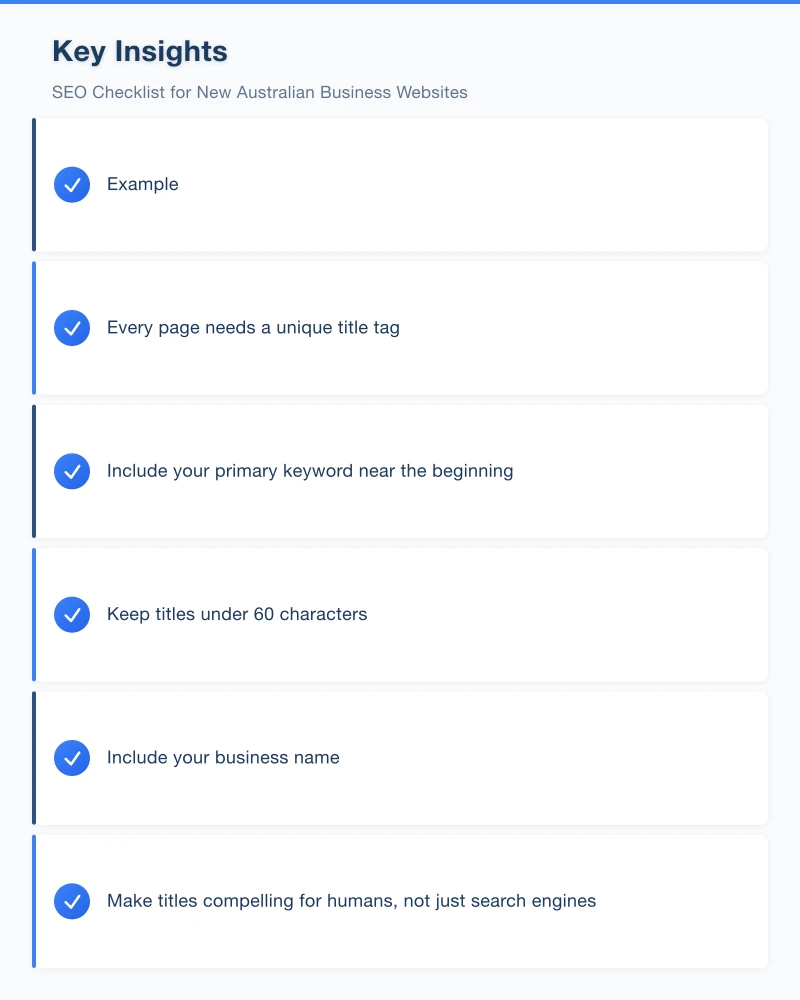
- Every page needs a unique title tag
- Include your primary keyword near the beginning
- Keep titles under 60 characters
- Include your business name
- Make titles compelling for humans, not just search engines
Example: “Plumbing Services Western Sydney | Smith Plumbing”
Meta Descriptions
- Write a unique meta description for every page
- Keep descriptions between 150 and 160 characters
- Include relevant keywords naturally
- Write a compelling summary that encourages clicks
- Include a call to action where appropriate
Example: “Reliable plumbing services across Western Sydney. Available 24/7 for emergencies. Call today for a free quote. Fully licensed and insured.”
Heading Structure
- Use one H1 heading per page (your main page title)
- Use H2 headings for major sections
- Use H3 headings for subsections within H2 sections
- Include keywords in headings naturally
- Make headings descriptive and useful for readers
Content Quality
- Write unique, original content for every page
- Aim for at least 300 words on key pages (more is generally better for SEO)
- Include your target keywords naturally (do not force or overstuff them)
- Answer the questions your customers actually ask
- Write for humans first, search engines second
Image Optimisation
- Compress all images to reduce file size
- Use descriptive file names (castle-hill-kitchen-renovation.jpg not IMG_4523.jpg)
- Add alt text to every image describing what it shows
- Include keywords in alt text where natural
- Use modern image formats (WebP where supported, with JPEG fallback)
Internal Linking
- Link between related pages on your site
- Use descriptive anchor text (the clickable text of the link)
- Link from your homepage to your most important pages
- Make sure every page is accessible within a few clicks from the homepage
- Create a logical site navigation structure
Schema Markup
- Add Local Business schema to your site
- Include your business name, address, phone number, and hours
- Add schema for reviews and ratings if applicable
- Test your schema using Google’s Rich Results Test tool
Local SEO Setup
For Australian businesses targeting local customers, these steps are essential.
Google My Business
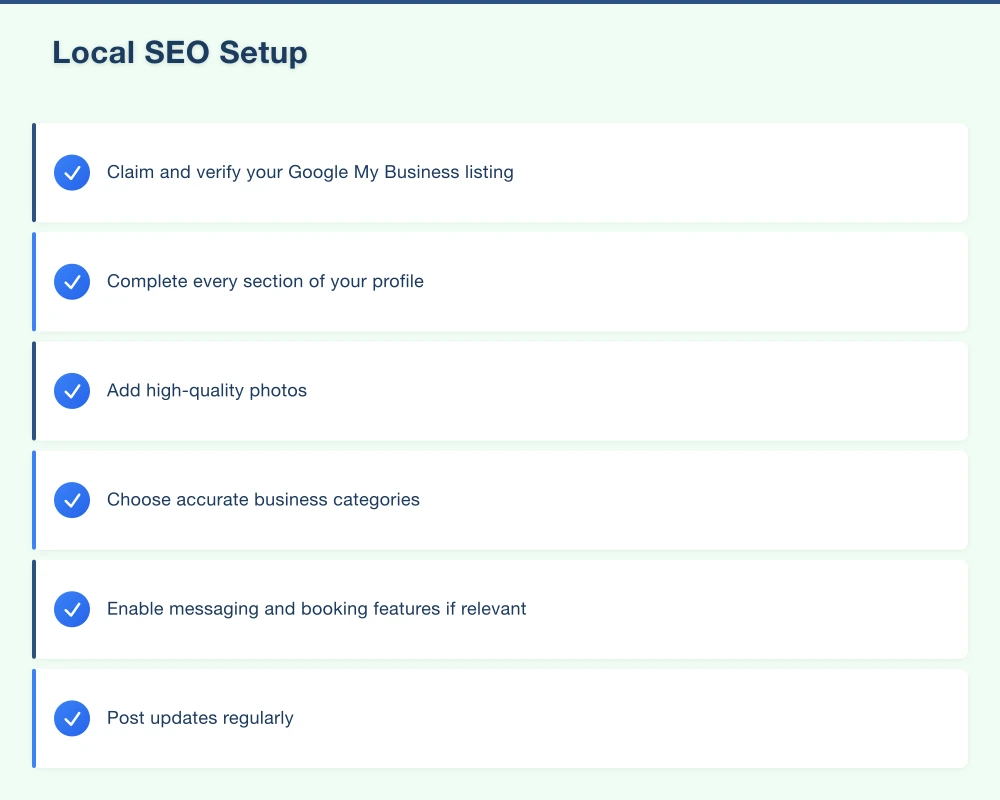
- Claim and verify your Google My Business listing
- Complete every section of your profile
- Add high-quality photos
- Choose accurate business categories
- Enable messaging and booking features if relevant
- Post updates regularly
NAP Consistency
- Ensure your business Name, Address, and Phone number are identical everywhere
- Check your website, Google My Business, social profiles, and all directories
- Pick one format and use it consistently
Local Directory Listings
Register your business in key Australian directories:
- Yellow Pages (yellowpages.com.au)
- True Local (truelocal.com.au)
- Yelp Australia
- Hotfrog
- Local Search
- StartLocal
- Industry-specific directories relevant to your business
Location-Specific Content
- Include your suburb and region names in your content naturally
- Create dedicated pages for each area you serve (if you serve multiple suburbs)
- Mention local landmarks, areas, and communities where relevant
- Write content that is specifically useful for people in your area
Reviews Strategy
- Set up a process for asking customers to leave Google reviews
- Create a direct link to your Google review page
- Aim to get your first 10 reviews as quickly as possible
- Respond to every review (positive and negative)
Content Foundation
Essential Pages
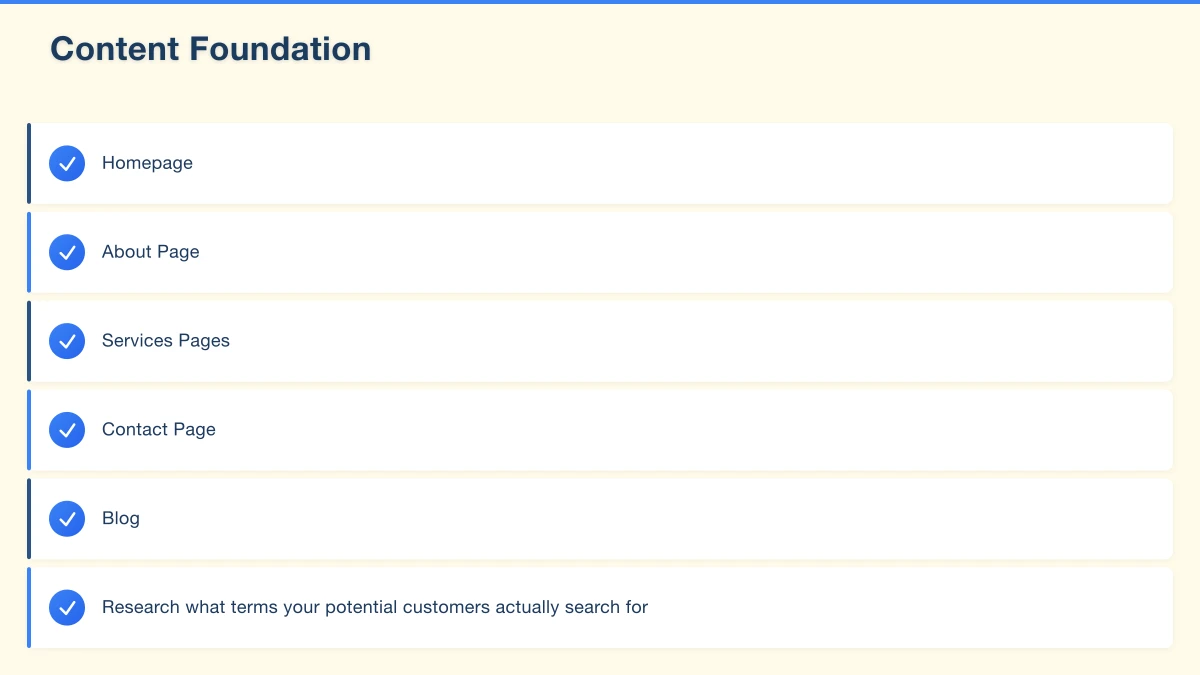
Make sure your website includes these pages, each optimised for search:
Homepage: Clear value proposition, overview of services, trust signals, calls to action
About Page: Your story, team, values, and local credentials
Services Pages: Individual pages for each major service you offer (not just one page listing everything)
Contact Page: Full contact details, a map, a contact form, and your business hours
Blog: A blog section ready for ongoing content (even if you only have one or two posts at launch)
Keyword Research
- Research what terms your potential customers actually search for
- Use free tools like Google Keyword Planner, Ubersuggest, or AnswerThePublic
- Focus on local keywords (your service plus your location)
- Target specific, lower-competition keywords as a new site
- Map keywords to specific pages on your site
Post-Launch SEO Tasks
Week 1
- Verify Google Search Console is collecting data
- Verify Google Analytics is tracking correctly
- Submit your sitemap to Google Search Console
- Check for any crawl errors or indexing issues
- Test your site on multiple devices and browsers
Month 1
- Publish your first blog post targeting a local keyword
- Get listed in three to five online directories
- Ask your first customers for Google reviews
- Share your new website on your social media profiles
- Set up Google Alerts for your business name
Ongoing Monthly Tasks
- Publish at least one to two blog posts per month
- Monitor Google Search Console for issues and opportunities
- Review your Google Analytics to understand traffic patterns
- Continue building directory listings and citations
- Keep collecting Google reviews
- Update your content as needed
- Check for and fix any broken links
Common SEO Mistakes to Avoid
- Duplicate content: Every page needs unique content. Do not copy text between pages or from other websites.
- Missing title tags and meta descriptions: These are fundamental. Do not leave them blank or as defaults.
- Ignoring mobile: Mobile SEO is not optional. Your site must work perfectly on phones.
- Keyword stuffing: Do not force keywords into every sentence. Write naturally.
- No Google Search Console: This free tool is essential for understanding how Google sees your site.
- Thin content: Pages with only a few sentences provide little value to visitors or search engines.
- Blocking search engines: Make sure your robots.txt file and page settings do not prevent Google from crawling your site.
- Slow site speed: Speed is a ranking factor and affects user experience. Do not ignore it.
The Long View
SEO is not an overnight fix. It takes weeks to months for Google to fully index and rank a new website. But the steps you take now set the foundation for long-term search visibility.
A new website with solid SEO fundamentals will steadily climb in rankings as Google builds trust in your domain. The businesses that invest in SEO from day one are the ones that dominate local search results a year from now.
Use this checklist as you build your website. Check off each item, and you will have a site that is set up for search success from the start.
If you need help with SEO for your new Australian business website, our Western Sydney team specialises in building websites that rank. Get in touch and we will make sure your site is set up right.
Your website’s performance depends on what’s behind it. Cloud Geeks provides the managed hosting, cloud, and IT support that keeps Australian SMBs online and secure.
Ash Ganda covers how Australian SMBs are using AI, automation, and digital strategy to grow without scaling costs proportionally.
If your business is also planning a customer-facing iOS or Android app — Awesome Apps builds cross-platform mobile apps for Australian SMBs.
Part of the Ganda Tech Services family, Cosmos Web Tech delivers specialist web design and digital marketing for Australian small and medium businesses.