
Understanding SEO Keywords for Local Business
If you have ever looked into SEO for your business, you have probably heard the term “keywords” thrown around. But what exactly are keywords, why do they matter, and how do you figure out which ones your business should be targeting?
This guide breaks it all down in plain English for local business owners who want to understand the basics without getting lost in technical jargon.
What Are Keywords?
Keywords are the words and phrases that people type into Google when they are searching for something. If someone types “plumber Parramatta,” that is a keyword. If they type “how to fix a leaky tap,” that is also a keyword.
In the context of SEO, keywords are the terms you want your website to appear for in search results. When your website is optimised for the right keywords, people searching for your services are more likely to find you.
Why Keywords Matter for Local Business
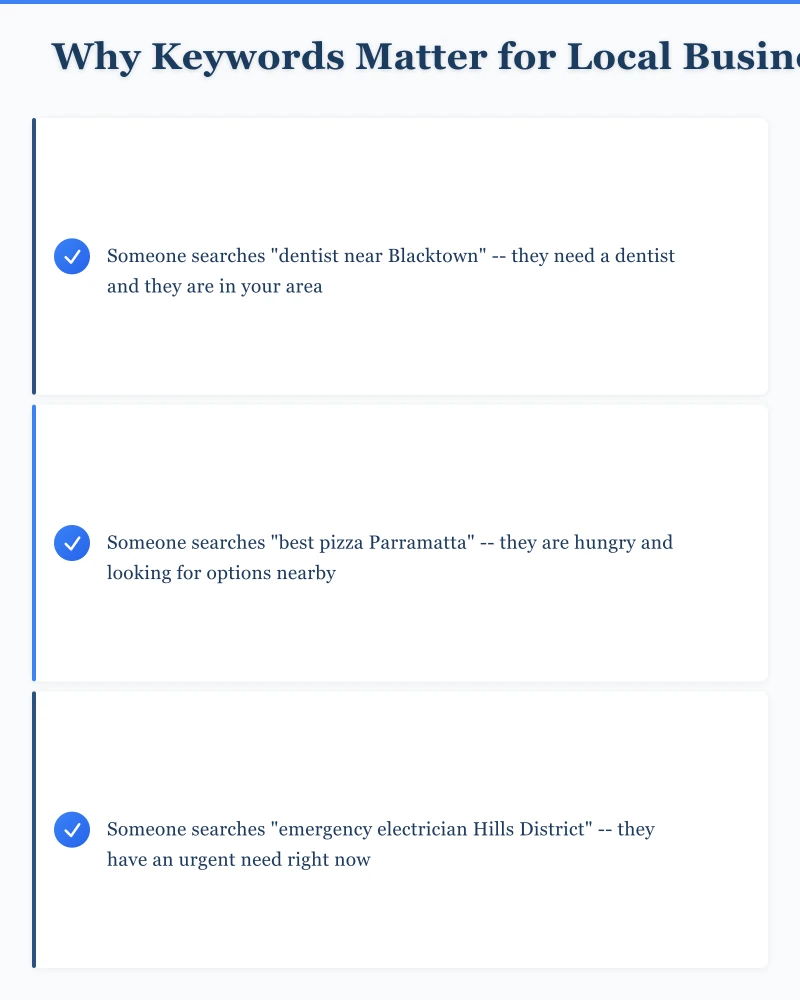
For local businesses in Western Sydney, keywords are the bridge between your business and potential customers. Consider this:
- Someone searches “dentist near Blacktown” – they need a dentist and they are in your area
- Someone searches “best pizza Parramatta” – they are hungry and looking for options nearby
- Someone searches “emergency electrician Hills District” – they have an urgent need right now
If your website is optimised for these terms, you appear in their search results. If it is not, your competitors do.
Types of Keywords
Short-Tail Keywords
These are broad, one or two-word phrases like “plumber” or “web design.” They get a lot of searches but are extremely competitive and often too vague to be useful for a local business.
Why they are difficult for local business: Ranking for “plumber” means competing with every plumber in Australia (and beyond). The person searching might not even be in your area.
Long-Tail Keywords
These are longer, more specific phrases like “emergency plumber Penrith weekend” or “affordable web design for small business Western Sydney.” They get fewer searches individually but are much easier to rank for and attract more qualified visitors.
Why they are great for local business: Long-tail keywords often include location and specific intent. The people searching these terms know exactly what they want and are more likely to become customers.
Local Keywords
Any keyword that includes a location component. “Cafe Parramatta,” “accountant Hills District,” “landscaper Castle Hill.” These are the most important keywords for local businesses because they connect you with people in your service area.
Question Keywords
Phrases that start with how, what, when, where, or why. “How much does a website cost in Sydney?” or “What is the best restaurant in Blacktown?” These are growing in importance as more people use voice search and Google’s “People Also Ask” feature.
How to Find the Right Keywords
Step 1: Brainstorm
Start by listing everything a potential customer might search for to find your business. Think about:
- Your services and products
- Your location and service areas
- Problems you solve
- Questions customers ask you
- How customers describe what you do (which might be different from how you describe it)
Example for a landscaper in Western Sydney:
- Landscaper Western Sydney
- Garden design Parramatta
- Lawn mowing Blacktown
- Retaining wall builder Hills District
- How much does landscaping cost Sydney
- Best plants for Western Sydney gardens
Step 2: Use Free Research Tools
Several free tools help you discover keywords and understand how often they are searched.
Google Keyword Planner: Free through Google Ads (you need an account but do not need to run ads). Shows search volume and competition for keywords.
Google Search Suggestions: Type the start of a search into Google and see what it suggests. These suggestions are based on real searches.
Google “People Also Ask”: Search for a keyword and look at the questions Google shows in the “People Also Ask” box. These are related questions people are searching for.
Google Search Console: If you have this set up for your website (it is free), it shows you the actual search terms people use to find your site.
AnswerThePublic (answerthepublic.com): Enter a keyword and see a visualisation of questions and phrases people search for. The free version offers limited daily searches.
Step 3: Analyse Your Competitors
Look at what your competitors are doing. Search for your main services and see which businesses appear at the top. Look at their websites and note:
- What terms do they use in their page titles?
- What do their headings say?
- What locations do they mention?
- What content do they have that you do not?
You do not want to copy your competitors, but understanding what they rank for helps you identify opportunities.
Step 4: Assess and Prioritise
Not all keywords are created equal. Evaluate each keyword based on:
Relevance: Does this keyword accurately describe what your business offers? Do not target keywords for services you do not provide.
Search volume: How many people search for this term each month? Higher is generally better, but do not ignore low-volume keywords if they are highly relevant.
Competition: How hard will it be to rank for this keyword? For a small local business, targeting less competitive keywords is often more effective than going after highly competitive ones.
Intent: What does the searcher want? Someone searching “plumber Penrith” likely wants to hire one. Someone searching “how to become a plumber” does not. Focus on keywords with commercial or local intent.
How to Use Keywords on Your Website
Page Titles (Title Tags)
Every page on your website has a title tag that appears in search results. Include your primary keyword and location.
Example: “Emergency Plumbing Services Penrith | Smith Plumbing”
Headings
Use keywords in your page headings (H1, H2, H3). Your main heading (H1) should include your primary keyword for that page.
Body Content
Include keywords naturally throughout your page content. Write for humans first and search engines second. If your content sounds forced or repetitive, you have gone too far.
Meta Descriptions
The short description that appears below your title in search results. Include your keyword and make it compelling enough to click.
URL Structure
Include keywords in your page URLs where natural.
Good: yoursite.com.au/plumbing-services-penrith
Not as good: yoursite.com.au/services-page-1
Image Alt Text
Describe your images using relevant keywords where appropriate.
Common Keyword Mistakes
Keyword stuffing. Repeating a keyword dozens of times on a page makes it unreadable and can actually hurt your rankings. Google is sophisticated enough to understand your topic without repetitive keyword use.
Targeting only broad keywords. Going after “plumber” instead of “emergency plumber Penrith” wastes your efforts on unwinnable competitions.
Ignoring local keywords. For a local business, every key page should include location-relevant terms.
Not creating dedicated pages. If you offer multiple services, each one deserves its own page optimised for relevant keywords. Do not try to rank one page for everything.
Setting and forgetting. Keyword strategy is not a one-time task. Search behaviour changes, new competitors appear, and your business evolves. Review your keywords quarterly.
Your Keyword Action Plan
- Brainstorm 20 to 30 potential keywords for your business
- Research search volumes and competition using Google Keyword Planner
- Prioritise ten to 15 keywords to start with
- Ensure each key page on your website targets one or two primary keywords
- Create new pages for important keywords that do not have a dedicated page yet
- Update your title tags, headings, and content to include target keywords naturally
- Review and adjust quarterly
Need Help With SEO?
At Cosmo Web Tech, we help Western Sydney businesses improve their search visibility through practical, results-focused SEO strategies. From keyword research to on-page optimisation and content creation, we can help your business get found by more local customers. Get in touch for a free SEO consultation.
Your website’s performance depends on what’s behind it. Cloud Geeks provides the managed hosting, cloud, and IT support that keeps Australian SMBs online and secure.
Ash Ganda covers how Australian SMBs are using AI, automation, and digital strategy to grow without scaling costs proportionally.
If your business is also planning a customer-facing iOS or Android app — Awesome Apps builds cross-platform mobile apps for Australian SMBs.
Part of the Ganda Tech Services family, Cosmos Web Tech delivers specialist web design and digital marketing for Australian small and medium businesses.