Video Marketing on a Small Business Budget
Video is the most engaging content format online. It dominates social media feeds, it boosts website engagement, and it is increasingly what customers expect from businesses they follow. But many small business owners assume video marketing requires expensive cameras, professional lighting, and a production crew.
It does not.
The phone in your pocket is a better camera than what most professional filmmakers had access to 15 years ago. With a few simple techniques and free or low-cost tools, you can create video content that genuinely helps your business.
Here is how to get started with video marketing on a realistic small business budget.
Why Video Marketing Matters
Social Media Reach
Video content gets significantly more organic reach on Facebook, Instagram, and LinkedIn compared to static images or text posts. The platforms are actively promoting video because users engage with it more.
Customer Trust
Video lets people see your face, hear your voice, and experience your personality. This builds trust in a way that text and photos simply cannot match.
SEO Benefits
Websites with video content tend to keep visitors on the page longer, which sends positive signals to Google. Video can also help you appear in Google’s video search results and YouTube searches.
Conversion Impact
Landing pages with video can increase conversions by a significant margin. Seeing a product in action or hearing a business owner explain a service is more persuasive than reading about it.
Customer Preference
Research consistently shows that consumers prefer watching a short video about a product or service over reading about it.
Types of Videos to Create
You do not need to produce a cinematic masterpiece. Here are video types that work well for small businesses and are easy to create.
Introduction Video
A short video (60 to 90 seconds) introducing yourself, your business, and what you do. This can live on your website homepage and your social media profiles. It gives visitors an immediate sense of who you are.
Behind-the-Scenes Videos
Show how you work. A builder could film a renovation in progress. A baker could show the decorating process. A mechanic could walk through a car service. These videos are interesting, build trust, and showcase your skills.
How-To and Tips Videos
Share your expertise in short, useful videos. A gardener could show how to prepare a garden bed for spring. An accountant could explain how to claim a common tax deduction. A hairdresser could demonstrate a simple styling technique.
These educational videos position you as the local expert and provide genuine value to viewers.
Testimonial Videos
Ask happy customers if they would be willing to share their experience on camera. Even a simple 30-second video of a customer saying they are happy with your work is powerful social proof.
Before and After Videos
If your business involves any kind of transformation, capture the before and after on video. This is especially effective for trades, renovation, beauty, and cleaning businesses.
FAQ Videos
Identify the questions customers ask most frequently and answer them on video. This saves you time (you can send the video link to future customers who ask the same question) and creates useful content.
Product Demonstrations
If you sell products, show them in action. How does it work? What does it look like in real life? What problem does it solve?
Equipment You Already Have
Your Smartphone
Modern smartphones shoot excellent video. An iPhone 11 or later, Samsung Galaxy S20 or later, or similar flagship phones from the last couple of years produce video quality that is more than sufficient for marketing content.
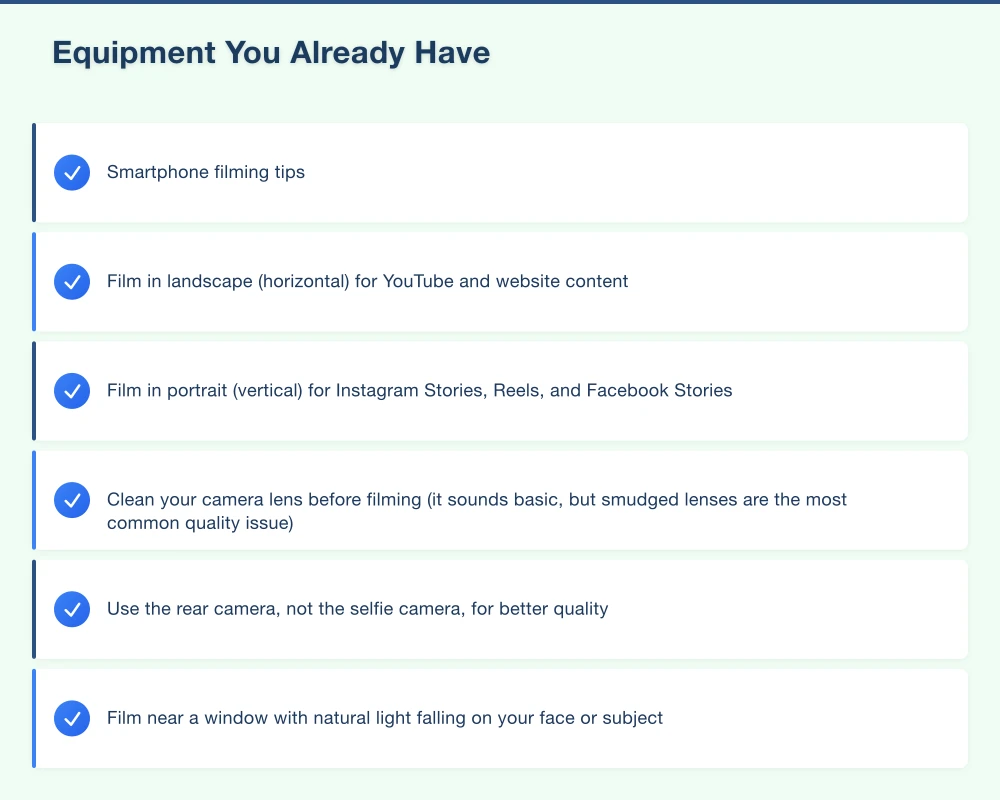
Smartphone filming tips:
- Film in landscape (horizontal) for YouTube and website content
- Film in portrait (vertical) for Instagram Stories, Reels, and Facebook Stories
- Clean your camera lens before filming (it sounds basic, but smudged lenses are the most common quality issue)
- Use the rear camera, not the selfie camera, for better quality
Natural Lighting
You do not need studio lights. Natural light is the best lighting available and it is free.
- Film near a window with natural light falling on your face or subject
- Avoid filming with a bright window or light source behind you (this creates a silhouette)
- Overcast days provide soft, even lighting outdoors
- Film outdoors in the morning or late afternoon for the most flattering light
Affordable Equipment Upgrades
If you want to improve your video quality, these inexpensive items make the biggest difference.
Tripod or Phone Mount ($15 to $40)
Shaky footage looks unprofessional. A simple smartphone tripod or mount solves this instantly. You can find good options at Officeworks, JB Hi-Fi, or online.
External Microphone ($30 to $100)
Audio quality is more important than video quality. Viewers will forgive slightly imperfect video but will click away from bad audio.
- Lavalier (clip-on) microphone: Clips to your shirt and plugs into your phone. Great for talking-head videos. Available from around $30.
- Rode VideoMicro: A small shotgun microphone that mounts on your phone (with an adapter). Excellent quality for the price at around $80.
Basic Ring Light ($25 to $60)
For indoor filming, a ring light provides even, flattering illumination. Useful for talking-head videos when natural light is not available.
Free and Low-Cost Editing Tools
On Your Phone
- iMovie (free on iPhone): Simple, intuitive video editing with good results
- InShot (free with in-app purchases): Excellent for editing social media videos, adding text and music
- CapCut (free): Powerful mobile editor with good features for social media content
On Your Computer
- iMovie (free on Mac): Full-featured video editor suitable for most small business needs
- DaVinci Resolve (free version available): Professional-grade editing software with a free version that is more than capable for business videos
- Canva (free and paid): Now includes basic video editing capabilities, great for adding text overlays and branding
For Quick Social Media Content
- Instagram Reels editor: Built-in tools for creating Reels directly in the app
- Facebook Creator Studio: Create and schedule video content for Facebook
Tips for Better Videos
Plan Before You Film
Even a casual video benefits from a rough plan. Know:
- What is the main point of this video?
- Who is watching it?
- What do you want them to do after watching?
Jot down three to five bullet points of what you want to cover. You do not need a full script, but having a structure prevents rambling.
Keep It Short
Attention spans online are limited. Aim for:
- Social media videos: 30 to 60 seconds
- How-to and educational videos: 2 to 5 minutes
- Website introduction video: 60 to 90 seconds
- Testimonial videos: 30 to 60 seconds
If your content is genuinely engaging, viewers will watch longer videos. But when in doubt, shorter is better.
Hook Viewers Immediately
Start with something that grabs attention. State the problem you are solving or the value you are providing in the first few seconds. Do not waste time with long introductions.
Add Captions
A significant number of social media users watch videos without sound, especially on Facebook. Adding captions ensures your message gets across regardless.
Most editing tools and social platforms now offer automatic captioning, which you can then edit for accuracy.
Include a Call to Action
Tell viewers what to do next. “Visit our website for a free quote.” “Comment below if you have questions.” “Call us on…” Do not assume they will figure it out.
Be Authentic
You do not need to be a polished presenter. Authenticity resonates more than perfection on social media. Be yourself, speak naturally, and do not worry about being perfect. If you stumble, keep going or do another take.
Where to Share Your Videos
Your Website
Embed videos on your homepage, services pages, and about page. Video increases time on site and conversion rates.
YouTube
Create a YouTube channel for your business. YouTube is the second largest search engine in the world. Optimise your video titles and descriptions with relevant keywords.
Upload videos directly to Facebook (not just as YouTube links – native uploads get much better reach).
Use feed posts, Stories, and Reels to share different types of video content. Reels in particular offer excellent reach to new audiences.
For B2B businesses, video performs exceptionally well on LinkedIn.
Google My Business
You can add short videos to your Google My Business listing, which appear in local search results.
Getting Started This Week
- Film a 60-second introduction video on your smartphone. Introduce yourself, your business, and what you do. Film near a window for good lighting.
- Edit it simply: Trim the beginning and end, add your business name as a text overlay.
- Post it: Share on your Facebook page and Instagram. Upload to YouTube if you have a channel.
- Plan your next three videos: Pick three topics from the list above and schedule time to film them.
Video marketing does not require a big budget. It requires a willingness to press record and share your expertise. Start simple, improve over time, and watch the impact it has on your business.
If you need help integrating video into your website or developing a video content strategy, our team works with businesses across Western Sydney. We can help you make video work for your business.
Your website’s performance depends on what’s behind it. Cloud Geeks provides the managed hosting, cloud, and IT support that keeps Australian SMBs online and secure.
Ash Ganda covers how Australian SMBs are using AI, automation, and digital strategy to grow without scaling costs proportionally.
If your business is also planning a customer-facing iOS or Android app — Awesome Apps builds cross-platform mobile apps for Australian SMBs.
Part of the Ganda Tech Services family, Cosmos Web Tech delivers specialist web design and digital marketing for Australian small and medium businesses.