Website Accessibility Compliance for Australian Businesses
Website accessibility is something many Australian small business owners have not thought much about. But it matters, both ethically and legally. An accessible website ensures that people with disabilities can use your site, and in Australia, there are legal obligations that apply to businesses of all sizes.
Beyond compliance, accessibility is simply good business. Around 18 percent of Australians live with some form of disability. If your website is not accessible to them, you are excluding a significant portion of potential customers.
What Is Website Accessibility?
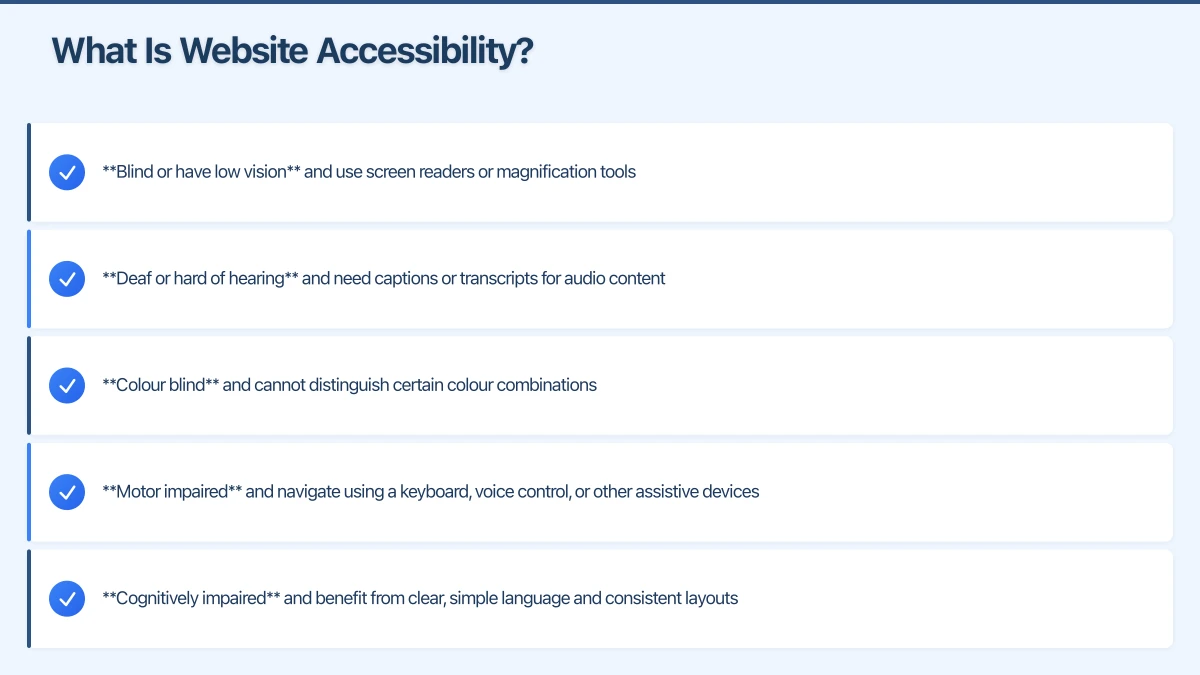
Website accessibility means designing and building your website so that people with various disabilities can perceive, understand, navigate, and interact with it. This includes people who are:
- Blind or have low vision and use screen readers or magnification tools
- Deaf or hard of hearing and need captions or transcripts for audio content
- Colour blind and cannot distinguish certain colour combinations
- Motor impaired and navigate using a keyboard, voice control, or other assistive devices
- Cognitively impaired and benefit from clear, simple language and consistent layouts
Australian Legal Requirements
In Australia, the Disability Discrimination Act 1992 (DDA) makes it unlawful to discriminate against people with disabilities. This extends to the provision of goods and services, which includes websites.
The Australian Human Rights Commission has confirmed that the DDA applies to websites and online services. While the Act does not specify a particular technical standard, the internationally recognised Web Content Accessibility Guidelines (WCAG) are considered the benchmark.
The Australian Government’s own websites are required to meet WCAG 2.1 Level AA, and this is the standard that courts and regulators would likely reference when assessing private sector websites.
What this means for your business: If your website is inaccessible to people with disabilities, you could potentially face a complaint under the DDA. While enforcement against small businesses is not common, the risk is real, and the ethical case for accessibility is clear.
Understanding WCAG
The Web Content Accessibility Guidelines (WCAG) are organised around four principles. Your website should be:
1. Perceivable
Information and interface elements must be presentable in ways that users can perceive.
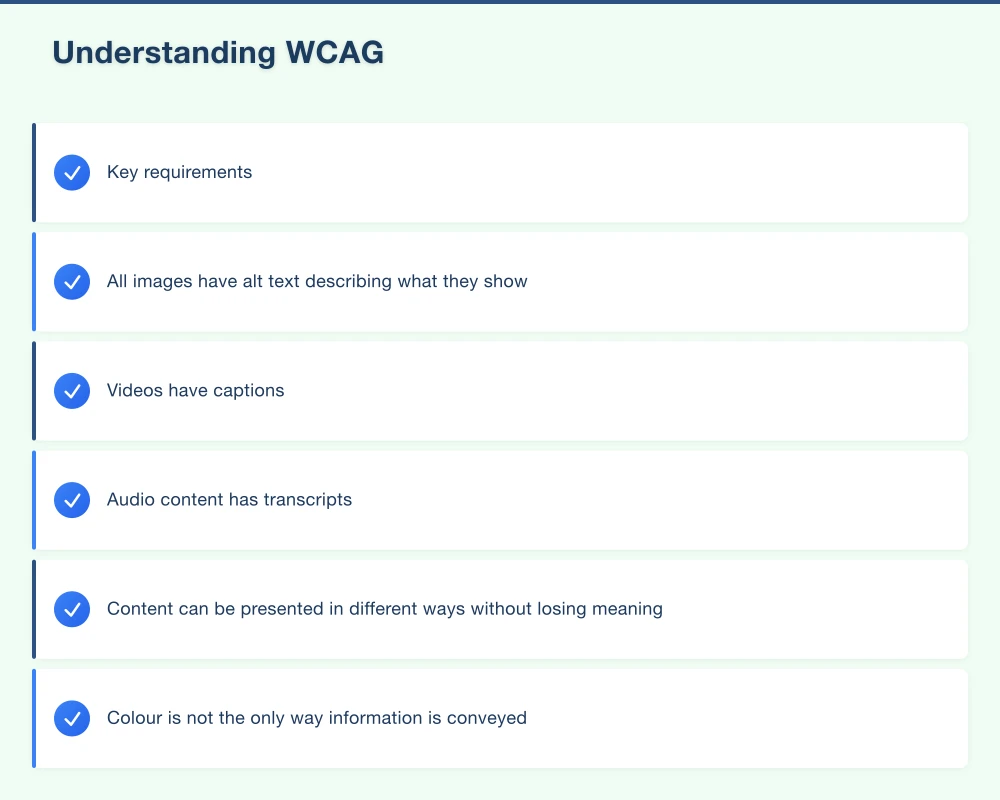
Key requirements:
- All images have alt text describing what they show
- Videos have captions
- Audio content has transcripts
- Content can be presented in different ways without losing meaning
- Colour is not the only way information is conveyed
2. Operable
Users must be able to operate the interface and navigation.
Key requirements:
- All functionality is available using a keyboard (not just a mouse)
- Users have enough time to read and use content
- Content does not cause seizures (no rapidly flashing elements)
- Users can easily navigate and find content
- Navigation is consistent and predictable
3. Understandable
Information and interface operation must be understandable.
Key requirements:
- Text is readable and understandable
- Web pages appear and operate in predictable ways
- Users are helped to avoid and correct mistakes (especially in forms)
- Language of the page is identified in the code
4. Robust
Content must be robust enough to work with current and future technologies, including assistive technologies.
Key requirements:
- Code follows web standards
- Content works with screen readers and other assistive technologies
- Custom interface elements are properly labelled and functional
Practical Accessibility Checklist for Small Business
You do not need to become a WCAG expert to make meaningful improvements. Here is a practical checklist:
Images and Media
- Every image has descriptive alt text
- Decorative images have empty alt attributes so screen readers skip them
- Videos have captions (even auto-generated captions are better than none)
- Audio content has transcripts or summaries
Text and Content
- Text has sufficient colour contrast against the background (at least 4.5 to 1 ratio for normal text)
- Font size is at least 16 pixels for body text
- Headings are used in a logical order (H1 followed by H2, then H3)
- Content is written in plain, clear language
- Links have descriptive text (not just “click here” or “read more”)
Navigation
- The entire website can be navigated using only a keyboard
- There is a clear focus indicator showing which element is selected
- Navigation is consistent across all pages
- There is a “skip to content” link for keyboard users
Forms
- All form fields have visible labels
- Required fields are clearly marked
- Error messages are clear and specific
- Forms can be completed using a keyboard
Colour and Design
- Information is never conveyed by colour alone
- Links are distinguishable from regular text (not just by colour)
- The design works when zoomed to 200 percent
- There are no flashing or rapidly moving elements
Technical
- The website uses proper HTML structure
- Pages have a language attribute set
- Interactive elements are properly labelled for screen readers
How to Test Your Website Accessibility
Automated Testing
Several free tools can scan your website and identify common accessibility issues:
- WAVE Web Accessibility Evaluation Tool (wave.webaim.org): Provides a visual report of accessibility issues on any web page
- Google Lighthouse: Built into Chrome DevTools, includes an accessibility audit
- axe DevTools: A browser extension that scans for accessibility issues
Important: Automated tools catch only about 30 percent of accessibility issues. They are a good starting point but not sufficient on their own.
Manual Testing
Some issues can only be found through manual testing:
- Keyboard navigation: Try using your entire website with just a keyboard (Tab, Enter, Arrow keys). Can you access everything?
- Screen reader testing: Use a free screen reader like NVDA (Windows) or VoiceOver (Mac, built-in) to experience your site as a blind user would
- Zoom testing: Zoom your browser to 200 percent. Does everything still work?
- Colour contrast: Check your colour combinations at webaim.org/resources/contrastchecker
Common Accessibility Issues on Small Business Websites
Based on our experience with Western Sydney business websites, these are the most frequent issues:
-
Missing alt text on images. This is the most common issue and one of the easiest to fix.
-
Poor colour contrast. Light grey text on a white background might look trendy, but it is unreadable for many people.
-
Forms without labels. Placeholder text inside form fields is not a substitute for proper labels.
-
No keyboard navigation. Custom menus and interactive elements that only work with a mouse exclude keyboard users.
-
Missing heading structure. Using heading tags for visual styling rather than document structure confuses screen readers.
-
Videos without captions. Any video content on your site should have captions.
-
Links that say “click here.” Screen readers often read links out of context, so “click here” provides no useful information about where the link goes.
The Business Case for Accessibility
Beyond legal compliance, accessibility is good business:
- Larger audience: You reach more potential customers
- Better SEO: Many accessibility improvements also improve search engine optimisation (proper headings, alt text, structured content)
- Improved usability for everyone: Accessible design benefits all users, not just those with disabilities
- Professional reputation: An accessible website shows your business cares about all customers
- Future-proofing: Accessibility is becoming an increasingly important standard
Getting Started
You do not need to achieve perfect WCAG compliance overnight. Start with the biggest issues:
- Run your website through the WAVE tool and fix critical issues
- Add alt text to all images
- Check and improve colour contrast
- Ensure forms have proper labels
- Test keyboard navigation and fix any broken flows
- Add captions to videos
Each improvement makes your website more accessible and more useful for everyone.
Need Help With Website Accessibility?
At Cosmo Web Tech, we build accessible websites for Western Sydney businesses. Whether you need an accessibility audit of your current site or want to build a new, accessible website from the ground up, we can help. Contact us for a free consultation about making your website work for everyone.
Your website’s performance depends on what’s behind it. Cloud Geeks provides the managed hosting, cloud, and IT support that keeps Australian SMBs online and secure.
Ash Ganda covers how Australian SMBs are using AI, automation, and digital strategy to grow without scaling costs proportionally.
Part of the Ganda Tech Services family, Cosmos Web Tech delivers specialist web design and digital marketing for Australian small and medium businesses.