Introduction
You cannot be available to answer customer questions around the clock. But your customers have questions at all hours–evenings, weekends, early mornings. For small businesses in Western Sydney, this creates a tension between limited resources and customer expectations for instant responses.
Website chatbots offer a solution. These automated tools can answer common questions, qualify leads, and direct visitors to the right information–all without requiring you to be glued to your computer or phone.
But chatbots can also frustrate customers when implemented poorly. This guide helps you understand when chatbots make sense for small businesses, how to implement them effectively, and how to avoid common pitfalls.
Understanding Chatbots for Small Business
What Chatbots Actually Do
At their core, chatbots are software programs that simulate conversation. They range from simple to sophisticated:
Rule-Based Chatbots: Follow predefined scripts based on keywords or menu selections. Like an automated phone tree, but in text format. Simple, predictable, but limited.
AI-Powered Chatbots: Use artificial intelligence to understand natural language and provide more flexible responses. Can handle varied phrasing and unexpected questions better than rule-based systems.
Hybrid Systems: Combine automated responses for common questions with handoff to human staff for complex issues.
What Chatbots Can Do Well
Answer FAQs: Handle repetitive questions about hours, location, services, and pricing instantly.
Qualify Leads: Ask initial questions to understand visitor needs before connecting them with your team.
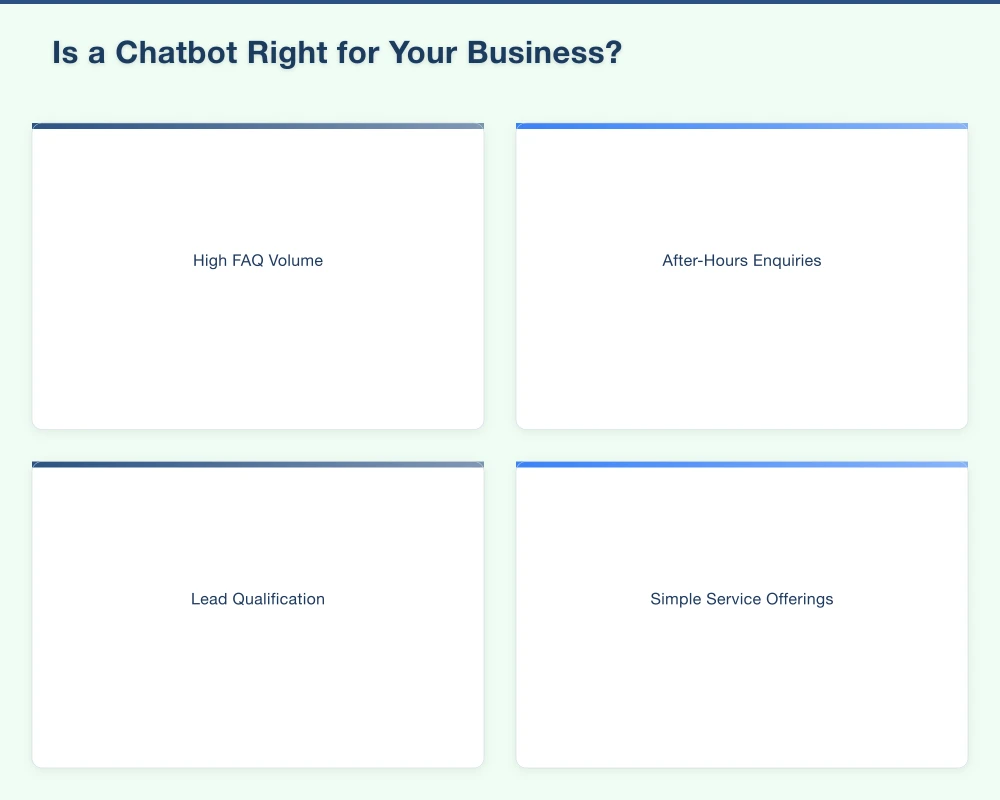
Capture Information: Collect contact details and enquiry information even when you are unavailable.
Provide Instant Response: Give visitors immediate acknowledgment, reducing bounce rates from unanswered questions.
Route Enquiries: Direct complex questions to the right person or channel.
Work 24/7: Provide some level of service outside business hours.
What Chatbots Cannot Do Well
Handle Complex Issues: Nuanced problems require human judgment and empathy.
Replace Relationships: Customer relationships are built on human connection, not automated responses.
Understand Everything: Even advanced AI misunderstands context and intent sometimes.
Provide Expert Advice: For technical or specialised questions, chatbots are poor substitutes for expertise.
Is a Chatbot Right for Your Business?
Good Candidates for Chatbots
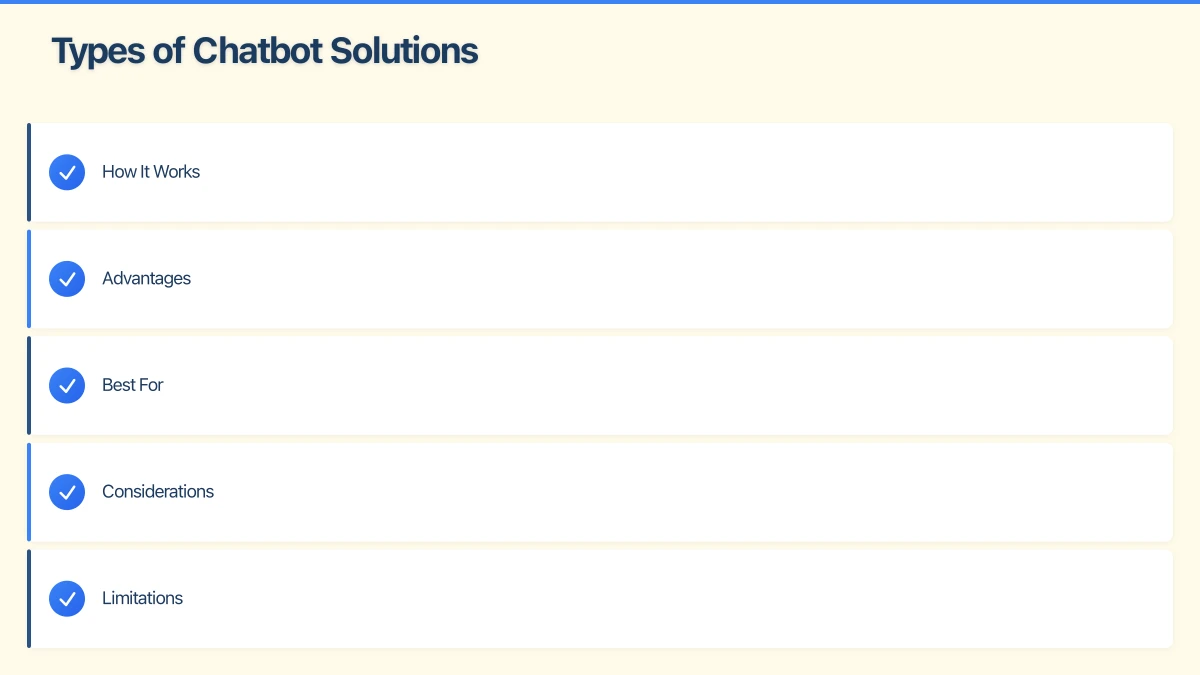
High FAQ Volume: If you repeatedly answer the same questions, a chatbot can handle these efficiently.
After-Hours Enquiries: If customers frequently try to contact you outside business hours, chatbots provide a bridge.
Lead Qualification: If you spend time on enquiries that turn out to be poor fits, chatbots can pre-qualify.
Simple Service Offerings: Straightforward products and services are easier to explain via chatbot.
Busy Periods: Seasonal or daily peaks where you cannot respond to everyone immediately.
Poor Candidates for Chatbots
Complex, Custom Services: If every customer situation is unique, chatbots add little value.
High-Touch Relationships: Businesses built on personal connection may find chatbots counterproductive.
Low Website Traffic: If you only get a handful of enquiries per week, a chatbot is overkill.
Technical Expertise Required: If answering questions requires specialist knowledge, chatbots are frustrating.
Questions to Ask
Before implementing a chatbot, consider:
- What are the most common questions visitors ask?
- How often do you miss enquiries because you cannot respond in time?
- What percentage of enquiries could a chatbot handle autonomously?
- Would your customers appreciate or resent automated responses?
- Do you have the time to set up and maintain a chatbot properly?
Types of Chatbot Solutions
Live Chat with Chatbot Features
Many live chat platforms include chatbot capabilities:
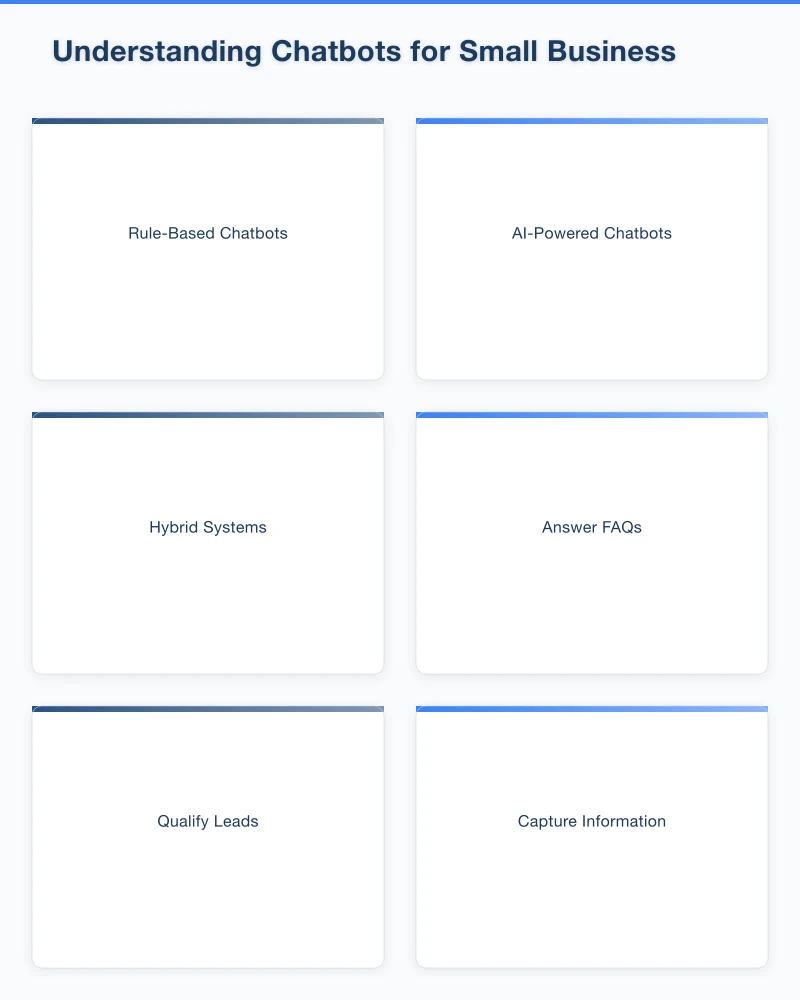
How It Works: The chatbot handles initial greetings and common questions. When it cannot help or when you are available, it hands off to a human.
Advantages: Combines automation with human backup. Familiar interface for visitors.
Best For: Businesses that want to be available during business hours but need after-hours coverage.
Dedicated Chatbot Platforms
Standalone chatbot builders focused on automation:
How It Works: You create conversation flows, FAQs, and automated responses. Some include AI capabilities.
Advantages: More sophisticated automation options. Often more affordable for automation-heavy use cases.
Best For: Businesses with predictable, repetitive enquiries.
AI-Powered Assistants
Advanced systems using large language models:
How It Works: Trained on your business information, these chatbots can have more natural conversations and handle varied questions.
Advantages: More flexible responses. Can feel more like talking to a human.
Considerations: Require more setup and training. Can occasionally produce incorrect or inappropriate responses.
Best For: Businesses with complex information needs and resources to implement properly.
Website Builder Integrations
Chatbot features built into website platforms:
How It Works: Simple chatbot functionality integrated into platforms like Wix, Squarespace, or WordPress plugins.
Advantages: Easy to set up if you are already using the platform. No additional tools needed.
Limitations: Often basic functionality compared to dedicated solutions.
Best For: Businesses wanting simple automation with minimal technical setup.
Implementing a Chatbot Effectively
Define Clear Goals
Before choosing a tool, define what success looks like:
- Reduce response time for common questions
- Capture enquiries outside business hours
- Qualify leads before they reach your team
- Reduce time spent on repetitive questions
Clear goals help you choose the right solution and measure success.
Map Common Conversations
Document the most frequent customer interactions:
List Top Questions: What do people most often ask? Hours? Prices? Service areas?
Identify Patterns: Are there common conversation flows? Questions that lead to other questions?
Note Pain Points: Where do customers get frustrated or confused?
Define Handoff Points: When should the chatbot escalate to a human?
This mapping informs your chatbot configuration.
Write Effective Chatbot Scripts
Sound Human: Avoid robotic language. Write the way you actually talk to customers.
Be Concise: Long chatbot messages feel overwhelming. Keep responses brief and clear.
Provide Clear Options: Help visitors understand what they can ask or do next.
Acknowledge Limitations: Do not pretend the chatbot can do more than it can. “I’m an automated assistant” sets appropriate expectations.
Include Personality: Match your brand voice. A plumber’s chatbot can sound different from an accountant’s.
Design for Failure
Chatbots will misunderstand visitors. Plan for this:
Graceful Handoffs: When the chatbot cannot help, make it easy to reach a human.
Clear Fallbacks: “I didn’t quite understand that. Here are some things I can help with…” is better than silence.
Contact Options: Always provide email, phone, or form options for those who prefer not to use the chatbot.
Feedback Mechanism: Allow visitors to indicate when responses were not helpful.
Respect User Experience
Do Not Interrupt Aggressively: Pop-ups that appear immediately and demand attention annoy visitors. Give people time to browse.
Easy to Dismiss: Visitors should be able to close the chatbot easily and continue using your site.
Mobile-Friendly: Ensure the chatbot works well on mobile devices, where many visitors browse.
Accessible Design: The chatbot interface should be usable with keyboard navigation and screen readers.
Best Practices for Western Sydney Businesses
Reflect Local Context
Language and Tone: Write in a tone that reflects your Australian, Western Sydney identity. Avoid American spellings and idioms.
Local References: If appropriate, acknowledge your local service area. “We service all of Western Sydney including Parramatta, Blacktown, and the Hills District.”
Time Zone Awareness: If your chatbot mentions response times, ensure they reflect Sydney time.
Set Realistic Expectations
Response Times: Be honest about when a human will follow up. “We’ll respond within 2 business hours” is better than vague promises.
After-Hours Clarity: Clearly indicate when the business is closed and when to expect a response.
Capability Transparency: Do not let the chatbot pretend it can answer questions it cannot.
Balance Automation and Human Touch
Lead with Value: Provide helpful information through the chatbot, not just lead capture forms.
Preserve Human Option: Make it easy to reach a person when needed.
Personal Follow-Up: When humans do respond, make it personal. Reference what the chatbot collected.
Common Chatbot Mistakes
Over-Automation
The Problem: Chatbots that block access to humans, forcing visitors through automated flows they do not want.
The Fix: Always provide a clear path to human contact. The chatbot should help, not gatekeep.
Poor Setup and Training
The Problem: Chatbots that cannot answer basic questions about your business.
The Fix: Invest time in proper configuration. Test thoroughly. Update as your business changes.
Ignoring Collected Data
The Problem: Collecting visitor information through the chatbot but not following up promptly.
The Fix: Set up notifications for chatbot conversations. Respond to collected leads just as you would phone enquiries.
Pretending Chatbots Are Human
The Problem: Chatbots that try to deceive visitors into thinking they are talking to a person.
The Fix: Be transparent. “Hi! I’m an automated assistant” sets appropriate expectations and builds trust.
Set and Forget
The Problem: Launching a chatbot and never reviewing or improving it.
The Fix: Regularly review chatbot conversations. Identify gaps and improve responses over time.
Choosing a Chatbot Platform
Key Features to Evaluate
Ease of Setup: Can you configure it yourself, or do you need technical help?
Integration: Does it work with your website platform, CRM, and other tools?
Customisation: Can you match your brand, define custom flows, and adjust behaviour?
Handoff Capability: How smoothly does it transfer to human agents?
Analytics: Can you see conversation data, common questions, and success rates?
Mobile Experience: How does it work on mobile devices?
Pricing: Is it affordable for your enquiry volume and budget?
Questions to Ask Vendors
- What is included at each pricing tier?
- How is support handled?
- Can I export my conversation data?
- What happens if I exceed usage limits?
- How does the AI handle Australian English and local context?
Trial Before Committing
Most platforms offer free trials or free tiers. Use these to:
- Test the actual setup experience
- See how conversations flow
- Evaluate the user interface
- Assess customer support quality
Do not commit to annual plans until you have confirmed the platform works for your needs.
Measuring Chatbot Success
Key Metrics
Engagement Rate: What percentage of visitors interact with the chatbot?
Resolution Rate: How often does the chatbot successfully answer questions without human intervention?
Handoff Rate: How often does the chatbot escalate to humans? (Too high suggests poor configuration; too low might mean it is not offering human help when needed.)
Lead Capture: How many enquiries is the chatbot collecting?
Response Quality: Are visitors getting accurate, helpful responses?
Customer Satisfaction: If you survey visitors, how do they rate the chatbot experience?
Continuous Improvement
Review Conversations: Regularly read through chatbot conversations to identify gaps.
Update Responses: Add answers for common questions the chatbot is missing.
Refine Flows: Adjust conversation paths based on how visitors actually interact.
A/B Test: Try different greetings, prompts, or flows to see what performs better.
Implementation Checklist
Before Launch
- Define clear goals for your chatbot
- Map common customer questions and conversations
- Choose a platform that fits your needs and budget
- Configure the chatbot with comprehensive responses
- Write scripts in your brand voice
- Set up human handoff processes
- Configure notifications for captured leads
- Test thoroughly on desktop and mobile
At Launch
- Start with a soft launch to a limited audience if possible
- Monitor conversations closely in the first week
- Respond promptly to any escalated conversations
- Gather initial feedback from team and customers
Ongoing
- Review chatbot conversations weekly
- Update responses based on common gaps
- Monitor key metrics monthly
- Refine and improve continuously
- Update for seasonal changes, new services, or business changes
Conclusion
Chatbots are not magic solutions that replace human customer service. They are tools that, when implemented thoughtfully, can extend your availability, handle routine enquiries, and ensure no potential customer falls through the cracks.
For Western Sydney small businesses, a well-configured chatbot can be the difference between capturing an after-hours lead and losing them to a competitor who responds faster. But a poorly implemented chatbot can frustrate visitors and damage your reputation.
Start with clear goals. Understand what questions your chatbot will handle. Write in your authentic voice. Always provide a path to human help. Monitor and improve continuously.
The chatbot is not the star of your customer service–you are. The chatbot is just a helpful assistant working around the clock on your behalf.
Interested in adding a chatbot to your website? Contact Cosmos Web Technologies to discuss options that fit your business needs.
Your website’s performance depends on what’s behind it. Cloud Geeks provides the managed hosting, cloud, and IT support that keeps Australian SMBs online and secure.
Ash Ganda covers how Australian SMBs are using AI, automation, and digital strategy to grow without scaling costs proportionally.
If your business is also planning a customer-facing iOS or Android app — Awesome Apps builds cross-platform mobile apps for Australian SMBs.
Part of the Ganda Tech Services family, Cosmos Web Tech delivers specialist web design and digital marketing for Australian small and medium businesses.