
Introduction
Your website contact form is often the moment of truth. A visitor has browsed your site, decided you might be able to help, and is ready to reach out. What happens next determines whether they become a lead or click away to a competitor.
For local businesses across Western Sydney, from tradies in Blacktown to professional services in Parramatta, the contact form is frequently the primary way new customers connect. Yet most business websites have forms that actively discourage people from completing them.
This guide covers everything you need to know about creating contact forms that convert visitors into leads, based on what actually works for local businesses in 2025.
Why Contact Forms Still Matter
The Phone Call Decline
While phone calls remain important, customer behaviour has shifted. Many people prefer written communication because they can:
- Contact you outside business hours
- Explain their situation without time pressure
- Have a record of their enquiry
- Avoid phone anxiety (more common than you might think)
Research consistently shows that websites with effective contact forms generate more enquiries than those relying solely on phone and email links.
Forms vs Direct Email Links
You might wonder why forms matter when you could just display your email address. The advantages of forms include:
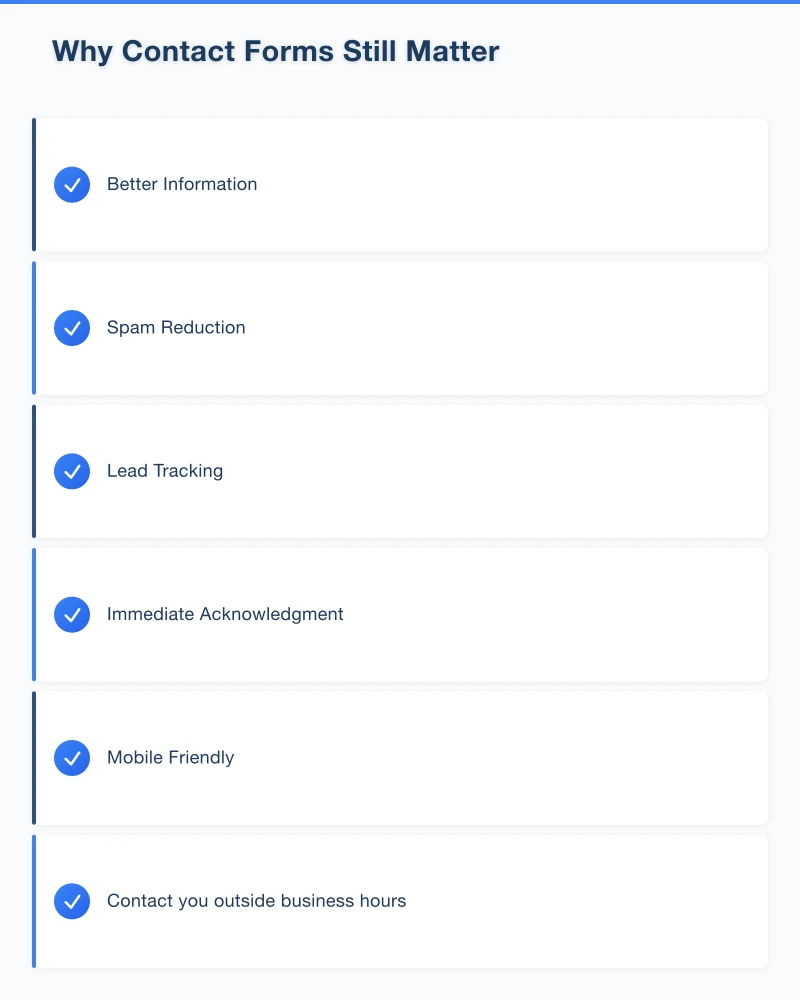
Better Information: Forms let you collect specific details upfront, saving back-and-forth communication.
Spam Reduction: Forms with proper validation reduce spam compared to publicly displayed email addresses.
Lead Tracking: Form submissions can be tracked in analytics, helping you understand your marketing effectiveness.
Immediate Acknowledgment: Automatic confirmation reassures customers their message was received.
Mobile Friendly: Forms work consistently across devices, while email links can behave unpredictably on different phones.
The Anatomy of a High-Converting Form
Essential Fields Only
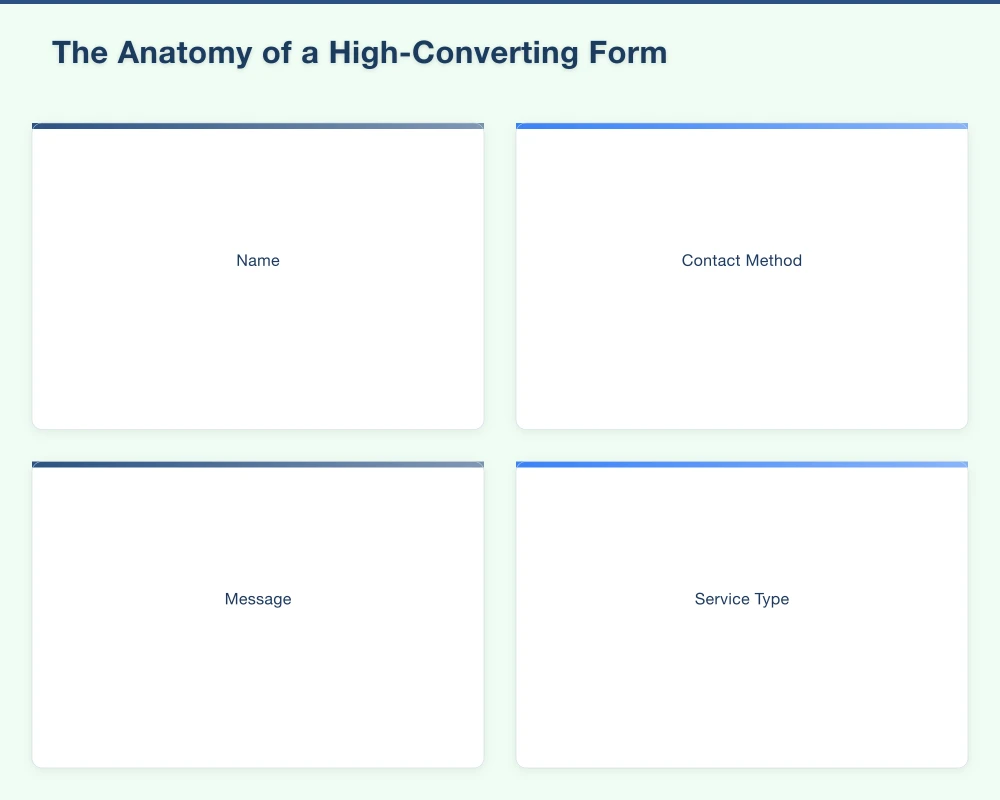
The golden rule of form design is to ask only for information you genuinely need. Every additional field reduces completion rates. For most local businesses, the essentials are:
Name: First name only is often sufficient for initial contact.
Contact Method: Email and/or phone number. Consider making phone optional.
Message: A free-text area for their enquiry.
That is it for a basic contact form. Anything else should justify its inclusion.
Optional Fields Worth Considering
Depending on your business type, additional fields might add value:
Service Type: A dropdown for businesses offering multiple services helps route enquiries and set expectations.
Suburb/Postcode: Useful for businesses with defined service areas. Helps qualify leads immediately.
Preferred Contact Time: If you need to call back, knowing their availability saves time.
How Did You Hear About Us: Marketing attribution helps, but consider making this optional.
Fields to Avoid
Some fields actively discourage form completion:
Full Address: Unnecessary for initial contact and feels intrusive.
Date of Birth: Unless genuinely required, this creates suspicion.
Mandatory Phone Numbers: Some people strongly prefer email contact.
CAPTCHA Puzzles: The annoying image grids frustrate users. Better alternatives exist.
Budget Questions: Asking about budget too early can scare off genuine enquiries.
Form Design Best Practices
Position and Visibility
Above the Fold: On your contact page, the form should be visible without scrolling on most screens.
Multiple Entry Points: Consider adding forms to service pages, not just a dedicated contact page.
Clear Navigation: Contact should be easy to find from any page on your site.
Mobile Positioning: On mobile, ensure the form is prominent and does not require excessive scrolling.
Visual Design Principles
Clear Labels: Each field needs a visible label. Placeholder text alone is not enough as it disappears when typing.
Adequate Size: Input fields should be easy to tap on mobile. Small fields increase errors.
Logical Flow: Fields should follow a natural order–name, then contact details, then message.
Error Handling: Show errors clearly and specifically. “Invalid email” is better than “Error in form.”
Progress Indicators: For longer forms, show users how far through they are.
The Submit Button
The submit button deserves special attention:
Descriptive Text: “Send Enquiry” or “Get Free Quote” is better than generic “Submit.”
Prominent Design: The button should stand out visually. Use your brand’s action colour.
Appropriate Size: Large enough to tap easily on mobile.
One Button Only: Do not confuse users with multiple submission options.
Writing Form Copy That Converts
Headlines and Introductions
The text around your form matters. Effective approaches include:
Set Expectations: “We typically respond within 2 business hours.”
Reduce Friction: “No obligation. No spam. Just a conversation about how we can help.”
Build Confidence: “Join 500+ Western Sydney businesses we have helped this year.”
Create Urgency (When Appropriate): “Limited spots available for June installations.”
Field Labels and Placeholders
Write labels that are clear and conversational:
Instead of: “Given Name” and “Family Name” Write: “Your Name”
Instead of: “Telephone Number” Write: “Phone (optional)”
Instead of: “Describe your enquiry in detail” Write: “How can we help?”
Placeholder text should give examples, not replace labels:
Good placeholder: “e.g., I need a plumber for a leaking tap” Bad placeholder: “Message” (disappears, leaving users confused)
Privacy Assurances
Privacy concerns are real. Address them directly:
- “We will never share your information with third parties.”
- “Your details are used only to respond to your enquiry.”
- Link to your privacy policy for those who want details.
Technical Considerations
Form Security
SSL Certificate: Your entire site, especially forms, should use HTTPS. Browsers now warn about insecure forms.
Input Validation: Validate email format and required fields before submission.
Rate Limiting: Prevent spam attacks by limiting submission frequency.
Data Storage: Consider where form data is stored and for how long.
Spam Prevention
Spam submissions waste time and can bury genuine enquiries. Effective prevention methods:
Honeypot Fields: Hidden fields that only bots fill in. If completed, the submission is rejected.
Time-Based Validation: Reject submissions that complete the form impossibly fast (bots) or suspiciously slow (abandoned then auto-submitted).
Modern CAPTCHA: If needed, use modern options like Cloudflare Turnstile that verify users without annoying puzzles.
Content Filtering: Flag submissions containing common spam keywords for review rather than automatic delivery.
Mobile Optimisation
More than half of website visits now come from mobile devices:
Touch-Friendly Inputs: Minimum 44px tap targets for fields and buttons.
Appropriate Keyboards: Email fields should trigger email keyboards; phone fields should trigger number pads.
Minimal Scrolling: Long forms are painful on mobile. Reduce fields or use multi-step forms.
Testing: Test your form on actual mobile devices, not just browser simulations.
What Happens After Submission
The Confirmation Message
The moment after submission is crucial. A good confirmation:
Confirms Receipt: “Thanks! We have received your enquiry.”
Sets Expectations: “We will be in touch within 24 hours.”
Provides Alternatives: “Need faster help? Call us on [number].”
Suggests Next Steps: “While you wait, check out our FAQ” or “Follow us on Instagram.”
Email Notifications
Ensure you receive submissions reliably:
Multiple Recipients: Critical enquiries should notify more than one person.
Mobile Notifications: Enable push notifications so you can respond quickly.
Clear Subject Lines: “New Website Enquiry: [Service Type]” is better than “Form Submission.”
Full Details: Include all submitted information in the notification email.
Response Time Expectations
Speed matters for conversions. Studies show:
- Responding within 5 minutes increases contact rates significantly
- After 30 minutes, lead qualification drops dramatically
- After 24 hours, many leads have contacted competitors
For local businesses, aiming to respond within 2-4 business hours is realistic and effective.
Auto-Response Emails
Consider sending automatic confirmation emails to submitters:
Benefits:
- Confirms their submission was received
- Provides immediate value (attached guides, FAQs)
- Keeps your business top of mind
- Can include business hours and alternative contact methods
Keep it Brief: No one wants a lengthy auto-response. A few sentences acknowledging receipt and setting expectations is sufficient.
Form Types for Different Purposes
General Contact Form
The simplest form for general enquiries:
- Name
- Phone (optional)
- Message
Suitable for: Most service businesses, professional services, general enquiries.
Quote Request Form
More detailed for pricing enquiries:
- Name
- Contact details
- Service type (dropdown)
- Brief description of needs
- Preferred contact method
- Suburb/Postcode
Suitable for: Trades, home services, custom services.
Booking Request Form
For appointment-based businesses:
- Name
- Contact details
- Service required
- Preferred date/time
- Any relevant details (new client, returning, special requirements)
Suitable for: Salons, consultants, healthcare, professional services.
Quick Contact Widget
Minimal form for immediate contact:
- Email or phone
- Brief message
Suitable for: Footer widgets, pop-ups, mobile-first designs.
Advanced Form Strategies
Multi-Step Forms
Breaking long forms into steps can improve completion:
When to Use: Forms with more than 5-6 fields.
How It Works: Show a few fields at a time with clear progress indicators.
Benefits: Less overwhelming, creates commitment through partial completion.
Considerations: Ensure users can go back and edit previous steps.
Conditional Logic
Show different fields based on previous answers:
Example: A home services business might ask “What service do you need?” with options for plumbing, electrical, and HVAC. Depending on the selection, show relevant follow-up questions.
Benefits: Keeps forms short while collecting relevant details.
Exit-Intent Forms
Trigger a form when users are about to leave:
Use Cases: Offer something valuable like a free guide or consultation.
Design: Keep it minimal and compelling. Annoying pop-ups drive people away.
Timing: Show once per visit, not repeatedly.
Chat and Form Hybrids
Modern tools combine live chat with form capture:
- Chat available during business hours
- Form submission when offline
- Captures contact details during chat for follow-up
Testing and Optimisation
A/B Testing Forms
Small changes can significantly impact conversion rates. Test:
Number of Fields: Try removing optional fields and measure impact.
Button Text: “Get Free Quote” vs “Send Message” vs “Contact Us.”
Form Position: Above fold vs below content.
Social Proof: Adding testimonials near forms.
Metrics to Track
Submission Rate: What percentage of form views result in submissions?
Abandonment Points: Where do people stop filling in the form?
Response Time: How quickly are you responding to submissions?
Lead Quality: Are submissions turning into customers?
Common Issues to Check
- Forms not sending notifications (test regularly)
- Mobile usability problems
- Slow loading times
- Confusing error messages
- Spam overwhelming genuine enquiries
Local Business Form Examples
Tradie in Blacktown
A local plumber might use:
Get a Free Quote

Name: [___________]
Phone: [___________]
Suburb: [Dropdown of service areas]
What do you need help with?
[ ] Blocked drains
[ ] Hot water
[ ] Leaking taps
[ ] General plumbing
[ ] Emergency

Brief description: [___________]

[Get Free Quote]

"We respond to most enquiries within 1 hour during business hours."
Professional Services in Parramatta
An accountant might use:
Book a Consultation

First Name: [___________]
Email: [___________]
Phone (optional): [___________]

I need help with:
[ ] Personal tax return
[ ] Business accounting
[ ] BAS and GST
[ ] Business advisory
[ ] Other

Tell us about your situation: [___________]

[Book Free Consultation]

"All consultations are obligation-free and confidential."
Retail in Hills District
A local retailer might use:
Have a Question?

Your Name: [___________]
Email: [___________]
How can we help? [___________]

[Send Message]

"We usually respond within a few hours. Need faster help? Visit us in store or call [number]."
Your Form Optimisation Checklist
Design Review
- Form is visible without scrolling on contact page
- Clear, descriptive field labels
- Prominent, action-oriented submit button
- Mobile-friendly design tested on actual devices
- Error messages are clear and helpful
Content Review
- Only essential fields are required
- Privacy assurances are visible
- Expectations are set (response time, next steps)
- Copy is conversational, not corporate
Technical Review
- HTTPS is enabled across the site
- Form submissions reliably notify the right people
- Spam protection is active but not frustrating
- Confirmation message/page works correctly
- Mobile keyboard types are appropriate for each field
Process Review
- Someone monitors submissions during business hours
- Response time target is defined and met
- Follow-up process is documented
- Form submissions are tracked in analytics
Conclusion
Your website contact form is not just a technical feature–it is a crucial moment in your customer’s journey. A well-designed form removes friction, builds confidence, and makes it easy for potential customers to reach out.
For Western Sydney local businesses, where competition is strong and customers have many choices, the businesses that make contact easiest often win. Small improvements to your forms can translate into meaningful increases in enquiries and ultimately revenue.
Review your current forms against the principles in this guide. Test changes, measure results, and keep optimising. The goal is simple: when someone decides they want to contact you, make that as easy and pleasant as possible.
Your next customer might be filling out your form right now. Is your form helping them or getting in their way?
Need help improving your website’s lead generation? Contact Cosmos Web Technologies for a free website review.
Your website’s performance depends on what’s behind it. Cloud Geeks provides the managed hosting, cloud, and IT support that keeps Australian SMBs online and secure.
Ash Ganda covers how Australian SMBs are using AI, automation, and digital strategy to grow without scaling costs proportionally.
If your business is also planning a customer-facing iOS or Android app — Awesome Apps builds cross-platform mobile apps for Australian SMBs.
Part of the Ganda Tech Services family, Cosmos Web Tech delivers specialist web design and digital marketing for Australian small and medium businesses.