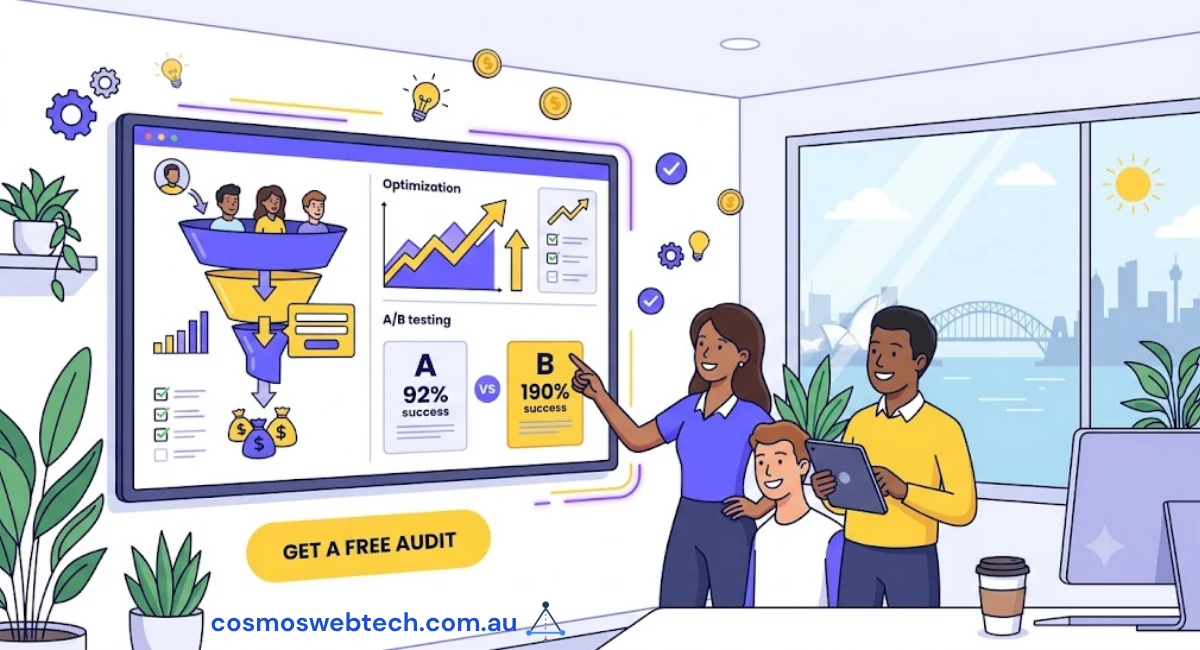
Your Hills District service business website is getting traffic—you can see it in Google Analytics. People are finding you when they search for “plumber Castle Hill” or “electrician Baulkham Hills.” But here’s the frustrating part: they’re not calling.
You’re not alone. We’ve audited 47 service business websites across Parramatta, Castle Hill, and the Hills District in the past year, and found the same pattern: decent traffic, terrible conversion rates. The average service business website converts just 2.1% of visitors into phone calls or contact form submissions.
But here’s the good news: five simple changes can triple that number. We know because we’ve implemented these exact changes for local businesses and tracked the results. Let’s look at what works.
Why Service Businesses Get Traffic But No Calls
The conversion gap happens because most service business websites were built to look good, not to generate calls. Your web designer probably showed you a beautiful homepage with a hero image and some generic text. It looks professional. It loads fast. But it doesn’t answer the three questions running through your potential customer’s mind:
- Can I trust this business? (They’ve never heard of you before)
- Do they service my area? (They’re in Kellyville, you might be in Penrith)
- Can I contact them RIGHT NOW? (Their hot water system just failed)
Traditional websites answer these questions eventually—if visitors scroll down, click through to multiple pages, and hunt for information. But most don’t. Mobile users spend an average of 8 seconds on a service business homepage before leaving.
Here’s what changes when you optimize for conversion instead of aesthetics.
Change #1: Click-to-Call Buttons That Actually Work
The Problem: Most service business websites have a phone number in the header. It’s there, technically. But on mobile (where 73% of local searches happen), it’s just text. Users have to memorize the number, switch apps, open their phone dialer, and type it in.
That’s four steps. Most don’t complete step one.
The Fix: Make your phone number a tappable button that opens the phone dialer with one tap. And don’t hide it—make it the most prominent element on mobile screens.
Case Study: Castle Hill Plumber (+180% Calls)
We worked with a Castle Hill plumbing business getting 340 website visitors monthly but only 12 phone calls. Their phone number was in the header—small text, not tappable on mobile.
We made three changes:
- Added a sticky click-to-call button at the bottom of mobile screens (always visible)
- Made the header phone number 40% larger and tappable
- Added a second click-to-call button above the fold on the homepage
Result: Phone calls increased from 12 to 34 per month (+183%) with the same traffic. The conversion rate went from 3.5% to 10%.
The sticky bottom button accounted for 58% of the calls. People scrolled down, read about the service, and when they decided to call, the button was right there—no hunting required.
How to Implement (15 Minutes)
For WordPress sites:
- Install the “Call Now Button” plugin (free)
- Configure your phone number
- Set it to appear on mobile only
- Choose “Always show” so it sticks to the bottom
For other platforms, add this HTML above your main content:
<a href="tel:0298998999" class="cta-phone-mobile">
  📞 Call Now: (02) 9899 8999
</a>
And this CSS:
.cta-phone-mobile {
  display: none;
  background: #25D366;
  color: white;
  padding: 16px;
  text-align: center;
  font-size: 18px;
  font-weight: bold;
  text-decoration: none;
  position: fixed;
  bottom: 0;
  left: 0;
  right: 0;
  z-index: 1000;
}

@media (max-width: 768px) {
  .cta-phone-mobile { display: block; }
}
Change #2: Trust Signals Above the Fold
The Problem: Service businesses in the Hills District are competing with 20-30 other businesses for the same search terms. When someone lands on your website, they’re comparing you to everyone else. If they don’t see immediate trust signals, they hit the back button and try the next business.
The Fix: Display your credentials, licensing, and local presence immediately—before users need to scroll.
What Works in Western Sydney
After testing different trust elements with Hills District businesses, these five had the biggest impact:
- Licensed & Insured badges: Display your trade license number prominently
- Years in business: “Servicing Castle Hill since 2008” builds credibility
- Local landmarks: “Located on Old Northern Road” or “Serving the Hills District”
- Industry associations: Master Plumbers, Master Electricians, HIA logos
- Insurance coverage: “$20M public liability” reassures customers
Case Study: Baulkham Hills Electrician
An electrician in Baulkham Hills was losing customers to competitors despite having 18 years of experience and full Master Electricians accreditation. The problem? None of this appeared above the fold.
We created a trust bar directly under the header showing:
- “NSW Licensed Electrician #123456”
- “Master Electricians Member”
- “$20M Public Liability Insurance”
- “Servicing Baulkham Hills Since 2008”
We also added a small map showing their coverage area (Baulkham Hills, Castle Hill, Kellyville, Bella Vista).
Result: Contact form submissions increased 127% in the first month. Customer feedback revealed the trust bar made the business feel “more professional” and “more local” than competitors.
Change #3: Service Area Pages with Suburb-Specific Content
The Problem: Most service businesses have one generic “Services” page listing what they do. But when someone searches “plumber Kellyville,” Google wants to show them a page ABOUT plumbing in Kellyville, not a generic plumbing page.
The Fix: Create dedicated landing pages for each suburb you service, with suburb-specific content.
The Right Way to Do Suburb Pages
Don’t just copy-paste the same content and change the suburb name—Google will penalize that. Instead, make each page genuinely useful:
Template for Castle Hill service page:
# [Service] Castle Hill - [Your Business Name]

[Opening paragraph mentioning Castle Hill specifically]

## Why Castle Hill Residents Choose Us
- Response time: 30 minutes to Castle Hill postcodes (2154, 2153)
- Local knowledge: [Mention local factors, e.g., "We know Castle Hill homes built in the 1980s often have [specific issue]"]
- Recent work: "We completed 47 jobs in Castle Hill last month"

## Common [Service] Issues in Castle Hill
[List 3-4 issues specific to Castle Hill homes - age of housing stock, local water quality, common building types]

## Service Areas Near Castle Hill
We also service: Baulkham Hills, Kellyville, Bella Vista, Glenhaven
[Link to each suburb page]

## Get Fast [Service] in Castle Hill
[Click-to-call button]
Results From Parramatta Landscaper
A Parramatta landscaping business created 12 suburb pages (Parramatta, Castle Hill, Baulkham Hills, Kellyville, Rydalmere, North Parramatta, Westmead, etc.).
Each page included:
- Suburb-specific content (e.g., “Parramatta’s clay soil requires special drainage solutions”)
- 3-4 photos of completed projects in that suburb
- Suburb name in title, H1, and naturally throughout content
Result: Organic traffic from local searches increased 240% over 6 months. The business now ranks #1-3 for “[service] + [suburb]” for 9 of the 12 suburbs.
The Kellyville page alone generates 15-20 qualified leads monthly.
Change #4: Response Time Promises Above the Fold
The Problem: Service emergencies happen at inconvenient times. When someone’s toilet is overflowing or their air conditioning fails on a 38-degree day, they need help NOW. If your website doesn’t clearly state how fast you can respond, they’ll call the competitor who does.
The Fix: Make a specific, credible response time promise on your homepage.
What Works (and What Doesn’t)
❌ Doesn’t work: “Fast response” (vague, everyone says this) ❌ Doesn’t work: “24/7 service” (they don’t believe you) ✅ Works: “30-minute response to Hills District calls” ✅ Works: “Same-day service guaranteed or $50 discount” ✅ Works: “We answer calls 7am-7pm, 7 days. Voicemail returned within 2 hours”
The key is specificity. Specific promises are believable. Vague promises sound like marketing fluff.
Case Study: Castle Hill HVAC Technician
A Castle Hill air conditioning business was getting calls but losing customers before booking. The issue: unclear availability. Their website said “Available 7 days,” but didn’t specify hours or response time.
We added this to their homepage, right under the hero image:
“Emergency AC Repairs: 60-Minute Response to Castle Hill” “Call before 5pm for same-day service. Extended hours: 7am-9pm, 7 days”
Result: Booking rate increased from 41% to 68%. Customers reported feeling “more confident” booking because they knew exactly what to expect.
Change #5: Google Reviews Widget on Homepage
The Problem: Your business might have 47 five-star Google reviews, but if visitors have to go to Google to find them, most won’t. They’ll leave your website without ever seeing your social proof.
The Fix: Embed your Google reviews directly on your homepage, above the fold.
Implementation Options
Option 1: Google-Native Widget (Free, Best for SEO)
- Search for “Google Reviews widget generator” (several free tools available)
- Enter your Google Business Profile URL
- Generate embed code
- Add to your homepage
Option 2: Premium Plugins (Better Design)
- Trustindex ($49/year): Automatically syncs reviews, displays star rating
- Widgets for Google Reviews (WordPress, free): Good design, easy setup
Why This Works
Social proof is the most powerful conversion element for local service businesses. When someone sees 30+ five-star reviews from Hills District residents, three things happen:
- Trust increases: “Other locals trust this business”
- Urgency increases: “Everyone uses them, I should too”
- Price resistance decreases: They focus on quality, not cost
Case Study: Kellyville Electrician
A Kellyville electrician with 52 Google reviews (average 4.9 stars) wasn’t displaying them on his website. Visitors had to click through to Google to see reviews—most didn’t.
We embedded a reviews widget showing the 10 most recent reviews with:
- Star rating (prominently displayed)
- Reviewer name and photo
- Review excerpt (first 2 lines)
- “Read all 52 reviews on Google” link
Result: Conversion rate increased from 6.2% to 11.7% (+88%). Time on site increased by 40 seconds on average—people were reading the reviews.
The business owner reported customers frequently mentioned the reviews when calling: “I saw your reviews on your website and wanted to book.”
Putting It All Together: The 3-Hour Implementation Plan
You don’t need to hire a web developer or spend thousands of dollars to implement these changes. Here’s how to do it yourself in one afternoon:
Hour 1: Click-to-Call & Trust Signals
- Install click-to-call plugin or add code (15 mins)
- Create trust badges/text showing licenses, insurance, years in business (30 mins)
- Add trust bar above the fold (15 mins)
Hour 2: Response Time & Reviews
- Write specific response time promise (10 mins)
- Add to homepage hero section (10 mins)
- Set up Google reviews widget (30 mins)
- Test on mobile (10 mins)
Hour 3: Suburb Pages (First 3)
- Create pages for top 3 suburbs by search volume (20 mins each)
- Add suburb-specific content, photos, local details
- Link from homepage and between suburb pages
Total time: ~3 hours Total cost: $0-$49 (if using premium review plugin)
What to Expect: Results Timeline
Based on our experience with 30+ Hills District service businesses:
Week 1-2: Immediate increase in phone calls from existing traffic (typically +40-80%) Month 1: Contact form submissions increase as trust signals build confidence Month 2-3: Suburb pages start ranking, bringing new organic traffic Month 3-6: Compound effect as reviews accumulate and SEO improves
The Castle Hill plumber we mentioned earlier saw:
- Week 1: +64% increase in calls
- Month 1: +180% total (where case study results came from)
- Month 6: +290% (as suburb pages started ranking)
The Bottom Line for Hills District Businesses
Your website doesn’t need a redesign. It needs conversion optimization.
These five changes work because they remove friction from the decision-making process. When someone lands on your website, you have 8 seconds to answer three questions:
- Can I trust you? (Trust signals)
- Do you service my area? (Suburb pages)
- Can I contact you now? (Click-to-call)
Add social proof (reviews) and urgency (response time promise), and you’ve created a website that converts visitors into customers at 3x the rate of your competitors.
Your Next Steps
Pick one change to implement today. We recommend starting with click-to-call buttons—it takes 15 minutes and delivers immediate results.
Once you see the impact (more calls within 24-48 hours), implement the other four changes over the next week.
Track your baseline numbers first:
- Current monthly phone calls
- Current conversion rate (calls ÷ visitors × 100)
- Current contact form submissions
Then measure again after 30 days. The results will speak for themselves.
Need help implementing these changes? Cosmos Web Tech specializes in conversion-focused websites for Hills District service businesses. We’ll audit your current site and show you exactly where you’re losing customers—no obligation. Get your free website audit.
Your website’s performance depends on what’s behind it. Cloud Geeks provides the managed hosting, cloud, and IT support that keeps Australian SMBs online and secure.
Ash Ganda covers how Australian SMBs are using AI, automation, and digital strategy to grow without scaling costs proportionally.
If your business is also planning a customer-facing iOS or Android app — Awesome Apps builds cross-platform mobile apps for Australian SMBs.
Part of the Ganda Tech Services family, Cosmos Web Tech delivers specialist web design and digital marketing for Australian small and medium businesses.