You’re getting traffic to your website. You see the numbers in Google Analytics. People are visiting your site, but they’re not calling, not filling out contact forms, and not buying. Sound familiar?
For Hills District businesses, this is one of the most frustrating problems in digital marketing. You’re spending money on ads, working hard on SEO, maybe even posting regularly on social media. The visitors are coming, but they’re leaving without becoming customers.
The good news? This isn’t about getting more traffic. It’s about making your website work harder with the traffic you already have. That’s what conversion optimization is all about.
Why Conversion Rates Matter for Local Businesses
Let’s look at a real example. Imagine your Castle Hill business website gets 1,000 visitors per month. If 2% of those visitors become customers, that’s 20 new customers. If you improve that to 4%, you’ve doubled your customer acquisition to 40 people, without spending an extra dollar on advertising.
For Western Sydney businesses, the average website conversion rate sits around 2-3%. The best-performing local business websites achieve 5-8% or higher. That difference can mean thousands of dollars in extra revenue every month.
Here’s what’s happening with most local business websites. Visitors land on your homepage, look around for 10-15 seconds, don’t find what they’re looking for immediately, and leave. They might see your services listed, but nothing tells them why they should choose you over the competitor they’re about to check next.
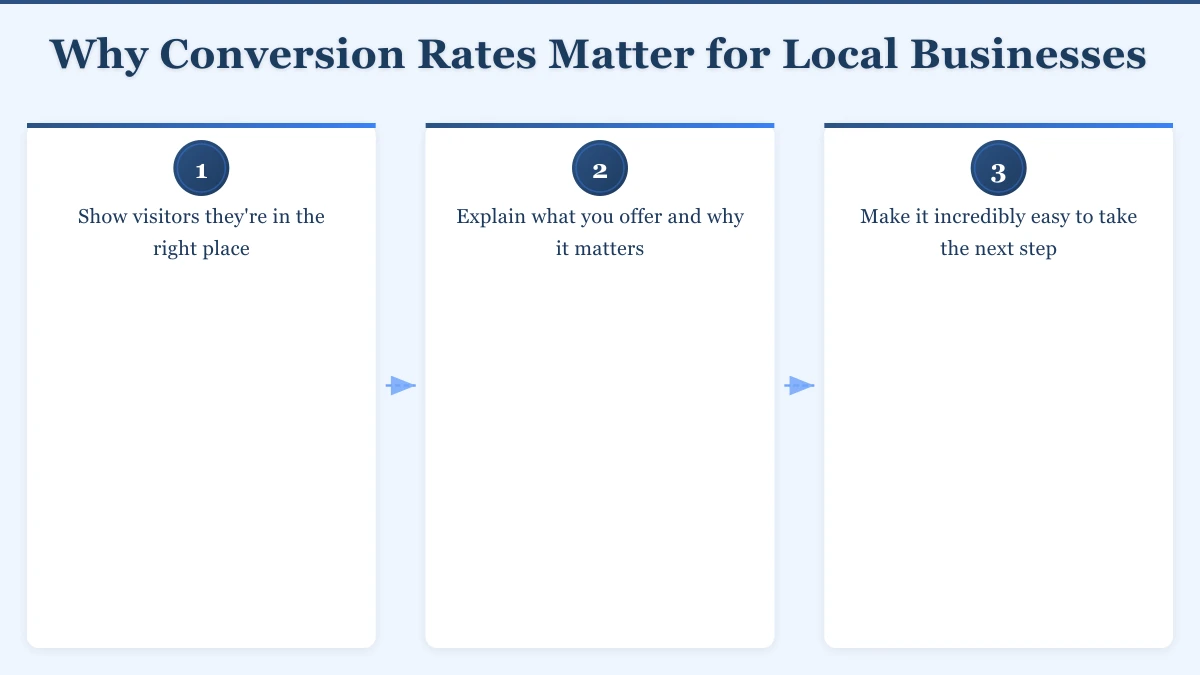
Your website needs to do three things in those first few seconds:
- Show visitors they’re in the right place
- Explain what you offer and why it matters
- Make it incredibly easy to take the next step
Landing Pages That Convert
Your homepage can’t be everything to everyone. This is where dedicated landing pages come in, and they’re a game-changer for Western Sydney businesses.
A landing page is a focused page designed for one specific purpose. Maybe it’s for your Google Ads campaign promoting your end-of-financial-year special. Or it’s a page specifically for people searching “emergency plumber Baulkham Hills.” Whatever the purpose, everything on that page works toward one goal: getting the visitor to take action.
Here’s what makes a landing page work:
Clear headline that matches what they searched for. If someone clicks your ad about kitchen renovations, the first thing they see should say “Kitchen Renovations in the Hills District,” not just your company name. They need to know immediately they’re in the right place.
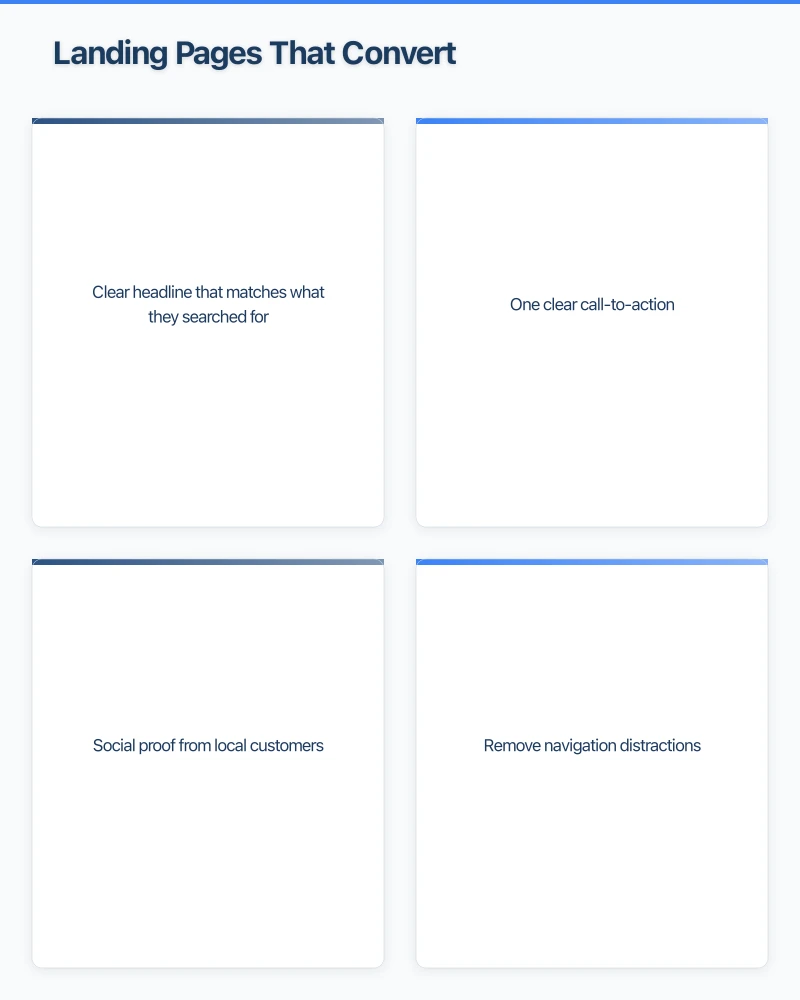
One clear call-to-action. Don’t give people five different options. Too many choices create confusion, and confused visitors leave. If you want them to call, make the phone number big and obvious. If you want them to book a consultation, that button should be the most prominent thing on the page.
Social proof from local customers. A testimonial from “Sarah in Castle Hill” is worth more than ten generic reviews. Western Sydney businesses serve Western Sydney people, and seeing that others nearby trust you builds confidence fast.
Remove navigation distractions. This sounds counterintuitive, but high-converting landing pages often have minimal navigation or none at all. You want visitors focused on one decision: take action or leave. Don’t tempt them to wander around your site.
A Bella Vista accounting firm we worked with created a dedicated landing page for their EOFY tax planning service. Previously, they sent ad traffic to their homepage, which listed all their services. Conversion rate was 1.8%. The new landing page focused only on EOFY planning, with a clear headline, three key benefits, client testimonials from local businesses, and one prominent “Book Your EOFY Review” button. Conversion rate jumped to 6.2%. Same traffic, same offer, better page design.
Calls-to-Action That Get Clicked
Your call-to-action (CTA) is where conversion happens. It’s the button, link, or form that turns a visitor into a lead. Yet most local business websites have weak, generic CTAs that blend into the page.
“Learn More” is the worst offender. It’s vague, boring, and tells visitors nothing about what happens next. Compare that to “Get Your Free Quote in 60 Seconds” or “Book Your Free Consultation.” These are specific, clear, and set expectations.
Use action words that create urgency. “Start,” “Get,” “Book,” “Claim,” “Schedule” are all stronger than “Submit” or “Send.” For local businesses, include time frames: “Get Your Free Quote Today” or “Book This Week and Save 10%.”
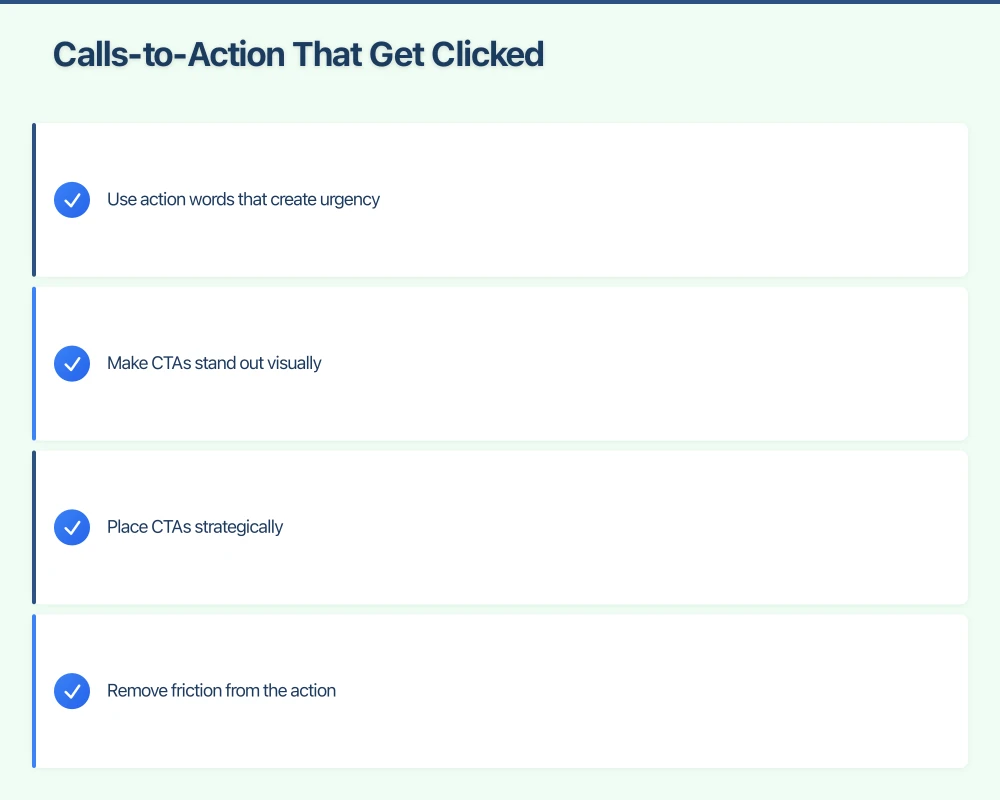
Make CTAs stand out visually. Your CTA button should be the most visually prominent element on the page. Use contrasting colors. If your website is blue, make your CTA button orange or green. It should practically jump off the screen.
Place CTAs strategically. Don’t make people hunt for how to contact you. Your main CTA should appear “above the fold” (visible without scrolling), but also repeat it after explaining your services, after showing testimonials, and at the end of the page. People need to be ready to take action, and they get ready at different points.
Remove friction from the action. Every field in a contact form is a barrier. Does a visitor really need to fill out their company name, position, and how they heard about you just to get a quote? For most Hills District businesses, name, phone number, and email is plenty to start a conversation. You can ask the rest later.
Pro Tip: Test your mobile experience. Over 60% of local searches happen on mobile phones. Pull out your phone right now and try to fill out your contact form. If it’s frustrating for you, it’s frustrating for your customers.
Building Trust Online
Western Sydney customers want to work with businesses they trust. Online, trust is built through what we call “trust signals” - the elements on your website that prove you’re legitimate, professional, and reliable.
Google reviews prominently displayed. If you have 50+ five-star Google reviews, why hide them? Put them front and center on your homepage and service pages. Even better, integrate them directly using Google’s review widget so visitors can see they’re real and recent.
Local address and local phone number. Some businesses hide their address or use a generic 1300 number. For Western Sydney businesses, showing a local address (even if it’s “Servicing the Hills District from our Bella Vista office”) and a local phone number builds immediate trust. People want to work with businesses near them.
Professional photos of your actual team and work. Stock photos of people in suits shaking hands don’t build trust - everyone uses them. Photos of your actual team, your actual workshop or office, and your actual completed projects show you’re a real business with real people.
Security badges for online transactions. If you take payments online, display security badges. “Secure Checkout,” “SSL Protected,” or payment provider logos (like Stripe or PayPal) reassure customers their information is safe.
Certifications and memberships. Licensed builder? Member of the Master Plumbers Association? Show those credentials. They matter to customers making decisions about who to trust with their money.
A Rouse Hill dental practice added five trust elements to their website: their team’s photos with short bios, a video tour of their clinic, their 4.9 Google rating displayed prominently, accreditation logos, and a “What to Expect at Your First Visit” section. Their appointment booking rate increased by 43% in the first month.
Forms That Don’t Scare People Away
Long, complicated forms kill conversions. Every additional field you ask someone to fill out reduces the likelihood they’ll complete it. For Western Sydney businesses, the goal is to make contact as easy as possible.
Only ask for what you absolutely need. For a quote request, you need enough information to provide an accurate quote. For a “request a call back,” you need a phone number and maybe the best time to call. That’s it. You can gather more details during the actual conversation.
Use form field hints and examples. Instead of a blank field labeled “Service Required,” add placeholder text like “e.g., Kitchen renovation in Castle Hill.” This helps people understand what information you’re looking for and makes the form less intimidating.
Show progress on multi-step forms. If you do need more information, break a long form into multiple short steps with a progress indicator. “Step 1 of 3” feels more manageable than seeing ten fields all at once.
Offer multiple contact options. Some people love filling out forms. Others would rather call. Some want to chat. Provide options: contact form, phone number, and consider adding a simple chat widget. Let customers contact you their preferred way.
Auto-fill where possible. Modern forms can detect and auto-fill information like address based on postcode. The less typing required, the higher your conversion rate.
Confirm what happens next. Your form submission confirmation shouldn’t just say “Thanks!” Tell them exactly what to expect: “Thanks! We’ll call you within 2 business hours” or “Your quote request has been sent. Check your email in the next 10 minutes for our response.”
Mobile Optimization Is Not Optional
More than half of your Hills District website visitors are on mobile phones. If your website isn’t optimized for mobile, you’re losing customers every single day.
Mobile optimization for conversion means:
Tap targets are large enough. Phone numbers should be clickable. Buttons should be easy to tap with a thumb. If elements are too small or too close together, visitors will accidentally tap the wrong thing and get frustrated.
Forms work perfectly on mobile. Test your contact form on a phone. Does the keyboard cover the submit button? Do fields auto-zoom when you tap them? Does auto-correct interfere with email addresses? These small frustrations cause people to abandon forms.
Page speed is fast. Mobile users are often on the go, sometimes on slower connections. If your page takes more than 3 seconds to load, half your visitors will leave before seeing anything. Compress images, minimize code, and consider a caching solution.
Click-to-call buttons are prominent. On mobile, make your phone number a large, obvious button at the top of every page. When someone taps it, their phone should immediately start calling. This is the easiest possible conversion path for mobile visitors.
Test this right now: open your website on your phone. Can you complete your main desired action (book an appointment, request a quote, make a purchase) in under 60 seconds without frustration? If not, you’re losing mobile conversions.
What You’ll Achieve with Better Conversion Rates
Let’s bring this back to real numbers for your Western Sydney business. If your website currently gets 500 visitors per month with a 2% conversion rate, you’re getting 10 customers from your website monthly.
Implementing these conversion optimization strategies - improving your landing pages, strengthening your CTAs, building trust signals, simplifying forms, and optimizing for mobile - can realistically double or triple your conversion rate to 4-6%.
That same 500 monthly visitors now generates 20-30 customers. Same advertising budget, same traffic, double or triple the customers. Over a year, that’s potentially hundreds of additional customers and thousands of dollars in extra revenue.
The best part? These improvements compound. Better conversion rates mean your advertising becomes more cost-effective, which means you can afford to invest more in marketing, which brings more traffic that converts at your improved rate. It’s a growth flywheel.
Getting Started with Conversion Optimization
You don’t need to implement everything at once. Start with the changes that will have the biggest impact for your specific business:
-
Review your main landing pages. Look at the pages where you send advertising traffic. Do they have clear headlines, single focused CTAs, and trust signals? Start there.
-
Simplify your contact forms. Count the fields in your forms. Can you remove any? Test reducing your form to just the essential fields and measure the difference.
-
Test your mobile experience. Grab your phone and try to become a customer on your own website. Note every point of frustration and fix them one by one.
-
Add trust signals. If you have Google reviews, display them. If you have credentials, show them. If you have photos of your work, feature them.
-
Make one CTA change this week. Pick your weakest call-to-action button and rewrite it to be more specific and action-oriented. Change the color to make it stand out more.
Start with these five steps. Measure your current conversion rate (visitors who complete your desired action divided by total visitors). Make changes. Measure again in two weeks. Repeat.
Conversion optimization isn’t a one-time project. It’s an ongoing process of testing, measuring, and improving. But even small improvements create significant results for Western Sydney businesses competing for local customers.
Ready to improve your website conversion rate? Get in touch for a free website review and we’ll identify your biggest conversion opportunities.
Your website’s performance depends on what’s behind it. Cloud Geeks provides the managed hosting, cloud, and IT support that keeps Australian SMBs online and secure.
Ash Ganda covers how Australian SMBs are using AI, automation, and digital strategy to grow without scaling costs proportionally.
If your business is also planning a customer-facing iOS or Android app — Awesome Apps builds cross-platform mobile apps for Australian SMBs.
Part of the Ganda Tech Services family, Cosmos Web Tech delivers specialist web design and digital marketing for Australian small and medium businesses.