Introduction
Every business owner knows the frustration: answering the same questions repeatedly through phone calls, emails, and messages. “What are your hours?” “Do you service my area?” “How much does it cost?” These enquiries consume valuable time that could be spent actually running your business.
A well-designed FAQ page solves this problem while simultaneously improving your website’s SEO and helping potential customers find the information they need to make purchasing decisions. Yet many small business websites either lack an FAQ page entirely or have one that fails to address what customers actually want to know.
This guide shows you how to create an FAQ page that genuinely helps your customers and your business.
Why FAQ Pages Matter More Than You Think
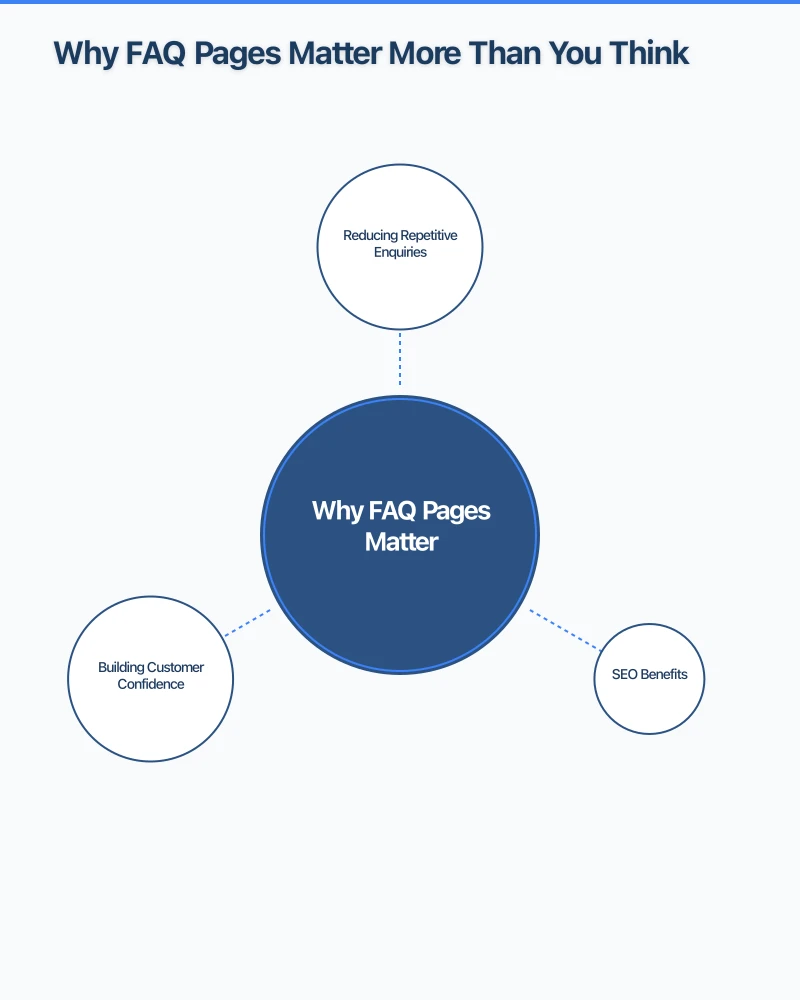
Reducing Repetitive Enquiries
The average small business owner spends 3-4 hours per week answering the same basic questions. An effective FAQ page can reduce these enquiries by 30-50%, freeing you to focus on work that actually grows your business.
When customers can self-serve basic information, they often arrive at conversations already informed and ready to proceed. A Hills District tradie who explains their pricing structure on their FAQ page spends less time quoting and more time completing jobs.
SEO Benefits
FAQ pages are SEO goldmines. They naturally target the long-tail keywords your potential customers are typing into Google–phrases like “how much does a plumber charge in Blacktown” or “do I need a booking for Saturday brunch Parramatta.”
Google also displays FAQ content in rich snippets and “People Also Ask” boxes, giving your business additional visibility in search results. Structured FAQ content can significantly improve your search presence for question-based queries.
Building Customer Confidence
When potential customers can easily find answers to their questions, they trust your business more. An FAQ page signals transparency and professionalism. It shows you understand customer concerns and are willing to address them openly.
For service businesses especially, the FAQ page often determines whether a visitor makes an enquiry or leaves to find a competitor who provides clearer information.
Finding the Right Questions to Answer
Mine Your Actual Customer Enquiries
The best FAQ questions come from real customers. Review the questions you receive through:
- Phone calls and voicemails
- Email enquiries
- Contact form submissions
- Social media messages
- Google Business Profile questions
- Online reviews (questions asked in reviews)
Track these questions for 2-4 weeks, noting which ones appear most frequently. These are your priority FAQ items.
Check Your Google Search Console
Google Search Console shows what queries bring people to your website. Look for question-based searches–those starting with “how,” “what,” “when,” “where,” “why,” or “can I.”
These queries tell you exactly what potential customers want to know. If people are searching for “do I need a licence for [your service]” and landing on your site, that question belongs in your FAQ.
Review Competitor FAQs
Check the FAQ pages of successful competitors. While you shouldn’t copy directly, their FAQs reveal common industry questions you might have overlooked.
Pay attention to which questions they answer thoroughly versus briefly–this indicates relative importance in your industry.
Use Google’s “People Also Ask”
Search for your main services or products on Google and expand the “People Also Ask” box. These algorithmically generated questions reflect real search behaviour and make excellent FAQ candidates.
For a Western Sydney electrical business, searching “electrician safety switch” reveals questions like “How do I know if my safety switch is faulty?” and “How often should safety switches be tested?”–both valuable FAQ entries.
Structuring Your FAQ Page
Organise by Category
For businesses with diverse services, group questions into logical categories. A Parramatta dental practice might organise FAQs under:
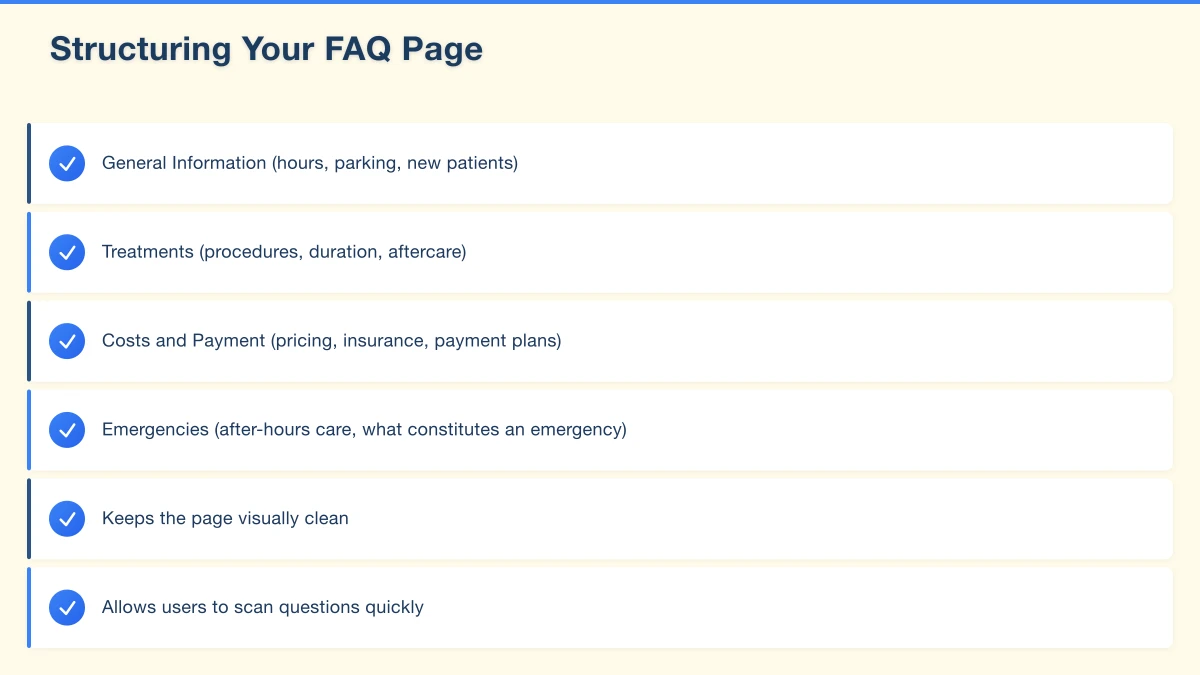
- General Information (hours, parking, new patients)
- Treatments (procedures, duration, aftercare)
- Costs and Payment (pricing, insurance, payment plans)
- Emergencies (after-hours care, what constitutes an emergency)
Categories make navigation easier and help users find relevant questions quickly.
Prioritise the Most Important Questions
Put your most frequently asked questions at the top. Website analytics show that users often don’t scroll far–ensure the information most visitors need appears first.
Consider a “Quick Answers” section at the very top with 3-5 essential questions before diving into comprehensive categories.
Use Expandable Sections
Implement accordion-style expandable sections where clicking a question reveals the answer. This design:
- Keeps the page visually clean
- Allows users to scan questions quickly
- Reduces overwhelming walls of text
- Works well on mobile devices
Add a Search Function
If your FAQ page has more than 15-20 questions, include a search function. Users with specific questions appreciate being able to search rather than scrolling through categories.
Writing Effective FAQ Answers
Match the Question Format
Write questions exactly as customers ask them. Use natural language, not corporate jargon.
Poor: “What is the service area coverage?” Better: “Do you service my area?”
Poor: “What is the standard turnaround duration?” Better: “How long does it take?”
Be Specific and Helpful
Vague answers frustrate users. Provide specific, actionable information.
Vague: “Pricing varies depending on the job.” Specific: “Most residential jobs in the Hills District range from $150-$400. We provide free quotes within 24 hours. For an instant estimate, call us on [number] with your job details.”
Include Relevant Details
Anticipate follow-up questions and address them in your answer. If someone asks about pricing, they likely also want to know about payment methods and deposit requirements.
Basic answer: “We accept cash, card, and bank transfer.” Comprehensive answer: “We accept cash, Visa, Mastercard, and direct bank transfer. Payment is due on completion. For larger jobs over $1,000, we require a 30% deposit to secure your booking.”
Link to Detailed Content
FAQ answers should be concise but complete. For complex topics, provide a brief answer and link to dedicated pages with more detail.
“Do you offer payment plans? Yes, we offer interest-free payment plans for jobs over $500 through Zip Pay and Afterpay. Learn more about our payment options.”
Use Local Context
For Western Sydney businesses, incorporate local references where relevant. Mentioning specific suburbs, landmarks, or local considerations builds connection and demonstrates local expertise.
“We service all of Western Sydney, from Penrith to Strathfield. Most suburbs receive same-day or next-day service. Remote areas like Hawkesbury may require 2-3 days notice.”
Essential FAQ Categories for Local Businesses
Contact and Location
- Business hours (including holidays)
- Physical address and parking information
- Phone number and best times to call
- Email response times
- Service area coverage
Products and Services
- What services/products you offer
- What you don’t do (important for setting expectations)
- How long services take
- What’s included in standard service
- Customisation options
Pricing and Payment
- General price ranges (you don’t need exact prices)
- Quote process
- Payment methods accepted
- Deposit requirements
- Payment plans or financing
Booking and Scheduling
- How to book or make appointments
- Cancellation policy
- What to expect before/during/after service
- Lead time required
Qualifications and Trust
- Licences and certifications
- Insurance coverage
- Experience and expertise
- Guarantees and warranties
Technical Implementation
Schema Markup for SEO
Implement FAQ Schema markup to help Google understand your FAQ content and potentially display it in rich search results. This structured data significantly improves your FAQ page’s SEO performance.
Your web developer can add this markup, or if you use WordPress, plugins like Yoast SEO can generate it automatically.
Mobile Optimisation
Over 60% of local business searches happen on mobile devices. Ensure your FAQ page:
- Loads quickly on mobile
- Has tap-friendly expandable sections
- Uses readable font sizes
- Works without horizontal scrolling
Page Speed
FAQ pages with accordion sections often load faster than pages with all content visible, as content can be loaded on demand. Avoid heavy images on FAQ pages–text-based content serves users better here.
Maintaining Your FAQ Page
Regular Reviews
Schedule quarterly reviews of your FAQ page. Questions that were relevant six months ago may be less important now, while new common questions emerge.
Track which FAQ items receive the most clicks (your web analytics can show this) to understand what information visitors need most.
Add New Questions Promptly
When you notice a new question appearing frequently, add it to your FAQ promptly. A responsive FAQ page stays relevant and useful.
Remove Outdated Information
Outdated FAQ answers damage trust. If your prices, policies, or services change, update the FAQ immediately. Incorrect information on your website is worse than no information.
Monitor Performance
Use Google Analytics to track:
- FAQ page visits
- Time spent on page
- Exit rates (do people leave after reading FAQs?)
- Click-through to contact pages (a good sign)
If people read your FAQs and then contact you anyway asking those same questions, your answers may need improvement.
Common FAQ Page Mistakes
Too Few Questions
An FAQ page with only 3-4 questions looks incomplete and unhelpful. Aim for at least 10-15 questions to provide genuine value.
Generic Questions Nobody Asks
Avoid filler questions like “Why should I choose your business?” that exist to sell rather than inform. Focus on genuine customer questions.
Incomplete Answers
“Contact us for details” is not an answer. If you can’t provide specific information publicly, at least explain why and what the customer should expect when they do contact you.
Difficult Navigation
FAQ pages with 50+ questions and no organisation frustrate users. Implement categories, search, and clear hierarchy.
No Clear Next Steps
After reading your FAQ, visitors should know what to do next. Include clear calls to action: “Ready to book? Contact us” or “Have more questions? Call us on [number].”
Getting Started
Building an effective FAQ page doesn’t require completing everything at once:
Week 1: Start tracking every question you receive through all channels.
Week 2: Compile your list and identify the top 10-15 most common questions.
Week 3: Write clear, specific answers for each question.
Week 4: Implement the page on your website with proper organisation and design.
Ongoing: Add new questions as they emerge and review quarterly.
Conclusion
An effective FAQ page is one of the highest-return investments you can make in your website. It reduces repetitive enquiries, improves your search visibility, and helps potential customers find the information they need to become actual customers.
The key is treating your FAQ page as a genuine customer service tool rather than an afterthought. Use real customer questions, provide specific helpful answers, and maintain the page as your business evolves.
Your customers are asking questions. Make sure your website provides the answers.
Need help building or improving your business website? Cosmos Web Technologies creates effective websites for Western Sydney businesses that convert visitors into customers. Get in touch for a free consultation.
Your website’s performance depends on what’s behind it. Cloud Geeks provides the managed hosting, cloud, and IT support that keeps Australian SMBs online and secure.
Ash Ganda covers how Australian SMBs are using AI, automation, and digital strategy to grow without scaling costs proportionally.
If your business is also planning a customer-facing iOS or Android app — Awesome Apps builds cross-platform mobile apps for Australian SMBs.
Part of the Ganda Tech Services family, Cosmos Web Tech delivers specialist web design and digital marketing for Australian small and medium businesses.