Website Redesign Checklist for Australian Small Business
If your business website is looking a bit dated, running slowly, or just not bringing in the enquiries it used to, it might be time for a redesign. But a website redesign is a significant project, and without proper planning, things can go sideways quickly.
This checklist is designed for Australian small business owners who want to get their website redesign right the first time. Whether you are doing it yourself or working with a web designer, these steps will help you stay on track.
Before You Start: Planning Phase
1. Define Your Goals
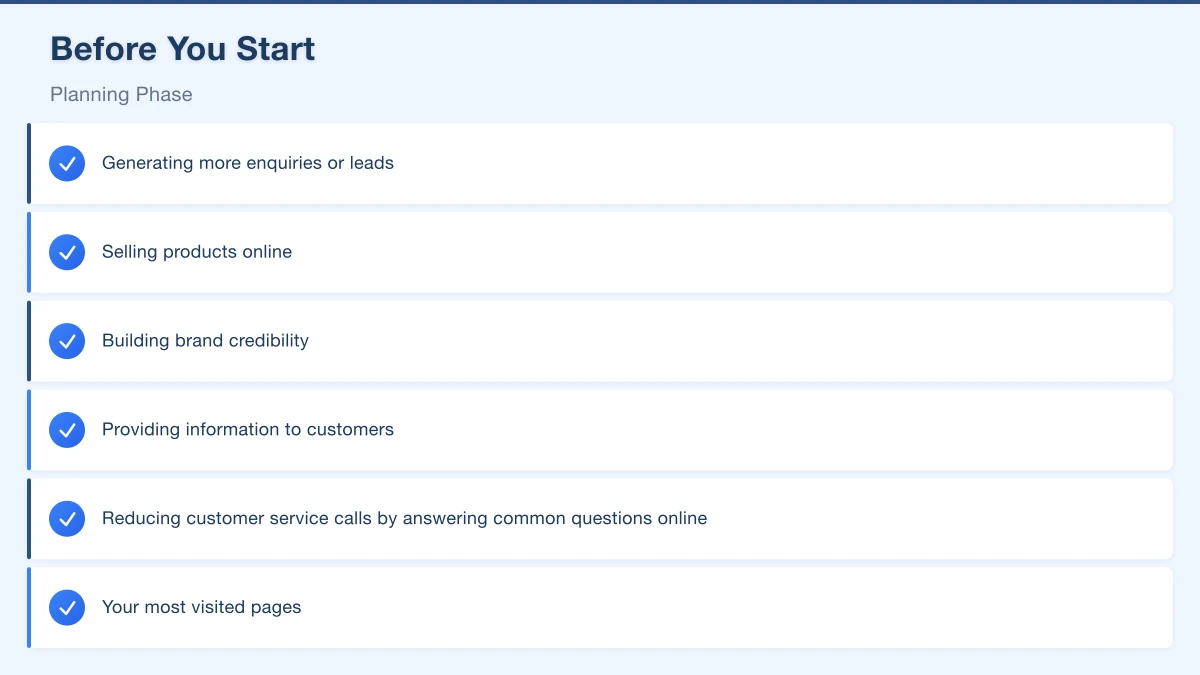
Before you touch a single pixel, get clear on what you want your new website to achieve. Common goals include:
- Generating more enquiries or leads
- Selling products online
- Building brand credibility
- Providing information to customers
- Reducing customer service calls by answering common questions online
Write down your top three goals. Every decision you make during the redesign should support these goals.
2. Audit Your Current Website
Take a hard look at what is working and what is not on your current site. Use Google Analytics to identify:
- Your most visited pages
- Pages with high bounce rates (where people leave quickly)
- Where your traffic comes from (search engines, social media, direct visits)
- How people navigate through your site
Do not throw out what is working. If certain pages are performing well, understand why and carry those elements into the new design.
3. Research Your Competitors
Look at what your competitors are doing online. For Western Sydney businesses, check out competitors both locally and across Australia. Note what you like and dislike about their websites, and look for opportunities to differentiate your business.
Pay attention to:
- How they present their services or products
- What calls to action they use
- How they handle enquiry forms
- Their overall design style and tone
4. Define Your Target Audience
Who are you trying to reach? A tradie in Penrith has a different audience than a boutique retailer in Bella Vista. Understanding your audience helps you make decisions about design, content, and functionality.
Think about:
- Age range and demographics
- What problems they are trying to solve
- How they typically find businesses like yours
- What devices they use (mobile vs desktop)
5. Set a Realistic Budget
Website costs in Australia vary widely. A simple brochure-style website might cost between $2,000 and $5,000, while an e-commerce site or a more complex build could run from $5,000 to $20,000 or more.
Factor in ongoing costs too: hosting, domain renewal, SSL certificate, maintenance, and content updates. These are typically $500 to $2,000 per year depending on your setup.
Content Preparation
6. Plan Your Site Structure
Map out the pages you need. Most small business websites include:
- Home page
- About page
- Services or Products pages
- Contact page
- Blog or News section
Keep your navigation simple. Aim for no more than seven main menu items. Visitors should be able to find what they need within two or three clicks.
7. Write Your Content First
This is where many redesigns stall. Write your content before the design begins, not after. Good content includes:
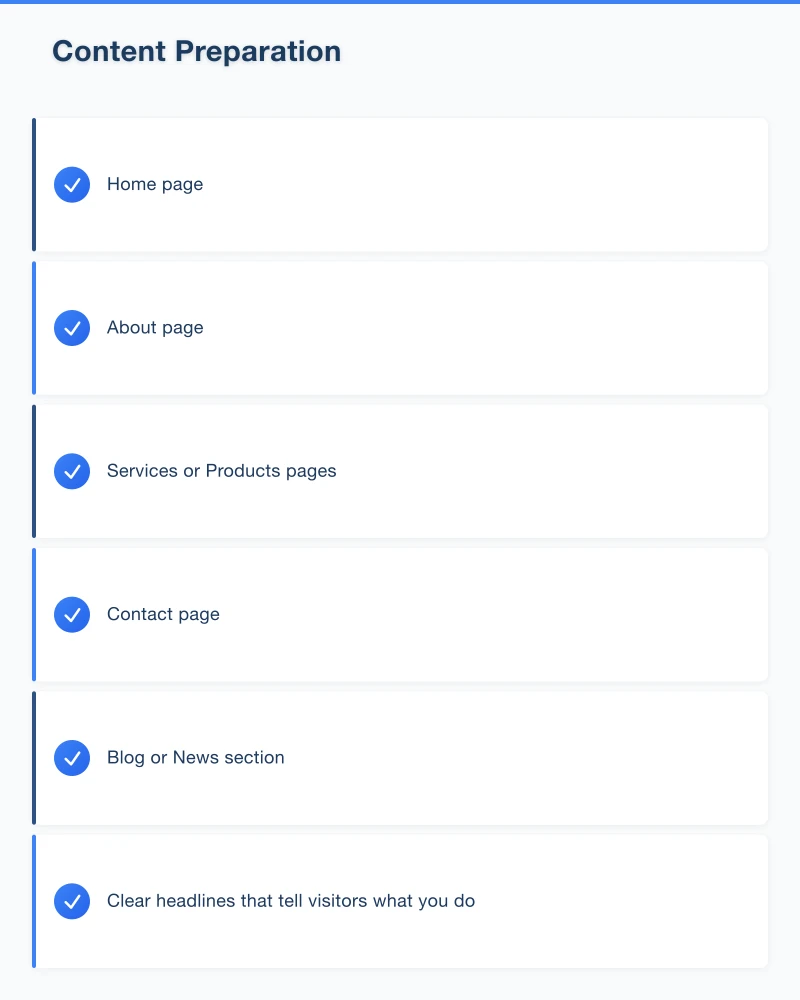
- Clear headlines that tell visitors what you do
- Benefit-focused descriptions of your services
- Customer testimonials and case studies
- Calls to action on every page
Write in plain language. Avoid industry jargon and speak to your customers the way you would in person.
8. Gather Visual Assets
Collect the images, videos, and graphics you want on your new site. This includes:
- Your logo in high resolution (ideally in SVG or PNG format)
- Professional photos of your team, products, or premises
- Stock photos if needed (use Australian stock where possible for authenticity)
- Any videos or animations
Good photography makes a huge difference. If your budget allows, invest in professional photos of your business. For a local business, showing real photos of your team and workspace builds trust.
Design and Development
9. Choose the Right Platform
The most common website platforms for Australian small businesses include:
- WordPress: Flexible, widely used, and good for most business types
- Shopify: Best for online stores
- Squarespace: Good for simple, visually focused sites
- Wix: Easy to use but can be limiting as you grow
Consider your long-term needs. If you plan to add e-commerce, a blog, or complex functionality down the track, choose a platform that can grow with you.
10. Mobile-First Design
More than half of web traffic in Australia comes from mobile devices. Your new website must look and work great on phones and tablets, not just desktops.
A mobile-first approach means designing for small screens first and then scaling up for larger screens. This ensures the mobile experience is not an afterthought.
11. Focus on Speed
Slow websites lose visitors. Aim for your pages to load in under three seconds. Key factors that affect speed include:
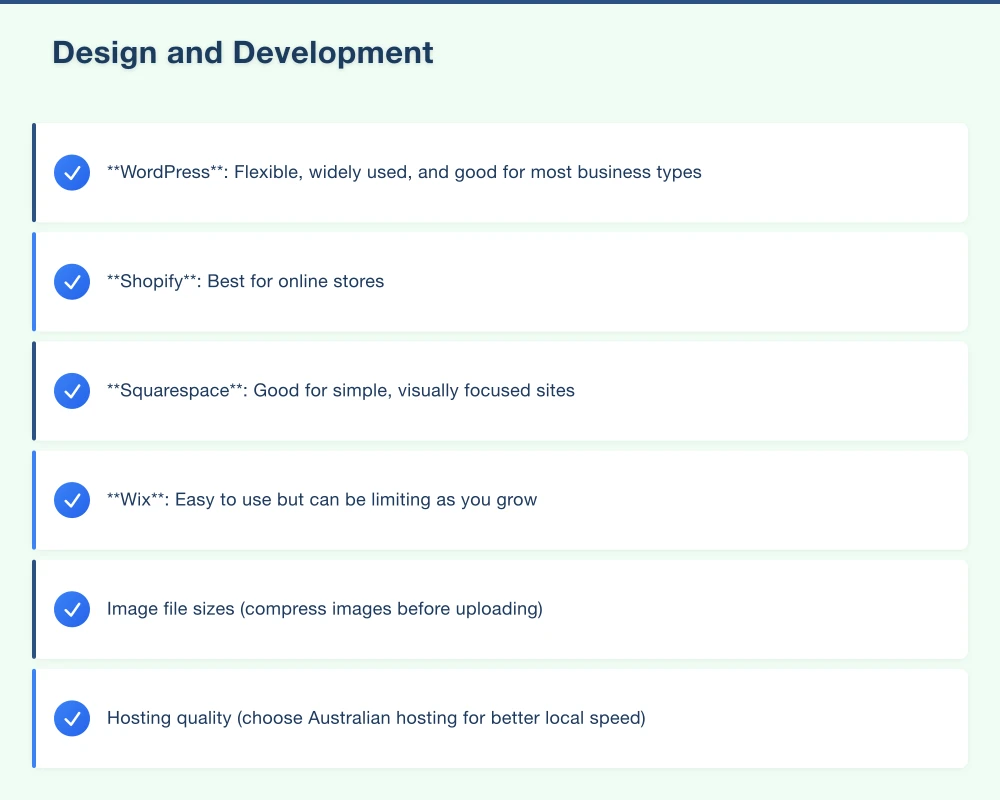
- Image file sizes (compress images before uploading)
- Hosting quality (choose Australian hosting for better local speed)
- Number of plugins or scripts
- Code quality
Google also considers page speed as a ranking factor, so a fast website helps your SEO too.
12. Include Essential Business Information
Make it easy for customers to contact you and learn about your business. Every page should include or link to:
- Phone number (clickable on mobile)
- Email address or contact form
- Physical address (if applicable)
- Business hours
- ABN (Australian Business Number) in the footer
13. Set Up Proper Forms
Contact forms are how many businesses generate leads. Make sure your forms are:
- Simple (only ask for essential information)
- Working correctly (test them thoroughly)
- Sending notifications to the right email address
- Providing a confirmation message to the user
- Compliant with Australian privacy requirements
SEO and Technical Setup
14. Plan Your URL Structure
If you are changing your URL structure, set up 301 redirects from old URLs to new ones. This preserves your existing search engine rankings and prevents broken links.
Keep URLs clean and descriptive. For example, use “/web-design-parramatta” rather than “/page-id-12345.”
15. On-Page SEO
Each page should have:
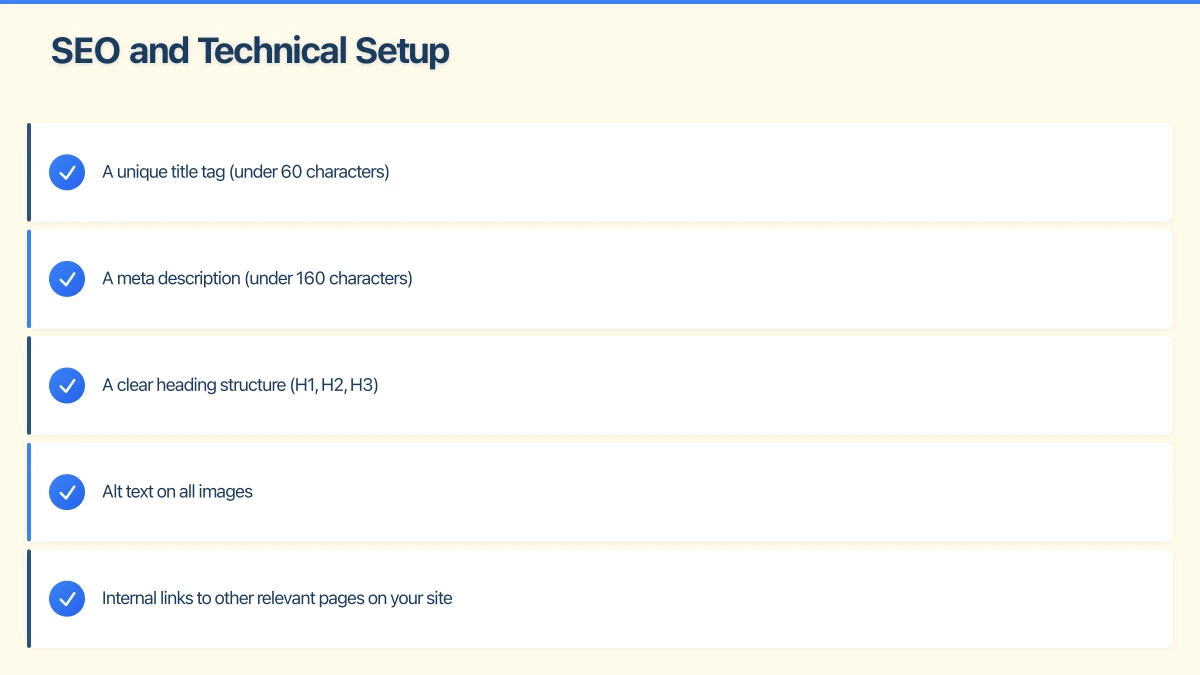
- A unique title tag (under 60 characters)
- A meta description (under 160 characters)
- A clear heading structure (H1, H2, H3)
- Alt text on all images
- Internal links to other relevant pages on your site
16. Set Up Google Analytics and Search Console
Make sure tracking is in place from day one. Google Analytics shows you how visitors interact with your site, while Google Search Console shows how your site appears in search results.
If you had these set up on your old site, make sure the tracking code carries over to the new site.
17. SSL Certificate
Your website must have an SSL certificate (the padlock icon in the browser). This encrypts data between your website and visitors, which is essential for trust and security. Google also favours HTTPS websites in search results.
Most Australian hosting providers include a free SSL certificate with their plans.
Legal and Compliance
18. Privacy Policy
Australian businesses are required to comply with the Australian Privacy Principles under the Privacy Act 1988. If your website collects any personal information (including through contact forms, email sign-ups, or analytics), you need a privacy policy.
Your privacy policy should explain what information you collect, why you collect it, how you store it, and how customers can request access to their data.
19. Terms and Conditions
If you sell products or services online, include terms and conditions that cover payment, refunds, warranties, and liability. This protects both you and your customers.
20. Accessibility
Make your website accessible to people with disabilities. Basic accessibility measures include:
- Alt text on images
- Sufficient colour contrast
- Keyboard-navigable menus
- Clear, readable fonts
- Descriptive link text (avoid “click here”)
The Australian Human Rights Commission encourages compliance with the Web Content Accessibility Guidelines (WCAG) 2.1.
Pre-Launch Checklist
21. Test Everything
Before going live, test your website on:
- Multiple browsers (Chrome, Safari, Firefox, Edge)
- Mobile devices (both Android and iPhone)
- Different screen sizes
- Slow connections
Check every link, form, and interactive element. Have someone outside your team test the site with fresh eyes.
22. Backup Your Old Site
Before you switch over, create a full backup of your existing website. If anything goes wrong with the new site, you can restore the old one while you fix issues.
23. Set Up Redirects
If any URLs have changed, set up 301 redirects to send visitors and search engines to the correct new pages. Missing redirects can cause a significant drop in search rankings.
24. Check Page Speed
Run your new site through Google PageSpeed Insights and aim for a score of 90 or above on both mobile and desktop. Address any issues flagged before launch.
Post-Launch
25. Monitor Closely
In the first few weeks after launch, keep a close eye on:
- Website traffic (compare to pre-launch levels)
- Form submissions and enquiries
- Search rankings for your key terms
- Any broken links or errors
26. Gather Feedback
Ask trusted customers, friends, or colleagues to browse the new site and share their feedback. Fresh perspectives can catch issues you have missed.
27. Keep It Updated
A website is not a set-and-forget project. Plan for regular updates to content, images, and functionality. A blog or news section is a great way to keep your site fresh and improve SEO over time.
Wrapping Up
A website redesign is an investment in your business. By following this checklist, you can avoid common pitfalls and launch a site that looks great, works well, and helps you achieve your business goals.
If you are a Western Sydney business owner considering a redesign and would like some guidance, the team at Cosmo Web Tech is here to help. We specialise in building effective websites for local businesses and can help you through every step of the process.
Your website’s performance depends on what’s behind it. Cloud Geeks provides the managed hosting, cloud, and IT support that keeps Australian SMBs online and secure.
Ash Ganda covers how Australian SMBs are using AI, automation, and digital strategy to grow without scaling costs proportionally.
If your business is also planning a customer-facing iOS or Android app — Awesome Apps builds cross-platform mobile apps for Australian SMBs.
Part of the Ganda Tech Services family, Cosmos Web Tech delivers specialist web design and digital marketing for Australian small and medium businesses.