Your website was cutting-edge when you launched it. Now it looks dated, works poorly on phones, and doesn’t represent your business well. You know you need a redesign, but where do you start? What should you keep, what should you change, and how do you avoid the mistakes that turn website projects into expensive disasters?
A website redesign is a significant investment for any Western Sydney small business. Done well, it attracts more customers and better represents your brand. Done poorly, it wastes money and can actually hurt your search rankings. This comprehensive checklist guides you through every stage of the process.
Before You Start: Critical Questions
Before contacting web designers or choosing platforms, answer these foundational questions.
Why Are You Redesigning?
Be specific about your reasons. “The website looks old” is a feeling, not a goal. Dig deeper:
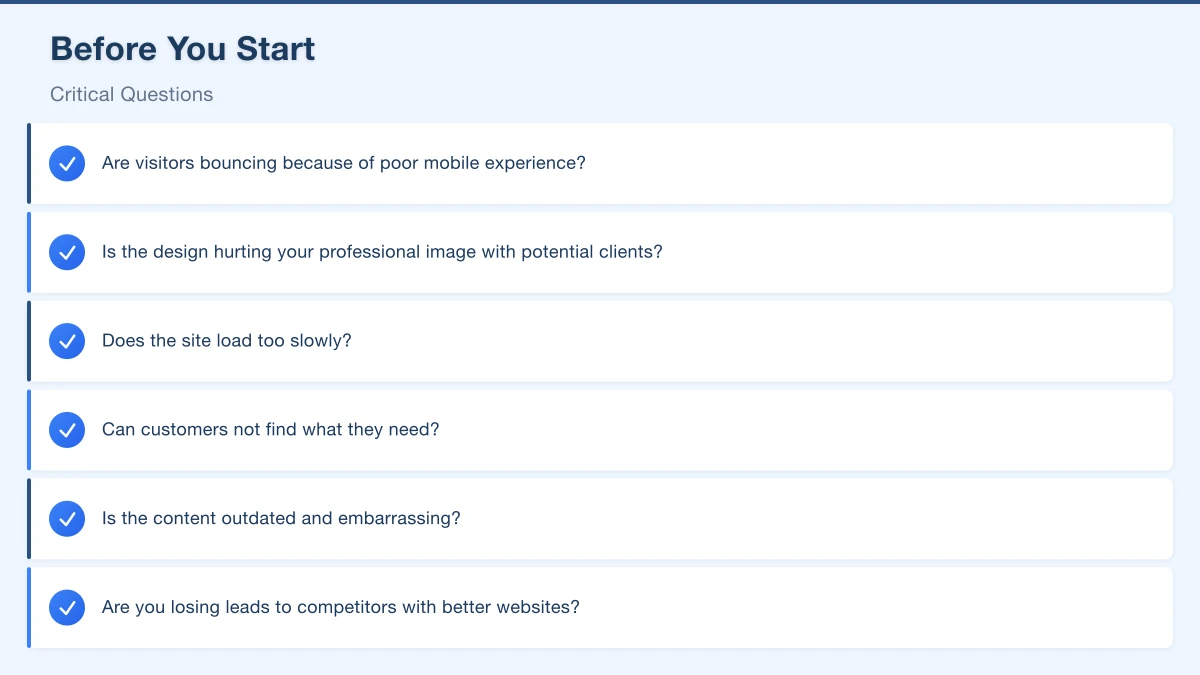
- Are visitors bouncing because of poor mobile experience?
- Is the design hurting your professional image with potential clients?
- Does the site load too slowly?
- Can customers not find what they need?
- Is the content outdated and embarrassing?
- Are you losing leads to competitors with better websites?
Your answers shape every decision that follows. A redesign to fix mobile experience requires different priorities than a redesign to update branding.
What’s Working?
Don’t throw out everything. Before redesigning, identify what works:
- Which pages get the most traffic?
- Which pages generate the most enquiries?
- What do customers compliment about your site?
- Which content ranks well in search?
- What functionality do you actually use?
Preserve what works. A redesign should improve weaknesses, not destroy strengths.
What’s Your Budget?
Be realistic about what you can invest. Website redesigns for small businesses typically range:
- Basic refresh (new theme, minor changes): $1,500-3,000
- Standard redesign (new design, restructured content): $3,000-8,000
- Comprehensive rebuild (custom design, new functionality): $8,000-20,000+
Don’t forget ongoing costs: hosting, maintenance, content updates. Budget for the full year, not just the launch.
What’s Your Timeline?
Reasonable redesign timelines:
- Simple refresh: 2-4 weeks
- Standard redesign: 6-12 weeks
- Complex projects: 3-6 months
Rush jobs cost more and produce worse results. If you have a hard deadline (new financial year, business anniversary, product launch), start planning months ahead.
Phase 1: Research and Planning
Thorough planning prevents expensive changes later.
Audit Your Current Website
Before designing anything new, understand what you have.
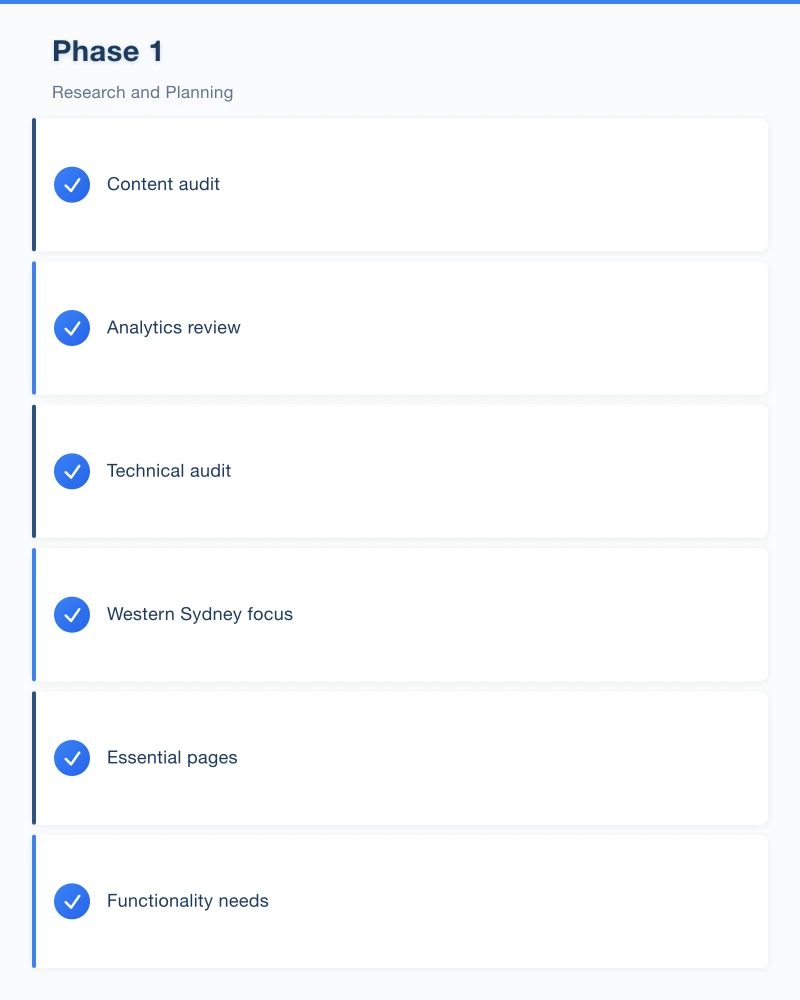
Content audit:
- List every page on your current site
- Note which content is current vs outdated
- Identify missing content you need to add
- Decide what to keep, update, or remove
Analytics review (if you have Google Analytics):
- Top visited pages
- Traffic sources
- User flow through the site
- Conversion rates
- Mobile vs desktop split
Technical audit:
- Current page load speed
- Mobile friendliness test results
- Any broken links or errors
- Current search rankings for important terms
Research Competitors and Inspiration
Look at competitors and websites you admire:
- What do they do well?
- What features do they have that you lack?
- What do you want to do differently?
Screenshot elements you like. Share these with your designer to communicate your vision.
Western Sydney focus: Look at successful local businesses in your industry. What are the best Hills District accountants, Parramatta restaurants, or Blacktown tradies doing with their websites?
Define Your Requirements
Write down what your new website must include:
Essential pages:
- Homepage
- Services/Products pages
- About page
- Contact page
- (Others specific to your business)
Functionality needs:
- Contact forms
- Online booking
- E-commerce
- Blog
- Customer portal
- Integration with existing systems
Content requirements:
- New copywriting needed?
- Photography required?
- Video content?
- Testimonials to gather?
Set Measurable Goals
Define what success looks like:
- “Reduce bounce rate from 60% to 40%”
- “Increase contact form submissions by 50%”
- “Achieve mobile PageSpeed score above 80”
- “Rank on page 1 for ‘plumber Castle Hill’”
Without goals, you won’t know if your redesign succeeded.
Phase 2: Design and Development
With planning complete, the actual redesign work begins.
Choosing Your Web Partner
Options for getting your redesign done:
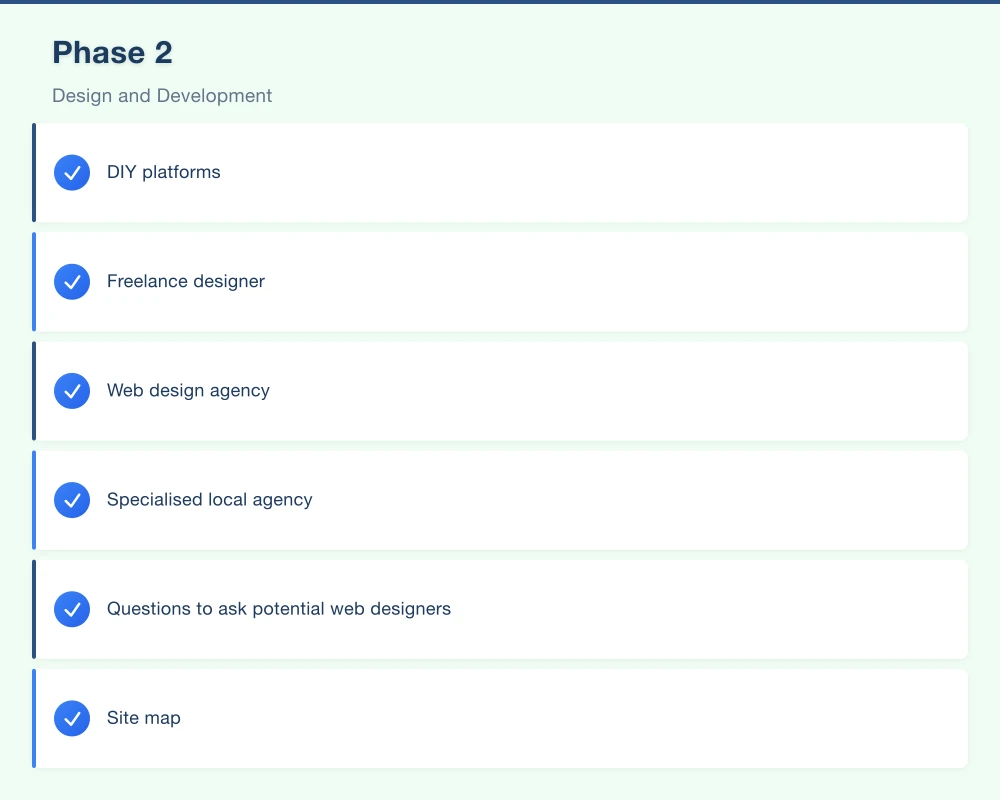
DIY platforms (Wix, Squarespace): Affordable, limited customisation Freelance designer: Personal service, variable reliability Web design agency: Professional results, higher cost Specialised local agency: Industry and local knowledge
For Western Sydney businesses, working with someone who understands local business and search patterns offers advantages. They know what “serving the Hills District” means and how to optimise for local searches.
Questions to ask potential web designers:
- Can you show examples similar to what I need?
- What’s your process and timeline?
- Who writes the content?
- What happens after launch (support, updates)?
- Do you optimise for search engines?
- What do I actually own when we’re done?
Information Architecture
Before visual design, structure your content logically:
Site map: Create a diagram of all pages and how they connect. A typical small business structure:
Homepage
├── Services
│   ├── Service 1
│   ├── Service 2
│   └── Service 3
├── About
│   ├── Our Team
│   └── Our Story
├── Blog
├── Contact
└── Gallery/PortfolioNavigation: Keep main navigation to 5-7 items maximum. Users shouldn’t have to think about where to find information.
User journeys: Map how different visitors will move through your site:
- New visitor wanting to learn about you
- Ready-to-buy visitor wanting to contact you
- Returning visitor checking hours or location
Content Creation
Content makes or breaks a redesign. Most projects stall here.
Copywriting considerations:
- Will you write content yourself?
- Will your designer provide copywriting?
- Do you need to hire a copywriter?
What needs writing:
- Page headlines and subheadings
- Service descriptions
- About page narrative
- Team bios
- Calls to action
- Meta titles and descriptions (for SEO)
Photography needs:
- Professional headshots?
- Product photography?
- Premises/location photos?
- Stock photos to purchase?
Plan content creation alongside design. Beautiful layouts with placeholder text lead to ugly compromises.
Design Decisions
Work with your designer on these key decisions:
Brand alignment: Does the design reflect your brand personality? A Hills District family dentist needs a different feel than a Blacktown industrial supplier.
Colour scheme: Typically 2-3 main colours plus black/white/grey. Consistent with your existing branding unless you’re rebranding.
Typography: One or two font families maximum. Readable at all sizes.
Imagery style: Consistent photo treatment, illustration style, and icon design.
Mobile design: Review mobile versions of every page. Don’t treat mobile as an afterthought.
SEO Preservation
This is where many redesigns go wrong. Protect your search rankings:
URL structure: Keep URLs the same where possible. If URLs change, set up proper 301 redirects.
Page titles and meta descriptions: Transfer optimised metadata to new pages.
Heading structure: Maintain logical H1 > H2 > H3 hierarchy.
Internal linking: Ensure links between pages still work.
Content preservation: Don’t remove content that ranks well unless you have good reason.
Technical SEO: Ensure fast loading, mobile friendliness, SSL certificate.
Testing Before Launch
Never launch without thorough testing:
Functionality testing:
- All links work
- Forms submit correctly
- Any booking/e-commerce works end-to-end
- Search functionality (if applicable)
Cross-browser testing:
- Chrome, Safari, Firefox, Edge
- Current and previous versions
Device testing:
- Desktop/laptop
- Tablet
- Mobile (iOS and Android)
- Various screen sizes
Performance testing:
- Page speed scores (Google PageSpeed Insights)
- Load testing for expected traffic
Content review:
- Proofread all text
- Check all images display
- Verify contact information is correct
- Test phone numbers and email links
Phase 3: Launch and Beyond
The redesign isn’t finished at launch. What happens next matters as much as the build.
Launch Day Checklist
On launch day, verify:
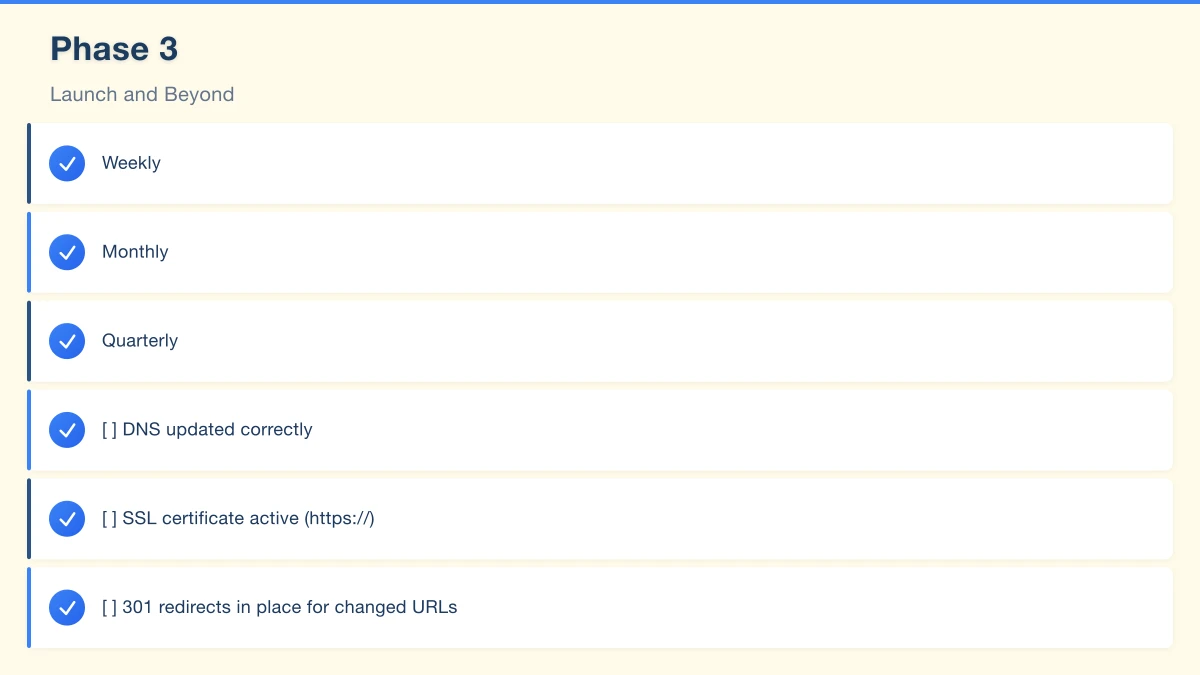
- DNS updated correctly
- SSL certificate active (https://)
- 301 redirects in place for changed URLs
- Google Analytics tracking installed
- Google Search Console connected
- Contact forms sending to correct email
- All pages accessible
- Mobile experience working
Immediate Post-Launch (Week 1)
The first week catches issues missed in testing:
- Monitor for broken links and errors
- Check form submissions are arriving
- Review analytics for unexpected issues
- Get feedback from customers and staff
- Fix urgent issues promptly
Short-Term Follow-Up (Month 1)
- Compare analytics to pre-launch baselines
- Monitor search rankings for any drops
- Submit updated sitemap to Google Search Console
- Address any user feedback
- Fine-tune content based on actual usage
Ongoing Maintenance
A redesigned website needs ongoing attention:
Weekly:
- Check for and respond to enquiries
- Monitor for downtime or errors
Monthly:
- Review analytics
- Update content as needed
- Back up the website
- Check for software updates (WordPress, plugins)
Quarterly:
- Comprehensive content review
- Security audit
- Performance check
- Review against goals
Common Redesign Mistakes to Avoid
Learn from others’ expensive errors.
Mistake 1: Focusing on Looks Over Function
A beautiful website that doesn’t convert visitors is a failure. Prioritise:
- Clear calls to action
- Easy contact options
- Fast loading
- Mobile experience
Then make it look good.
Mistake 2: Ignoring SEO
Redesigns regularly destroy search rankings because SEO wasn’t considered:
- URLs change without redirects
- Content is removed or consolidated
- Technical issues (slow speed, broken code) hurt rankings
- Metadata is forgotten
Work with someone who understands SEO or consult a specialist before launching.
Mistake 3: Scope Creep
“While we’re at it, let’s also add…” This phrase kills budgets and timelines. Define scope upfront. Additional features go on a list for phase 2.
Mistake 4: Underestimating Content Work
The most common project delay is content. Writing takes longer than expected. Photos need scheduling. Testimonials need gathering. Start content work early.
Mistake 5: Insufficient Testing
“It works on my computer” isn’t enough. Test on real devices, with real users, across different browsers. Pay someone outside your business to try using the site and note confusion points.
Mistake 6: No Measurement Before/After
Without baseline metrics, you can’t prove improvement. Document current performance before redesigning.
Your Website Redesign Timeline
Here’s a realistic timeline for a standard small business redesign:
Weeks 1-2: Planning
- Audit current site
- Define goals and requirements
- Set budget and timeline
Weeks 3-4: Partner Selection
- Get quotes
- Review portfolios
- Select web partner
Weeks 5-8: Design
- Information architecture
- Visual design concepts
- Design refinements and approval
Weeks 9-12: Development
- Build website
- Create and add content
- Set up functionality
Weeks 13-14: Testing and Launch
- Comprehensive testing
- Final refinements
- Launch
Weeks 15-18: Optimisation
- Monitor and fix issues
- Gather feedback
- Fine-tune based on data
Making Your Redesign Succeed
A website redesign is one of the most impactful investments a small business can make. Your website works 24/7, representing your business to potential customers across Western Sydney and beyond.
Approach your redesign methodically. Plan thoroughly, choose your partners carefully, protect your SEO, test rigorously, and commit to ongoing maintenance after launch.
Done right, your new website will attract more visitors, convert more customers, and serve your business well for years to come.
Ready to redesign your website? Cosmos Web Technologies helps Western Sydney businesses with website redesigns that improve performance and attract more customers. Contact us for a free consultation.
Your website’s performance depends on what’s behind it. Cloud Geeks provides the managed hosting, cloud, and IT support that keeps Australian SMBs online and secure.
Ash Ganda covers how Australian SMBs are using AI, automation, and digital strategy to grow without scaling costs proportionally.
If your business is also planning a customer-facing iOS or Android app — Awesome Apps builds cross-platform mobile apps for Australian SMBs.
Part of the Ganda Tech Services family, Cosmos Web Tech delivers specialist web design and digital marketing for Australian small and medium businesses.