
Website Speed Optimisation: Why It Matters for Your Business
How long are you willing to wait for a website to load? Two seconds? Three? If you are like most people, anything longer than a few seconds and you are already hitting the back button. Your customers feel exactly the same way.
Website speed is not just a technical concern – it directly affects your search rankings, customer experience, conversion rates, and revenue. For small businesses in Western Sydney competing for local customers, a slow website can cost you real money.
Let us look at why speed matters and what you can do about it.
The Real Cost of a Slow Website
Visitors Leave
Research from Google shows that 53 percent of mobile visitors leave a page that takes longer than three seconds to load. That is more than half your potential customers gone before they even see what you offer.
Every additional second of load time increases the likelihood of someone bouncing. A site that loads in five seconds has a bounce rate roughly 90 percent higher than one that loads in one second.
Search Rankings Suffer
Google has confirmed that page speed is a ranking factor. Slower websites tend to rank lower in search results. In mid-2021, Google is also introducing Core Web Vitals as official ranking signals, which means page experience and speed will become even more important for search visibility.
Conversions Drop
Amazon famously calculated that every 100 milliseconds of load time cost them one percent in sales. While your business might not operate at Amazon’s scale, the principle holds: faster websites convert more visitors into customers.
Whether you want people to call you, fill out a form, or make a purchase, a faster site will deliver better results.
Trust Erodes
A slow website feels unprofessional. Rightly or wrongly, visitors associate a slow, clunky website with a slow, unreliable business. First impressions matter, and speed is part of that impression.
How to Check Your Website Speed
Before you can improve your speed, you need to know where you stand. Here are some free tools:
Google PageSpeed Insights
The most widely used tool. Enter your URL and Google will score your site from 0 to 100 for both mobile and desktop performance. It also provides specific recommendations for improvement.
GTmetrix
Provides detailed performance reports including load time, page size, and the number of requests your page makes.
WebPageTest
A more advanced tool that lets you test from different locations and connection speeds. You can even test from Australian servers, which is useful for understanding how your site performs locally.
Common Speed Problems and How to Fix Them
1. Unoptimised Images
This is the single most common reason websites are slow. Large, uncompressed images can add megabytes to your page size.
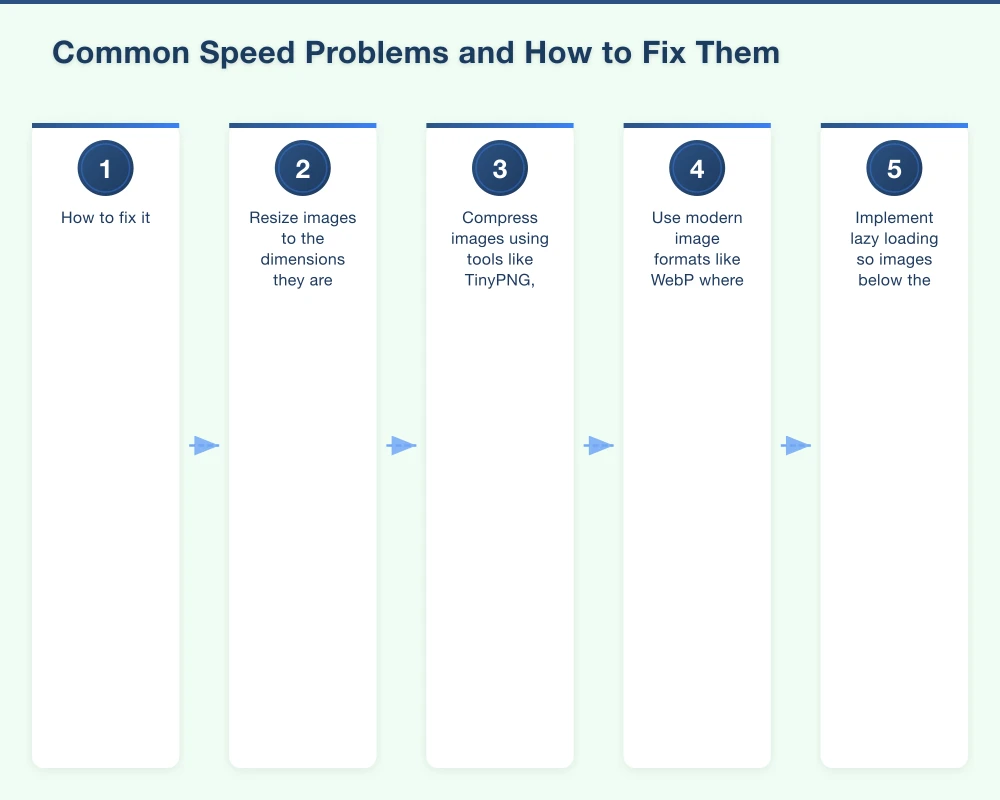
How to fix it:
- Resize images to the dimensions they are actually displayed at (do not upload a 4000-pixel-wide image if it displays at 800 pixels)
- Compress images using tools like TinyPNG, ShortPixel, or ImageOptim
- Use modern image formats like WebP where supported
- Implement lazy loading so images below the fold only load when the visitor scrolls to them
2. Too Many Plugins (WordPress)
If your site runs on WordPress, plugins are a common speed killer. Each plugin adds code, scripts, and database queries that slow things down.
How to fix it:
- Audit your plugins and deactivate or delete any you are not actively using
- Replace multiple single-purpose plugins with fewer, well-coded alternatives
- Avoid plugins that load heavy scripts on every page (social sharing widgets, sliders, etc.)
3. No Caching
When someone visits your website, their browser downloads all the files needed to display the page. Without caching, it downloads everything fresh on every visit. Caching stores these files locally so repeat visits are much faster.
How to fix it:
- Install a caching plugin (for WordPress, WP Super Cache or W3 Total Cache are popular options)
- Enable browser caching through your server configuration
- Consider using a CDN (Content Delivery Network) like Cloudflare, which caches your site across servers worldwide
4. Poor Hosting
Cheap hosting often means slow hosting. If your website is on a shared server with hundreds of other sites, performance will suffer, especially during peak traffic.
How to fix it:
- Choose quality hosting from a reputable provider
- Consider Australian-based hosting for faster load times for local visitors
- Managed WordPress hosting (like WP Engine or Kinsta) offers better performance than generic shared hosting
5. Render-Blocking Resources
Some CSS and JavaScript files block the page from rendering until they are fully loaded. This delays the time until your visitor sees actual content.
How to fix it:
- Defer non-essential JavaScript so it loads after the main content
- Inline critical CSS so above-the-fold content renders immediately
- Minify CSS and JavaScript files to reduce their size
- This can get technical, so you may need a developer’s help
6. Too Many HTTP Requests
Every file your page loads – images, scripts, stylesheets, fonts – requires a separate HTTP request. Too many requests slow things down.
How to fix it:
- Combine CSS files where possible
- Combine JavaScript files where possible
- Limit the number of fonts you use
- Use CSS sprites for small icons and graphics
- Remove unnecessary third-party scripts (analytics, chat widgets, social media embeds can all add requests)
7. No Content Delivery Network (CDN)
A CDN distributes your website files across servers around the world. When someone visits your site, they receive files from the nearest server, which reduces load time.
How to fix it:
- Cloudflare offers a free CDN plan that works well for small businesses
- Most CDNs are easy to set up and can make a noticeable difference in load times, especially for visitors in different locations
Quick Wins for Faster Loading
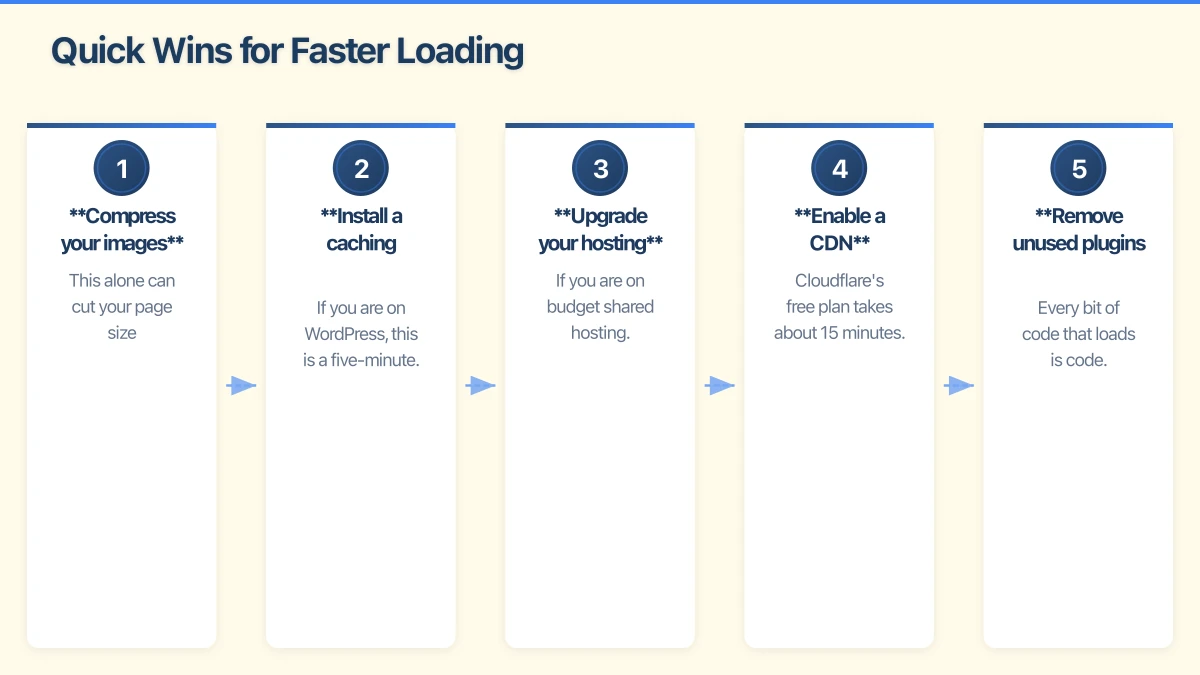
If you want immediate improvements, focus on these high-impact actions:
-
Compress your images: This alone can cut your page size dramatically. Use TinyPNG or a similar tool on every image on your site.
-
Install a caching plugin: If you are on WordPress, this is a five-minute task that can significantly improve load times.
-
Upgrade your hosting: If you are on budget shared hosting, moving to quality hosting can transform your site speed.
-
Enable a CDN: Cloudflare’s free plan takes about 15 minutes to set up and improves both speed and security.
-
Remove unused plugins and scripts: Every bit of code that loads is code that slows your site down.
Speed Benchmarks to Aim For
While perfect scores are not always realistic, here are good targets:
- Load time: Under 3 seconds (ideally under 2 seconds)
- Google PageSpeed score: 70 or above on mobile, 80 or above on desktop
- Page size: Under 3MB (ideally under 1.5MB)
- Number of requests: Under 50 per page
The Ongoing Nature of Speed Optimisation
Website speed is not a one-time fix. Every new image you add, every plugin you install, and every piece of content you publish can affect performance. Make speed checks a regular part of your website maintenance:
- Test your speed monthly using Google PageSpeed Insights
- Optimise new images before uploading them
- Review plugins quarterly and remove any you no longer need
- Monitor your hosting performance
For Western Sydney Businesses
If you serve local customers, speed is especially important because:
- Most local searches happen on mobile, where connections may be slower
- Local competitors with faster sites will outrank and outperform you
- Google’s local search algorithms factor in page experience
- Customers expect fast, easy access to your contact information and services
A fast website is not a luxury. It is a fundamental part of running a competitive local business online.
Take Action Today
Check your website speed right now using Google PageSpeed Insights. If your score is below 70 on mobile, you have room for improvement that could directly impact your business results.
Start with image optimisation and caching – these two changes alone can make a dramatic difference. If you need help with the more technical aspects of speed optimisation, our team is here to assist. A faster website means happier visitors, better rankings, and more business.
Your website’s performance depends on what’s behind it. Cloud Geeks provides the managed hosting, cloud, and IT support that keeps Australian SMBs online and secure.
Ash Ganda covers how Australian SMBs are using AI, automation, and digital strategy to grow without scaling costs proportionally.
If your business is also planning a customer-facing iOS or Android app — Awesome Apps builds cross-platform mobile apps for Australian SMBs.
Part of the Ganda Tech Services family, Cosmos Web Tech delivers specialist web design and digital marketing for Australian small and medium businesses.