Introduction
As 2025 draws to a close, it’s the perfect time to give your website a thorough check-up. For Western Sydney small businesses, your website has likely been working hard all year–fielding enquiries, showcasing your products, and representing your brand to thousands of potential customers.
But when did you last really look at it?
Many business owners set up their websites and then forget about them, assuming everything is working fine. Yet websites require regular maintenance, just like your car or your premises. Links break, content becomes outdated, security vulnerabilities emerge, and what worked brilliantly two years ago might now be costing you customers.
This year-end review checklist will help you assess your website’s health and identify improvements to prioritise for 2026. Set aside a couple of hours this week–your website (and your customers) will thank you.
Why Annual Website Reviews Matter
The Hidden Cost of Neglect
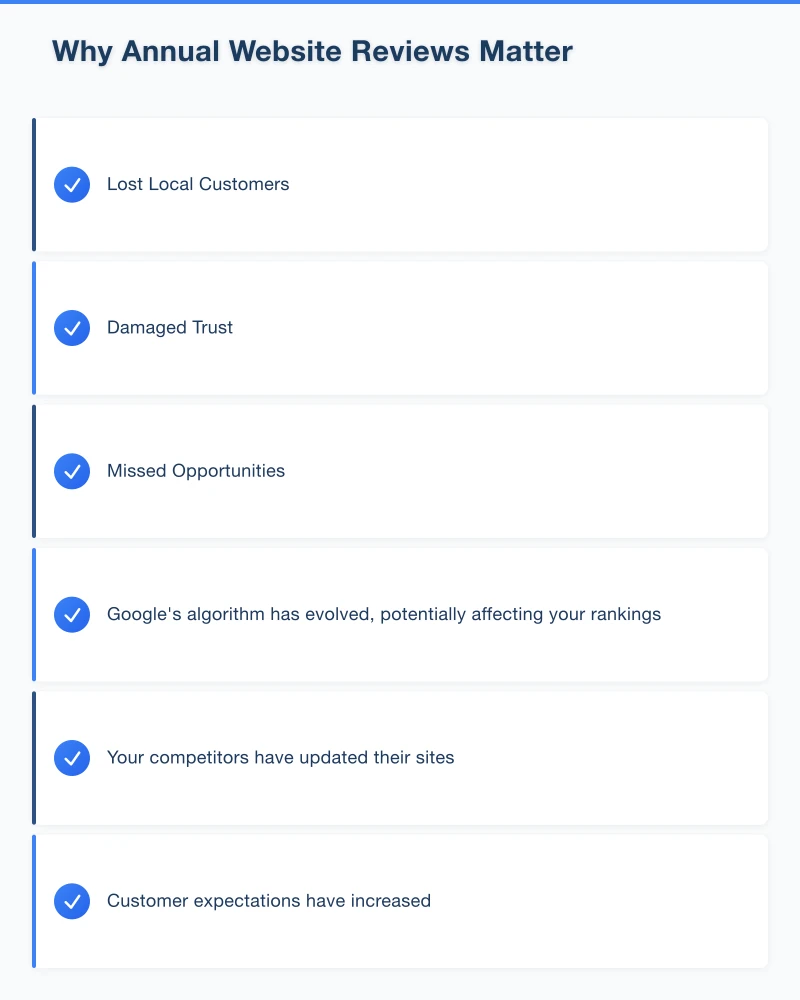
Websites don’t stay still. Even if you haven’t changed anything:
- Google’s algorithm has evolved, potentially affecting your rankings
- Your competitors have updated their sites
- Customer expectations have increased
- Security threats have emerged
- Technology has advanced
A website that performed well in 2023 might now be slow, insecure, or ranking poorly–and you might not even know it.
The Local Business Impact
For Western Sydney businesses, an outdated website creates specific problems:
Lost Local Customers: If your site is slow or broken on mobile, locals searching “plumber Blacktown” or “cafe Castle Hill” will click on your competitor instead.
Damaged Trust: Outdated information (old prices, discontinued products, wrong opening hours) makes customers question whether you’re still in business.
Missed Opportunities: Broken contact forms mean enquiries you never receive. We’ve seen businesses lose months of leads without realising their form wasn’t working.
Part 1: Technical Health Check
Start with the technical fundamentals that affect every visitor’s experience.
Website Speed Test
Open Google PageSpeed Insights and enter your website URL. You’ll get scores for both mobile and desktop.
Healthy Scores:
- Mobile: 70 or above
- Desktop: 85 or above
Action Required:
- Mobile below 50: Urgent–you’re losing customers
- Mobile 50-69: Important to improve
- Mobile 70+: Good, but monitor regularly
If your scores are low, common fixes include:
- Compressing images (often the biggest issue)
- Enabling caching
- Removing unused plugins
- Upgrading your hosting
Mobile Responsiveness
67% of website traffic now comes from mobile devices. Open your website on your phone and navigate through it as a customer would.
Check:
- Does text display at readable size?
- Can you tap buttons easily without zooming?
- Does the menu work properly?
- Can you complete a contact form?
- Does checkout function (if applicable)?
Note any pages that don’t work well on mobile–these need priority fixes.
SSL Certificate Status
Look for the padlock icon in your browser’s address bar. Click it to check your SSL certificate status.
Verify:
- Certificate is valid (not expired)
- Certificate doesn’t expire in the next 3 months
- All pages load via HTTPS (not just the homepage)
An expired or missing SSL certificate displays scary warnings to visitors and tanks your Google rankings.
Broken Links Check
Use a free tool like Dead Link Checker or Broken Link Check to scan your site. These tools find:
- Internal links to pages that no longer exist
- External links to websites that have changed or closed
- Image links that are broken
Broken links frustrate visitors and hurt your SEO. Fix or remove them.
Backup Verification
Confirm your website backups are:
- Running automatically
- Being stored somewhere safe
- Able to be restored if needed
Test this by asking your hosting provider to show you your most recent backup. If they can’t, you have a problem.
Part 2: Content Audit
Outdated content is one of the most common issues we see on small business websites.
Contact Information
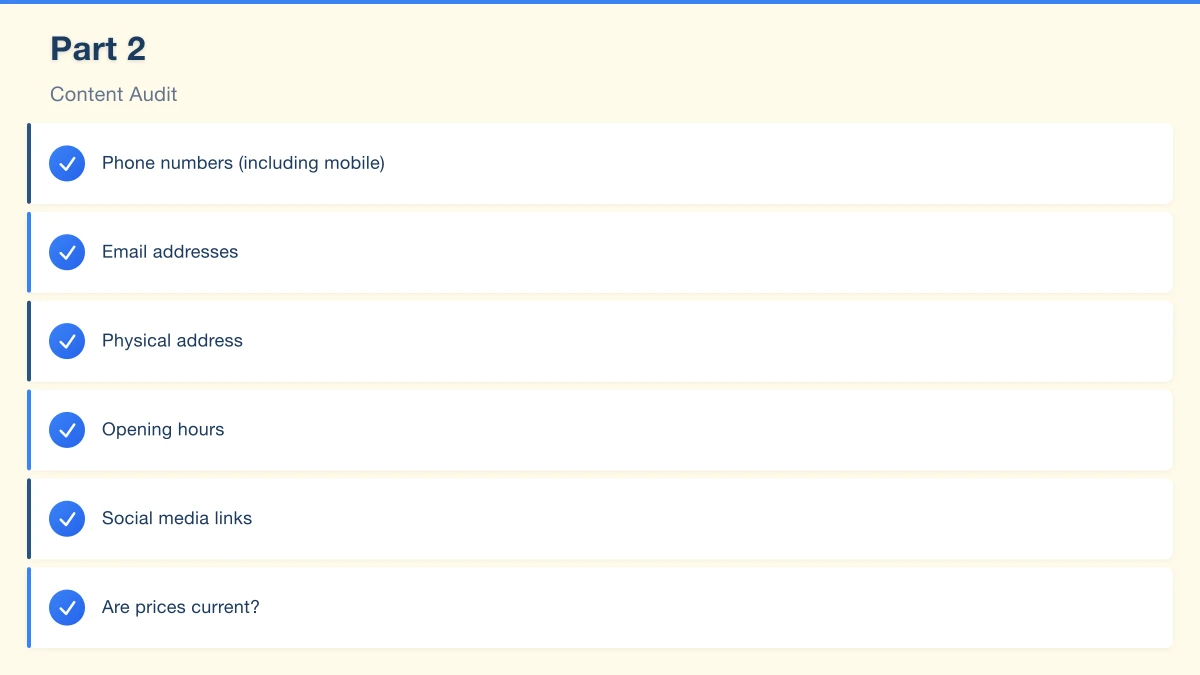
Check every page where your contact details appear:
- Phone numbers (including mobile)
- Email addresses
- Physical address
- Opening hours
- Social media links
Are they all current and consistent? We’ve seen businesses with three different phone numbers across their site.
Pricing and Products
Review all pricing information:
- Are prices current?
- Have products or services been discontinued?
- Have new offerings been added?
- Are there any pricing pages you’ve forgotten about?
Nothing erodes trust faster than a customer expecting one price and finding another.
Staff and Team Pages
If you have a team page:
- Has anyone left the business?
- Have new staff joined?
- Are photos and bios current?
- Are contact details correct?
A team page with photos of people who left two years ago looks neglected.
Blog and News Content
Check your blog or news section:
- When was the last post?
- Are old posts still relevant?
- Do any reference outdated information (old years, past events)?
- Should any be updated or removed?
A blog with no posts since 2023 can make your business look inactive.
Legal Pages
Review required legal content:
- Privacy Policy–does it reflect current practices?
- Terms and Conditions–still accurate?
- Cookie policy–compliant with current requirements?
- Return/refund policy–still correct?
If you collect customer data (even through contact forms), your privacy policy must accurately describe this.
Part 3: SEO Health Check
Your search engine visibility affects how easily new customers find you.
Google Search Console
If you haven’t set up Google Search Console, do it now–it’s free and essential.
If you already have it, check:
Coverage Report
- Are all your important pages indexed?
- Are there any errors preventing indexing?
- Any pages incorrectly marked as “noindex”?
Performance Report
- Which search queries bring visitors?
- Which pages get the most clicks?
- Has performance changed over the year?
Experience Report
- Core Web Vitals status
- Mobile usability issues
Google Business Profile
Your Google Business Profile is crucial for local Western Sydney searches.
Verify:
- All information is accurate
- Photos are recent and high-quality
- You’ve responded to all reviews
- Posts are being published regularly
- Services/products are listed
- Attributes are correct (wheelchair access, parking, etc.)
An optimised Google Business Profile can significantly increase local enquiries.
Keyword Performance
Review whether you’re ranking for important local keywords:
Search for terms like:
- “[Your service] [your suburb]”
- “[Your business type] Western Sydney”
- “[Your service] near me” (from your location)
Note where you appear (or don’t). This helps prioritise 2026 SEO efforts.
Meta Titles and Descriptions
Check that every important page has:
- Unique meta title (under 60 characters)
- Compelling meta description (under 160 characters)
- Relevant keywords included naturally
These affect both search rankings and click-through rates from search results.
Part 4: Security Review
Website security threats evolve constantly. An annual security review is essential.
Software Updates
Check that all components are current:
For WordPress sites:
- WordPress core version
- Theme version
- All plugin versions
Outdated software is the most common cause of website hacks.
For other platforms:
- Check for available updates
- Review security announcements
User Account Audit
Review all user accounts on your website:
- Remove accounts for people no longer with the business
- Change passwords for all administrative accounts
- Ensure strong, unique passwords are used
- Enable two-factor authentication if available
Security Plugin/Features
If you use WordPress, ensure you have:
- A security plugin (Wordfence, Sucuri, or similar)
- Login attempt limiting
- File change detection
- Firewall protection
For other platforms, check what security features are available and enabled.
Malware Scan
Run a malware scan using your security plugin or a service like Sucuri SiteCheck (free). Check for:
- Malware or suspicious code
- Blacklist status
- Security anomalies
Even if your site seems fine, hidden malware could be damaging your reputation with search engines.
Part 5: Analytics Review
Understanding your website’s performance helps guide 2026 decisions.
Google Analytics Check
In Google Analytics, review:
Traffic Overview
- Total visitors for the year
- How does this compare to last year?
- Traffic trends (growing, declining, stable?)
Traffic Sources
- Where do visitors come from?
- Is organic search growing?
- Which channels underperform?
Top Pages
- Which pages get the most visits?
- Which have high bounce rates?
- Are your most important pages performing?
Device Breakdown
- Mobile vs desktop percentage
- Has mobile grown?
- Any device-specific issues?
Conversion Tracking
If you have conversion tracking set up, review:
- Total conversions (enquiries, purchases, bookings)
- Conversion rate
- Which pages convert best
- Which traffic sources convert best
If you don’t have conversion tracking, setting it up should be a 2026 priority.
Local Performance
For Western Sydney businesses, look specifically at:
- Local search performance
- Geographic data on visitors
- Performance of location-specific pages
Part 6: User Experience Review
Step back and experience your website as a customer would.
First Impressions
Open your homepage fresh and honestly assess:
- Does it look modern and professional?
- Is it immediately clear what you do?
- Can visitors find key information quickly?
- Would you trust this business based on the website?
Be honest–first impressions happen in seconds.
Navigation Test
Try to find key information:
- Your contact details
- Your prices or service information
- How to make an enquiry or purchase
- Your location and hours
How many clicks does each take? If it’s more than 2-3, consider restructuring.
Contact Process
Submit a test enquiry through every form on your site:
- Does the form submit successfully?
- Does the thank-you page display?
- Do you receive the enquiry?
- Does an auto-response send to the customer?
Test from your phone as well as desktop.
Customer Journey
Walk through your most important customer journey:
For service businesses: Find service → Learn about it → Get a quote or contact
For e-commerce: Find product → Read details → Add to cart → Checkout
For hospitality: View menu → Check hours → Make booking or find address
Note friction points–where does the process feel clunky or confusing?
Creating Your 2026 Action Plan
After completing your review, you’ll likely have a list of issues and improvements. Prioritise them:
Urgent (Fix This Week)
- Broken contact forms
- Security vulnerabilities
- Incorrect contact information
- Expired SSL certificates
- Major mobile issues
Important (Fix This Month)
- Speed optimization
- Broken links
- Outdated content
- Missing Google Business Profile elements
- Backup configuration
Valuable (Plan for Q1 2026)
- Design refresh
- New content creation
- SEO improvements
- Analytics setup
- New features
Year-End Review Checklist Summary
Technical
- Speed test completed (mobile and desktop)
- Mobile responsiveness verified
- SSL certificate checked
- Broken links identified and fixed
- Backups verified
Content
- Contact information verified
- Pricing and products updated
- Team page reviewed
- Blog/news content assessed
- Legal pages checked
SEO
- Google Search Console reviewed
- Google Business Profile optimised
- Keyword performance assessed
- Meta titles and descriptions checked
Security
- Software updated
- User accounts audited
- Security features verified
- Malware scan completed
Analytics
- Traffic trends reviewed
- Top pages identified
- Conversion tracking verified
- Local performance assessed
User Experience
- First impressions evaluated
- Navigation tested
- Contact process verified
- Customer journey walked through
End the Year Strong
Your website has been working for you all year. Taking a few hours to review its health now will help ensure it works even harder in 2026.
For Western Sydney small businesses, a well-maintained website is often the difference between steady growth and stagnation. Customers expect professional, fast, up-to-date websites–and they have plenty of alternatives if you don’t deliver.
Complete this review before the Christmas rush. Fix the urgent issues now, and create a plan to address the rest in the new year.
Your future customers will thank you.
Need help with your year-end website review? Cosmos Web Technologies offers comprehensive website audits for Western Sydney businesses. Contact us to ensure your site is ready for 2026.
Your website’s performance depends on what’s behind it. Cloud Geeks provides the managed hosting, cloud, and IT support that keeps Australian SMBs online and secure.
Ash Ganda covers how Australian SMBs are using AI, automation, and digital strategy to grow without scaling costs proportionally.
If your business is also planning a customer-facing iOS or Android app — Awesome Apps builds cross-platform mobile apps for Australian SMBs.
Part of the Ganda Tech Services family, Cosmos Web Tech delivers specialist web design and digital marketing for Australian small and medium businesses.