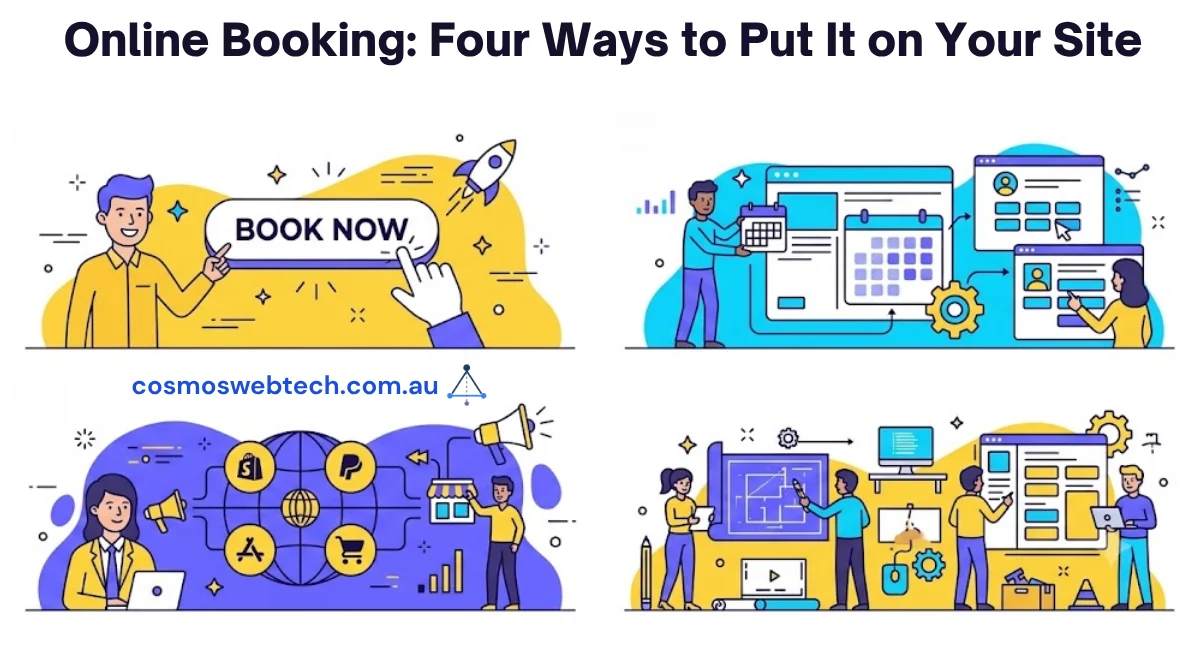
Nearly every small business site we build ends up needing the same thing: a way for someone to book a time without picking up the phone. A dentist needs appointments. A plumber needs site visits. A barber needs chairs filled on a Tuesday afternoon.
The question is never whether to add booking. It is which of four routes to take — and the routes differ far more in what they cost you later than in what they cost you today.
The four routes
There is a free plugin route, a premium plugin route, an embedded-widget route, and a native build. They are not four points on a quality scale. They are four different answers to the question of who owns the booking data.
That is the part most comparison articles skip, and it is the part that matters in three years.
Route 1 — the free plugin
WordPress has a genuine free tier for booking. Plugins like Amelia, Bookly and Simply Schedule Appointments all ship a free version in the WordPress.org directory, and for a single-operator business with one calendar they are often enough.
What you get: a booking form, a calendar, an email confirmation. The data lives in your own WordPress database, which is the real advantage and the reason to start here.
Where it stops, and this is consistent across the free tiers: multiple staff with separate calendars, taking a deposit at the time of booking, SMS reminders, and recurring appointments. Those are the paid features, because those are the features businesses will pay for.
The honest read: if you have one calendar and you do not need to take money at booking time, a free plugin is not a compromise. It is the correct answer, and you should not let anyone talk you past it.
Route 2 — the premium plugin
Same architecture, more features, an annual licence. You are still running the booking engine on your own site, still holding the data, and now you get the staff calendars, the deposits and the reminders.
Two things to check before you buy, and both are checkable in five minutes:
Does it charge per site or per staff member? Per-staff pricing looks cheap at two employees and stops being cheap at eight. It is the single biggest driver of what a booking plugin costs you over three years.
What happens when the licence lapses? Some plugins keep working and stop updating. Others disable the booking form. That difference is buried in the licence terms and it is worth reading, because a booking form that switches itself off is not a hypothetical — it is a Monday morning.
Route 3 — the embedded widget
Here you do not run booking at all. Your booking lives with a specialist vendor and you drop their widget into a page.
For clinics that means something like Cliniko. For salons, Fresha or Timely. For trades, ServiceM8 handles the job from the booking through to the invoice.
What you get is everything the vendor has built — and for regulated categories, that is a great deal more than a plugin. A practice-management system handles clinical notes and health-fund claiming. Reimplementing that in a WordPress plugin would be a bad idea even if you could.
What you give up is the data. Your booking history lives in their system. Ask two questions before you commit: can you export it, and in what format? A CSV of appointments is not the same as a migratable dataset, and you will only find out which one you have on the day you try to leave.
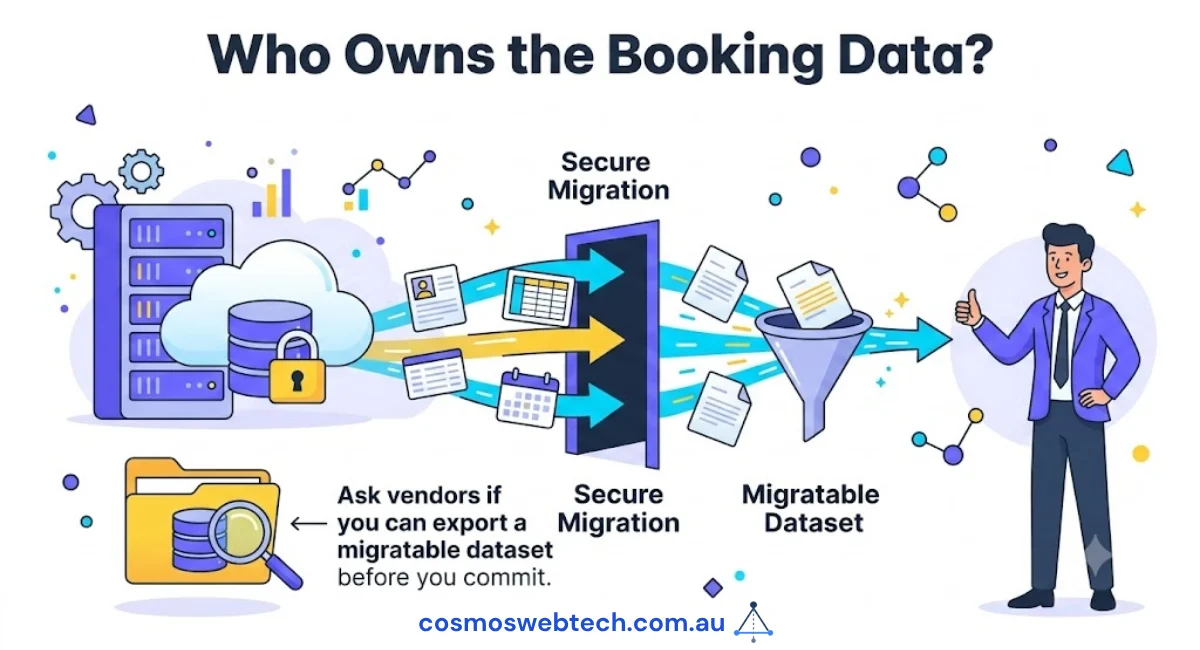
The checkable fact that decides this route: does the vendor publish an embed, iframe or API for booking? If they do, you can put booking on your own site and keep your branding. If they do not, your “booking page” is a link that sends customers to somebody else’s domain — and every conversion you paid to acquire finishes the journey on a page you do not control.
That is not a taste question. Look at the vendor’s developer docs, find the embed, or accept the redirect.
Route 4 — the native build
Booking built into your site, by your developer, on your database.
This is the right answer far less often than agencies suggest, and we would rather say so. It is the right answer when your booking logic is genuinely yours: a driving school matching instructors to vehicle types and licence classes; a hire business where availability depends on the item coming back from the previous job; a clinic where the appointment length depends on what the patient booked.
If your booking is “pick a person, pick a time, pick a service”, a native build is money spent to reproduce something you could have licensed.
The real cost is not the build. It is that you now own a calendar system forever — timezone handling, daylight saving, double-booking under concurrency, reminder delivery. Those are all solved problems that you have chosen to solve again.
How to decide, in order
- Is your category regulated? Health records, clinical notes, health-fund claiming. If yes, use the specialist vendor and embed it. Do not put patient data in a general-purpose booking plugin.
- Do you need money at booking time? If yes, you are past the free tier regardless of route.
- How many calendars? One means a free plugin genuinely works. Several means premium or vendor.
- Is your booking logic unusual? Only here does a native build earn its cost.
- Can you get your data out? Ask before you start, not when you leave.
The Australian bit
Two constraints that are easy to miss.
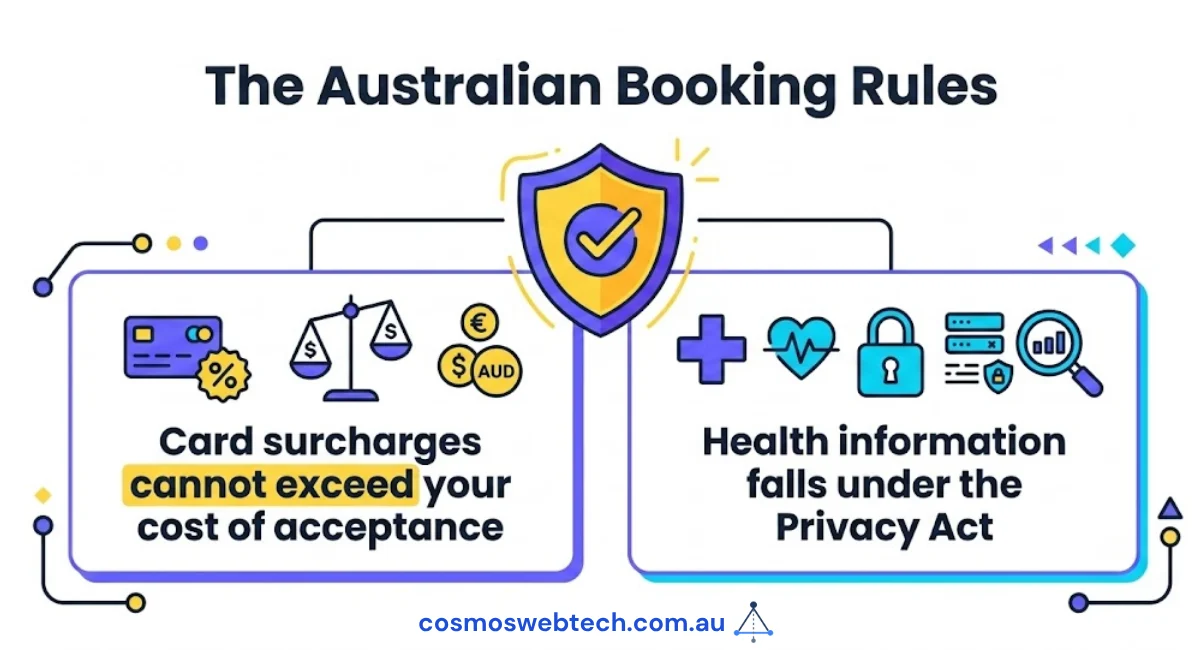
If you take a deposit at booking, surcharging rules apply — a card surcharge cannot exceed your cost of acceptance. Check what your booking tool adds, because it is your obligation, not the plugin’s.
And if you handle health information, the Privacy Act applies whatever your turnover, because health information is sensitive information. That is a large part of why the clinic answer is a specialist vendor rather than a plugin.
What we would do
For most businesses on our templates, the answer is route 3 for regulated categories and route 1 or 2 for everyone else. Native builds are for the businesses whose booking rules genuinely do not fit a calendar — and there are fewer of those than people think.
If you are unsure which bucket you are in, tell us what you are trying to book and we will tell you straight, including when the answer is a free plugin and no invoice from us.