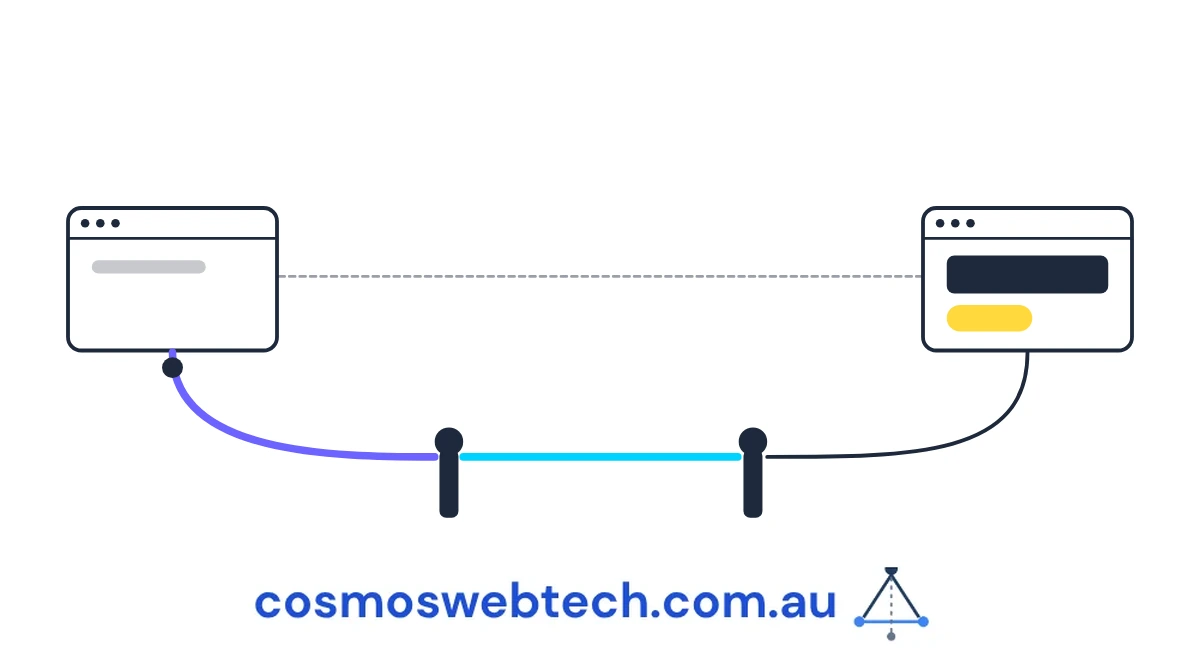
When you move a page, you add a redirect. The old address sends visitors and search engines to the new one, the ranking carries across, and everyone is happy.
Then you check it. You put the old URL in a browser, it lands on the new page, and you tick it off.
That check cannot see the most common way this goes wrong.
Two hops, and each one looks fine
Say you move a page from /blog/emergency-plumber-castle-hill/ to /emergency-plumber-castle-hill/, and you write a redirect rule pointing the old path at the new one.
The rule fires. The browser goes to the new address, the page loads, and you see the right content. Done.
Except a lot of modern sites — including anything built as a directory-style static site, which covers a large share of small-business websites now — serve their pages with a trailing slash and automatically redirect the version without one. So if your redirect rule points at /emergency-plumber-castle-hill and the site serves /emergency-plumber-castle-hill/, what actually happens is:
- Old URL → 301 → new URL without the slash
- New URL without the slash → 308 → new URL with the slash
- Page loads
Two redirects to reach one page. Your browser followed both silently and showed you the final result, which is exactly what it is designed to do, and exactly why the check told you nothing.
Why two hops is not twice as bad as one
Search engines follow redirect chains. They do not follow them indefinitely, they do not like them, and they treat a chain as a weaker signal than a single hop. More practically, each hop is a request, and on a site where every internal link goes through one, the accumulated cost is real.
We have measured the consequence on our own estate. On one of our sites, this defect class was a significant part of why 419 blog posts ended up with one of them indexed. Not one in four hundred ranking well — one indexed at all.
That is a single site, and other things were wrong with it too, so it is not a clean experiment. But it is enough to say that a redirect chain is not a tidiness issue you get to fix next quarter.
★ Insight ─────────────────────────────────────
The reason this specific chain is so common is that the two hops are created by different people at different times. The 308 comes from the hosting platform’s default behaviour and nobody wrote it. The 301 comes from your migration and you did write it. Neither party knows about the other, and the platform’s hop is invisible in your redirect configuration file — so the complete picture does not exist in any one place a person would look.
─────────────────────────────────────────────────
The five-minute check
You need a tool that shows you every hop rather than just the destination. Any of these will do it.
In a terminal — this prints the whole chain and how many hops there were:
curl -sIL -o /dev/null -w "%{num_redirects} hops, final %{http_code}: %{url_effective}\n" \
  https://yoursite.com.au/blog/your-old-url/
Anything other than 0 hops for a URL you link to internally, or 1 hop for an old URL you have retired, is worth looking at.
In a browser — open developer tools, go to the Network tab, tick “Preserve log”, then load the URL. Every hop appears as its own row with its own status code. This is the version to use if you are not comfortable in a terminal, and it takes about thirty seconds per URL.
What to test:
- Every URL you redirected during a migration.
- Every URL in your own navigation and footer. These are the highest-volume internal links on the site, and a hop here is paid on every page.
- Your canonical tags. A canonical pointing at a URL that redirects is telling a search engine the preferred address is one that is not the real one.
- The addresses in your sitemap.
The rule that prevents it recurring
When you write a redirect, point it at the exact URL the site actually serves, including the trailing slash or its absence. Not the URL you think is tidier. The one that returns a 200 with no redirects.
The way to know which that is: request the target and check it returns 200 with zero hops before you write the rule pointing at it.
There is a second half that catches people during a migration. When a page moves off a path entirely, the platform’s automatic slash-redirect for the old path stops existing too — because there is no longer a page there to redirect to. So the old bare path, which used to be handled automatically, now returns a 404 unless you write a rule for it yourself. When we moved 25 pages off a blog route on one of our sites, that meant listing both the slashed and the unslashed form of every old URL: 50 rules for 25 pages.
The audit that passed while the site was broken
One more thing from that migration, because it is the most useful lesson in it and it has nothing to do with redirects.
Moving the pages meant rewriting 175 internal links across three repositories. The rewrite matched the old path anywhere it appeared — not only inside a link. So it also matched inside image paths like /images/blog/some-post-hero.jpg, ate the /blog/ out of them, and broke 36 of 37 images.
The link audit that ran afterwards passed. It was a link audit: it read the href attributes and checked those. It could not see image sources, so it ran successfully, reported no problems, and was structurally incapable of noticing the thing that had just broken.
A check that passes tells you only that the thing it looks at is fine. If you have just run a broad find-and-replace across your site, the audit you need is one that looks at everything the replace could have touched — not the one you already had.
If you do one thing
Take the five URLs on your site that matter most commercially — your main service pages — and run the hop count on each of them, exactly as they appear in your own navigation.
If any of them returns anything other than zero hops, you are paying a redirect on every visitor and every crawl, on the pages that exist to win you work. It is usually a ten-minute fix, and it is the cheapest technical SEO available, because nothing about it requires new content.
Cosmos Web Tech builds and optimises websites for Hills District and Western Sydney small businesses. Cloud and IT support comes from Cloud Geeks, mobile apps from Awesome Apps, and we are part of Ganda Tech Services.