ThriveCart, WooCommerce Checkout, and Shopify Payments solve different problems. ThriveCart is a standalone checkout platform optimised for digital products, courses, and subscriptions — it adds order bumps, upsells, and affiliate tracking to any website. WooCommerce Checkout is the checkout layer of the WooCommerce e-commerce system built on WordPress — highly flexible but requires hosting and maintenance. Shopify Payments is an all-in-one hosted e-commerce platform with its own checkout — best when the entire store, not just checkout, is being built from scratch.
What Each Tool Actually Is
This comparison is deliberately about checkout and payment flow — not about whether to use Shopify or WordPress as a website builder. That is a different question, and the posts comparing WooCommerce and Shopify as full platforms exist elsewhere. This post is specifically for Australian businesses that already have a website and are deciding how to take payment.
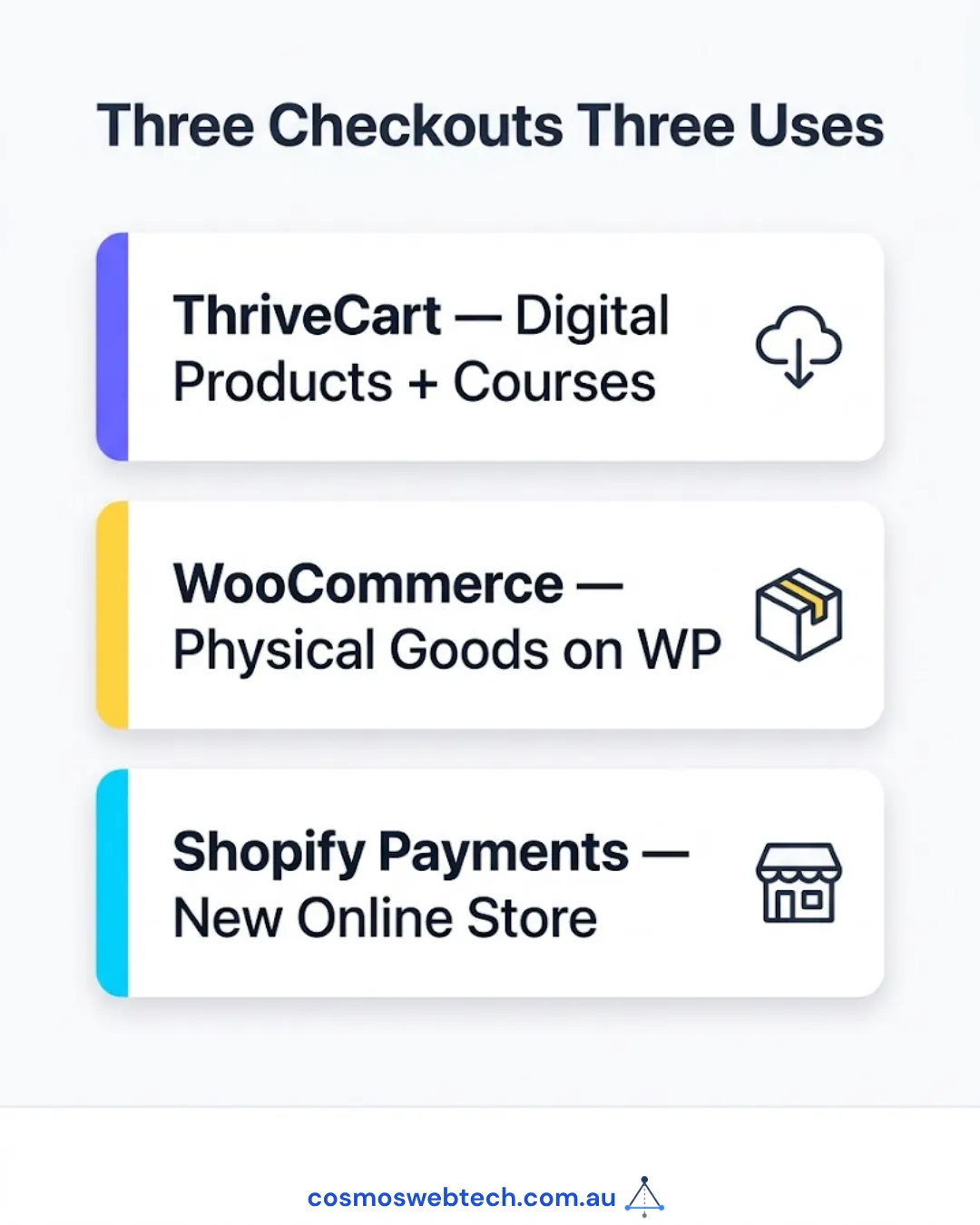
| Tool | What it is | Who it is for |
|---|---|---|
| ThriveCart | Standalone checkout platform | Coaches, course creators, consultants, digital product sellers |
| WooCommerce Checkout | Checkout module within WooCommerce (WordPress plugin) | Retail, physical goods, businesses already on WordPress |
| Shopify Payments | Built-in payment processing within Shopify | Businesses building or migrating to Shopify |
ThriveCart — Best for Digital Products and Course Creators
ThriveCart is a hosted checkout platform that creates high-converting checkout pages, processes payments, manages subscriptions, and runs affiliate programmes — without requiring a separate e-commerce platform. You embed ThriveCart checkout links or iframes into any existing website.
What ThriveCart does well:
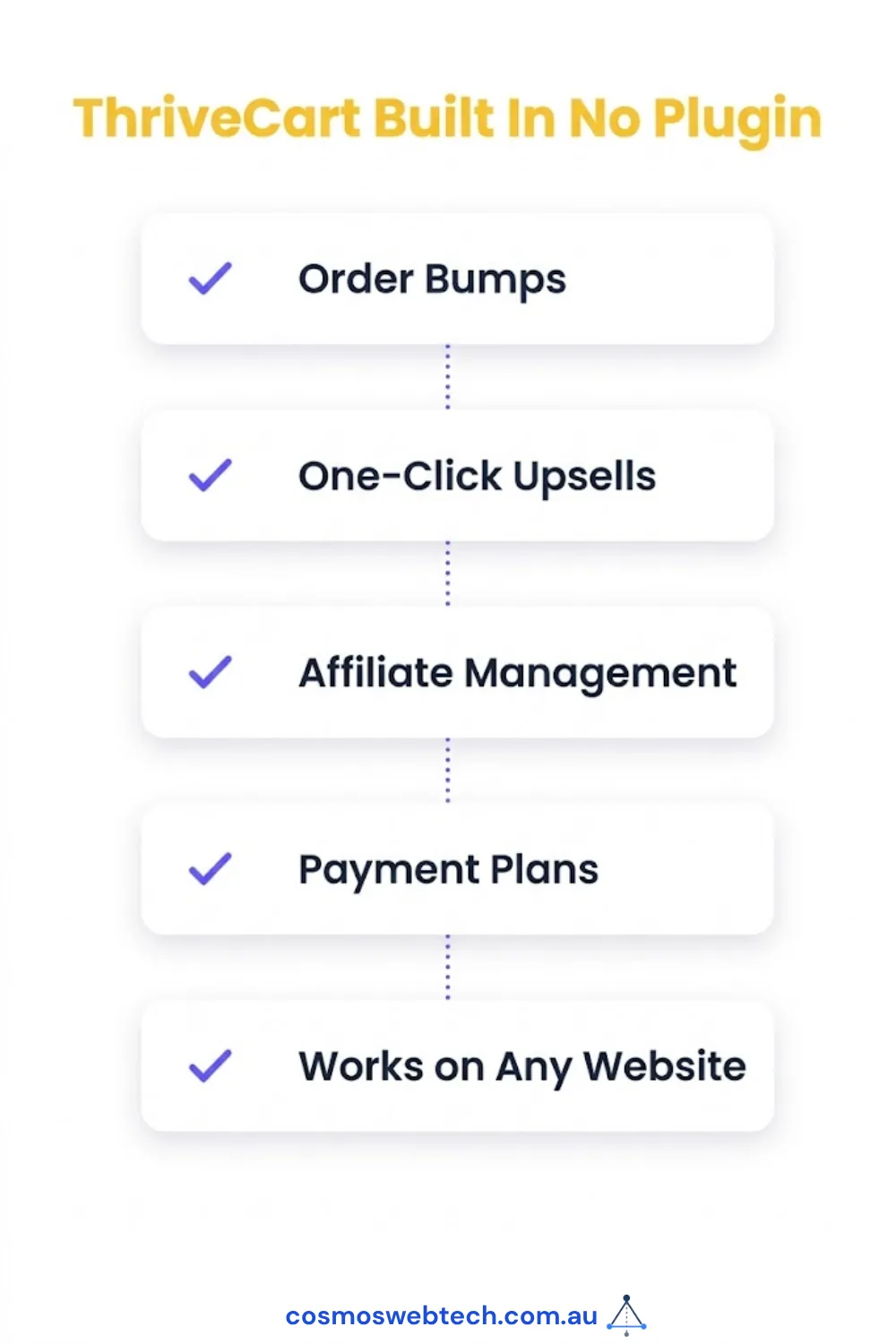
- Order bumps and one-click upsells: The ability to add an upsell offer between checkout and purchase completion is ThriveCart’s primary conversion advantage. This feature alone justifies the platform for high-volume digital product sellers.
- Built-in affiliate management: ThriveCart includes a full affiliate platform — affiliate sign-up, custom commission rates, automated payouts. No third-party affiliate plugin needed.
- Subscription and payment plans: Supports recurring billing, payment plans (e.g. “3 payments of $X”), and trial periods natively.
- Works with any website: ThriveCart is platform-agnostic — it works with WordPress, Squarespace, Wix, Webflow, or a hand-coded HTML page.
- One-time pricing option: ThriveCart has historically offered a lifetime deal (one payment, no monthly fee) in addition to its annual subscription. This is not always available — check current pricing at time of purchase.
ThriveCart and Australian Payments:
ThriveCart integrates with Stripe, PayPal, and Braintree — all of which support AUD as a currency and accept Australian payment methods including Visa, Mastercard, and BPAY (via Stripe). Apple Pay and Google Pay are available via Stripe integration. ThriveCart does not process payments directly — it is the checkout interface; the payment gateway (Stripe) handles the actual transaction.
What ThriveCart does not do:
- Physical product inventory management — ThriveCart is not built for managing stock, shipping labels, or fulfilment workflows
- It is not a website builder or CMS — you still need a website
- No built-in email marketing — integrates with ConvertKit, ActiveCampaign, Mailchimp, etc. but does not include email natively
Pricing (2026): ThriveCart Standard (annual) or a periodic lifetime deal. Check thrivecart.com for current pricing — they run promotions regularly, including a Creator Commerce Live event in September 2026 with promotional pricing.
WooCommerce Checkout — Best for Physical Goods on WordPress
WooCommerce Checkout is the payment and checkout component of WooCommerce, a free WordPress plugin that turns a WordPress site into a full e-commerce store. It is the most widely used e-commerce system in Australia for small business websites built on WordPress.
What WooCommerce Checkout does well:
- Full physical product support: inventory tracking, variable products (size/colour), shipping zones, fulfilment integrations
- AUD native: WooCommerce supports AUD out of the box; no currency conversion required
- Payment gateway flexibility: Stripe, PayPal, Afterpay, Zip, eWAY, Tyro, and others all have official WooCommerce integrations — buy now pay later options are particularly strong for Australian retail
- Complete control: because WooCommerce runs on your own WordPress site, you own all data and can customise every element of the checkout flow
What WooCommerce Checkout does not:
- Requires hosting and maintenance: WooCommerce runs on your server; you are responsible for WordPress updates, plugin security, and uptime
- Technical complexity: setting up shipping rules, tax configurations (GST for Australian businesses), and payment gateways correctly requires either a developer or significant time
- No built-in subscription management: recurring billing requires an additional plugin (WooCommerce Subscriptions, $279/year) on top of the base WooCommerce
Conversion optimisation: WooCommerce checkout conversion rates are below-average out of the box. The default multi-step checkout is longer than ThriveCart’s focused single-page checkout. Improvement requires either the WooCommerce One Page Checkout plugin or a custom developer build.
Shopify Payments — Best When Building the Whole Store on Shopify
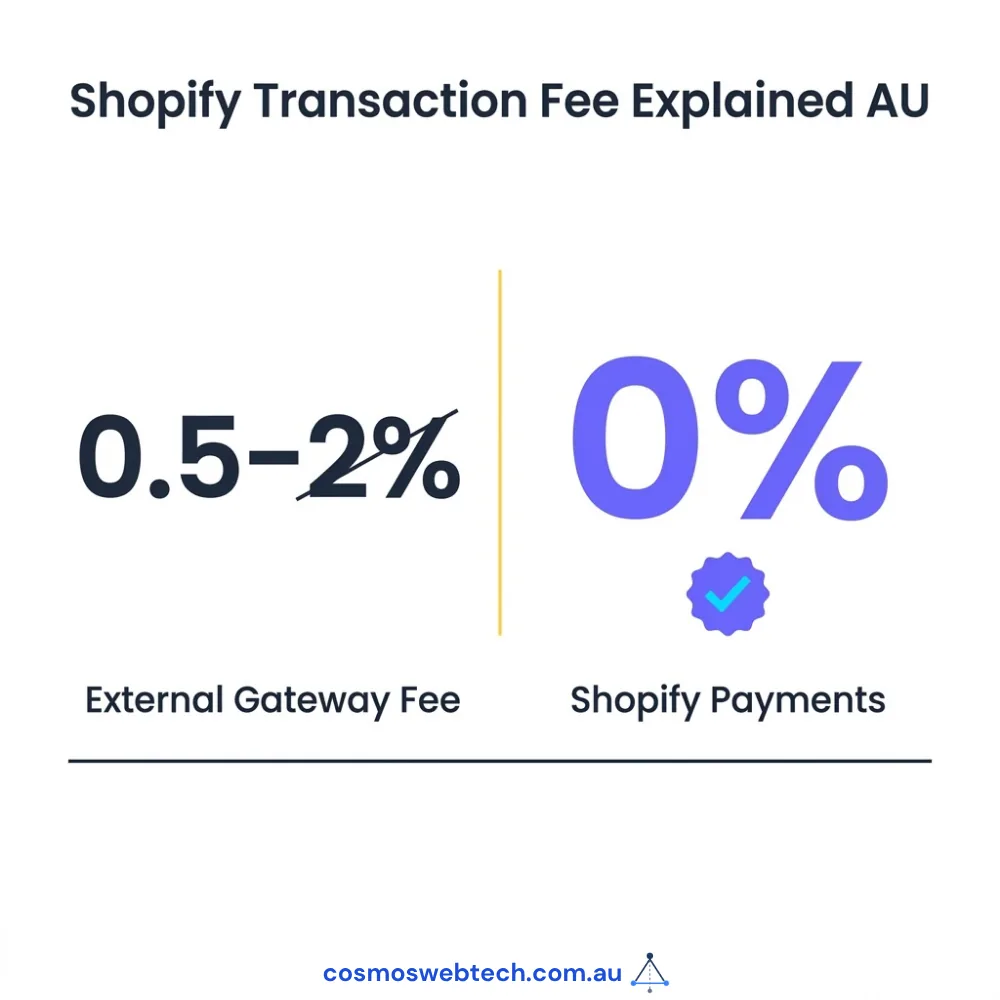
Shopify Payments is the payment processing built into Shopify — it processes transactions without requiring a third-party payment gateway, eliminating Shopify’s 0.5–2% transaction fee that applies when using an external payment provider.
What Shopify Payments does well:
- Integrated with the Shopify ecosystem: inventory, shipping, fulfilment, analytics, and checkout are all in one system
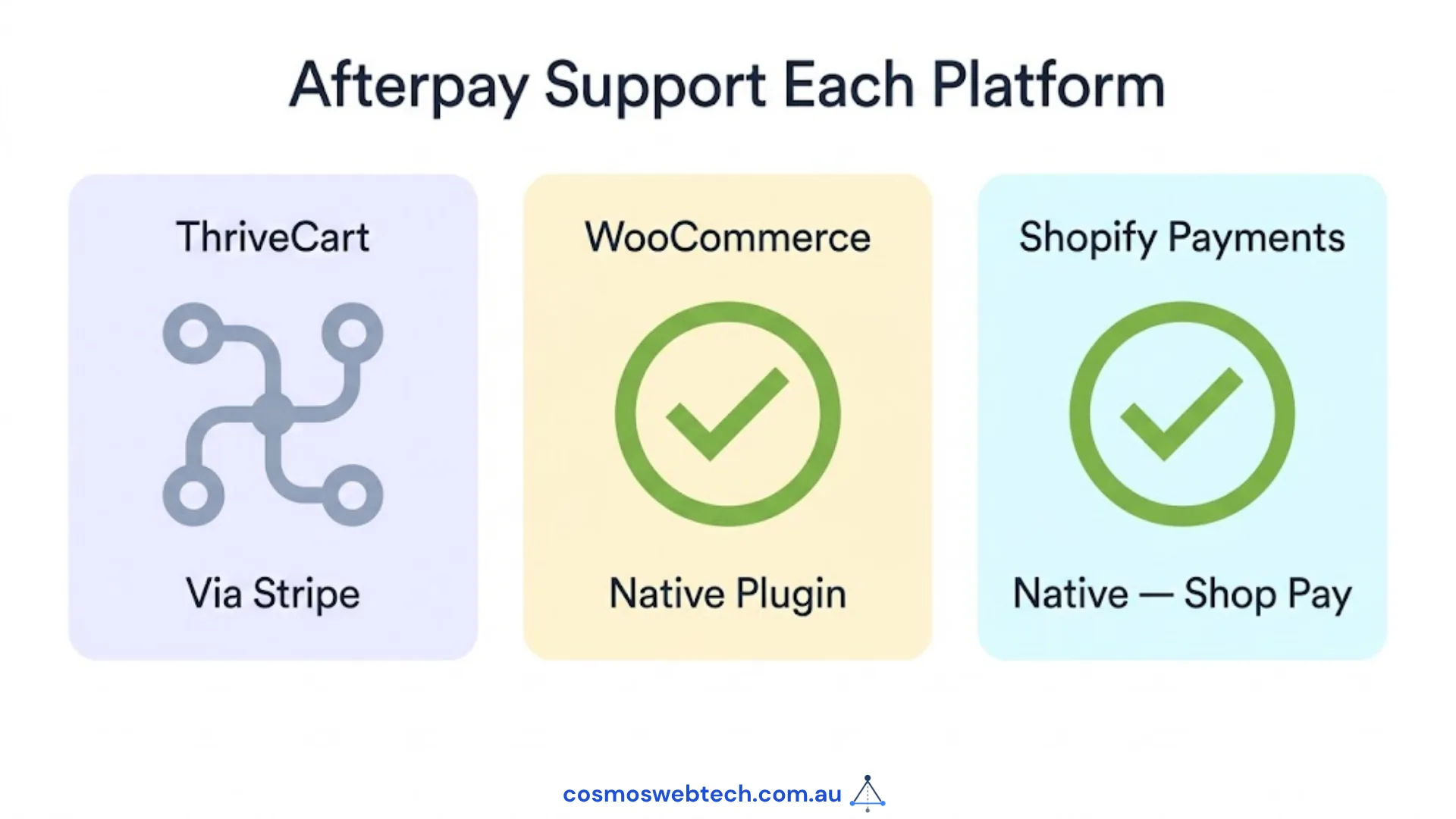
- Available in Australia: Shopify Payments launched in Australia in 2021 and supports AUD, Australian bank accounts for payouts, and Afterpay (via Shopify’s native integration)
- Hosted and maintained: Shopify manages PCI compliance, server infrastructure, and checkout security
What Shopify Payments does not:
- Shopify-only: Shopify Payments is not available if you are not using Shopify as your e-commerce platform — it cannot be embedded in WordPress, Wix, or other platforms
- Monthly subscription: Shopify itself starts at $49 USD/month (Basic) — Shopify Payments is included but the platform fee is ongoing
- Limited checkout customisation on lower plans: meaningful checkout customisation (checkout.liquid) requires Shopify Plus ($2,000+/month) — below that, checkout is largely fixed
Direct Comparison for Australian Use Cases
| Criteria | ThriveCart | WooCommerce | Shopify Payments |
|---|---|---|---|
| Best for | Digital products, courses, coaching | Physical goods on WordPress | Full Shopify store |
| Physical goods | Limited | Excellent | Excellent |
| Digital products/subscriptions | Excellent | Good (with plugins) | Good |
| Afterpay / Zip support | Via Stripe | Native integration | Native integration |
| AUD support | Yes (via Stripe/PayPal) | Yes (native) | Yes (native) |
| Monthly fee | One-time or annual | Free plugin + hosting + gateway fees | $49 USD+/month |
| Checkout customisation | High (built-in templates) | High (with plugins) | Low (below Plus) |
| Order bumps / upsells | Built-in | Plugin required | Plugin required |
| Affiliate management | Built-in | Plugin required | App required |
| Technical complexity | Low | Medium–High | Low |
| Owns your data | No (hosted) | Yes (your server) | No (hosted) |
Which One Is Right for Your Australian Business?
Choose ThriveCart if: You sell digital products, online courses, consulting packages, or subscriptions. You have an existing website and want to add a high-converting checkout without building a full e-commerce store. You want built-in affiliate management.
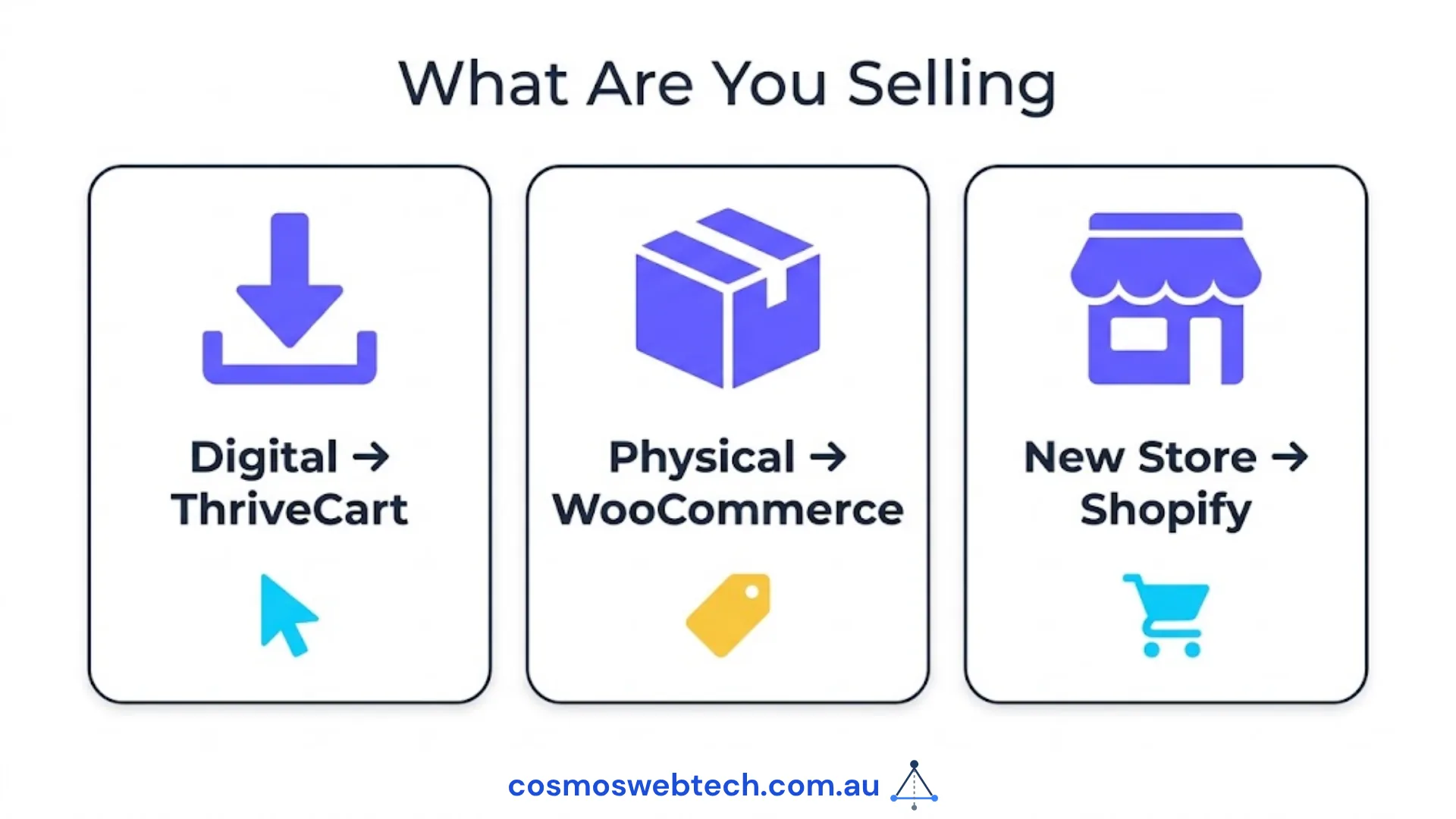
Choose WooCommerce if: You already have a WordPress site. You sell physical products that require inventory and shipping. You need Afterpay or Zip Pay as a first-class option. You want to own all your data and customise every element.
Choose Shopify Payments if: You are building a new online store from scratch and have no existing website infrastructure. Your business is primarily e-commerce (physical goods). You want everything in one managed platform and do not need deep customisation.
For businesses setting up cloud infrastructure, managed hosting, or WooCommerce server environments — Cloud Geeks provides the managed cloud and IT support that keeps Australian e-commerce sites running at performance.
Ash Ganda covers the strategic side of digital commerce for Australian businesses — when to build a checkout, when to use a platform, and how AI is changing digital product distribution.
If your business is building a mobile commerce or loyalty app alongside your checkout — Awesome Apps builds iOS and Android apps for Australian retail and e-commerce businesses.
Part of the Ganda Tech Services family, Cosmos Web Tech delivers specialist web design and digital marketing for Australian small and medium businesses.
Frequently Asked Questions
Is ThriveCart available in Australia?

Yes. ThriveCart is available to Australian businesses and supports AUD transactions via its Stripe and PayPal integrations. Stripe Australia supports AUD payouts to Australian bank accounts. ThriveCart itself does not process payments — Stripe handles the transaction and deposits AUD to your bank account.
Does WooCommerce support Afterpay in Australia?
Yes. WooCommerce has an official Afterpay plugin (available free in the WordPress plugin directory) that adds Afterpay as a payment option at checkout. Zip Pay also has an official WooCommerce integration. Both are widely used by Australian retail businesses on WooCommerce.
Is Shopify Payments available in Australia?
Yes. Shopify Payments launched in Australia in 2021. It supports AUD, Australian bank account payouts, and Afterpay (natively integrated via Shopify’s Shop Pay). Using Shopify Payments instead of a third-party gateway avoids the 0.5–2% transaction fee Shopify charges for external payment providers.
Can I use ThriveCart with my WordPress website?
Yes. ThriveCart is platform-agnostic — it works with any website. You can embed a ThriveCart checkout page by linking to a hosted ThriveCart checkout URL or embedding the checkout as an iframe on your WordPress page. No additional plugin is required on the WordPress side.
What is the difference between ThriveCart and WooCommerce?
ThriveCart is a standalone checkout platform designed specifically for digital products, courses, and subscriptions — it adds a high-converting checkout to any existing website. WooCommerce is a full e-commerce system for WordPress that includes product management, inventory, shipping, and checkout. ThriveCart is better for digital product creators who want a focused, high-converting checkout; WooCommerce is better for businesses selling physical goods who need complete e-commerce infrastructure.