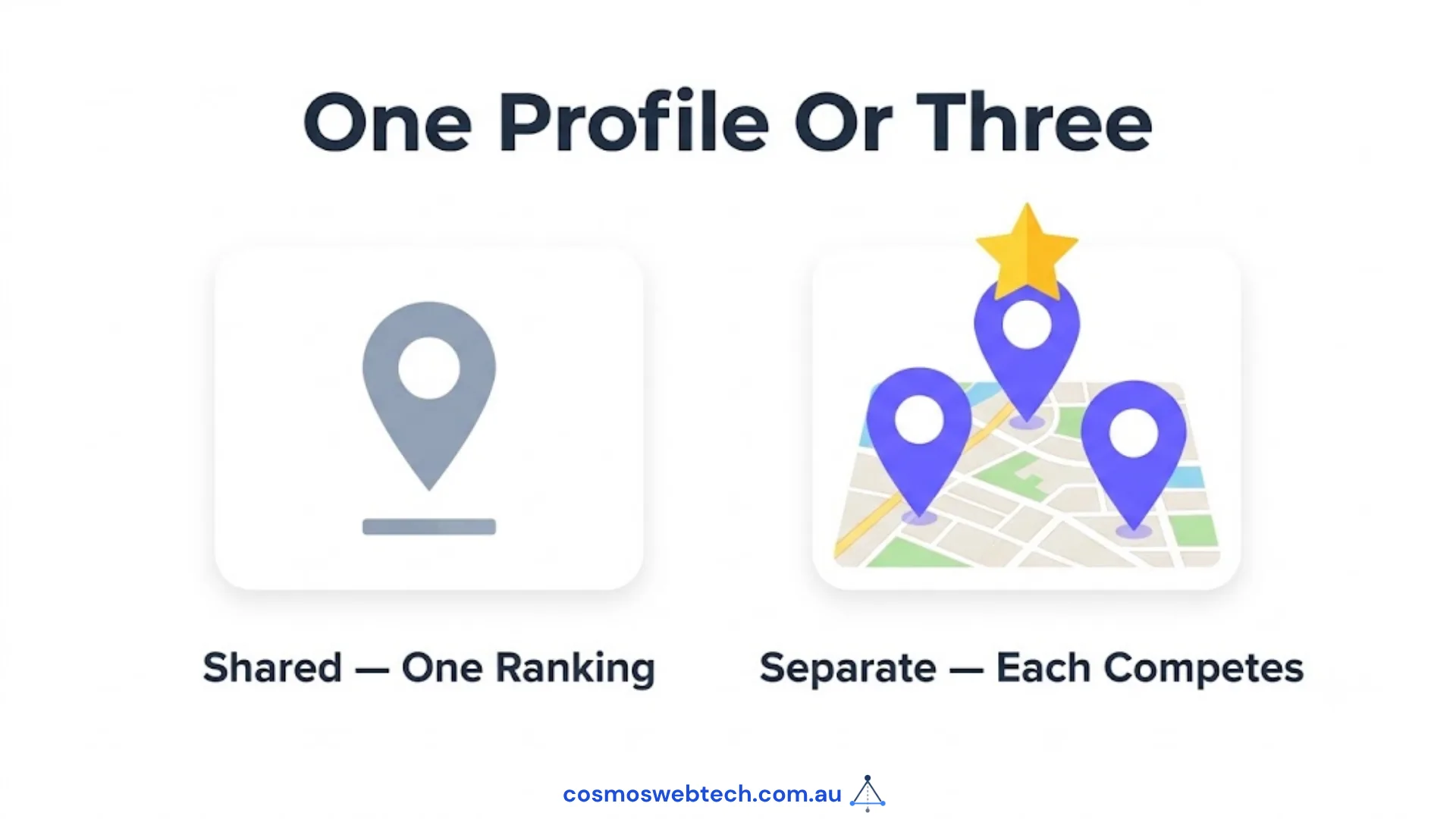
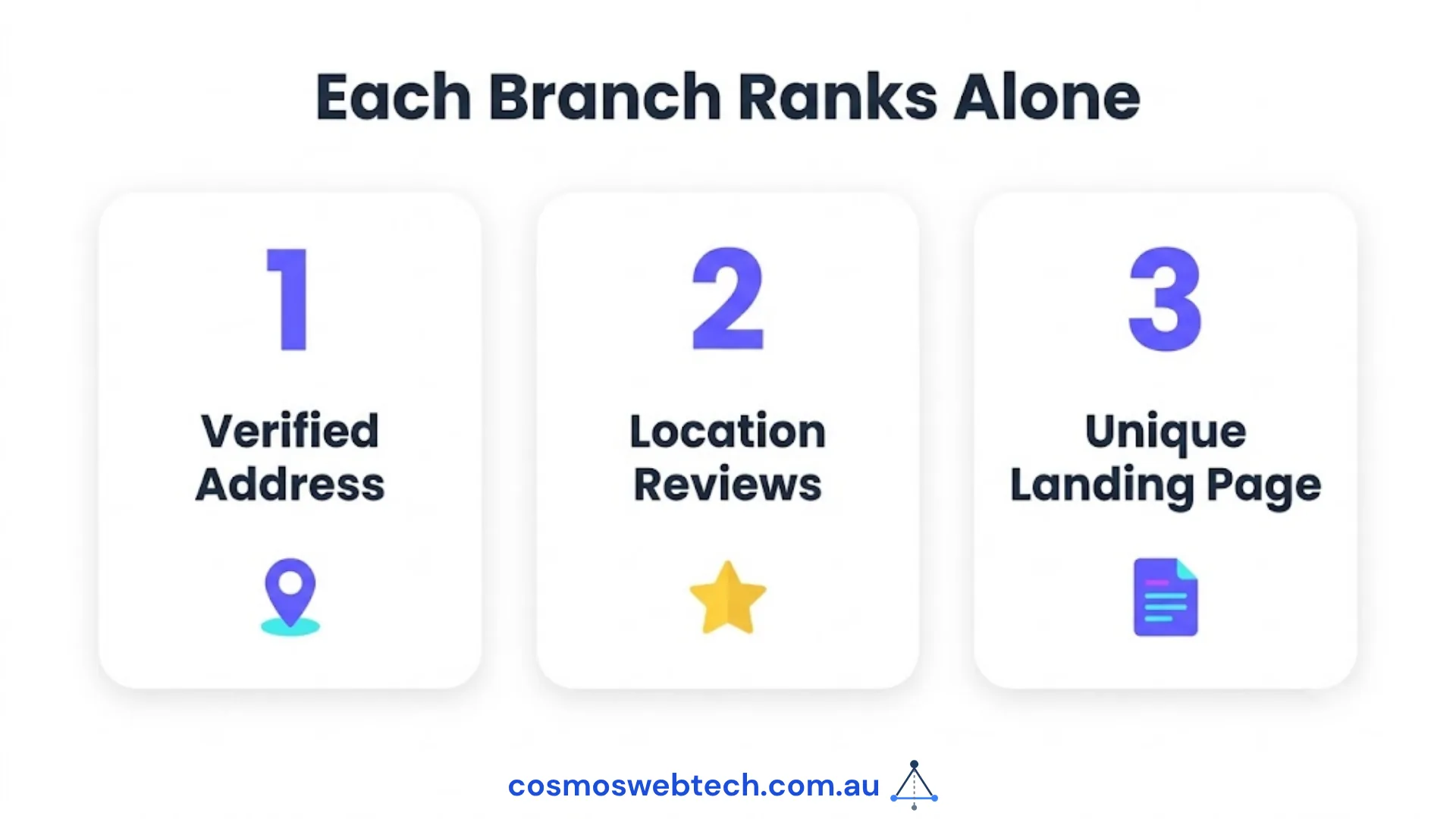
A business with two or more physical locations needs a separate Google Business Profile for each location. Each profile must have a unique, verified address; a distinct phone number is strongly recommended. Google treats each profile as an independent ranking entity — a Hills District location does not inherit the reviews or authority of a Parramatta location. Managing them correctly is what determines whether each branch appears in local search.
Why Multi-Location GBP Management Matters in 2026
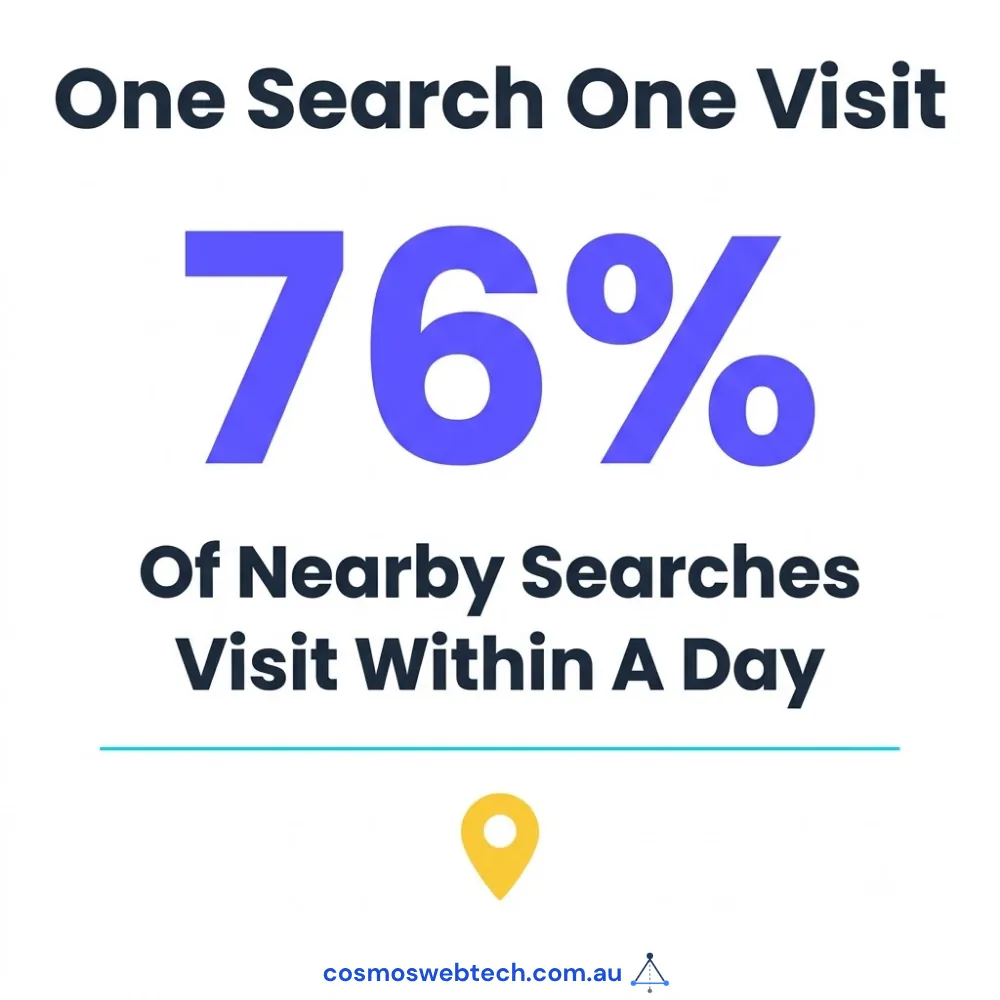
Google’s local pack (the three listings that appear above organic results on location-based searches) is now the primary source of foot traffic and phone calls for Australian SMBs. According to Google’s own data, 76% of people who search for something nearby visit a business within a day (Google Consumer Insights, 2024). The local pack is not shared between locations — each branch competes independently.
For Australian businesses operating across Western Sydney suburbs — Parramatta, Castle Hill, Bella Vista, Blacktown, Penrith — this means five separate GBP listings, each requiring its own optimisation effort.
Step 1: Set Up Individual Profiles for Each Location
What Each Profile Needs
| Field | Requirement | Notes |
|---|---|---|
| Business name | Exact legal name | No keyword stuffing — Google suspends listings for this |
| Address | Physical, verified address | PO boxes are not accepted |
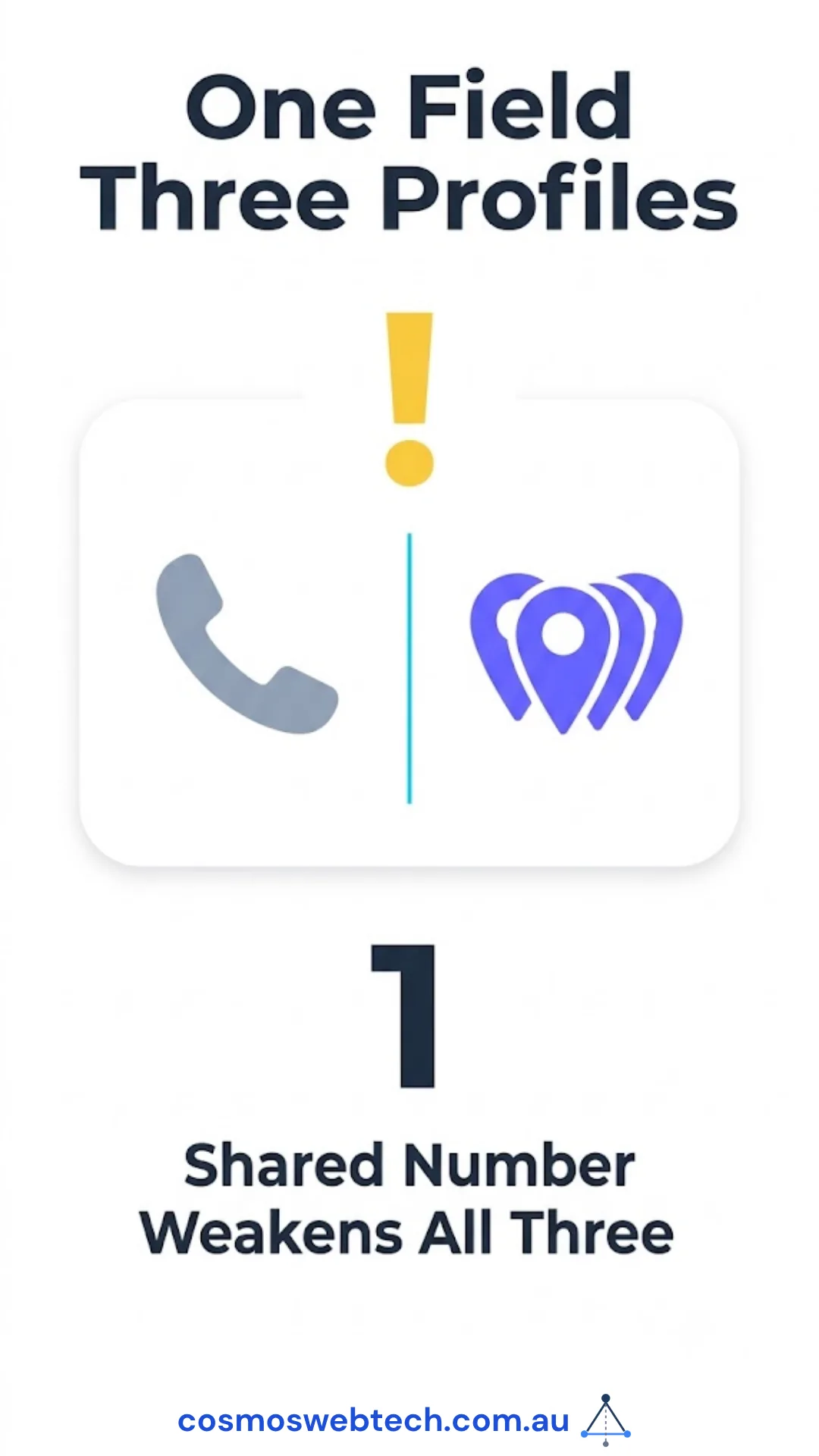
| Phone number | Location-specific | Avoid using a single 1300 number for all branches — it signals one location |
| Category | Most specific available | Each location can have the same primary category |
| Hours | Accurate, including public holidays | Set holiday hours in advance via the Holiday Hours feature |
| Website URL | Location-specific landing page | /parramatta/ not just / |
| Description | 750 characters, unique per location | Do not copy-paste the same description across branches |
Bulk Verification for 10+ Locations
If you have 10 or more locations, Google allows bulk verification via a spreadsheet upload through Business Profile Manager (formerly Google My Business). This bypasses the postcard/phone verification process. For businesses with fewer than 10 locations, each must be verified individually via phone call, postcard, video, or in-person method.
Bulk verification requires:
- A Google account with Owner access to all listings
- A spreadsheet in Google’s required format (downloadable from Business Profile Manager)
- 5–7 business days for Google to process
Step 2: Create Location-Specific Landing Pages on Your Website
Each GBP listing should link to a dedicated page for that location — not your homepage.
Correct: cosmoswebtech.com.au/parramatta/
Incorrect: cosmoswebtech.com.au/
The location page must include:
- The suburb name in the H1 and title tag
- The full street address in HTML text (not an image)
- A Google Maps embed for that specific location
- Unique content about that branch (team, services specific to that area, local landmarks)
LocalBusinessschema with the location’s specific address and phone
Copy-pasting the same page for each suburb with only the suburb name changed is a thin-content flag. Each page needs at least 400 words of genuinely location-specific content.
Step 3: NAP Consistency Across All Locations
NAP — Name, Address, Phone — must be identical across every place a location appears online: GBP, your website, Yellow Pages, True Local, Facebook, and any directory listings.
Common inconsistencies that break local rankings:
- “Unit 5” on the website vs “U5” on GBP
- “0433 309 677” vs “+61 433 309 677”
- “Cosmos Web Tech” in one place vs “Cosmos Web Technologies” in another
Use a consistent NAP standard written out once and copy-pasted everywhere. Do not retype it.
Step 4: Review Strategy by Location
Reviews are the single largest differentiator in local pack rankings. Google’s algorithm weighs both the quantity and recency of reviews for each profile independently.
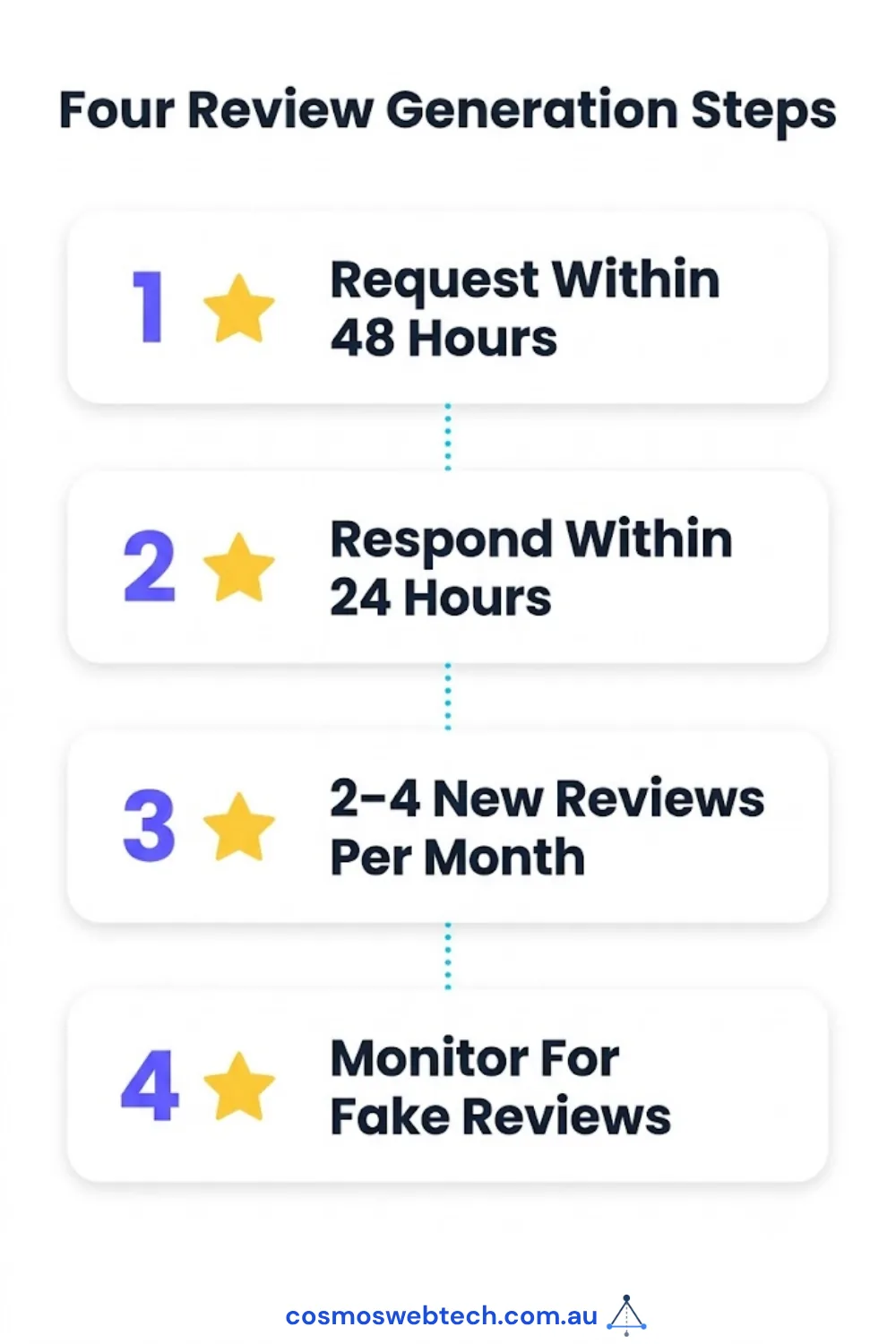
A practical review generation cadence for multi-location businesses:
| Action | Frequency | Method |
|---|---|---|
| Send review request to new clients | Within 48 hours of service completion | Email with direct GBP review link |
| Response to all reviews | Within 24 hours | Owner response — positive and negative |
| Review velocity target | 2–4 new reviews per location per month | Sustainable without appearing artificial |
| Monitor for fake reviews | Weekly | Flag via GBP dashboard |
The direct review link for each location is: https://g.page/r/[PLACE_ID]/review — find the place ID via Google’s Place ID Finder tool.
Do not ask all customers to review the head office only. Spread review generation to each individual location profile.
Step 5: GBP Posts — Scheduled Per Location
GBP Posts (the updates that appear on your Knowledge Panel) are location-specific. A post made on the Parramatta profile does not appear on the Castle Hill profile.
For multi-location businesses, use a content calendar that rotates posts across locations. Minimum cadence: one post per location per week. Content types that perform:
- Offer posts: time-limited promotions (“20% off web audits this week — Castle Hill clients”)
- Update posts: new services, team additions, case studies
- Event posts: local community involvement, suburb-specific events
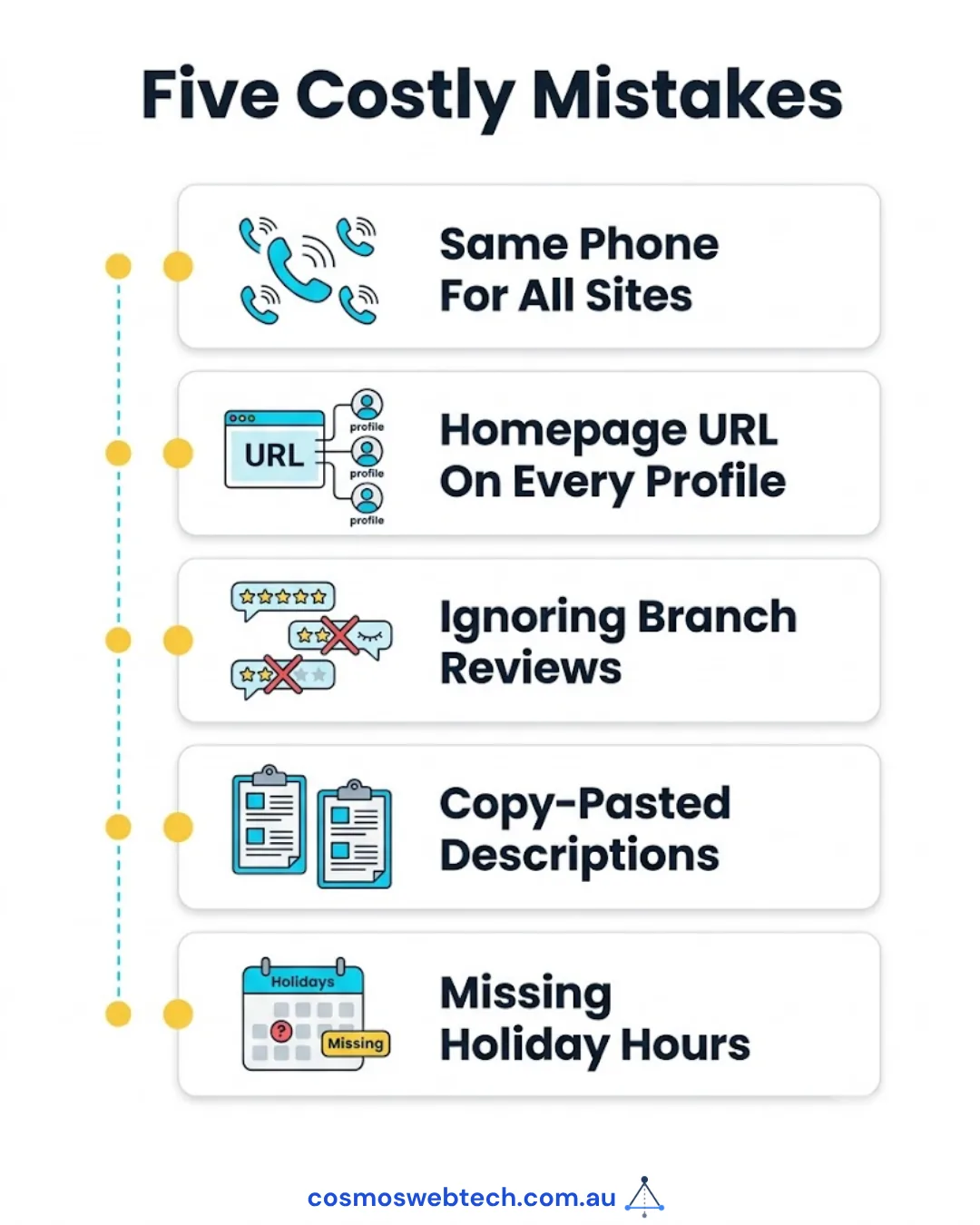
Common Mistakes Multi-Location Businesses Make
| Mistake | Impact | Fix |
|---|---|---|
| One phone number for all locations | Google may merge listings or rank them lower | Use a direct line or DDI for each location |
| Homepage URL on every GBP listing | Each branch competes for the same page | Create dedicated location landing pages |
| Ignoring secondary location reviews | Branches with no recent reviews fall out of local pack | Set up systematic review requests per branch |
| Duplicate descriptions | Thin content flag across profiles | Write 200+ words of unique content per profile |
| Not setting holiday hours | “Closed” status during open hours destroys trust | Pre-set holiday hours quarterly |
Tracking Performance Across Locations
Google Business Profile Insights provides per-location data on:
- Search queries that triggered the listing
- Number of views (map vs search)
- Customer actions (website clicks, direction requests, phone calls)
For businesses with 5+ locations, export data monthly via the Business Profile Manager bulk export. Track which locations are receiving fewer calls or direction requests — these are the profiles that need content or review attention.
For businesses running cloud-based CRM, booking systems, or POS across multiple locations — Cloud Geeks provides the managed IT infrastructure and Microsoft 365 support that keeps multi-branch operations running from a single admin console.
Ash Ganda covers how Australian businesses with multiple locations are using AI automation to manage customer communications, review responses, and local marketing without scaling headcount.
If your multi-location business is considering a mobile app for staff management, customer loyalty, or appointment booking — Awesome Apps builds cross-platform iOS and Android apps for Australian SMBs.
Part of the Ganda Tech Services family, Cosmos Web Tech delivers specialist web design and digital marketing for Australian small and medium businesses.
Frequently Asked Questions
Can I use one Google Business Profile for multiple locations?
No. Google requires a separate, individually verified Business Profile for each physical location. Using one profile for multiple addresses is a terms-of-service violation and can result in suspension of all listings.
Do all my locations need a different phone number?
Google allows the same phone number across locations, but it is strongly recommended to use a location-specific number for each branch. A single shared number signals to Google that you may be a single-location business, which can suppress multiple listings.
How do I verify multiple Google Business Profile locations at once?
Businesses with 10 or more locations can apply for bulk verification via Business Profile Manager using a spreadsheet upload. Businesses with fewer than 10 locations must verify each individually via phone, postcard, or video.
Why is one of my locations not showing in Google Maps?
Common causes: the listing is not fully verified, the address does not match the website, the profile has no reviews, or a competitor with more reviews and a closer proximity is taking the local pack position. Start by checking verification status and NAP consistency.
How many reviews does each location need to appear in the local pack?
There is no fixed number, but Australian SMB research suggests that a listing with 10+ reviews and a 4.0+ average rating is significantly more likely to appear in the local three-pack than one with fewer. Recency matters as much as quantity — a listing with 50 reviews, none in the last 12 months, is at a disadvantage to one with 15 reviews, several in the last 90 days.