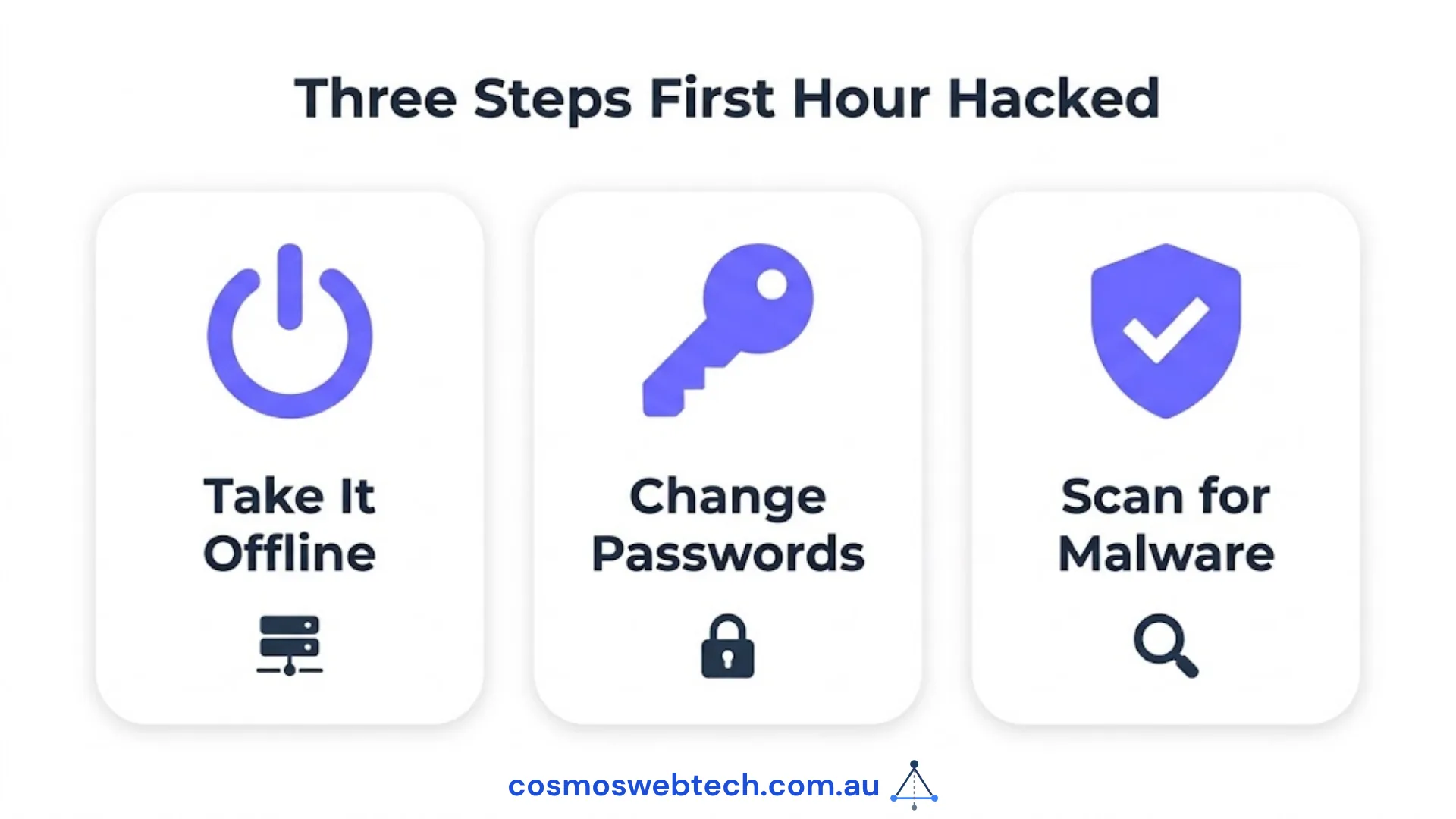
If your business website has been hacked, do these three things immediately: take the site offline or into maintenance mode to prevent further damage, contact your web hosting provider to alert them and request a server-level audit, and change every password associated with the site — WordPress admin, hosting control panel, FTP, and email. Do not try to fix it yourself first. Every minute the site stays live while compromised risks spreading malware to visitors and worsening your Google blacklist status.
How to Know If Your Site Has Been Hacked
Obvious signs:
- Your homepage now shows unrelated content, foreign text, or a defacement message
- Visitors are being redirected to another site
- Google Search Console shows a “This site may harm your computer” warning
- Your hosting provider has suspended the account
Less obvious signs:
- Google has added your site to its Safe Browsing list (check: search your domain name — a red warning banner appears in search results)
- Your email is being flagged as spam by Gmail or Outlook (this often indicates your domain has been used to send spam)
- New admin users have appeared in your WordPress dashboard that you did not create
- Your site is loading slowly or timing out without any change on your end
According to the Australian Cyber Security Centre’s 2023–24 Annual Cyber Threat Report, a cybercrime is reported every 6 minutes in Australia. Website compromises are among the most common, particularly against WordPress sites running outdated plugins.
The First 48 Hours: What to Do
Hour 0–2: Contain the Damage
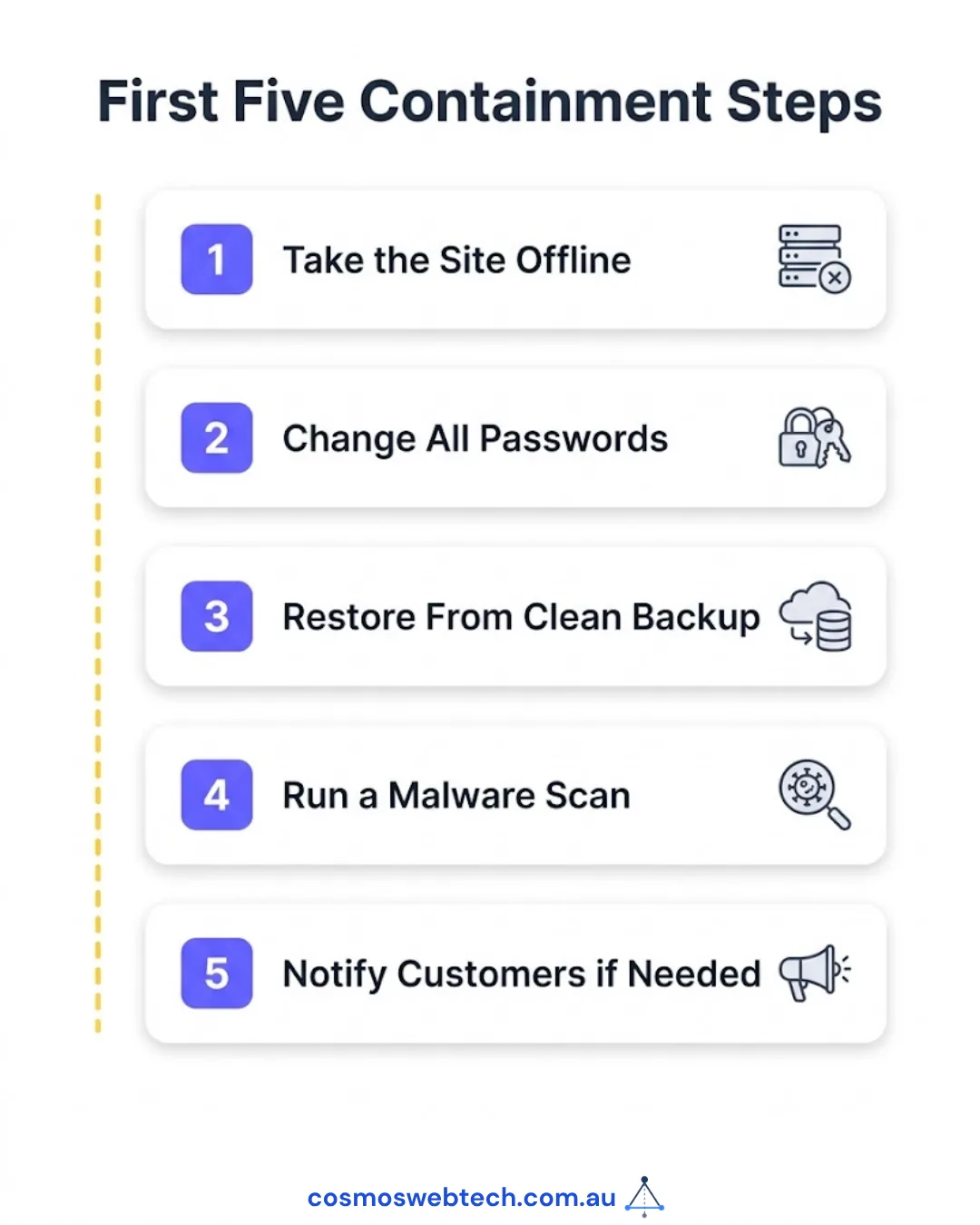
Step 1: Take the site offline immediately
In WordPress: add define('WP_MAINTENANCE_MODE', true); to wp-config.php, or use your hosting panel to put the site into maintenance mode. If you cannot access the admin panel, contact your host and ask them to suspend the site temporarily.
Do not leave a compromised site live while you investigate. Every visitor during this period may receive malware. Your search engine reputation and Google Safe Browsing status deteriorate the longer it stays active.
Step 2: Contact your web host
Call or message your hosting support line. Tell them your site has been compromised and ask for:
- A server-level security audit
- Access logs for the past 7 days (these show how the attacker got in)
- Confirmation of whether other sites on shared hosting are affected
If you are on shared hosting and other accounts were also compromised, the entry point may be at the server level — this is your host’s responsibility to investigate.
Step 3: Change all passwords immediately
In this order:
- WordPress admin password
- Hosting control panel (cPanel, Plesk)
- FTP/SFTP credentials
- Email accounts associated with the domain
- Database password (via
wp-config.php— update theDB_PASSWORDfield and then update it in your database)
Use a password manager. Every password must be unique, 16+ characters.
Hour 2–12: Assess and Restore
Step 4: Restore from backup if one exists
If your host takes daily backups (SiteGround, Cloudways, and Kinsta all do), restore to the most recent clean backup — typically 24–48 hours before the symptoms appeared.
After restoring, do not assume the site is clean. Attackers often plant backdoors weeks before the visible compromise to survive a restore. You still need a malware scan (Step 5).
Step 5: Run a malware scan
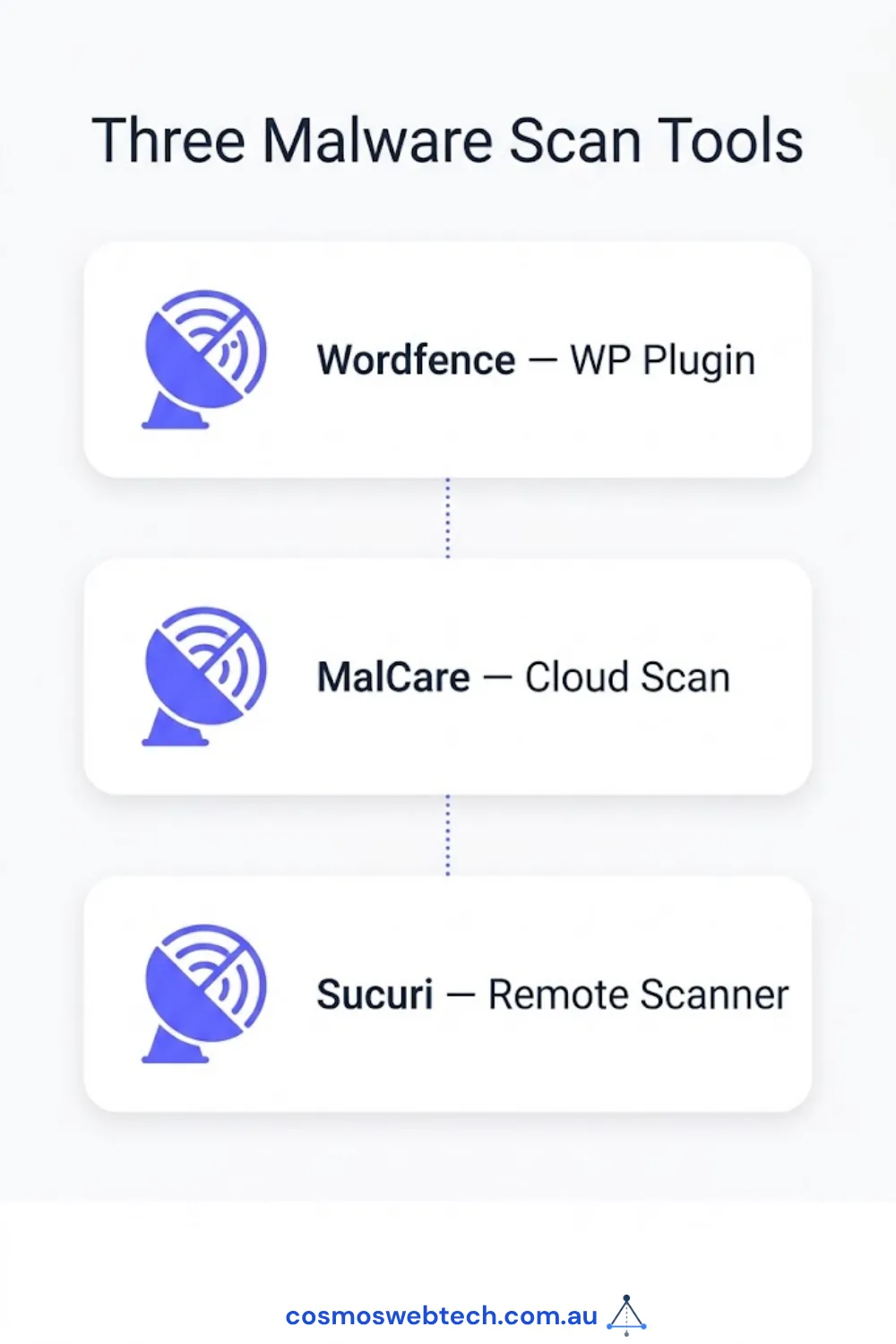
Professional tools that can scan a compromised WordPress site:
- Sucuri SiteCheck (free, web-based) — checks for blacklists and surface-level malware
- MalCare ($99–$299/year) — deep server-level scan, cleanable from within dashboard
- Wordfence (free tier available) — scans files against known malware signatures
For a serious compromise, use a professional cleanup service rather than a plugin. Plugin-based cleaners miss sophisticated backdoors that modify core files or inject code into database records.
Step 6: Identify the entry point
Review access logs (your host provides these) for:
- Unusual POST requests to
wp-login.php(brute force attack) - Requests to plugin or theme files you did not install
- PHP file uploads via the media library
Common entry points for Australian SMB WordPress sites:
- Outdated plugins with known vulnerabilities (43% of WordPress hacks per Sucuri 2024 Hacked Website Report)
- Weak or reused admin passwords (brute force)
- Compromised hosting account credentials (phishing)
- Nulled/pirated themes and plugins (these frequently contain pre-installed backdoors)
Hour 12–48: Restore and Harden
Step 7: Reinstall WordPress core files
Even after cleaning, replace all WordPress core files with fresh copies from WordPress.org. This eliminates any modified core files the attacker may have left.
Step 8: Check and remove unknown admin users
In WordPress: Users → All Users. Remove any users you do not recognise. Attackers frequently create hidden admin accounts to maintain access after a surface cleanup.
Step 9: Remove Google blacklist (if applicable)
If Google has flagged your site:
- Log into Google Search Console
- Go to Security Issues — Google will show you what it detected
- Fix the issues (restore + clean)
- Click “Request Review” in Search Console
Google’s review typically takes 1–3 business days. Until the review is approved, your site shows a warning in search results.
What It Costs to Clean a Hacked WordPress Site
| Severity | Cost Range | Who Does It |
|---|---|---|
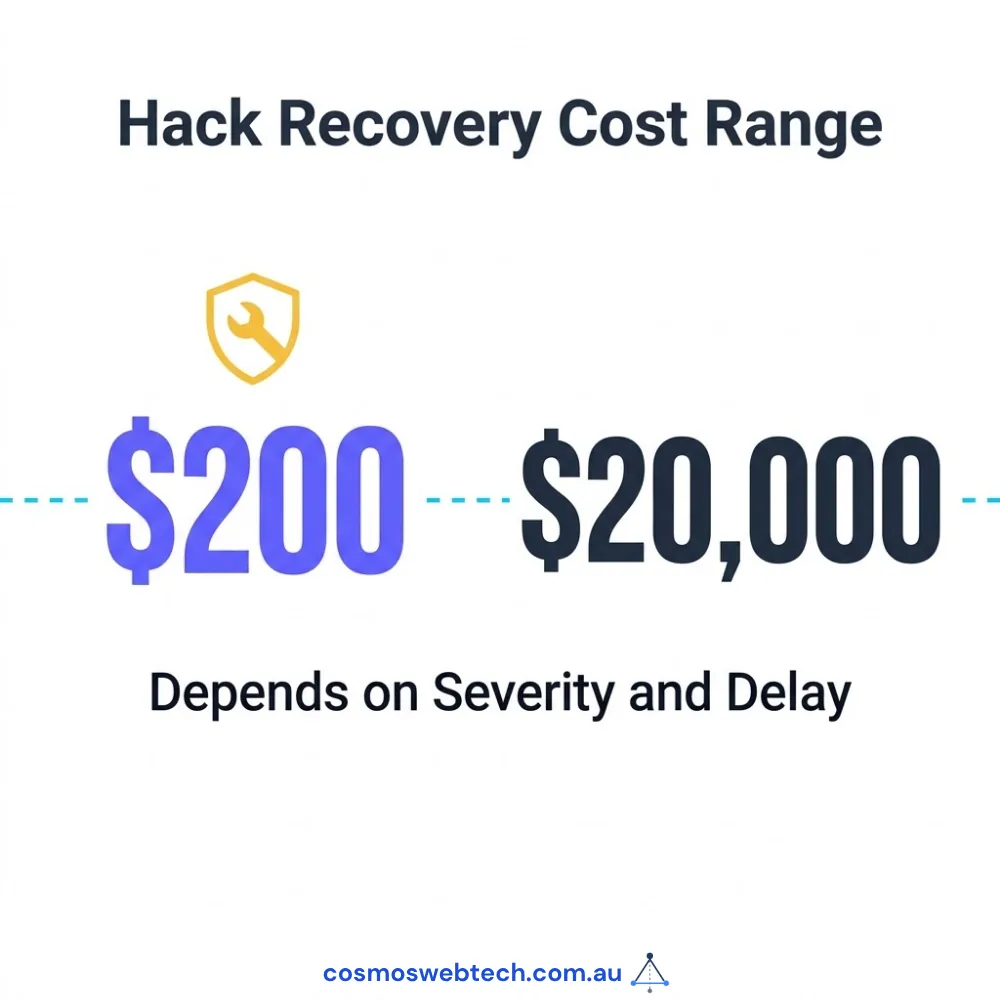
| Surface defacement (no backdoor) | $200–$500 | Web developer or security plugin |
| Plugin-based malware with backdoor | $500–$1,500 | Security specialist |
| Full database injection + backdoor | $1,500–$4,000 | Security specialist |
| Data breach requiring notification | $4,000–$20,000+ | Security firm + legal |
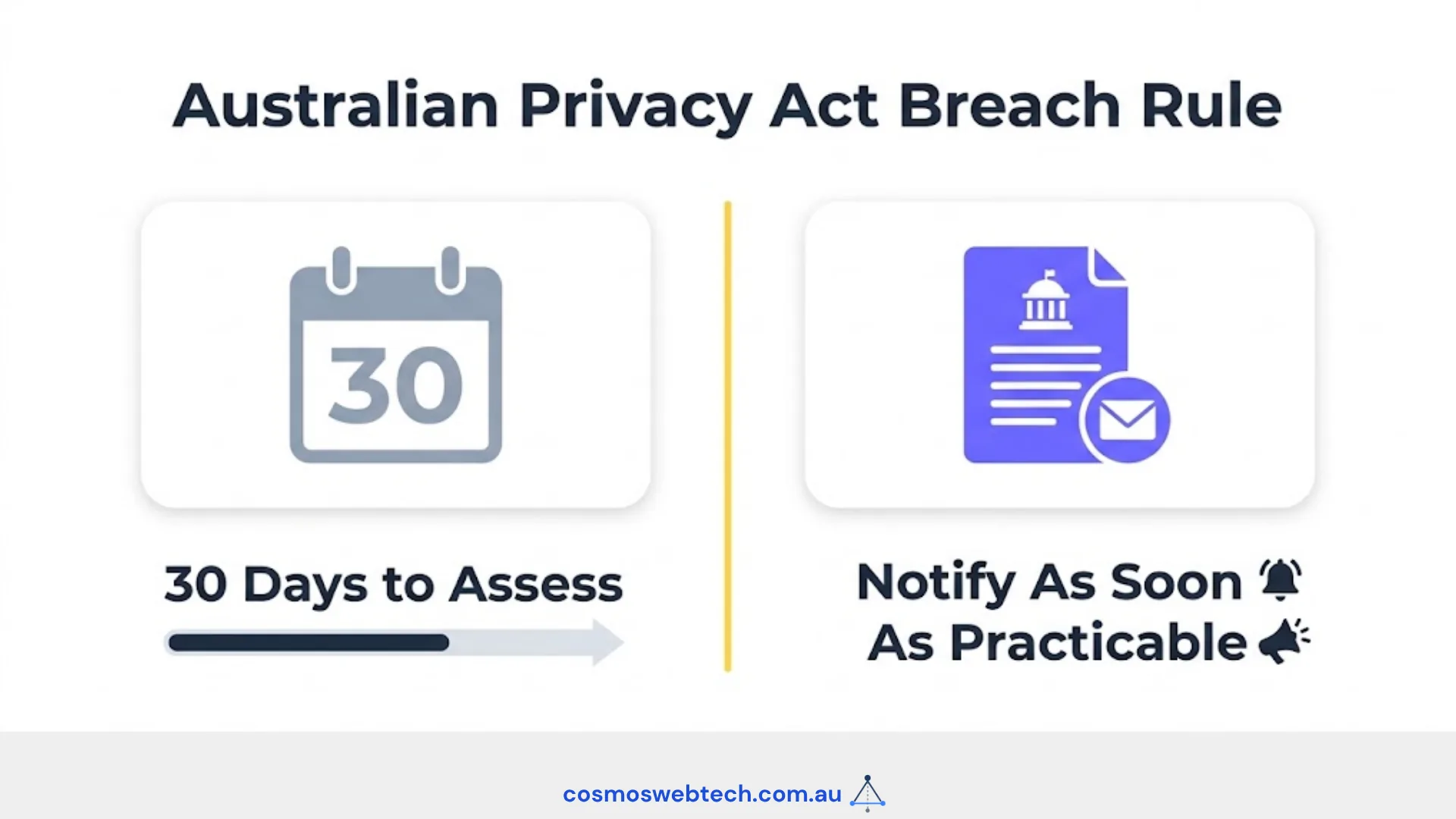
Under the Australian Privacy Act 1988, if the hack involved access to personal information of your customers (names, emails, payment data), you may be required to notify the Office of the Australian Information Commissioner (OAIC) and affected individuals. This is a legal obligation, not optional.
How to Prevent It Happening Again
The most effective prevention stack for an Australian WordPress SMB:
| Action | Tool | Cost |
|---|---|---|
| Automatic WordPress core + plugin updates | WordPress built-in or ManageWP | Free–$30/mo |
| Web application firewall | Cloudflare (Free) or Sucuri (from $199/yr) | Free–$199/yr |
| Two-factor authentication on admin login | WP 2FA plugin | Free |
| Daily off-site backups | UpdraftPlus + Google Drive | Free |
| Managed WordPress hosting | SiteGround / Cloudways / Kinsta | $35–$75/mo |
| Monthly security scan | MalCare or Wordfence | $99–$299/yr |
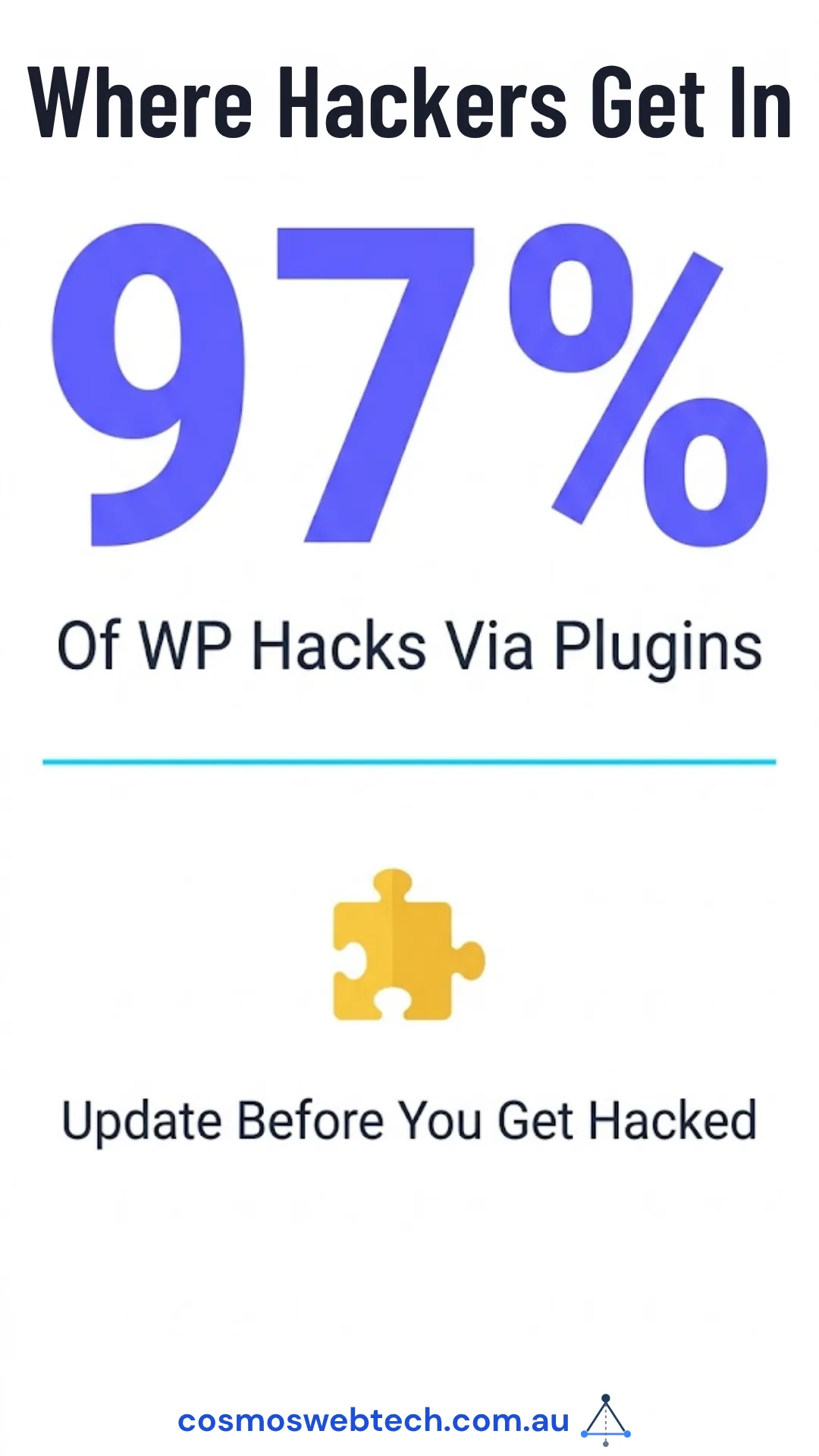
The single highest-leverage action is keeping plugins updated. Over 43% of WordPress hacks exploit known plugin vulnerabilities that had been patched before the attack — the site was simply not updated.
For business-grade website security — firewall, threat monitoring, and secure Australian hosting — Cloud Geeks provides managed IT and security services for Western Sydney and Hills District businesses.
Ash Ganda covers the business and strategic side of cybersecurity: what leaders need to know, how to respond without panic, and how to build systems that surface breaches early.
Part of the Ganda Tech Services family, Cosmos Web Tech delivers specialist web design and digital marketing for Australian small and medium businesses.
Frequently Asked Questions
What is the first thing to do when your website is hacked?
Take the site offline immediately to prevent visitors from receiving malware, then contact your web hosting provider to request an access log and server audit. Change all passwords (WordPress admin, hosting control panel, FTP, email) before doing anything else. Do not attempt to fix the site while it is still live.
How much does it cost to clean a hacked website in Australia?
A surface defacement with no persistent backdoor costs $200–$500 to clean. Malware with a backdoor costs $500–$1,500. Full database injection with persistent access costs $1,500–$4,000. If customer personal data was accessed, legal and OAIC notification costs can add $4,000–$20,000 or more.
How long does it take Google to remove a hacked site warning?
After you fix the issues and submit a review request through Google Search Console, Google’s review typically takes 1–3 business days. The warning is removed once Google’s review team confirms the malicious content has been resolved.
Do I have to report a website hack to anyone in Australia?
If the hack involved access to personal information of customers or employees (names, emails, phone numbers, payment data), you are required under the Australian Privacy Act 1988 (Notifiable Data Breaches scheme) to notify the Office of the Australian Information Commissioner (OAIC) and affected individuals as soon as practicable.
What is the most common cause of WordPress sites being hacked?
Outdated plugins are the most common entry point, accounting for over 43% of WordPress hacks according to Sucuri’s 2024 Hacked Website Report. Plugin vulnerabilities are publicly disclosed after patches are released — sites that do not update promptly become easy targets for automated scanners that probe for known vulnerable versions.