Somebody ran a scanner against your website and it came back with a list of missing security headers. The report looks alarming, the names are opaque, and the recommended fix is a block of configuration you are being asked to paste somewhere important.
Before you paste anything: some of those headers matter a great deal, one of them is obsolete, and one can take your site offline for returning visitors if you get it wrong.
Here is what each does in plain terms.
What a security header actually is
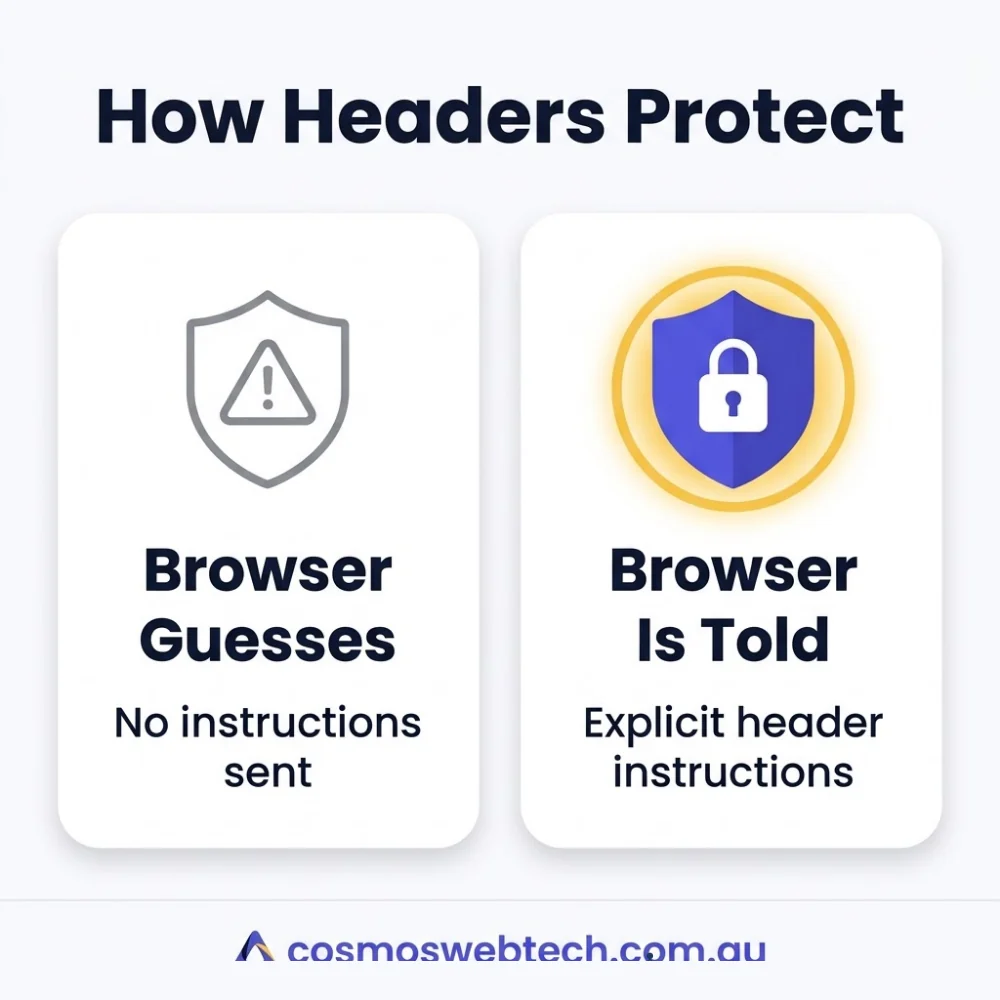
When someone visits your site, your server sends the page and a set of instructions about how the browser should treat it. Those instructions are headers. Security headers are the subset that say things like “do not let other sites embed this page” or “only ever connect to me over HTTPS”.
They are enforced by the browser, not by your server. That is the important part — they are instructions to the visitor’s browser about how to protect the visitor.
The five you will see flagged
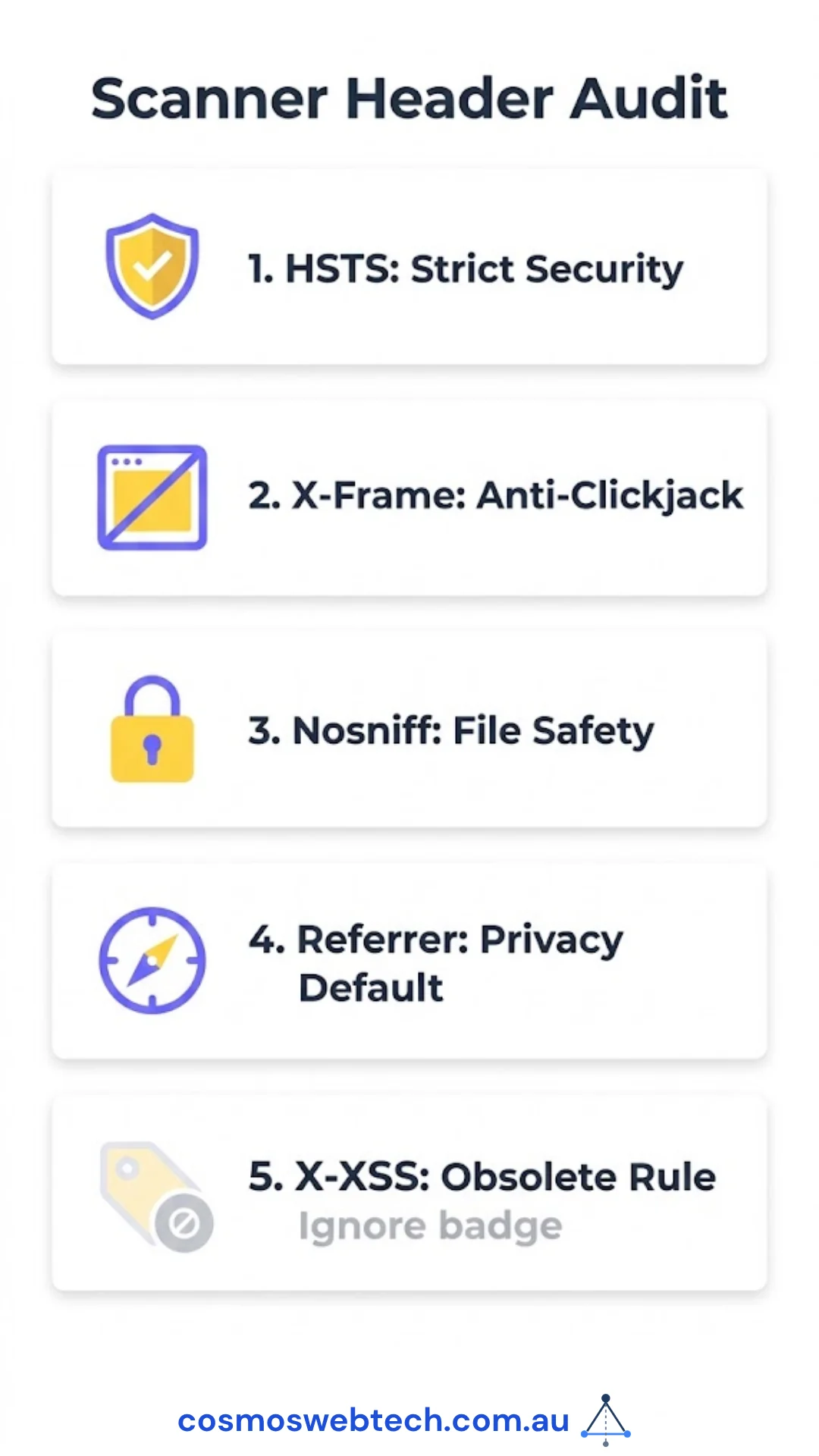
1. Strict-Transport-Security (HSTS) — high value, handle with care
Tells the browser to only ever connect to your domain over HTTPS, for a stated period, without trying HTTP first.
Why it matters: it closes the gap between someone typing your domain and the redirect to HTTPS — the window where a hostile network can intercept.
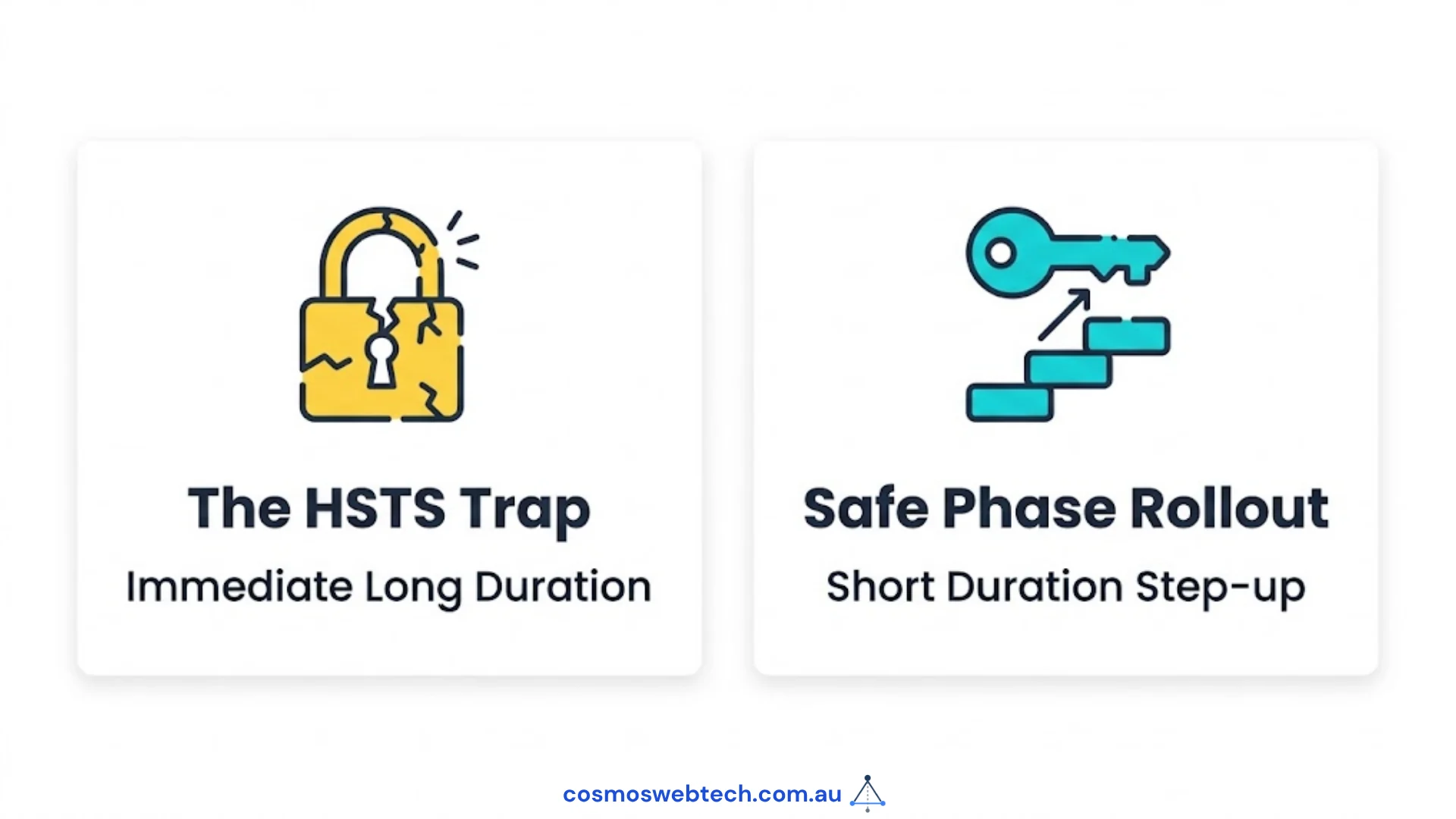
The care required: HSTS is remembered by the browser for the duration you specify. If you set a long duration and something later breaks your certificate, returning visitors cannot reach your site at all, and you cannot fix it from your end. Start with a short duration, confirm every subdomain serves valid HTTPS, and only then extend it.
This is the one to get right, and the one not to rush.
2. X-Frame-Options — cheap and worth doing
Stops other websites embedding your pages inside a frame.
Why it matters: it prevents clickjacking, where an attacker loads your site invisibly over their own page so a visitor thinks they are clicking one thing while actually clicking another — on your site, logged in as themselves.
Watch for: any legitimate embedding you rely on. If a booking widget, payment provider or partner site frames your pages, DENY will break it. SAMEORIGIN allows your own site to frame itself.
Check what your site already sends before changing it. That takes one command, below.
3. X-Content-Type-Options — the easiest win on the list
A single value, nosniff, which tells the browser to trust the content type your server declares rather than guessing from the file’s contents.
Why it matters: without it, a browser may decide that a file you serve as plain text is actually a script, and run it. That is the whole attack.
There is essentially no downside and no configuration to think about. If you do one thing from this article, do this one.
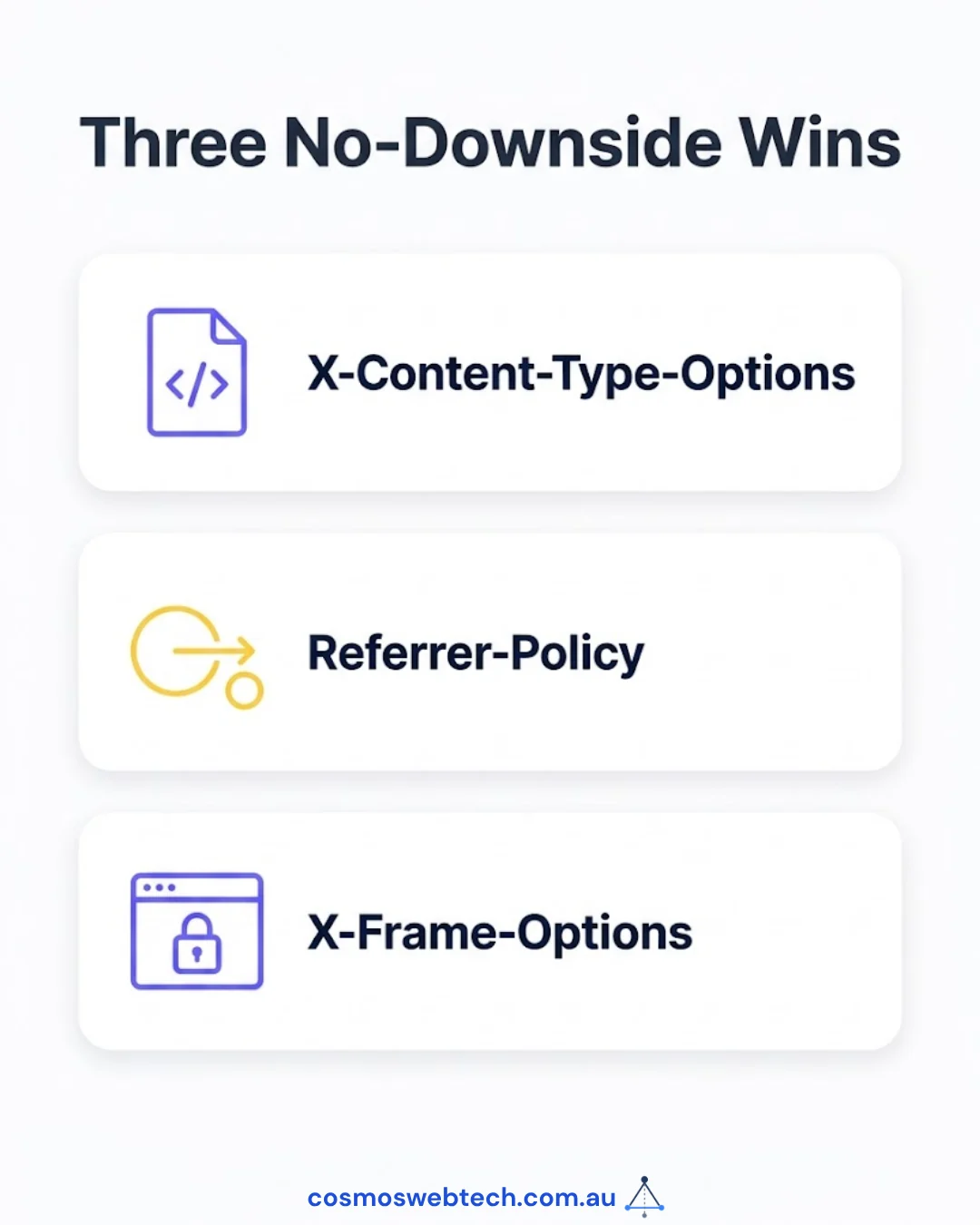
4. Referrer-Policy — a privacy control more than a security one
Controls how much of the current URL is passed along when a visitor clicks a link to another site.
Why it matters: by default, browsers often send the full URL. If your URLs contain anything identifying — a booking reference, a customer number, a search someone typed — that is leaking to every external site your visitors click through to.
strict-origin-when-cross-origin is a sensible default: external sites learn which domain the visitor came from, not which page.
5. X-XSS-Protection — obsolete, and you can ignore it
This one appears in scanner output constantly, and modern advice is to leave it alone.
It instructed a browser filter that no longer exists in current browsers. Where it does still do something, it has historically introduced its own problems. The protection it gestured at is properly handled by Content Security Policy.
If a scanner flags this, the correct response is usually nothing. A report that penalises you for omitting an obsolete header is telling you more about the scanner than about your site.
How to check yours in sixty seconds
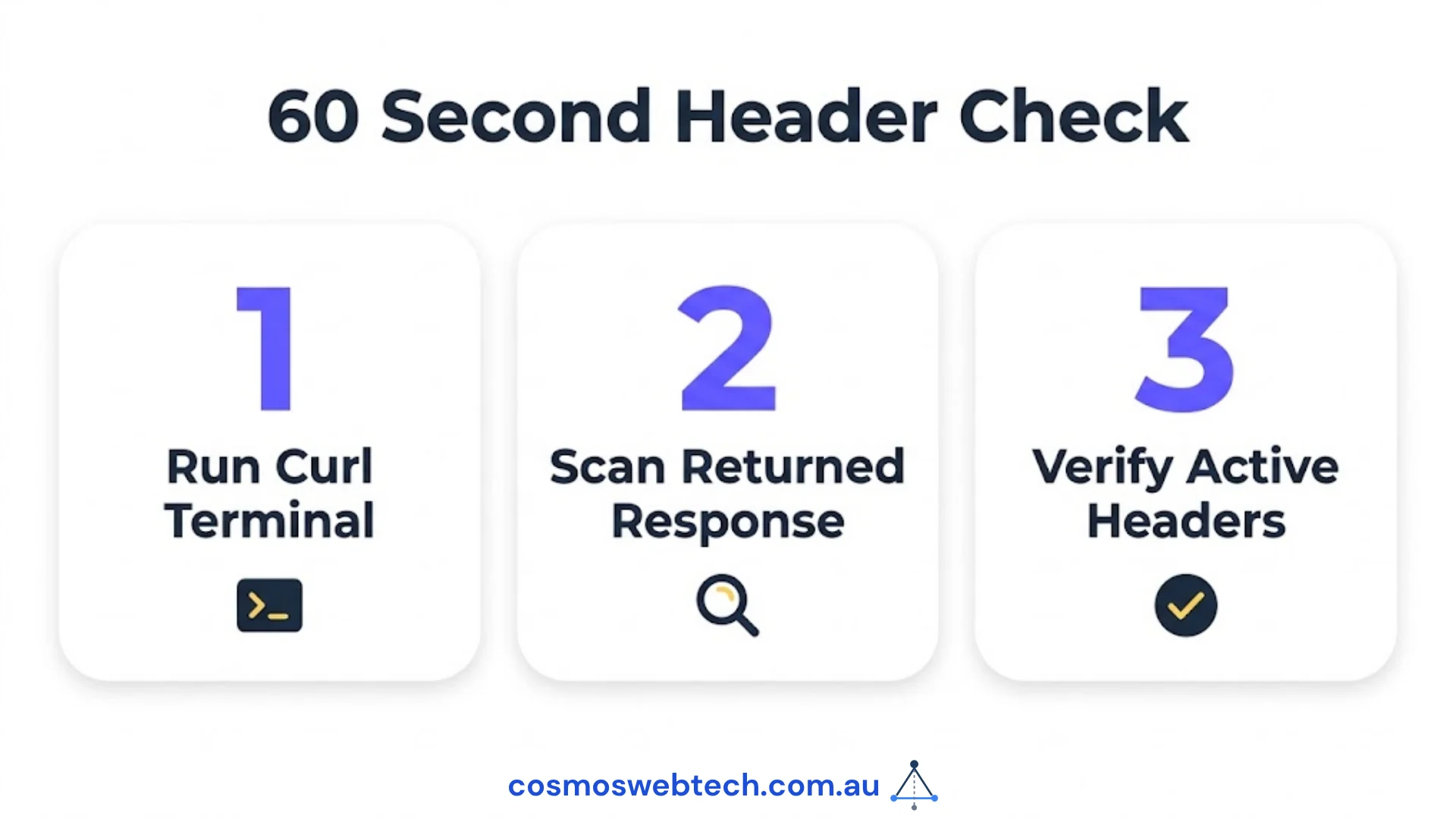
You do not need a tool. From a terminal:
curl -sI https://yourdomain.com.au | grep -i -E 'strict-transport|x-frame|x-content-type|referrer-policy|content-security'Whatever comes back is what you are currently sending. Anything absent from that list is a header you do not have.
Do this before you change anything. Two of the headers above can break working functionality, and knowing the current state is the difference between a considered change and a guess.
The order worth doing them in
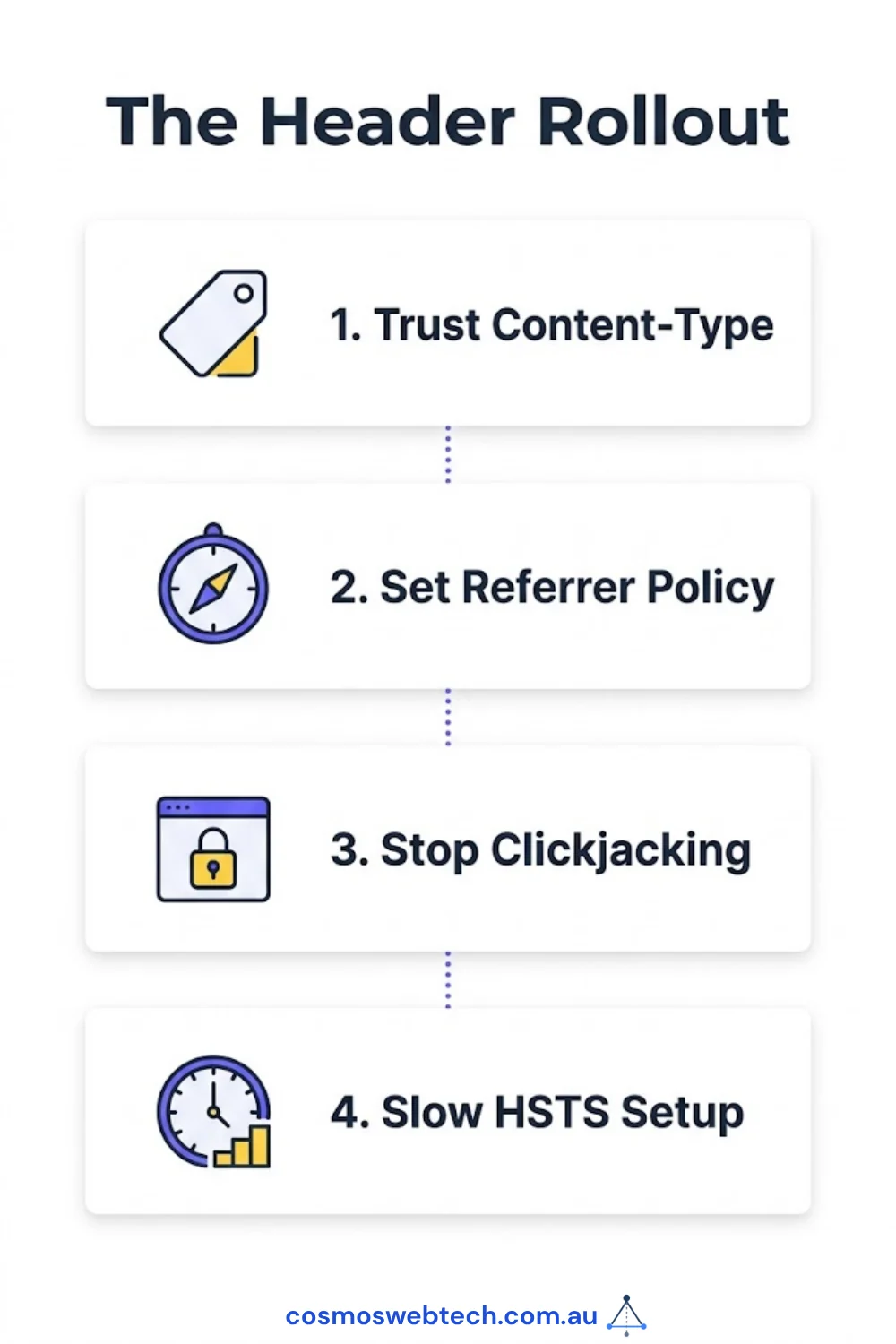
X-Content-Type-Options: nosniff— no downside, do it now.Referrer-Policy— no downside for a typical business site, quick privacy improvement.X-Frame-Options— after confirming nothing legitimately frames your pages.Strict-Transport-Security— short duration first, extend once you are confident every subdomain is clean.X-XSS-Protection— skip.
Beyond these sits Content Security Policy, which is the powerful one and also the one most likely to break a site that uses third-party scripts. It deserves its own project rather than a paste from a scanner report.
Where to put them
On WordPress the sensible options are, in order of preference: your CDN or host’s header configuration, then your web server configuration, then a plugin. A CDN applies them to everything including static files, and survives a theme change.
Whichever you pick, re-run the curl command afterwards. A header you believe you added and have not verified is not a control — it is an assumption.
Want a second read on your site’s headers before you change them? Get in touch — a header review is a short job and we will tell you if the scanner is overstating the problem.
Server configuration, CDN rules and certificate management sit with Cloud Geeks, who handle hosting and security infrastructure for Australian businesses.
Ash Ganda writes on how Australian firms are handling security and privacy obligations as more of the stack becomes automated.
Part of the Ganda Tech Services family, Cosmos Web Tech delivers specialist web design and digital marketing for Australian small and medium businesses.