Ask a small business owner how their website last broke and the answer is rarely “we were attacked”. It is almost always some version of: we updated something, and the site stopped working properly.
The plugin update that conflicts with the theme. The PHP version bump the host applied. The page builder release that quietly changes how a layout renders. None of these are exotic, and none of them are the plugin author’s fault in a way that helps you at four in the afternoon with a form that no longer submits.
There is one control that addresses the whole category, and it is cheap: do not test on the live site.
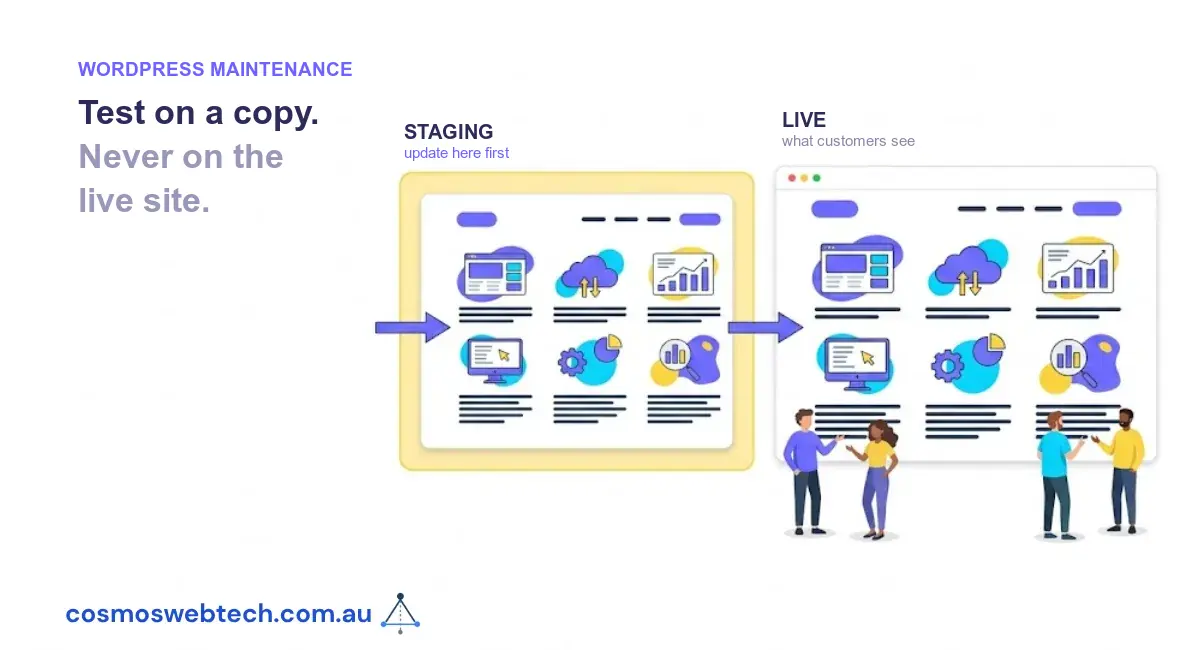
What a staging site is
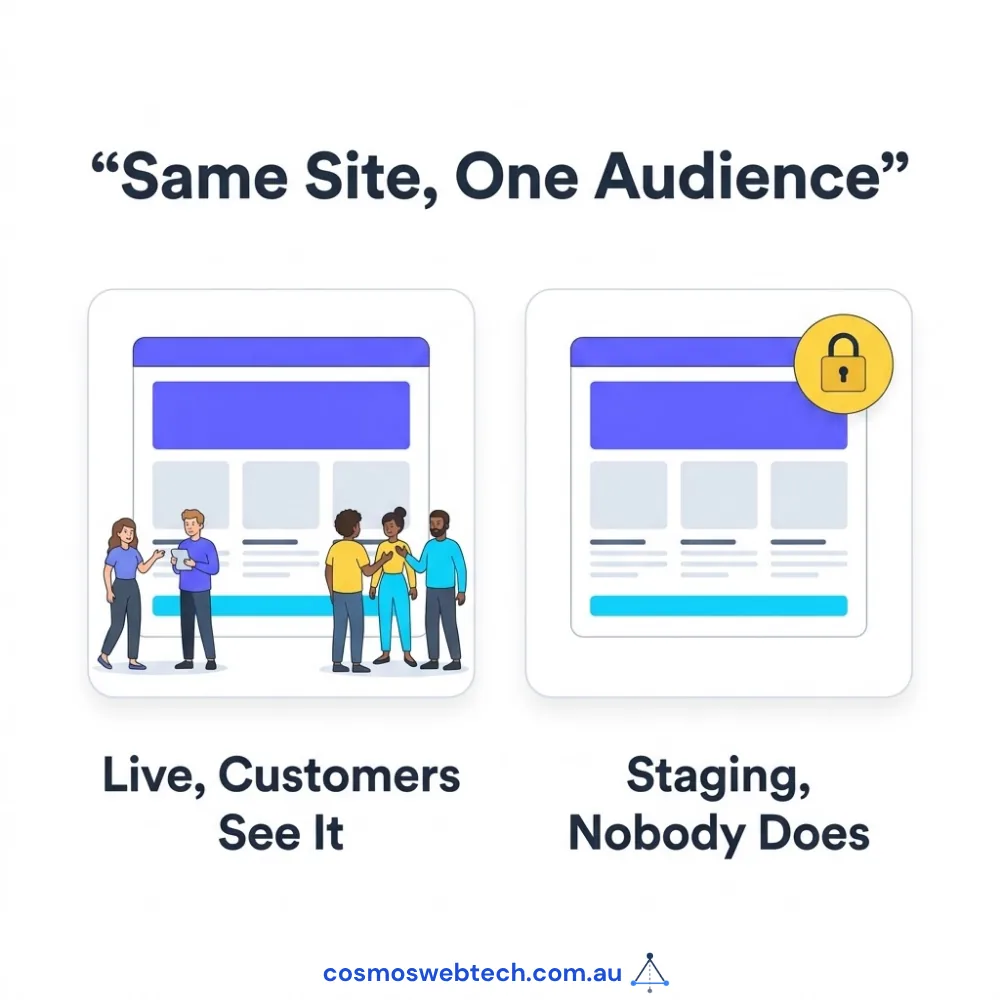
A staging site is a copy of your live website — same theme, same plugins, same content — running at a separate address that the public does not see. You apply changes there first, look at them, and only then apply them to the live site.
That is the entire idea. Its power is not sophistication; it is that it converts an unknown into a known before the unknown is in front of customers.
What it actually prevents
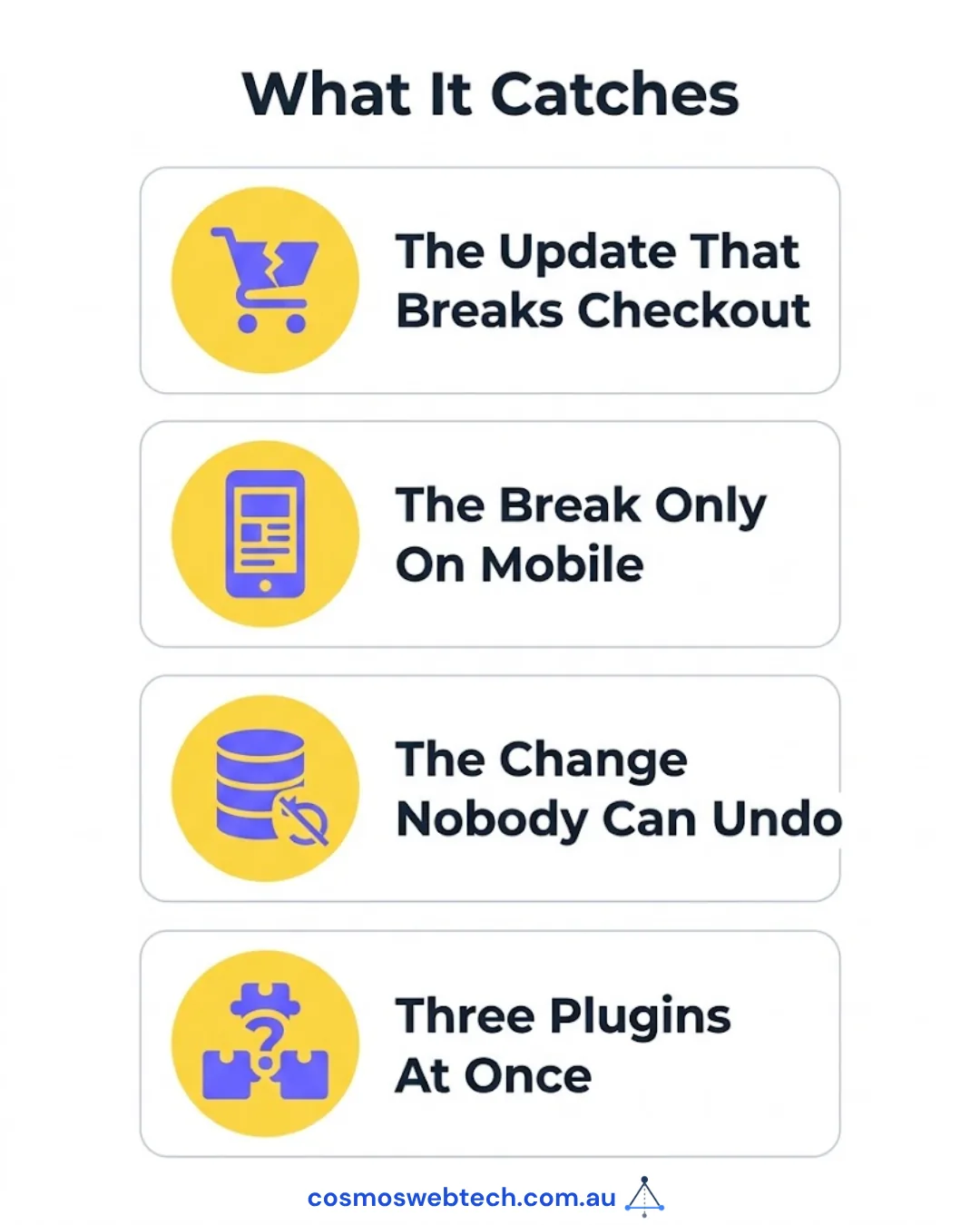
The update that breaks checkout. On a live site this is lost revenue and a support call. On staging it is fifteen minutes and a decision not to install that version yet.
The layout that only breaks on mobile. Page builder updates frequently change spacing or breakpoint behaviour. You find that by looking, and you want to look somewhere that is not production.
The change nobody can undo. Some updates modify the database — a plugin that restructures its own tables cannot simply be rolled back by reinstalling the old version. Finding that out on a copy is very different from finding it out live.
The compounding cascade. When three plugins update together and something breaks, the hard part is not the fix, it is identifying which of the three did it. On staging you can apply them one at a time.
The realistic version for a small business
You do not need a formal deployment pipeline. You need somewhere that is not the live site.
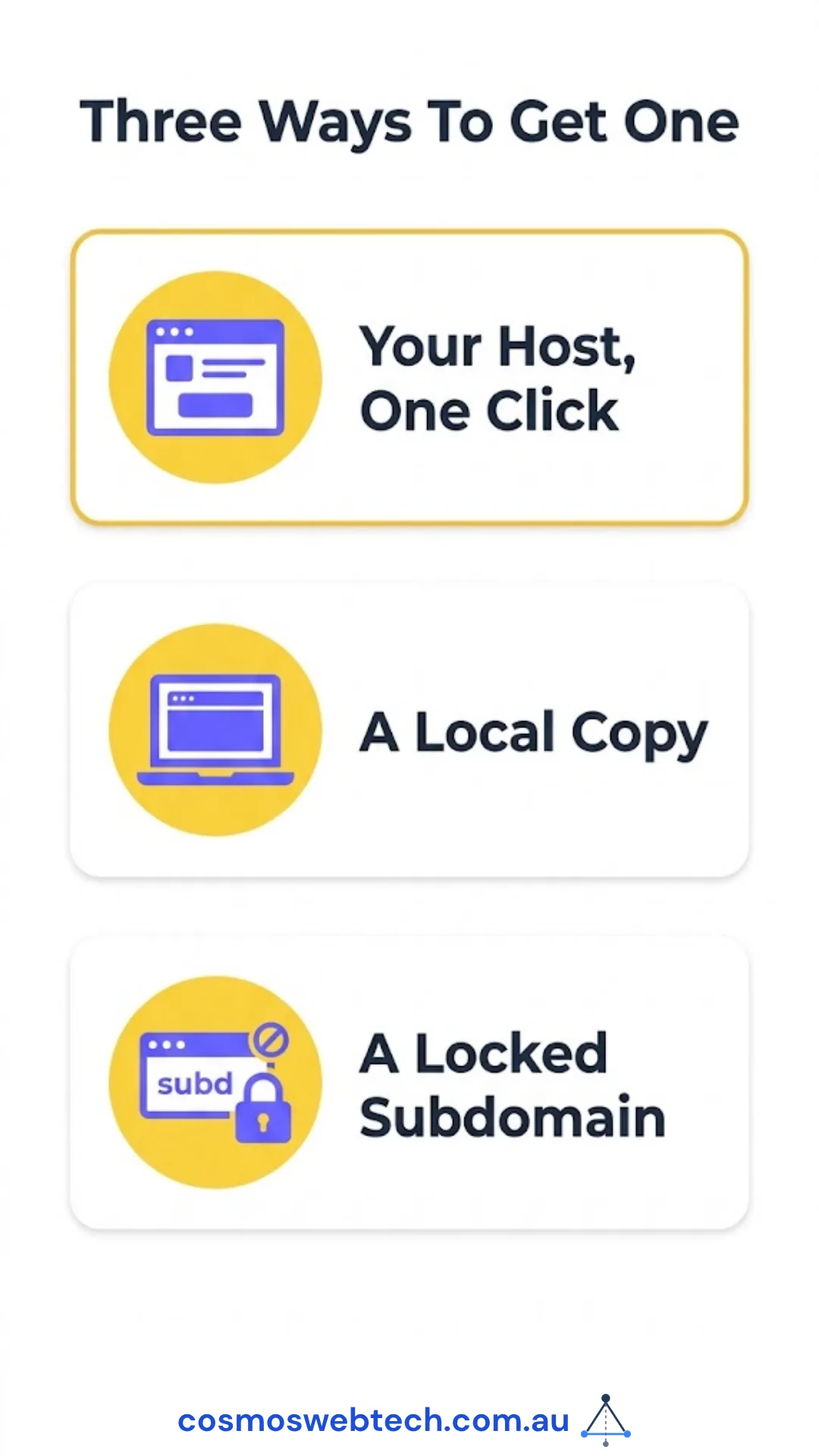
Option one: your host’s built-in staging. Most managed WordPress hosts include a one-click staging copy. This is the right answer for the overwhelming majority of businesses — it is already paid for, it matches your live environment, and pushing changes back is a button.
Option two: a local copy on your own machine. Free, entirely private, and good for larger redesign work. Slightly more setup, and the environment will not match your host exactly, which matters for anything server-specific.
Option three: a subdomain on the same hosting. Workable, but keep it out of search engines — block it in robots.txt and password-protect it. A staging copy indexed by Google is a duplicate-content problem you will have to clean up later.
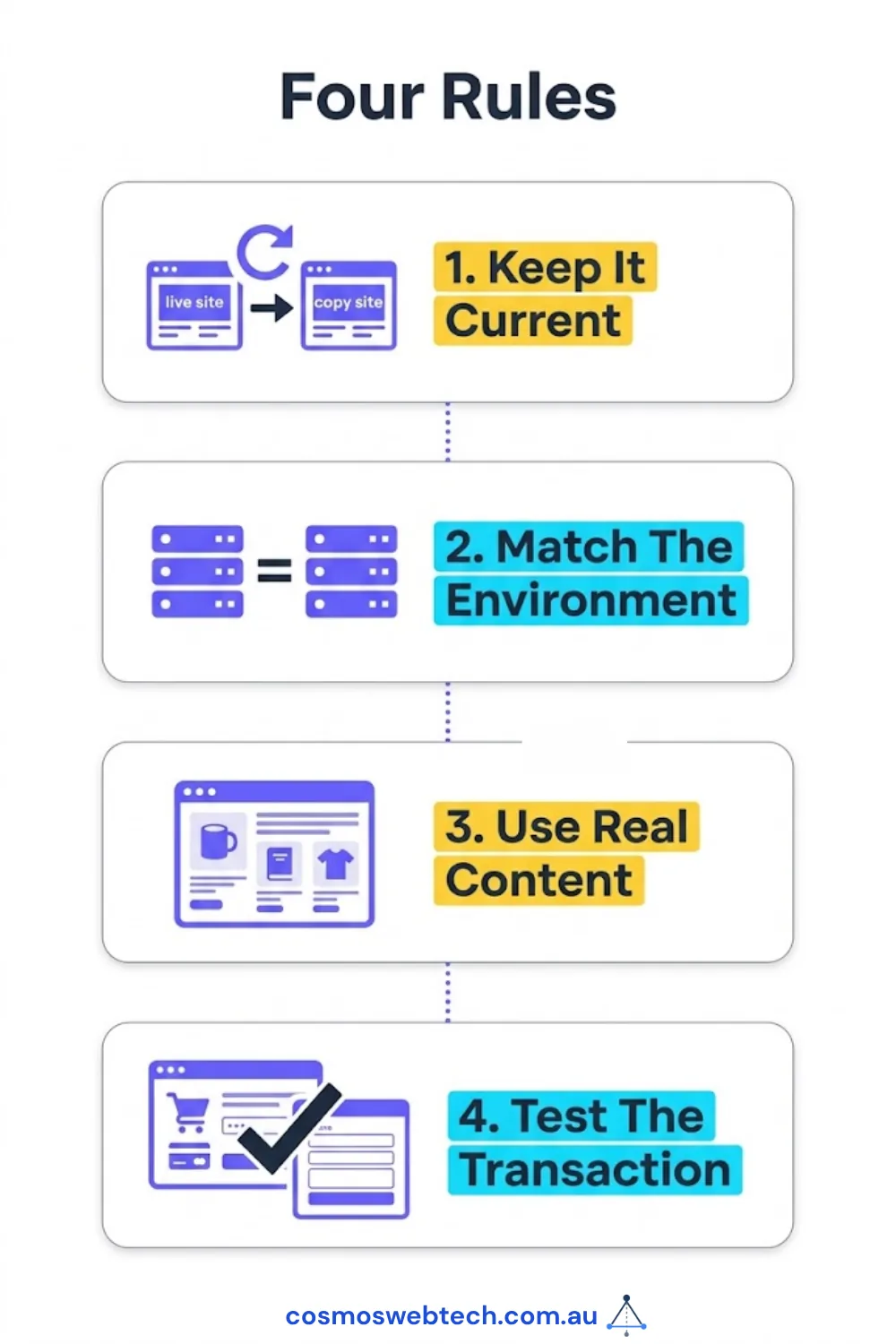
The four rules that make staging worth having
A staging site that lies to you is worse than none, because it produces confidence you have not earned.
Keep it current. A staging copy six months out of date does not tell you how today’s update will behave. Refresh it from live before you use it.
Match the environment. Same PHP version, same server software. A test that passes on different infrastructure has tested something other than your site.
Use real content. Lorem ipsum will not reveal the layout that breaks on a long product name or a page with forty images.
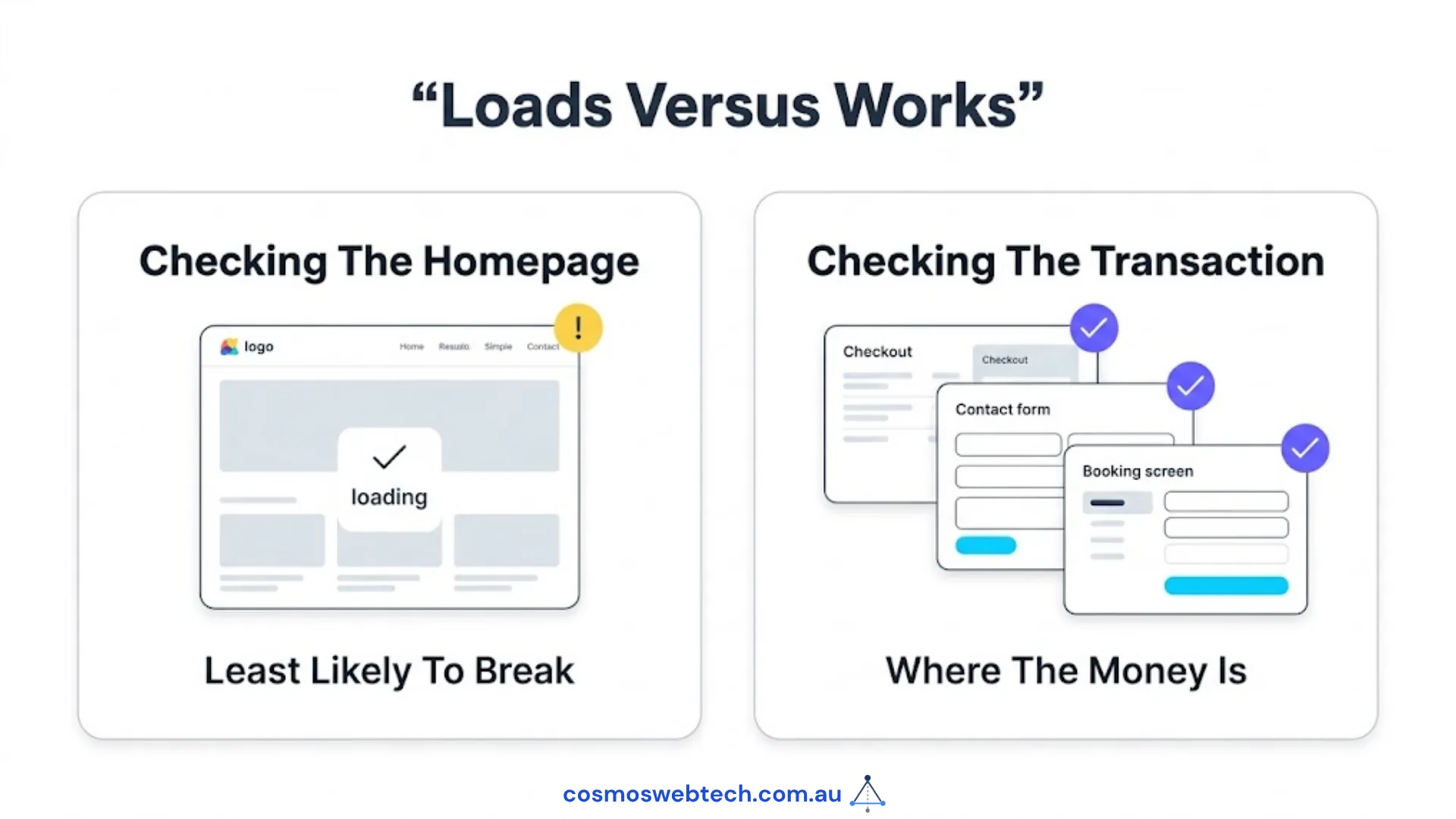
Test the transaction, not the homepage. Load the checkout. Submit the contact form. Complete a booking. The homepage is the least likely thing to break and the most likely thing to be checked.
That last one is the difference between checking whether the site loads and checking whether the site works.
Where staging fits with everything else
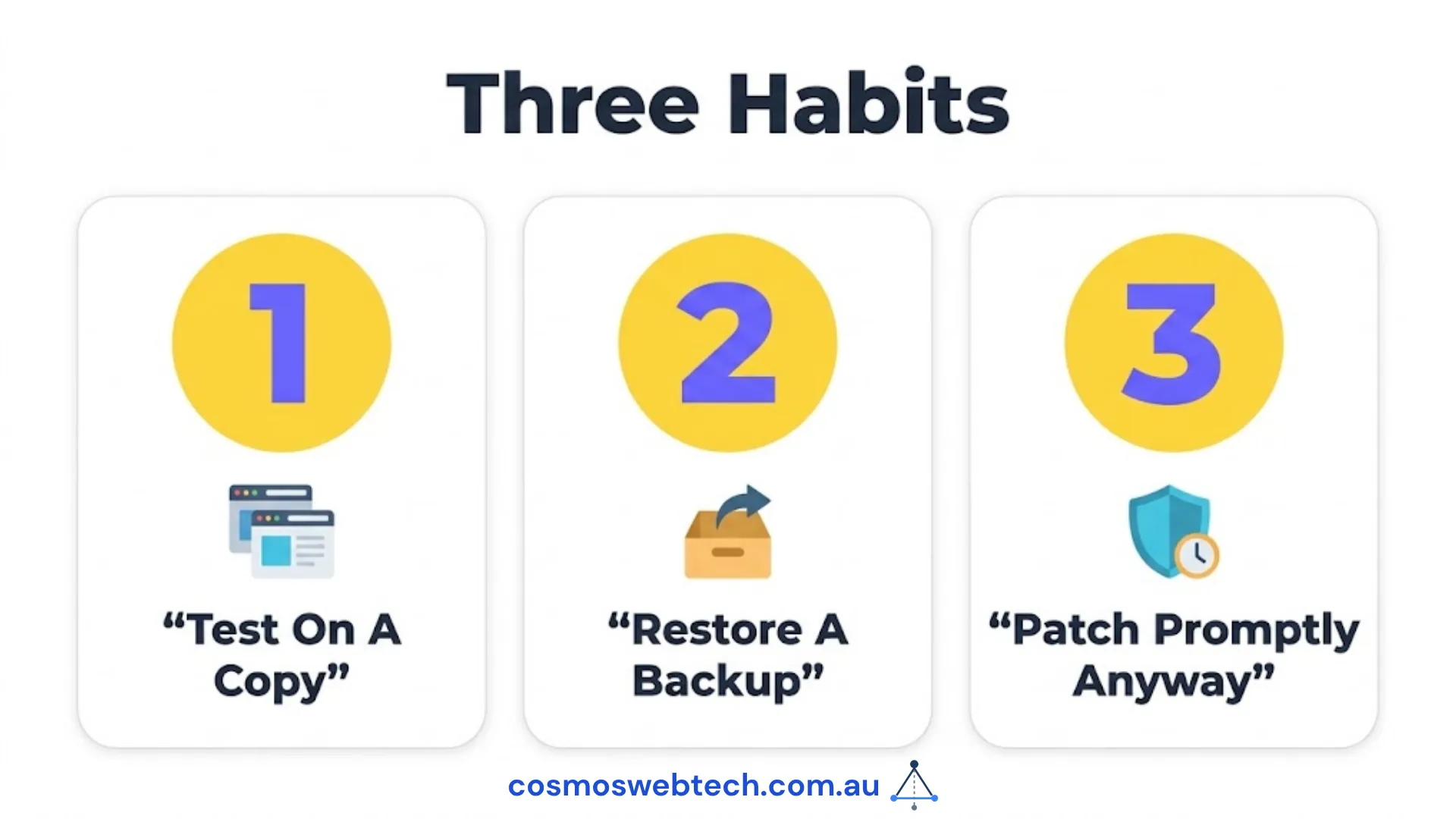
Staging is one of three habits that together account for most avoidable WordPress downtime:
- Test updates on a staging copy before applying them live.
- Keep a backup you have actually restored — not one that reports success, one you have restored and opened. A backup that has never been restored is an untested assumption.
- Patch promptly anyway. Staging is not an excuse to delay security updates for weeks. Vulnerabilities in widely used plugins are exploited within days of disclosure, and a site that is carefully tested and three months out of date is not safe.
The tension between two and three is real, and the resolution is simply speed: staging is worth having precisely because it lets you patch quickly and confidently rather than choosing between them.
What to ask whoever maintains your site
If an agency or contractor looks after your WordPress site, these are reasonable questions and the answers should be immediate:
- Do we have a staging environment, and where is it?
- When was it last refreshed from the live site?
- Are updates tested there before they go live, or applied directly?
- Is it blocked from search engines and password-protected?
- When did we last restore a backup to confirm it works?
A provider doing this properly answers in a sentence each. One who needs to go and check has told you something useful.
Not sure whether your site has a staging environment, or whether anyone is using it? Ask us for a maintenance review — it is a short job and it usually finds at least one thing worth fixing.
Hosting, server configuration and backup infrastructure sit with Cloud Geeks, who provide managed cloud and IT support for Australian businesses.
Ash Ganda writes on engineering practice, including why systems that report success are not the same as systems that work.
Part of the Ganda Tech Services family, Cosmos Web Tech delivers specialist web design and digital marketing for Australian small and medium businesses.