
Type your business name into a browser and you will probably reach your website two different ways: yourbusiness.com.au and www.yourbusiness.com.au.
To you they are the same site. To a machine they are two different addresses, and whether that matters comes down to a single question: does one of them send visitors to the other, or do both just serve the page?
We checked our own network last week and found three sites answering on both. We build websites for a living. This is not an exotic failure.
The ten-second check
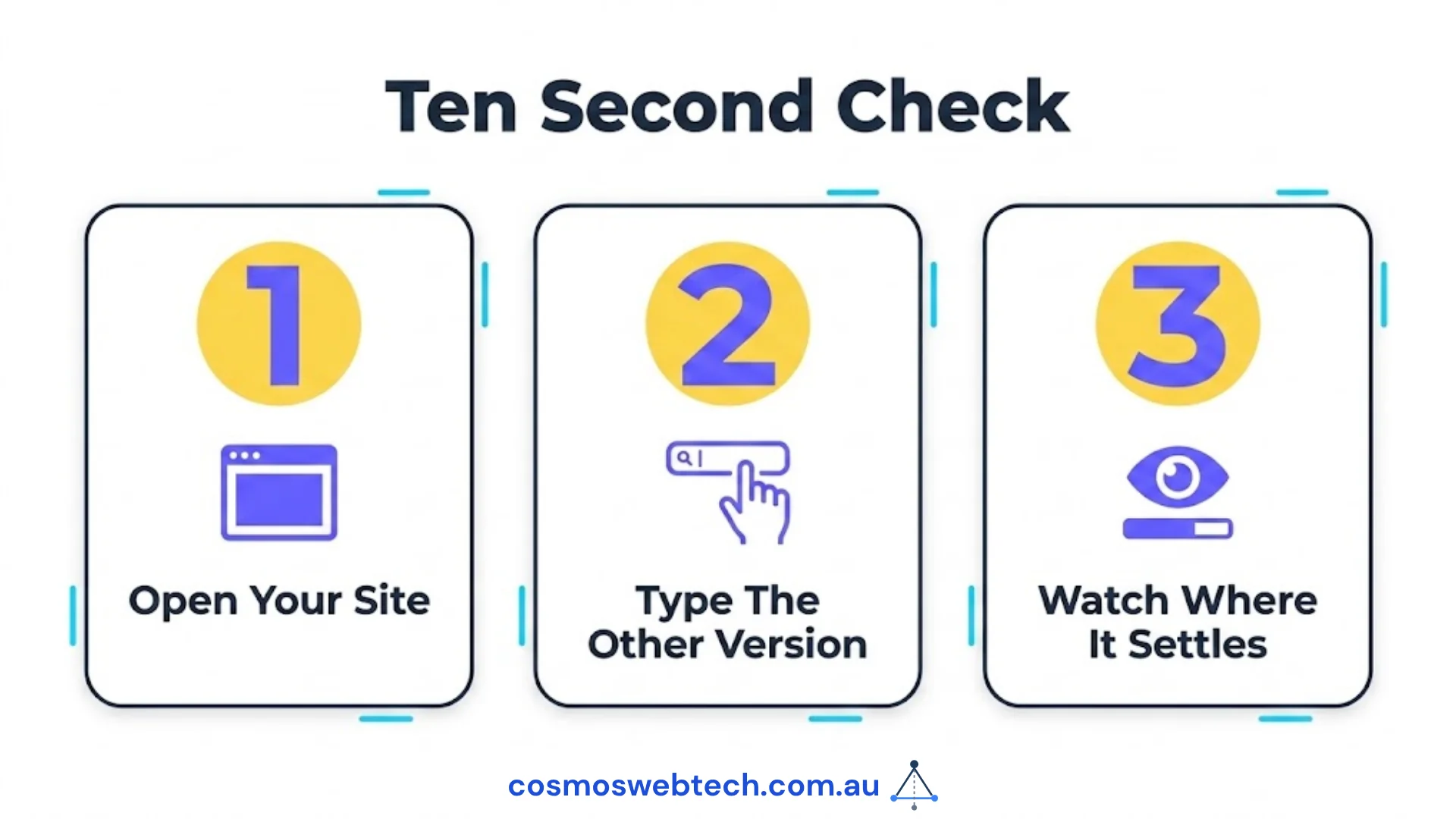
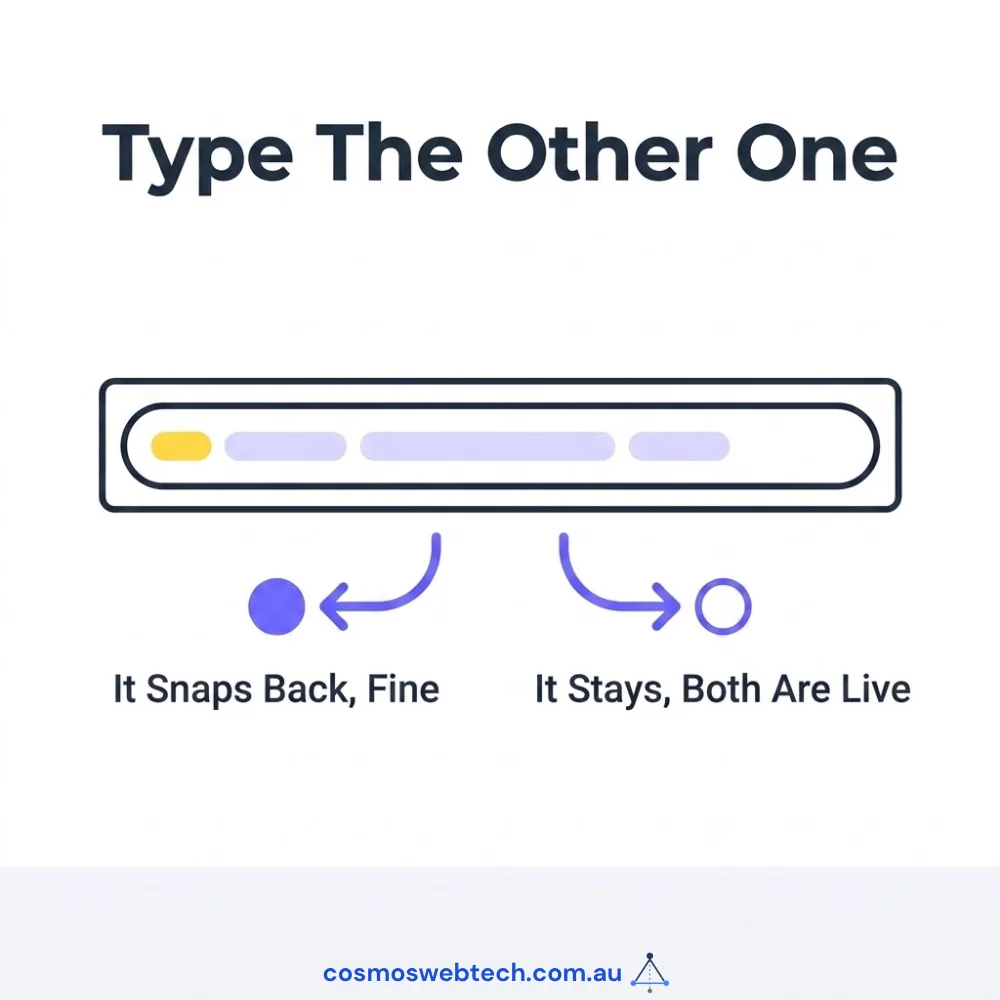
You do not need a tool or a login. Open your website in a browser and look at the address bar. Then type the other version by hand — add www. if it is not there, remove it if it is — and press enter.
Watch what the address bar settles on.
- If it snaps back to one version, you are fine. One address is redirecting to the other, which is exactly what should happen.
- If it stays on whichever you typed, both addresses are live. Your site has two front doors and neither one is the official entrance.
Do it now. It takes longer to read this paragraph than to run the check.
What it actually costs — and what it does not
Here is where most articles on this topic overstate the case, so let us be accurate.
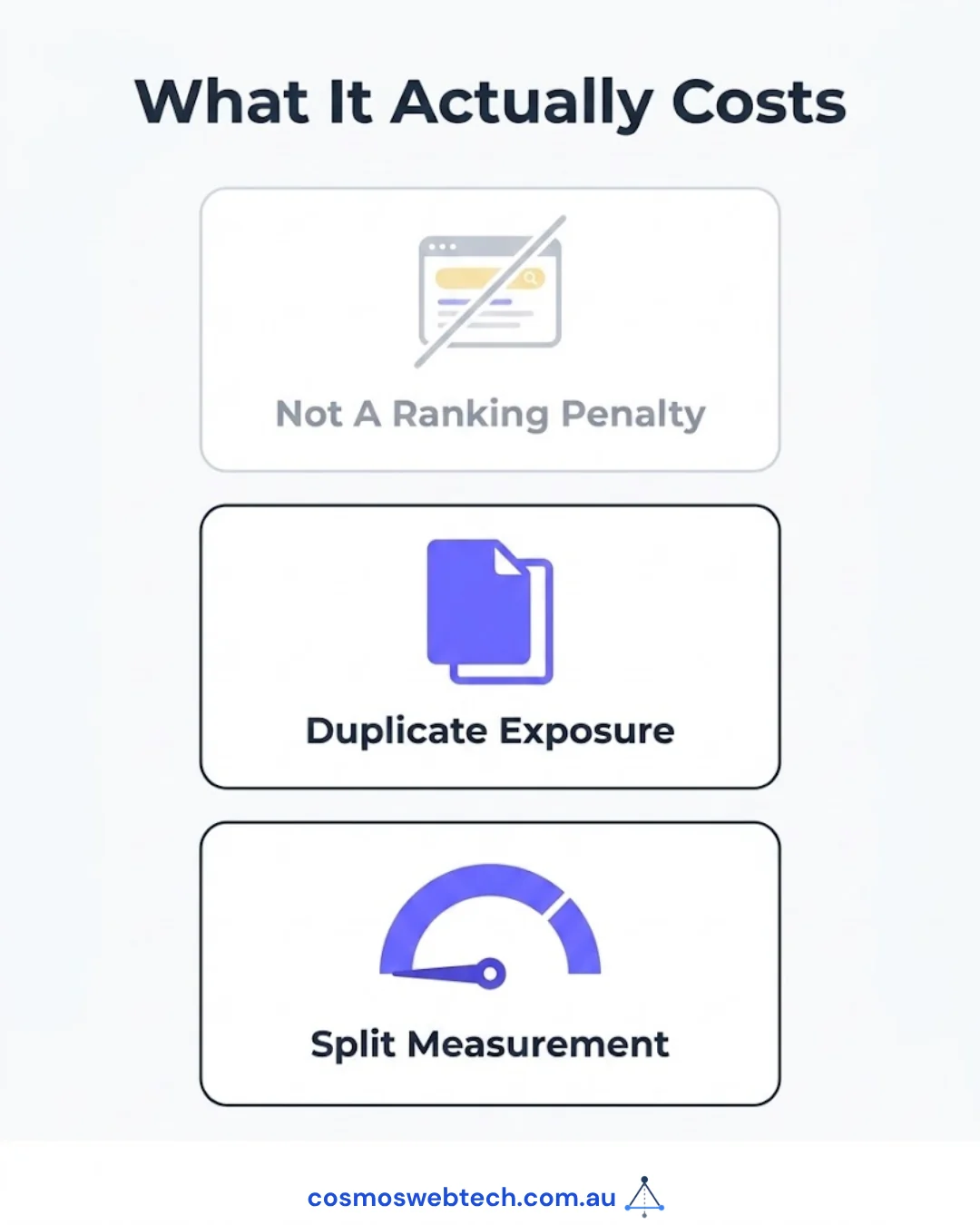
It is rarely a ranking catastrophe. If your pages carry a canonical tag — a small piece of code that tells search engines “this is the real address of this page” — Google generally works it out and consolidates the two. Ours did. If someone tells you your rankings are being halved by this, ask them to show you.
The damage is quieter than that, and it lands in two places.
Duplicate exposure
Every page on your site now exists twice for anything that does not read canonical tags as carefully as Google does. That includes your own site search, scrapers, AI crawlers, link-checking tools, and any third party building a picture of your business online.
None of that is catastrophic. It is just untidy in a way that occasionally produces a strange result you cannot explain.
Split measurement — this is the expensive one
This is the part that caught us out, and it is the reason the post is worth your time.
On one of our sites, the Search Console property being monitored was the www version. It reported almost no impressions. Two separate tools agreed the site was getting nothing.
The numbers were not wrong. Nothing on the site pointed at the www version, so the property that was being watched was measuring an address that effectively had no traffic. The tools answered the question they were asked. Nobody had noticed it was the wrong question.
If you have ever looked at an analytics or Search Console report and thought “that cannot be right” — check which version of your address the property is attached to before you go looking for a deeper explanation. We have now seen this cost more diagnostic time than the underlying problem was ever worth.
The part worth knowing
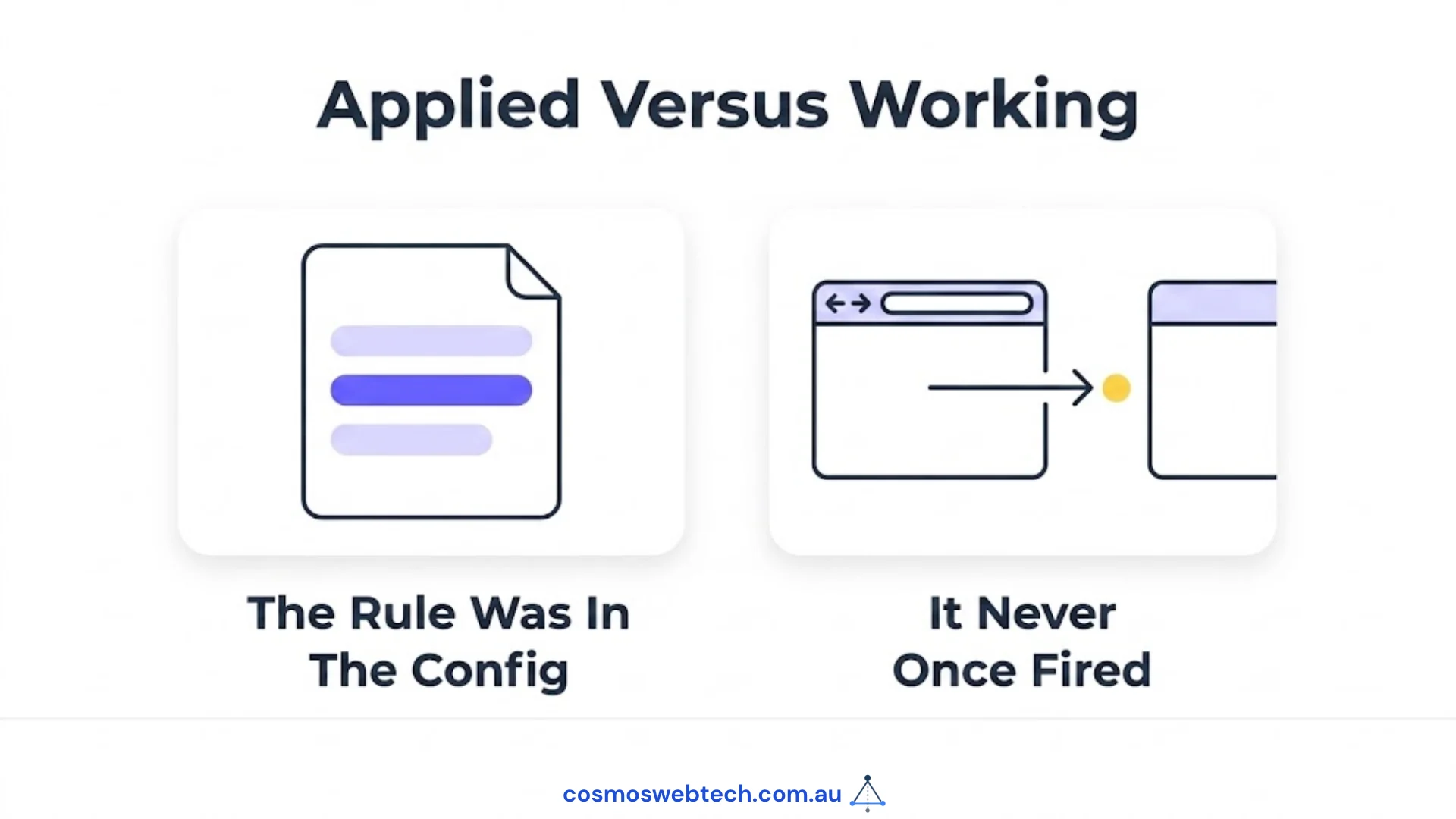
One of the three sites already had a rule in place to fix exactly this. It had been sitting in the configuration for months. It deployed successfully every single time.
It had never once fired.
Nothing errored. No dashboard went red. The rule existed, the deploys were green, and the redirect simply did not happen — and because nobody re-ran the ten-second check after it was added, nobody knew.
This is the lesson underneath the technical one: a fix that has been applied is not the same as a fix that is working. The only way to tell the difference is to check the thing itself, after the change, from outside.
How it gets fixed
The fix is small, and it belongs with whoever manages your hosting. There is nothing here for you to edit yourself, but it helps to know what you are asking for.
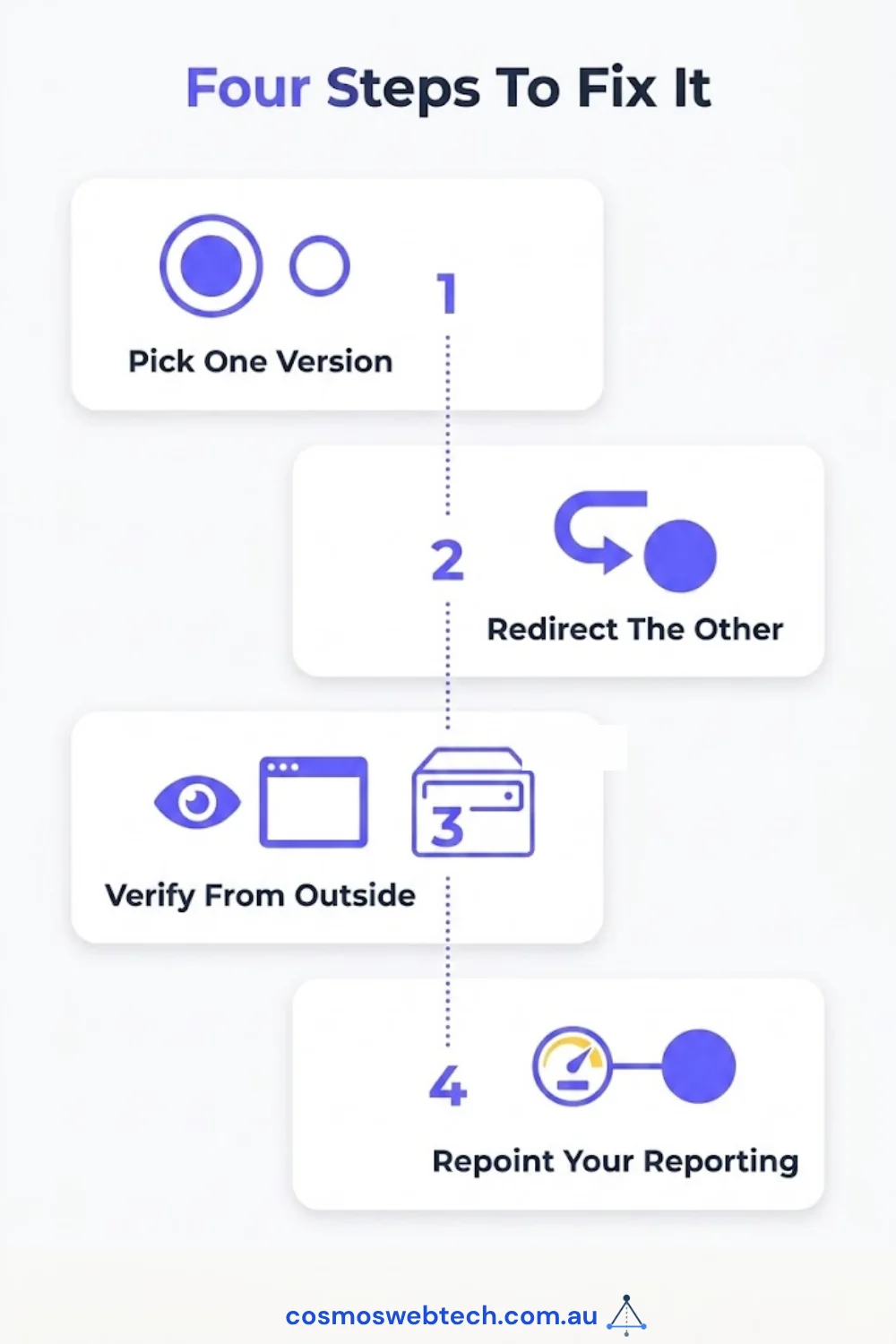
Pick one version and commit to it. With www or without — it genuinely does not matter which, as long as it is consistent. Whatever your logo, your business cards and your Google Business Profile already say is usually the right choice.
Set a permanent redirect from the other one. The other address should send visitors to your chosen version automatically, using a permanent redirect rather than a temporary one.
Then verify it from outside. Not “the rule is in the config” — actually type the other address and watch the browser move. This is the step that was missed on our own site.
Check what your reporting is attached to. Once you know which version is official, make sure your Search Console and analytics properties point at that one. Otherwise you will fix the site and keep reading numbers from the wrong door.
What to ask your provider
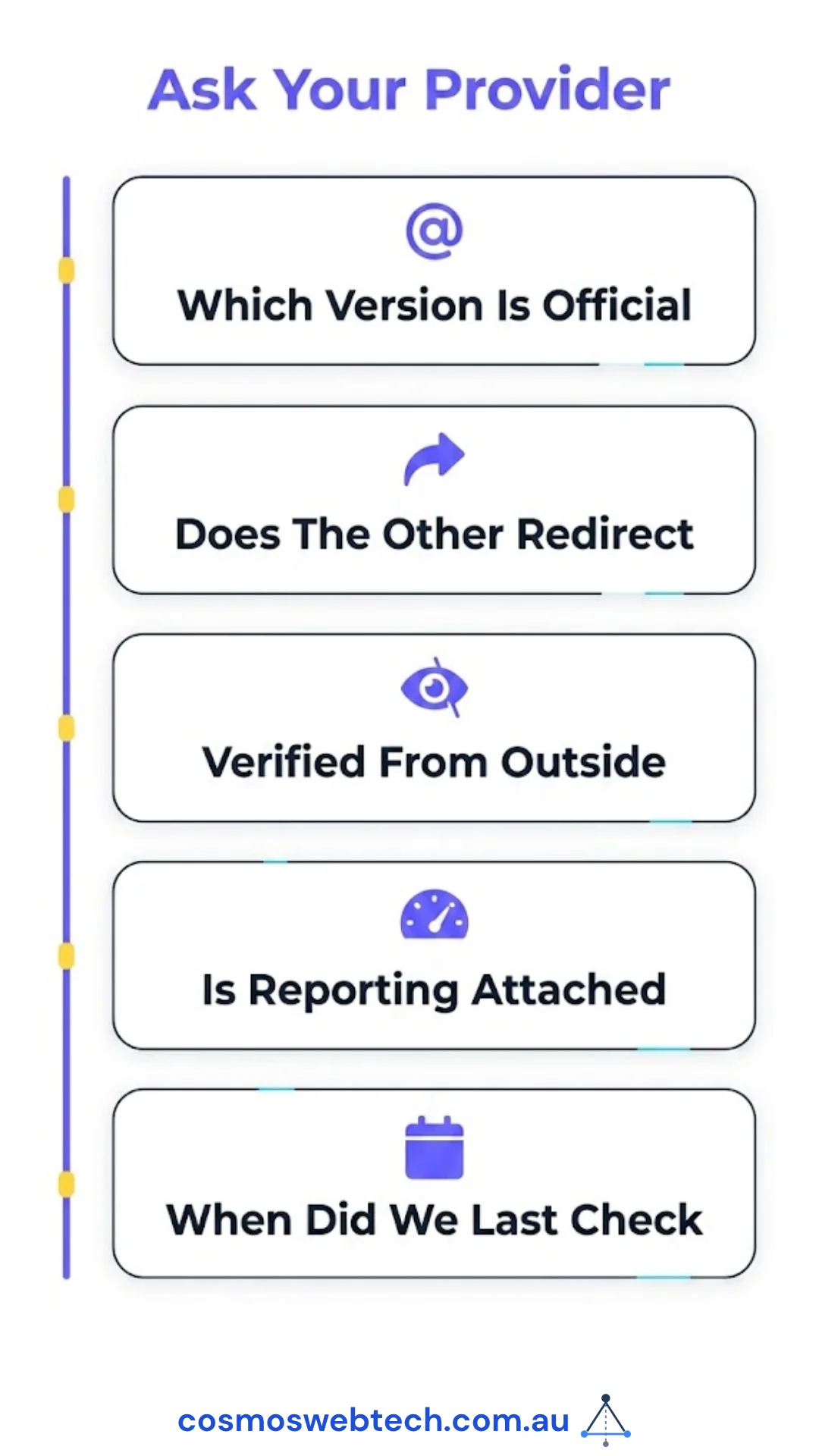
If someone else looks after your site, these are fair questions and the answers should take a sentence each:
- Which version of our address is the official one?
- Does the other version redirect to it permanently?
- Have you confirmed that from outside the server, not just in the configuration?
- Are our Search Console and analytics properties attached to the official version?
- When did we last check this?
A provider doing this properly answers immediately. One who needs to go and look has told you something useful.
Why this is worth twenty minutes
For a Western Sydney business, this will not transform your traffic. What it will do is make your reporting trustworthy, and that is worth more than it sounds — because every decision you make about your website from here rests on those numbers being about the right site.
We found this on three of our own properties while looking for something else. The check costs ten seconds. The alternative is discovering it the way we did, halfway through investigating a problem that turned out not to exist.
Frequently asked questions
Why does my website have two URLs?
Because www.yourdomain.com.au and yourdomain.com.au are technically two different addresses. Most hosting serves both by default. It only becomes a problem when neither one redirects to the other.
Is www or non-www better for SEO? Neither. What matters is that you pick one and the other redirects to it consistently. The choice itself carries no ranking advantage.
Will Google penalise me for this? No. There is no penalty. Google generally consolidates the two versions when your pages carry correct canonical tags. The real costs are split reporting and duplicate exposure to tools that are less careful than Google.
How do I know which version my site uses? Load your site and read the address bar. Then type the other version by hand. Whichever one the browser settles on is your active version — and if it does not settle at all, both are live.
Who fixes this? Whoever manages your hosting or your website. It is a small configuration change, usually minutes of work, and it should be verified from outside afterwards rather than assumed.
Cosmos Web Tech handles web design and technical SEO for Hills District and Western Sydney businesses. Hosting, DNS and managed infrastructure sit with CloudGeeks; mobile apps with Awesome Apps. All divisions of GTS.