Two of the things we have written about recently — testing updates on a staging copy, and getting your security headers right — quietly assume something nobody checks: that if it all goes wrong, you have a backup you can actually restore.
Most businesses have backups. Far fewer have ever restored one. Those are very different positions, and the gap between them only becomes visible on the worst day.
Here is the practical version: what to back up, how often, what it costs, and the single test that tells you whether any of it is real.
What “a backup” actually has to include
A WordPress site is two things, and a backup of one is not a backup of the site.
The files. Your theme, your plugins, and — the part people forget — the uploads folder holding every image and PDF you have ever added. This changes slowly.
The database. Every page, post, product, order, form submission, user account and setting. This changes constantly. It is also the part that cannot be rebuilt from anywhere else. Your theme can be reinstalled; three years of content cannot.
If you only ever check one thing about your backup arrangement, check that it includes the database. A files-only backup is common, cheap, and close to useless on its own.
How often should you back up?
The honest answer is a question: how much work are you willing to redo?
That is not a dodge. It is the actual decision, and it has a name — how much data you can afford to lose. Answer it in plain terms:
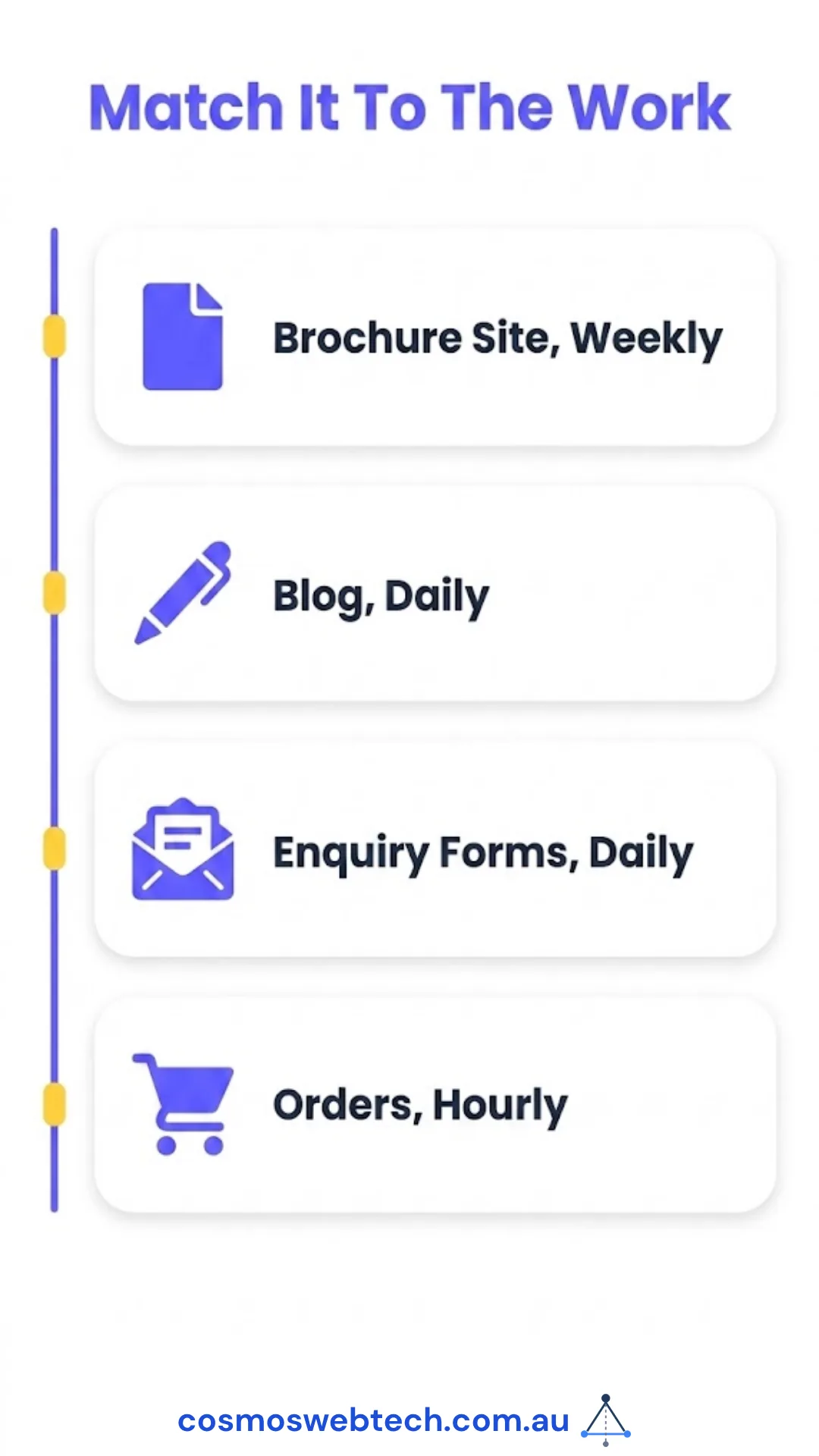
| Your site | Sensible frequency | Why |
|---|---|---|
| Brochure site, updated monthly | Weekly | Losing a week costs you almost nothing |
| Blog or news, posting weekly | Daily | A day of writing is worth keeping |
| Bookings or enquiry forms | Daily, minimum | Lost enquiries are lost customers |
| E-commerce, live orders | Hourly or real-time | Every lost order is money and a support call |
The rule of thumb we use: if losing everything since the last backup would mean phoning a customer to apologise, back up more often.
Retention matters as much as frequency. Keep at least 30 days. Some failures are not discovered the same day — a corrupted database, a plugin quietly mangling content, a compromise that sat unnoticed for a fortnight. If your only backup is from last night, and last night was already broken, you have a copy of the problem.
Where the copy lives
One rule, and it is not negotiable: the backup must not live only on the same server as the site.
If the copy is on the machine that fails, you have a spare tyre in the boot of the car that just went off the road. Hosting-level failures, ransomware and account suspensions all take the site and the local backup together.
Off-site means somewhere else entirely — cloud storage, a backup provider, anywhere with different credentials to your hosting. Most tools do this by default now. Check that yours is actually configured to, rather than assuming.
What it costs
Realistic 2026 pricing for an Australian small business. Ranges rather than exact figures, because everyone’s list price moves.
| Option | Typical annual cost | What you get | What you still own |
|---|---|---|---|
| Free backup plugin | $0 | Manual or basic scheduled backups, usually to your own storage | Configuring it, checking it ran, doing the restore |
| Paid backup plugin | ~$100–$250 | Scheduled off-site backups, one-click restore, retention | Checking it ran, doing the restore |
| Managed WordPress hosting | Included in ~$400–$1,200 | Automatic daily backups, one-click restore, kept off-site | Checking it ran |
| Managed IT / maintenance plan | ~$1,200+ | All of the above, plus someone whose job it is to test it | Nothing, if the plan says restore testing |
The pattern is worth naming. Every tier removes work except the last one, and the work it removes is the work nobody does anyway. You can spend $250 on an excellent backup plugin and still be in exactly the same position as the business with the free one, because neither of you has ever restored from it.
For most small businesses, managed hosting with daily backups included is the sensible default. The step up to a maintenance plan is worth it when a day of downtime costs you more than the annual difference — which for anything taking bookings or orders, it usually does.
The test that makes it real
This is the part of the article that matters. Everything above is arrangement; this is verification.
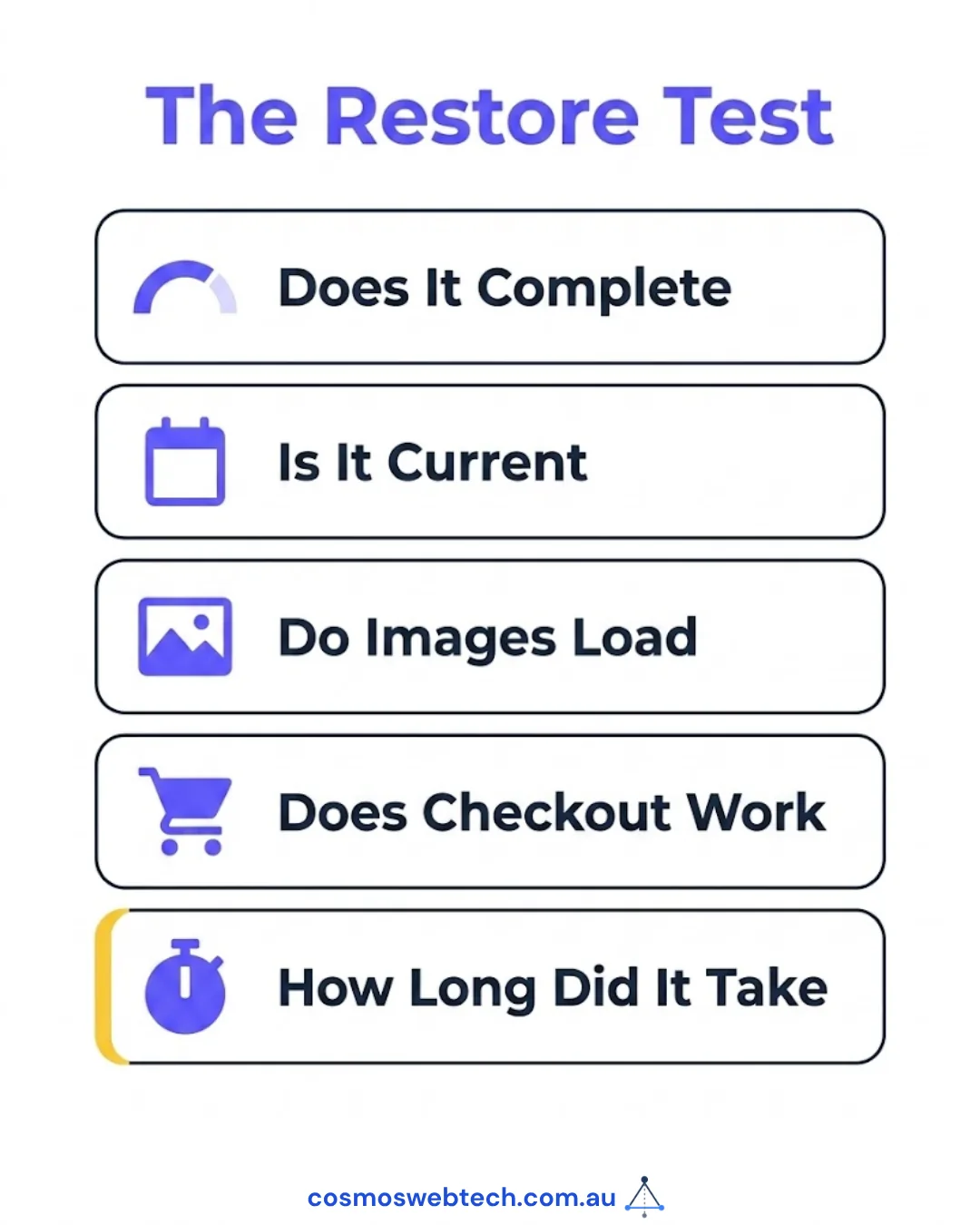
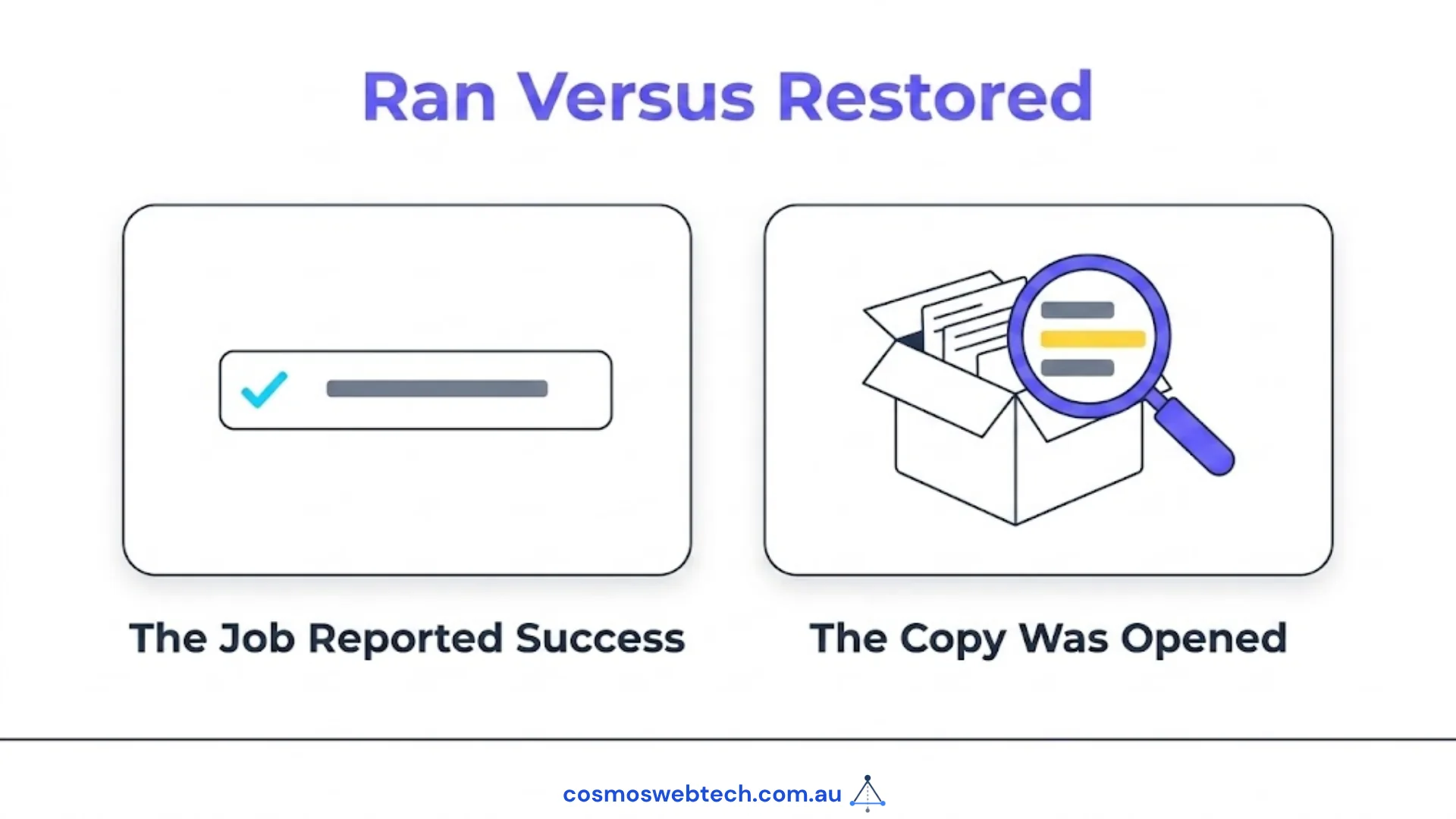
Restore one backup, to somewhere that is not your live site, and open it.
That is the whole test. Not “did the backup job report success” — it did, they always do. Restore it to a staging copy and look:
- Does the restore complete without errors?
- Is the content current — is your most recent page there?
- Do the images load, or is the uploads folder missing?
- Do the forms, checkout or booking system work?
- How long did the whole thing take you?
That last one is the number to write down. It is your actual recovery time, and it is almost always longer than people assume. Knowing it is the difference between “we have backups” and “we can be back up in about two hours”.
We have seen backup regimes with two years of unbroken green ticks and not one successful restore, because nobody ever tried. The job ran. The report was accurate. Nothing was ever verified. Our colleagues at CloudGeeks wrote up six automated jobs that reported success and did nothing — a backup that has never been restored is the same failure wearing a friendlier face.
Do this once a year at minimum. Twice if you sell anything online. Put it in the calendar, because it will never happen otherwise.
Backups are not a security strategy
Worth saying plainly, because the two get conflated.
A backup limits how much a bad day costs you. It does not stop the bad day. If your site is compromised and you restore it, you have restored a site with the same vulnerability, and it will happen again — often within days.
Backups sit alongside keeping WordPress and your plugins current, testing changes on a staging copy first, and having your security basics in place. They are the last line, not the first.
The short version
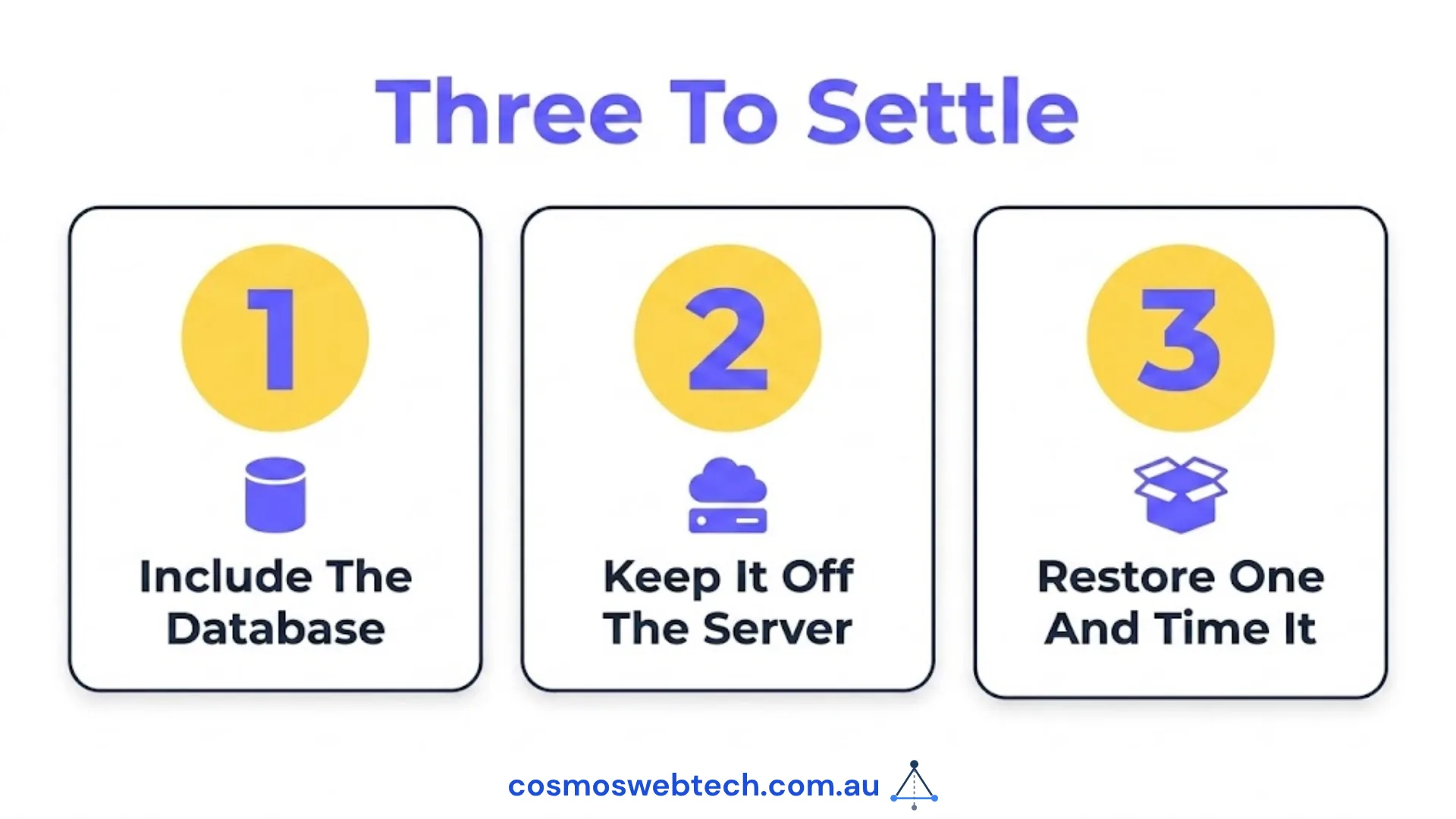
- Back up files and database, not just files.
- Match frequency to how much work you would redo — daily for most, hourly if you take orders.
- Keep 30 days of history, not one night.
- Store it off the server.
- Restore one, once a year, and time it. Everything else is an assumption until you do.
If you are not sure which of these your current arrangement covers, that is worth an hour of somebody’s attention — and the answer is usually available in less time than that.
Frequently asked questions
How often should I back up my WordPress site? Match it to how much work you could stand to redo. Weekly for a brochure site, daily for a blog or anything with enquiry forms, hourly or continuous for e-commerce with live orders.
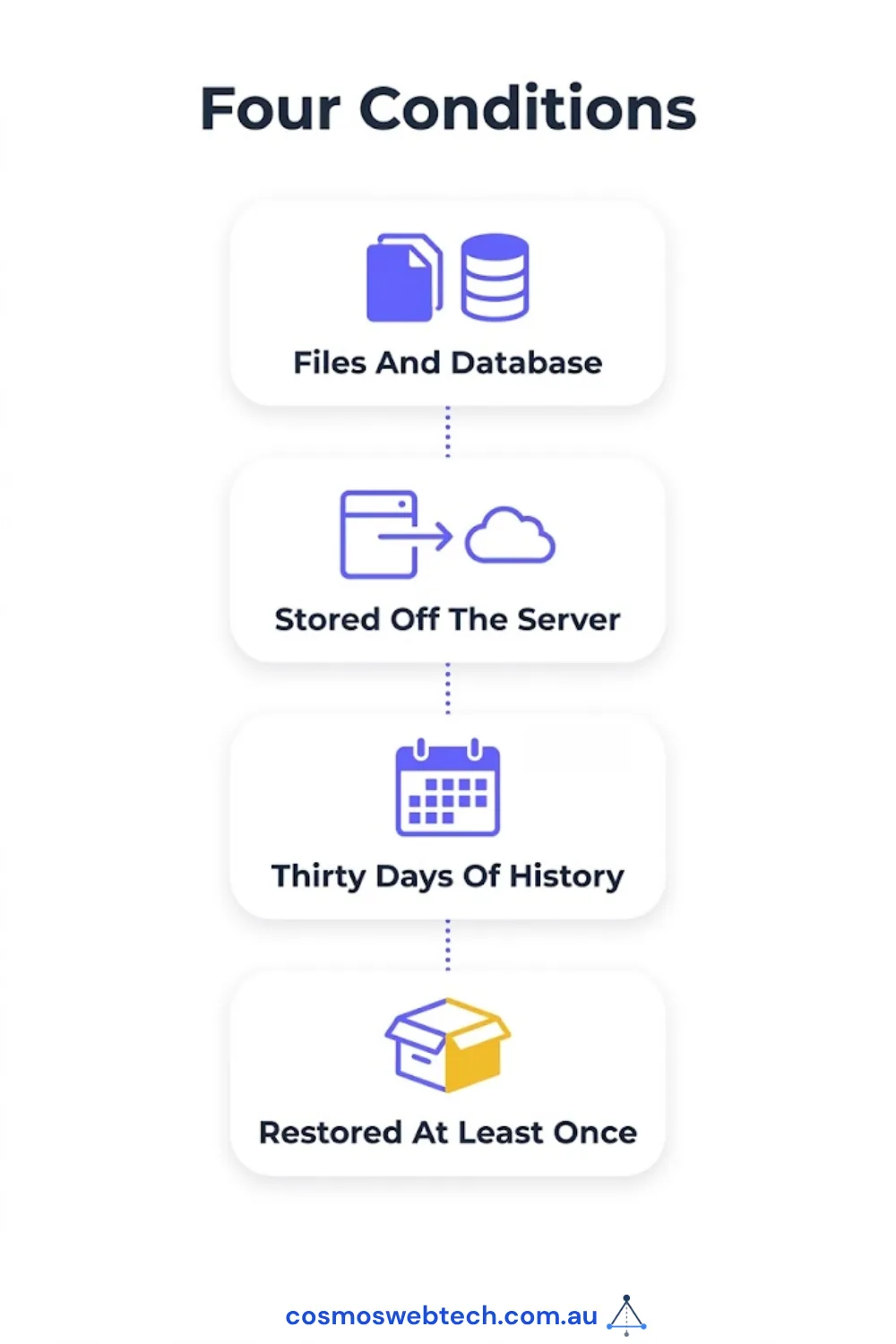
Is my hosting company’s backup enough? Often yes, provided it includes the database, is stored off your server, keeps at least 30 days, and you have restored from it at least once. Those four conditions are the whole answer.
What is the difference between a backup and a staging site? A backup is a copy you restore from after something goes wrong. A staging site is a copy you test changes on so it does not go wrong. They solve different problems and you want both.
Do I need a paid backup plugin if I have managed hosting? Usually not. Managed WordPress hosting typically includes automated daily backups with one-click restore. Check retention and whether the copy leaves the server before paying twice.
How long should a restore take? For a typical small business site, minutes to a couple of hours depending on size and method. The only way to know your number is to restore one and time it — which is also the only way to know the backup works.
Cosmos Web Tech builds and maintains websites for Western Sydney businesses, including backup and restore testing as part of ongoing maintenance. Server-level backup, disaster recovery and managed IT sit with CloudGeeks. Mobile apps with Awesome Apps. All divisions of GTS.