
We had two blog posts about accounting firm websites. Both were live. Both carried effectively the same title. Both were trying to rank for the same search.
That is keyword cannibalisation, and it is one of the most common self-inflicted SEO problems we see on Australian small business sites — usually on the sites that have been diligent about blogging. You publish regularly for two years, nobody keeps an index, and eventually you write the same article twice.
Here is exactly what we did about ours, including the step almost everybody misses.
The two posts
| Post A | Post B | |
|---|---|---|
| Published | 26 February | 4 March |
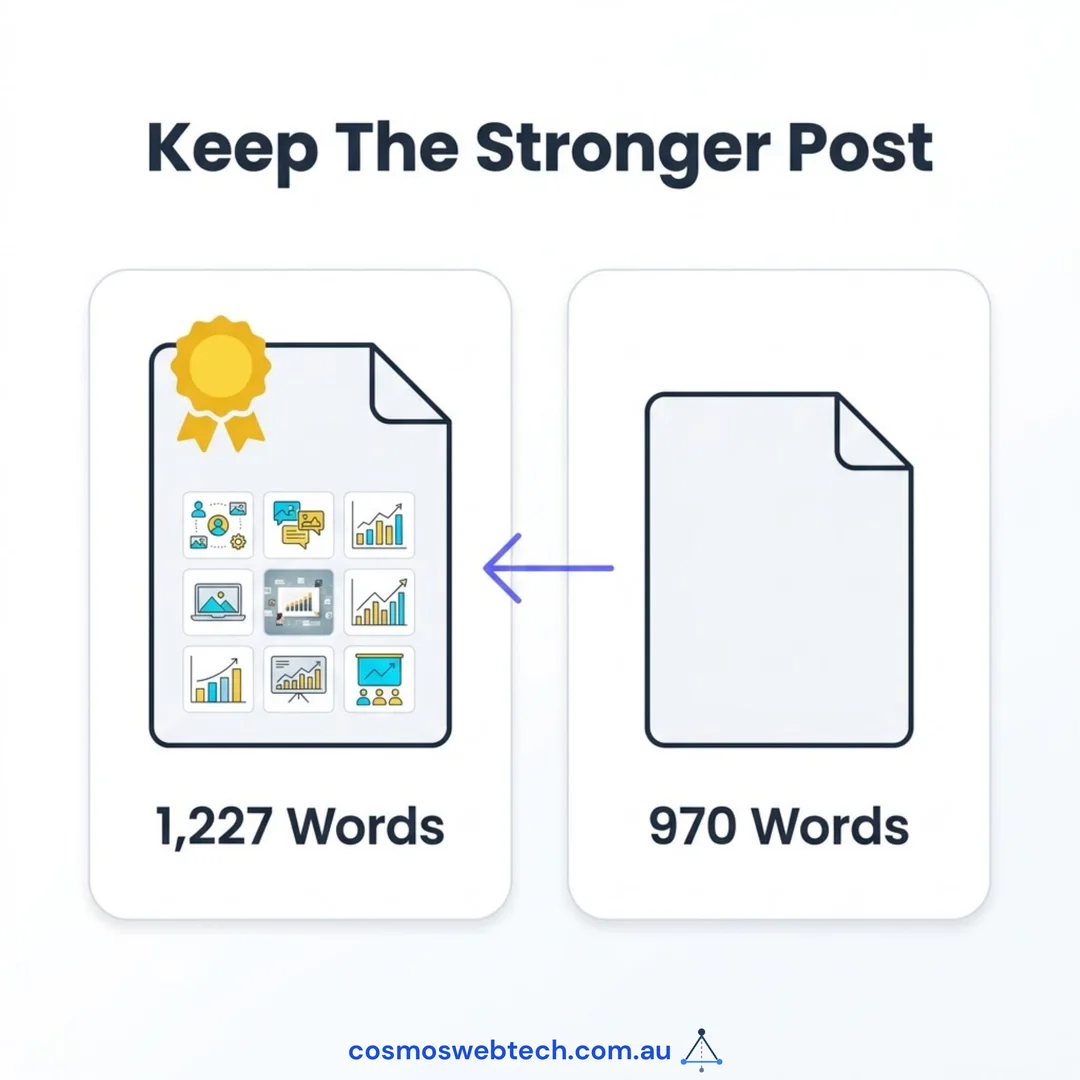
| Length | 1,227 words | 970 words |
| Images | Full image kit | No body images |
| Inbound internal links | 0 | 0 |
Google will not rank both. It picks one, usually not the one you would have picked, and it splits whatever authority the topic has earned across two URLs instead of concentrating it on one.
The one genuinely lucky detail: neither post had any internal links pointing at it. That meant merging them cost us no link equity, because there was none to lose. If either had been linked from twenty other posts, this job would have been considerably more delicate.
That is worth knowing before you start: check what points at a page before you decide how to merge.
Step one: pick the keeper on evidence, not on date
The instinct is to keep the newer post. Resist it.
We kept the older one. It was longer, it had a complete set of images, and it had been indexed for a month longer. Newer is not better; newer is just newer.
Then we went through the loser looking for the material that only existed there — the reasons somebody wrote a second post in the first place. In our case that was four things:
- CPA/CA and TPB registration details in the team section
- A clearer split of services into “For Individuals” and “For Businesses”
- Live review embeds
- Anonymised client case studies and some mobile-performance guidance
All four went into the keeper. Nothing was thrown away except the duplication itself.
One small decision inside that merge is worth explaining, because it is the kind of thing that quietly makes a site inconsistent. The keeper post opens with a summary paragraph that says the article covers eight things, and there is a published infographic on the page that also says eight. The new case-study material would have made a ninth numbered item — and contradicted both. So it went in as an unnumbered closing section instead.
If you are merging posts, look for these: numbered lists, “in this article we cover” summaries, images with counts baked into them, and FAQ blocks. They are the parts that silently go out of sync.
Step two: redirect the loser, do not just delete it
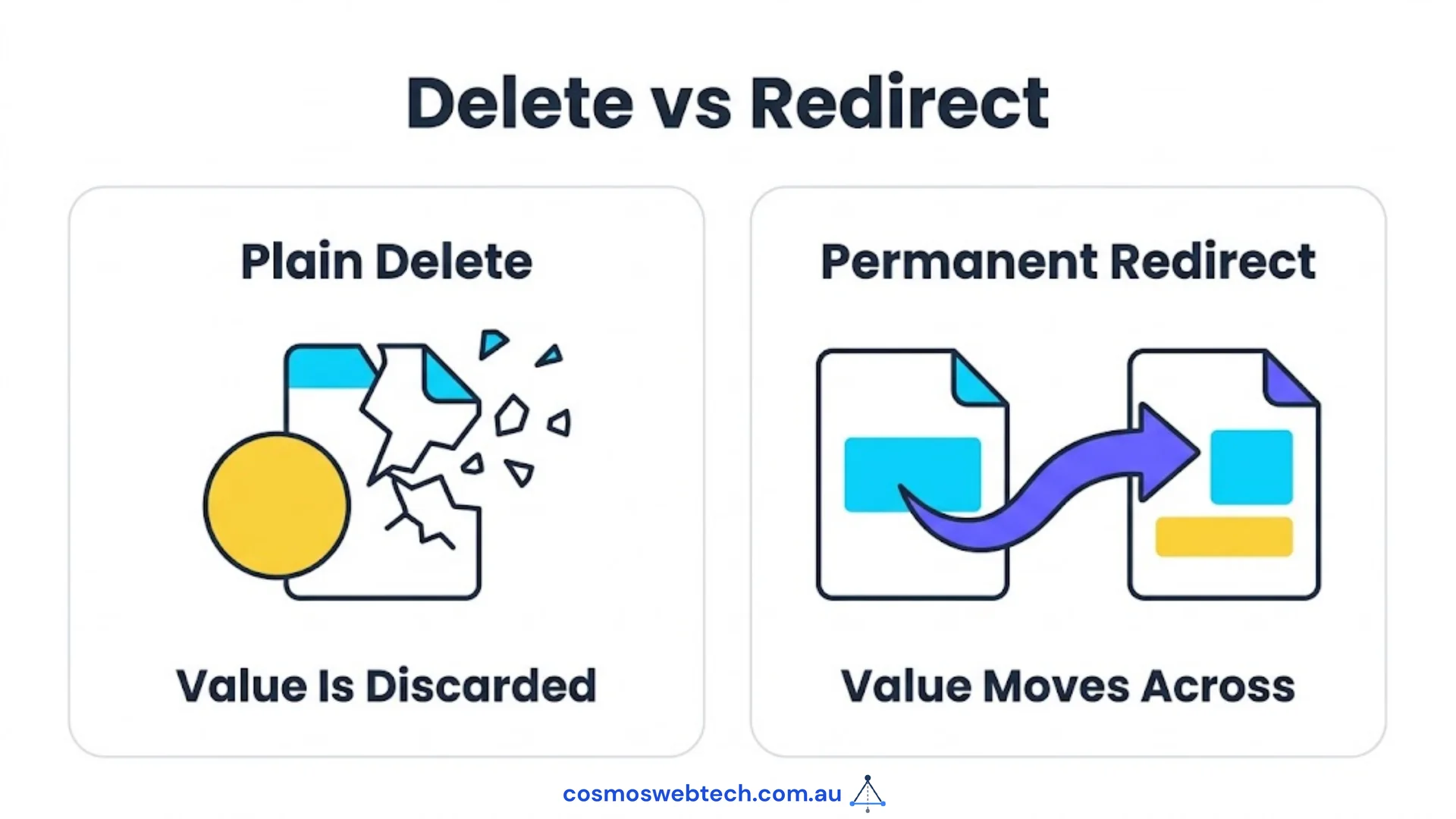
When we removed the duplicate, we put a permanent redirect (a 301) from its URL to the keeper.
This matters for two reasons. Anyone who bookmarked, shared, or linked to the old URL still lands somewhere useful instead of on a 404. And Google passes the ranking signals the old URL had accumulated across to the keeper, rather than throwing them away.
You can verify a redirect is working in ten seconds: paste the old URL into your browser and watch what the address bar settles on. Ours resolves to the keeper. If yours lands on a “page not found”, you have deleted, not merged, and you have thrown away whatever that URL was worth.
Step three: the half nobody does
Here is where it gets interesting, and it is the actual reason for this post.
Deleting a page does not only affect that page. It affects everything that pointed at it.
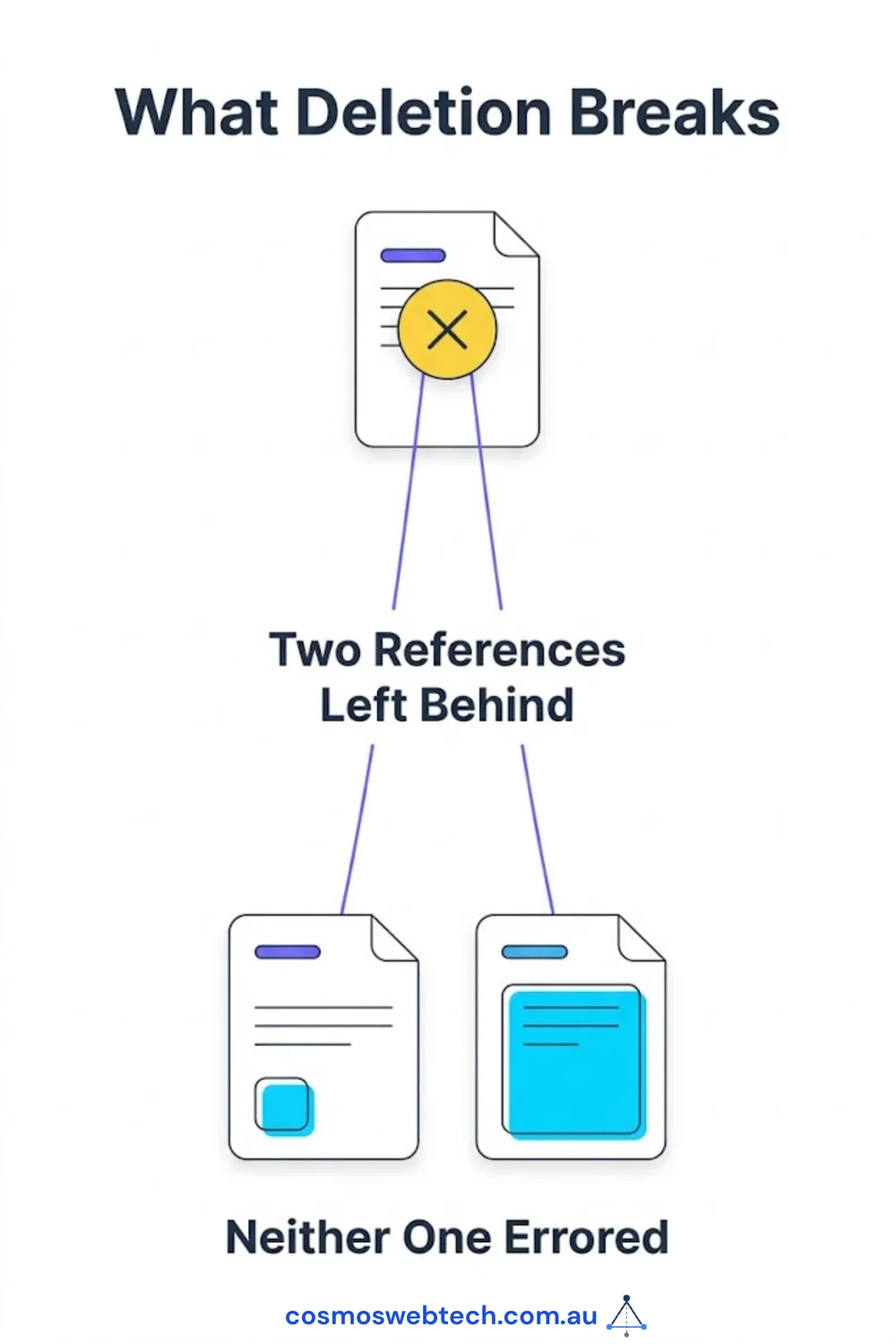
Two other posts on our site linked to the post we removed. Those links did not error loudly. They did not break the build. They simply became links pointing at a URL that now redirects — and one of them was in the “related posts” list at the bottom of a page, which is exactly the sort of thing that never gets manually reviewed.
We only found them because we went looking. Specifically, we searched the whole site for the deleted slug and repointed the two references at the keeper.
Nothing in the publishing process would have told us. This is the same lesson we keep re-learning: a green build means the code compiled, not that the site is coherent.
If you delete or merge a page, always search your entire site for the old URL afterwards. In most CMSes you can do this from the search box. If your site lives in files, a plain text search across the content folder takes seconds. Look for the slug, not the full URL, because links get written both ways.
While you are in there: check for orphans
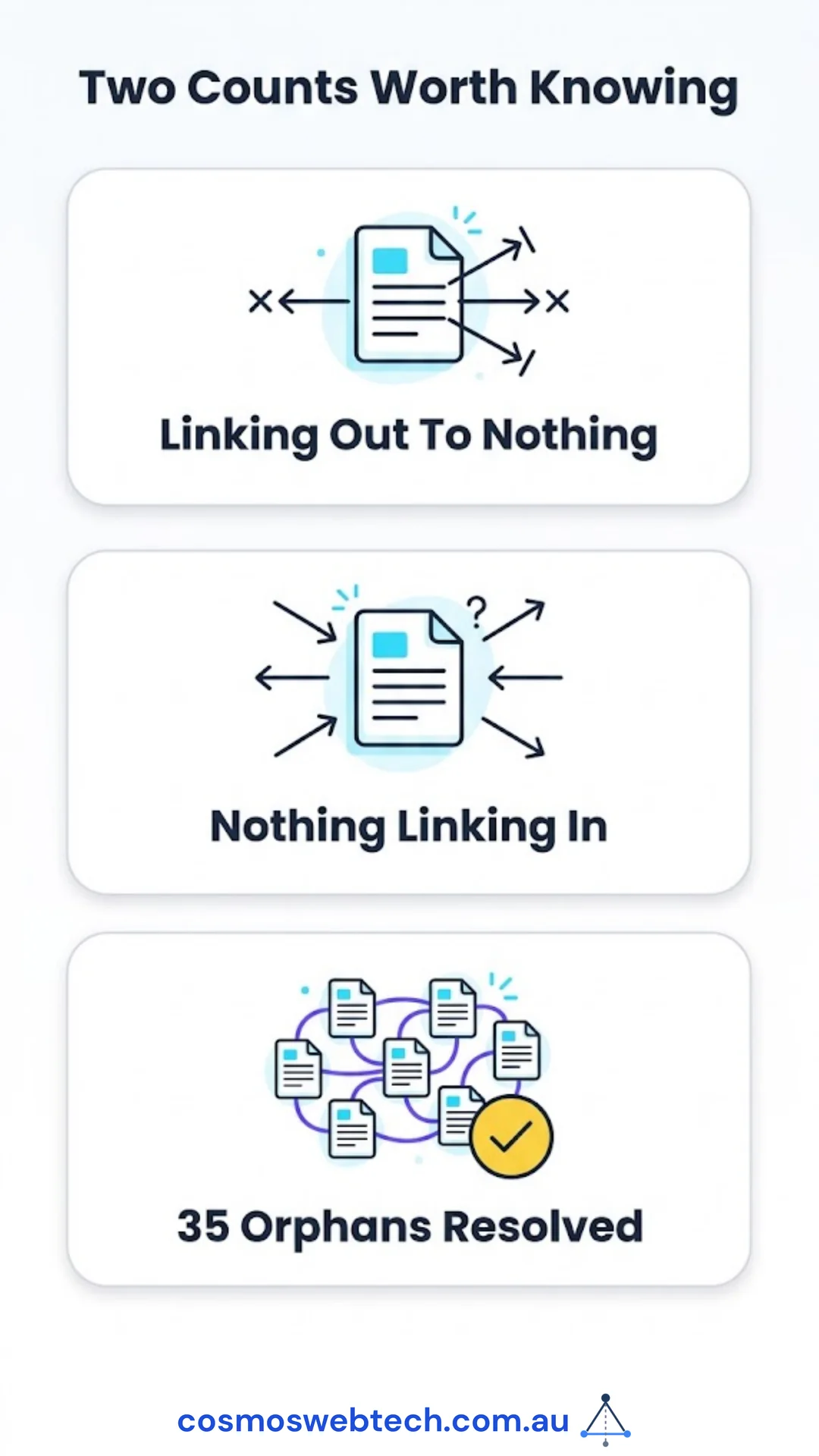
The mirror image of this problem is worth checking at the same time. A deleted page leaves broken references behind. But most sites also have the opposite: pages with nothing at all pointing at them.
We ran that count on a sister site in the same week and found 35 posts with zero inbound internal links. Not broken. Just invisible to anyone who was not already looking at a sitemap. We took each one to at least two inbound links.
Two counts, then, worth knowing about your own site:
- How many pages link out to nothing? (Dead ends for readers.)
- How many pages have nothing linking in? (Invisible to crawlers.)
Most small business sites we audit have never had either number measured.

The checklist
If you are about to merge two competing posts:
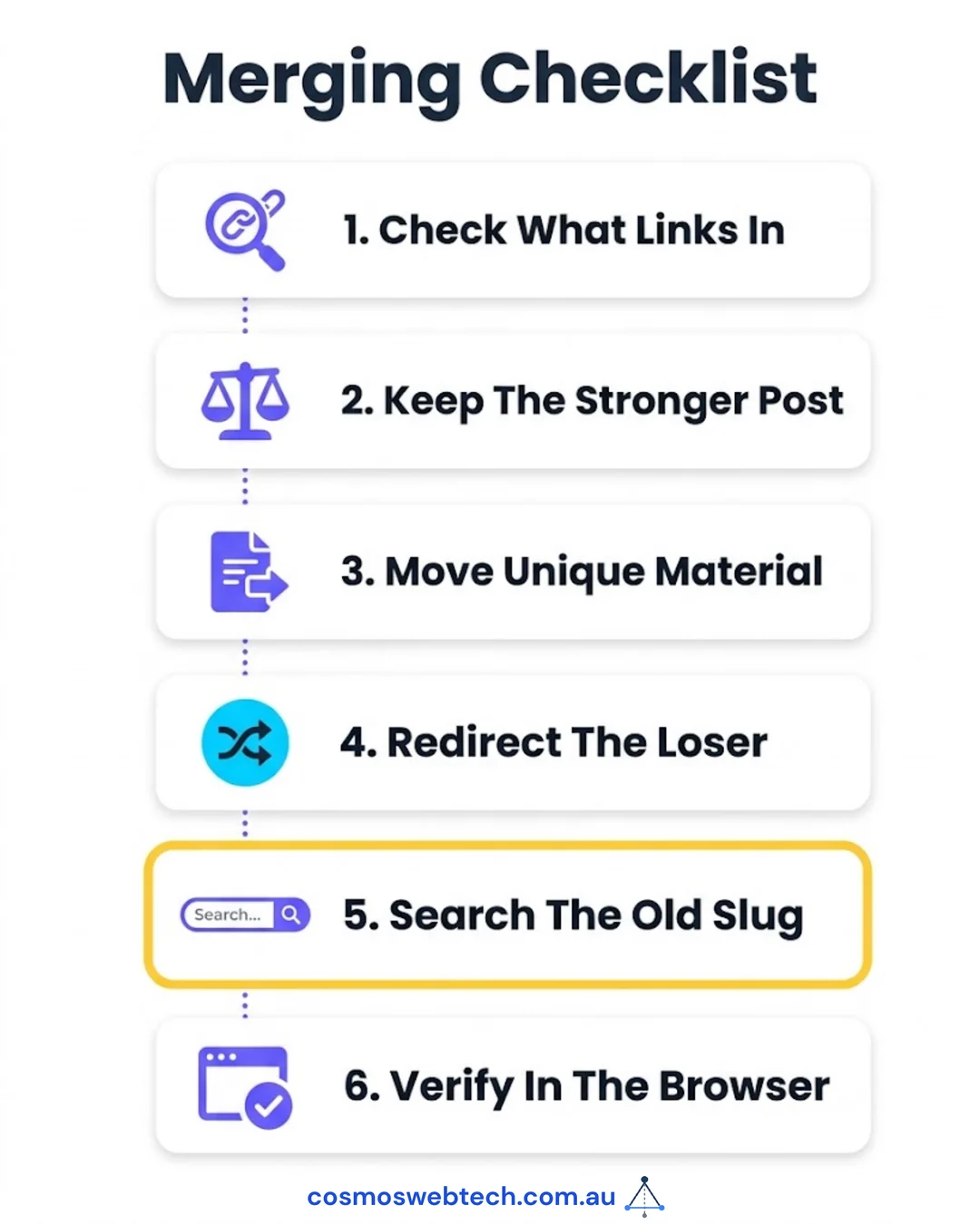
- Check what links to both before you decide anything.
- Keep the stronger post, judged on length, images, and time indexed — not on date.
- Move the unique material across, and check numbered lists, summaries and infographics for counts that will now be wrong.
- 301 the loser to the keeper. Never plain-delete a page that has been live.
- Search the whole site for the removed slug and repoint every reference.
- Verify the redirect in the browser afterwards.
Step five is the one that gets skipped, and it is the one that leaves the mess.
Why this is worth an hour
For a Western Sydney business with a few dozen posts, one merged duplicate will not transform your traffic. What it does is stop two of your own pages from competing with each other, and it makes the next audit cheaper, because there is one less thing that is quietly wrong.
Content pruning is unglamorous and nobody sells it as a package. It is also one of the few SEO jobs where the work is finite, the outcome is verifiable, and you do not need to spend a cent on ads to see it.
If you would like a second pair of eyes on which of your posts are competing with each other, get in touch — a duplicate-content audit is usually a half-day job.
Frequently asked questions
What is keyword cannibalisation? Two or more pages on your own site competing for the same search query. Google picks one and discounts the others, so your ranking is worse than it would be with a single, stronger page.
Should I delete a duplicate post or redirect it? Redirect it, always, with a 301. Deleting throws away any authority the URL had built up and leaves anyone who linked to it on a 404.
How do I find duplicate posts on my site?
Search Google for site:yourdomain.com.au plus your topic. If two of your own pages come back for the same query, you have found a pair. Google Search Console’s performance report will also show two URLs trading places for one query.
What happens to the old URL’s rankings? With a 301 in place, the signals pass to the destination page over the following weeks. It is not instant, and it is not 100%, but it is far better than a deletion.
How often should we prune old content? For a small business blog, once a year is plenty. The trigger is not the calendar — it is noticing that you are about to write something you may have written before.
Cosmos Web Tech does web design and technical SEO for Hills District and Western Sydney businesses. Cloud, IT and security sit with CloudGeeks; mobile apps with Awesome Apps. All divisions of GTS.